

🔨 For contractors & construction crews
Social media for contractors: the proof is on your phone
Your camera roll is hundreds of before-and-afters nobody will ever see — and the next bid goes to whoever’s work is visible when the homeowner starts searching. Social media for contractors isn’t about becoming a creator. It’s a pipeline: job-site photo in, captioned post out, scheduled for the season.
Batch a month in one evening · agents draft, you approve · nothing publishes without sign-off
The job-site-to-feed pipeline
Three stages. Same as any build: rough-in, finish, hand over.
Rev. A — content workflow
FIG. 01
Capture
The camera roll you already have
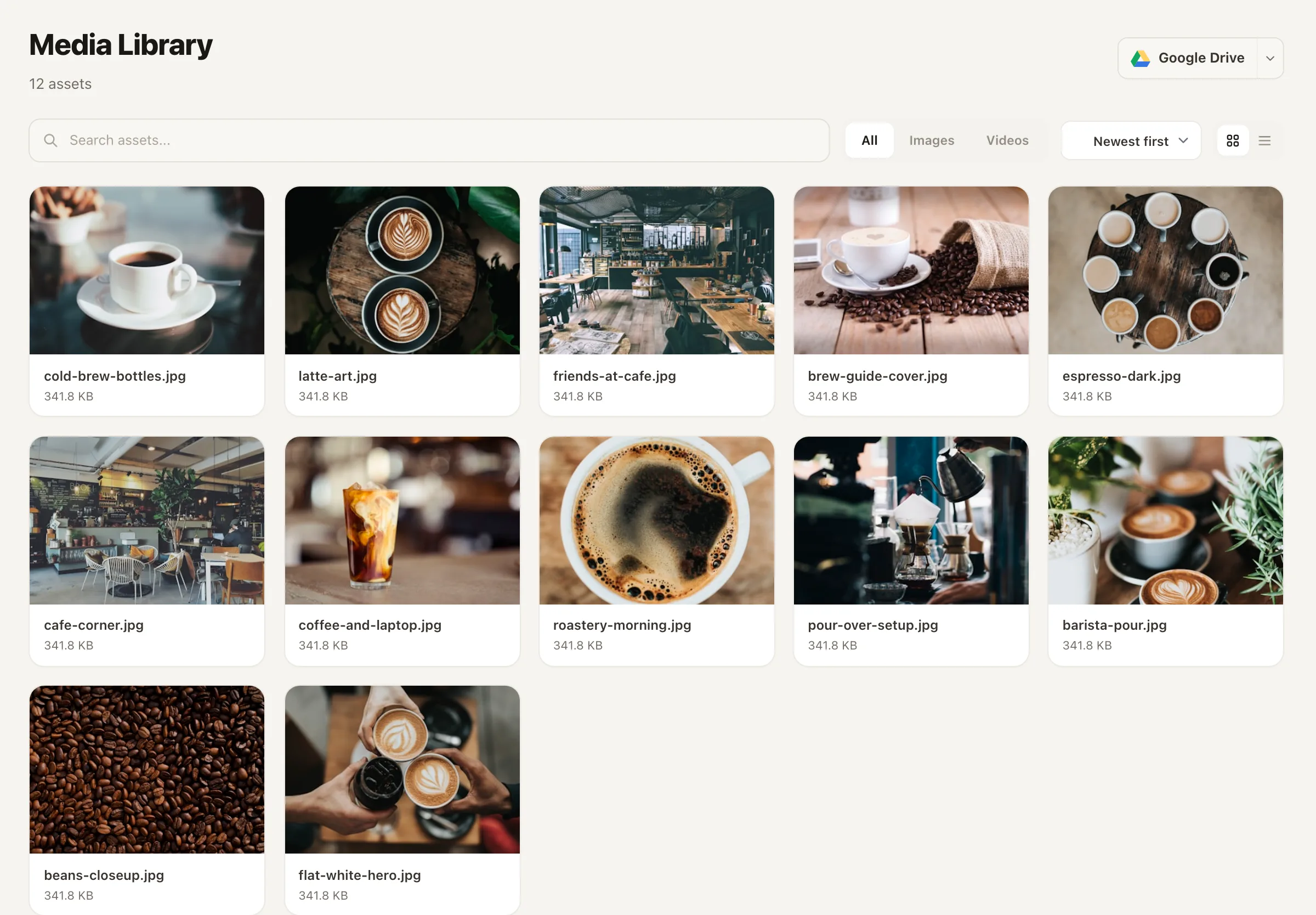
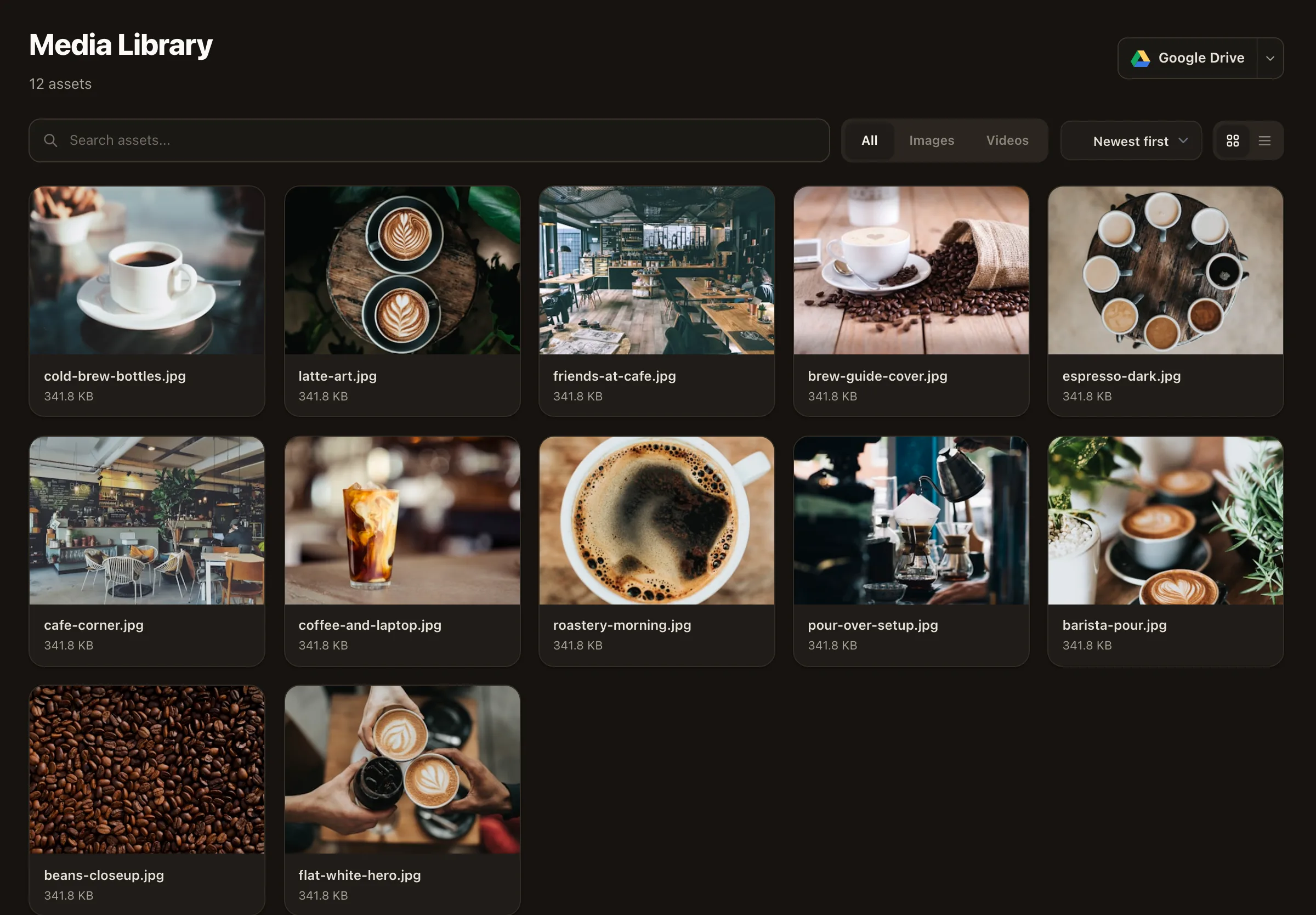
Demo day, rough-in, punch list — you photograph every job anyway. Upload the keepers to Nimply's media library and they stop being trapped on your phone.
FIG. 02
Caption
Before-and-after, written once
Pair the photos, write what the client asked for and what you solved — the load-bearing wall, the water damage nobody quoted for. That's the whole caption formula.
FIG. 03
Schedule
A season queued in a sitting
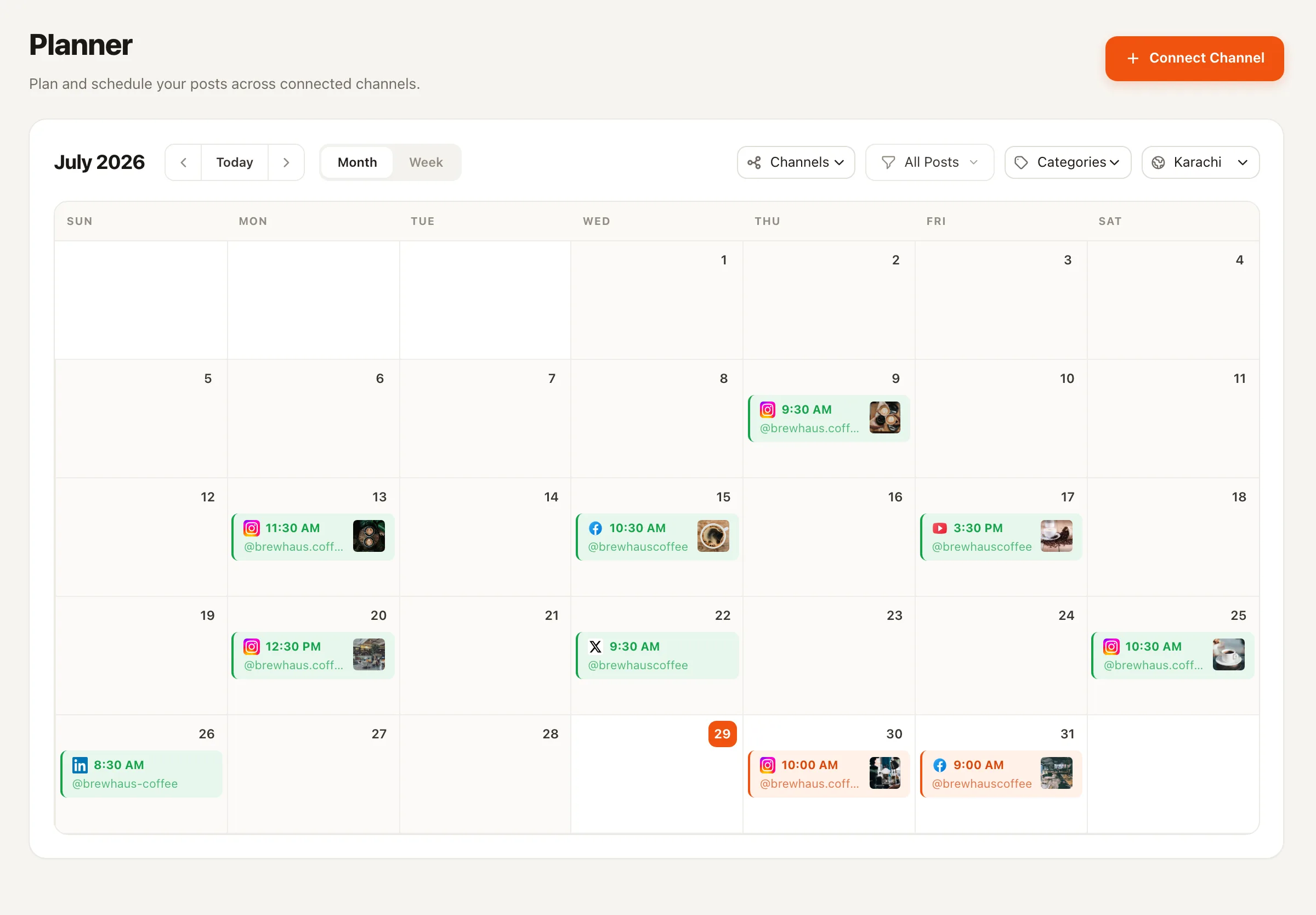
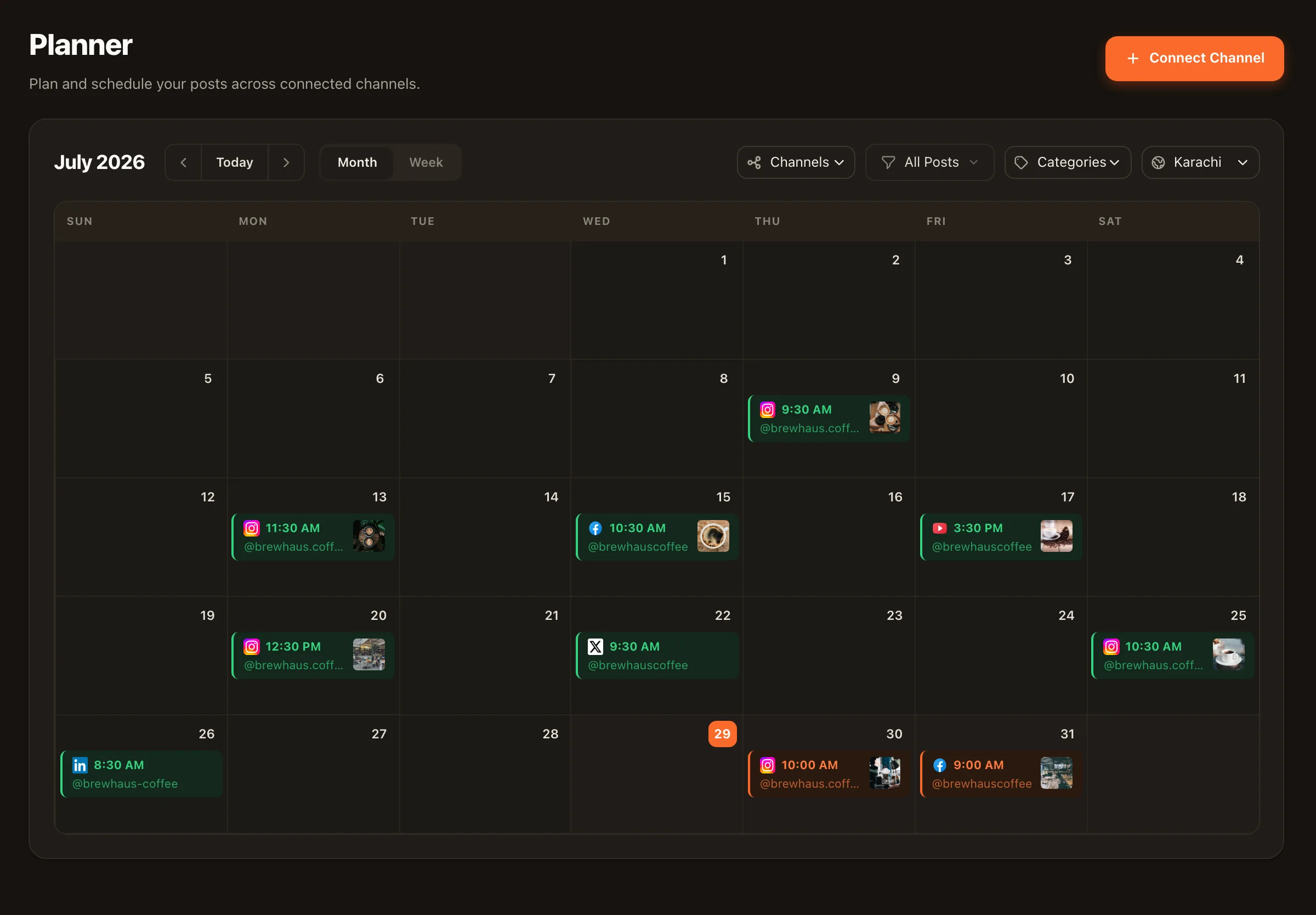
Batch a month of project posts and let the planner publish them while you're on site. Proof of work, shipping on schedule, without a phone in your hand.
Stage three scales: bulk scheduling lets you queue the whole season’s project posts in one evening, and the Carousel Designer turns a full project timeline — demo to punch list — into a branded, swipeable carousel in your company colors.
The office crew you never hired
You run the site. Agents run the feed and the DMs.
Crew 01 — Lead intake
Sales & Lead Agent
Quote requests arrive while you’re holding a nail gun. The agent qualifies each DM one question at a time — project, timeline, scope — captures contact details, tags the thread “Lead”, and only shares links you’ve configured. Works on Facebook Pages and Instagram professional accounts, opt-in per channel. See Instagram lead generation.
Crew 02 — Repeat work
Evergreen Recycler
A finished bathroom doesn’t stop being impressive after one post. The recycler resurfaces your best project posts by real engagement, rewrites them fresh, and spaces reposts with cooldowns — your portfolio keeps selling between jobs.
Crew 03 — Presentation
Carousel Designer
Feed it a project write-up and get back a branded slide-by-slide carousel — Instagram images or a LinkedIn PDF for the commercial side of your business. Every draft waits in your approval queue like everything else.
An illustration — not a case study
A kitchen remodeler’s spring
A fictional one-crew remodeler, heading into the busy season. March evening, one hour: photos from the winter’s three kitchens go into the media library, become nine before-and-after posts and one full project-timeline carousel, all scheduled across April and May. Through the spring, the feed publishes while the crew works; quote DMs get qualified and tagged the day they arrive; the recycler re-runs February’s best reveal in late May. Total time at a desk: that one evening, plus a few minutes of approvals each week.
Contractor social media — FAQ
I barely have time to invoice. How little time does this take?
Treat posting like ordering materials: batch it. One evening a month, pull the best photos from recent jobs into the media library, write your before-and-after captions, and bulk-schedule the lot. The planner publishes on its own from there, and the agents handle drafts and DM replies between sessions — everything still waiting on your approval.
Will the AI post photos of a client's house without asking me?
No — agents on Nimply never publish directly. Anything an agent drafts goes to your approval queue first, and only what you approve gets scheduled. Client permission for photos is on you, though: get it in writing during the job (most clients are proud to show off the work), and only upload what you're cleared to post.
What happens when someone DMs asking for a quote?
The Sales & Lead Agent picks it up on your Facebook Page or Instagram professional account — inbox access is opt-in per channel. It qualifies the lead one question at a time (project type, timeline, rough scope), captures their contact details, tags the conversation "Lead", and only ever shares links you've configured. You call back a qualified prospect instead of a cold DM.
Facebook or Instagram — where should a contractor be?
Both, for different jobs. Facebook is where local homeowners search, ask neighbors, and message businesses — it's usually where quote requests start. Instagram is your portfolio: before-and-afters and project carousels that make the referral click feel safe. Nimply schedules to both from one calendar, so it isn't an either-or decision.
Does posting project photos actually get me jobs?
No tool can guarantee leads, and you should distrust any that does. What's true: homeowners vet contractors online before calling, and a feed full of recent, real, local work answers the question they're actually asking — does this crew show up and finish? Consistent proof of work plus fast DM response is the honest version of construction social media marketing.
My finished projects are old news after a week. Are they wasted?
That's what the Evergreen Recycler is for. It finds your best-performing project posts by real engagement, rewrites them fresh — new angle, new caption — and re-queues them with cooldowns so nothing repeats too soon. A kitchen you finished in March keeps winning bids in September without you touching it.
The work already exists. Make it visible.
Move this month's job-site photos through the pipeline, put the lead agent on your DMs, and win the bids your camera roll deserves.