

1 · Capture
A comment starts it
You post “Comment GUIDE and I'll send it over.” The comment-to-DM automation catches the keyword and opens the conversation — no link-in-bio scavenger hunt.
🧲 Engagement & inbox
Real Instagram lead generation happens in conversations, and conversations don’t scale by hand. Nimply chains three pieces into one funnel: a keyword automation that opens the DM, an AI agent that qualifies like a patient human, and an inbox where every captured lead arrives tagged and prioritized.
1 · Capture
You post “Comment GUIDE and I'll send it over.” The comment-to-DM automation catches the keyword and opens the conversation — no link-in-bio scavenger hunt.
2 · Qualify
The Sales & Lead Agent delivers what was promised, then qualifies conversationally: what they need, when, what budget range — capturing contact details along the way.
3 · Surface
The conversation is tagged “Lead” with everything captured. Hot leads are marked urgent and rise to the top — you close, the funnel keeps filling.
Stage 2, up close
The Sales & Lead Agent never dumps five questions at once. It asks one thing at a time, reads the answer, and decides what matters next — capturing contact details naturally along the way. It only ever shares the links you configured, and if you type in the thread, it steps back instantly.
Illustrative conversation
GUIDE
Here’s the guide you asked for! 📎 Quick one while you’re here — are you planning a project soon, or researching for later?
Soon actually — probably next month
Nice — what’s the best email to send a tailored breakdown to?
Contact captured → thread tagged “Lead” · marked urgent
Illustrative lead queue
@renata.builds
Budget is around $2k, need it before the launch on the 15th…
@tomas_fit
Sent my email — looking forward to the guide!
@casa.verde.studio
Just browsing for now, but this looks great 👀
Stage 3, up close
Captured leads land in the unified inbox alongside everything else — but tagged, triaged for sentiment and intent, and prioritized. Hot leads read as urgent, assignment rules can route them to whoever closes, and SLA policies make sure a buying-ready DM never quietly ages out. When you reply, the agent yields the thread to you.
Honest setup
Connect your Instagram professional account and switch on its inbox (opt-in per channel).
Build a comment-to-DM automation around a keyword, with the asset or link it should deliver.
Hire the Sales & Lead Agent: describe your offer, your qualifying questions, and the only links it may share.
Run it draft-first until you trust the conversations, then let it qualify on its own — you take over any thread by typing.
Notes: works on Instagram professional accounts (an Instagram API requirement). Agent runs show transparent credit costs. Also see Instagram DM automation and the AI reply generator.
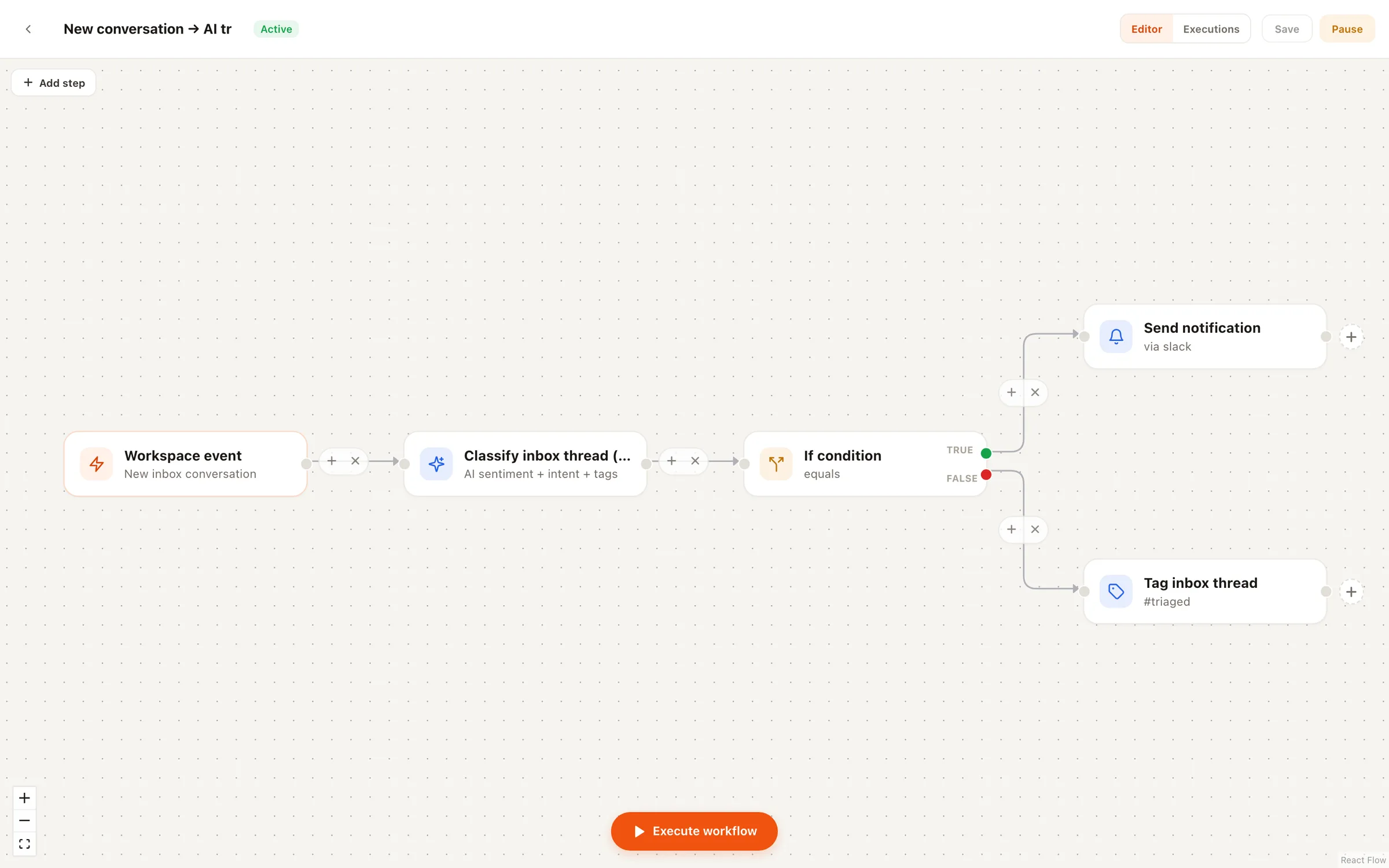
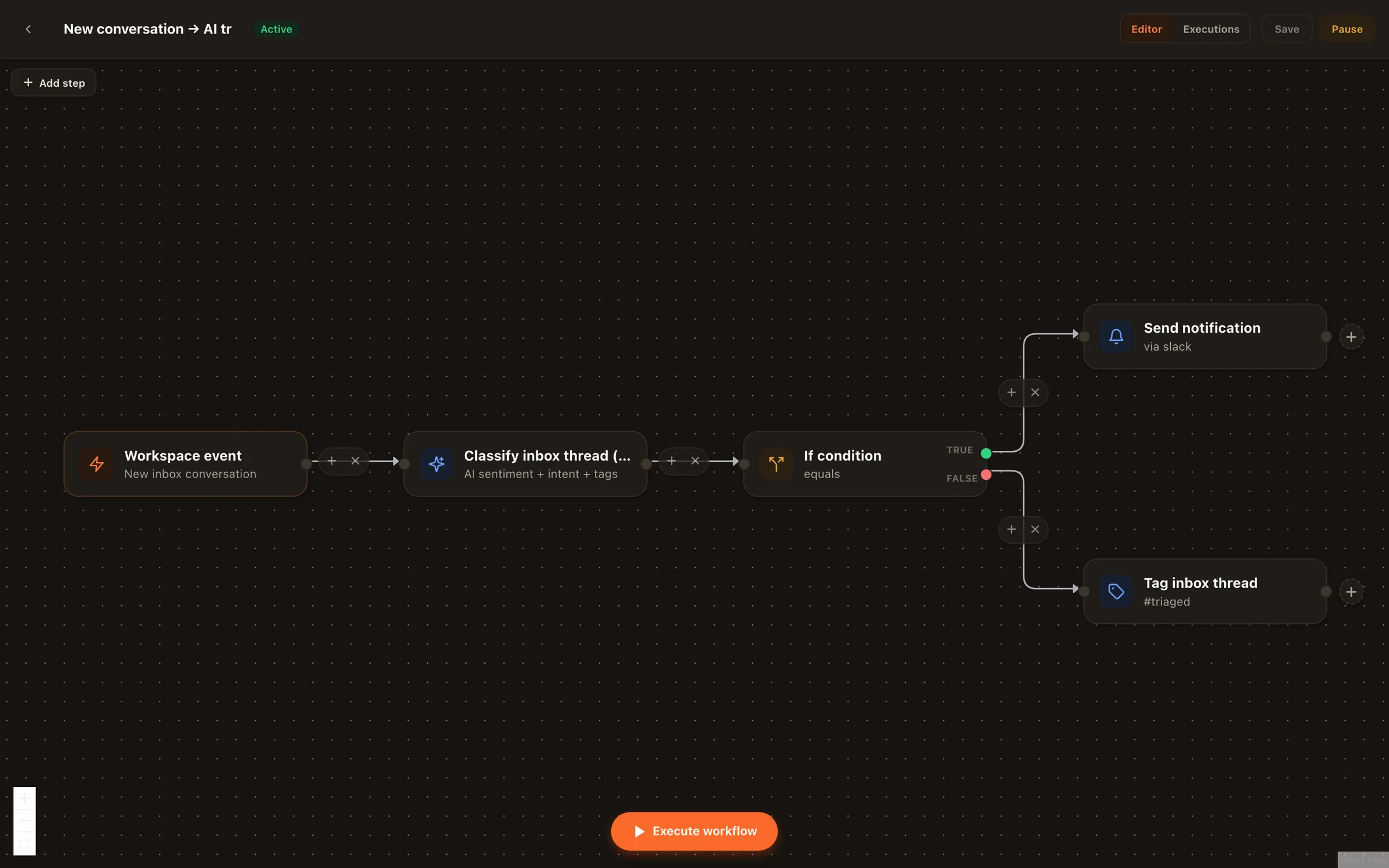
Three connected pieces. A comment-to-DM automation turns keyword comments on your posts into DM conversations. The Sales & Lead Agent then qualifies each conversation — asking one question at a time, like a human would — and captures contact details. Qualified conversations are tagged as leads in your unified inbox, with hot ones marked urgent so they jump the queue.
No — that's the failure mode it's built to avoid. It asks one question at a time, conversationally, and adapts to the answers. If someone is clearly just browsing, it stays helpful without forcing a pitch.
No. The Sales & Lead Agent only shares links you explicitly configured — your booking page, your pricing page, your catalog. It can't improvise URLs, which is exactly the kind of rail you want on anything talking to prospects in your name.
Conversations where the buying signal is strong — the person is asking about price, timing, or availability rather than idly browsing. The agent tags those as urgent so they surface at the top of your inbox instead of aging quietly in a list.
Yes — an Instagram professional (business or creator) account, connected to Nimply with its inbox switched on. That's Instagram's API requirement for reading and replying to DMs and comments, and it applies to every tool in this category.
Any time. Type in the thread and the agent pauses in that conversation immediately. Many teams let the agent open and qualify, then step in personally the moment a lead turns hot — the tag and the captured details are already there when they do.
Set up a keyword funnel, put the Sales & Lead Agent behind it in draft-first mode, and watch qualified conversations surface.