

Feeds move fast, ideas don’t
Most followers see a fraction of what you post, and the ones who saw the original months ago have long scrolled past it. A strong idea has more than one audience-worth of reach in it.
♻️ Evergreen Recycler Agent
Somewhere in your back-catalog are posts your audience already voted for — and most of your current followers never saw them. This agent finds those proven posts by real engagement, rewrites each one fresh, and files the drafts for your approval. Repost your best content without ever reposting.
Drafts only, never auto-published · never verbatim · cooldowns respected
Why recycle at all
A post that earned real likes, comments, and shares contains an idea your audience has already told you they care about. Writing from scratch is a guess; recycling a proven idea is a bet the audience already placed for you.
Most followers see a fraction of what you post, and the ones who saw the original months ago have long scrolled past it. A strong idea has more than one audience-worth of reach in it.
Verbatim reposts get downranked by platforms and noticed by loyal followers. That’s why this agent rewrites — new hook, new frame — instead of duplicating.
Every post you publish becomes future raw material. The longer you’ve been posting, the more this agent has to work with — your back-catalog becomes a content engine.
Rewrite, don’t repost
The agent keeps what made the original work and changes how it’s told: a new opening hook, a reframed structure — story becomes list, question becomes lesson, “then” becomes “now” — and updated anything time-bound.
The original — 8 months ago
“I spent my first year as a freelancer saying yes to everything. Bad clients, bad rates, bad scope. Here’s the story of the project that finally taught me to say no…”
Strong engagement, story format, fully cooled down — a prime candidate.
The rewrite — drafted this week
“3 signs you should turn down a client (I ignored all of them, once). 1. They negotiate your rate before your scope…”
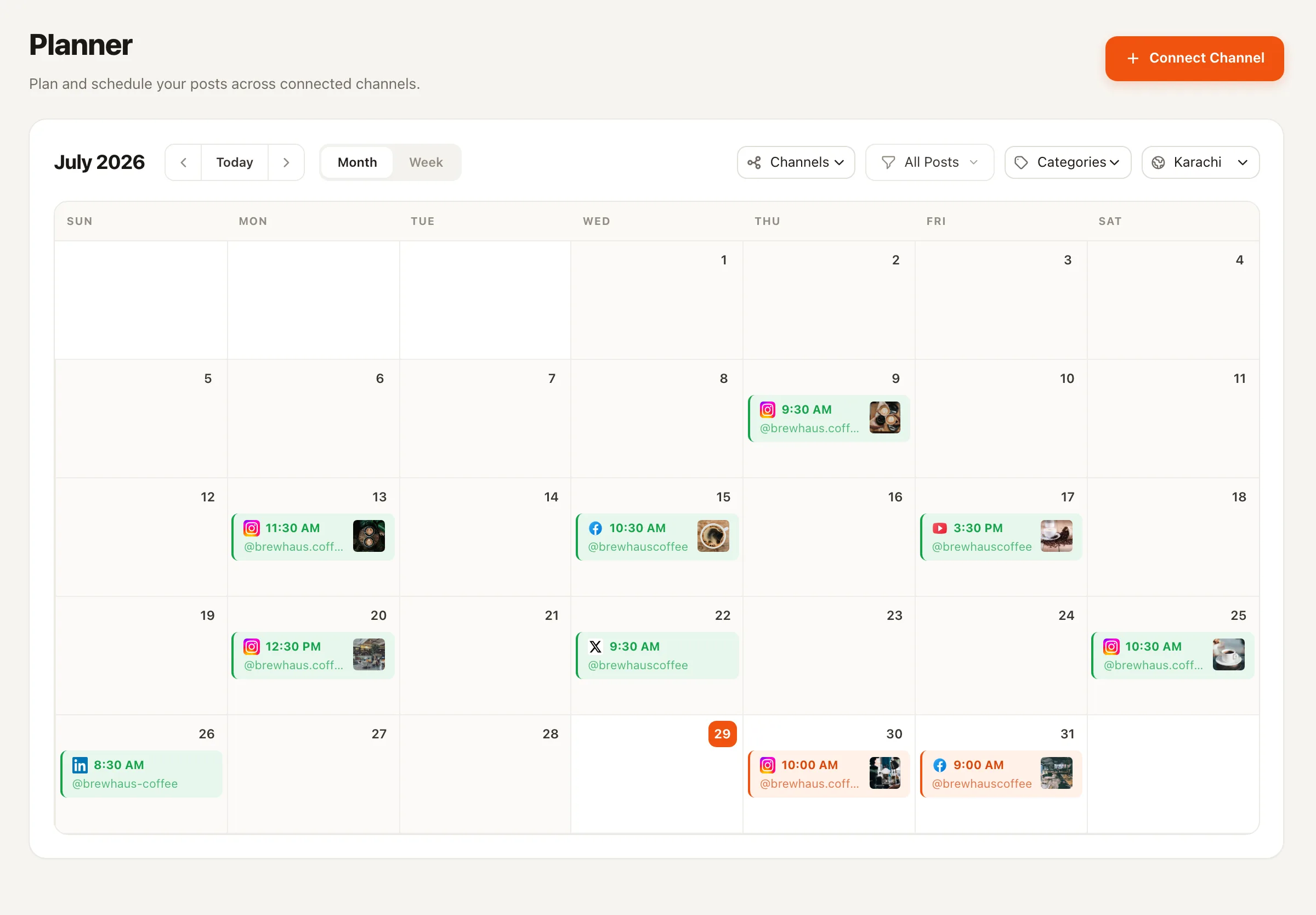
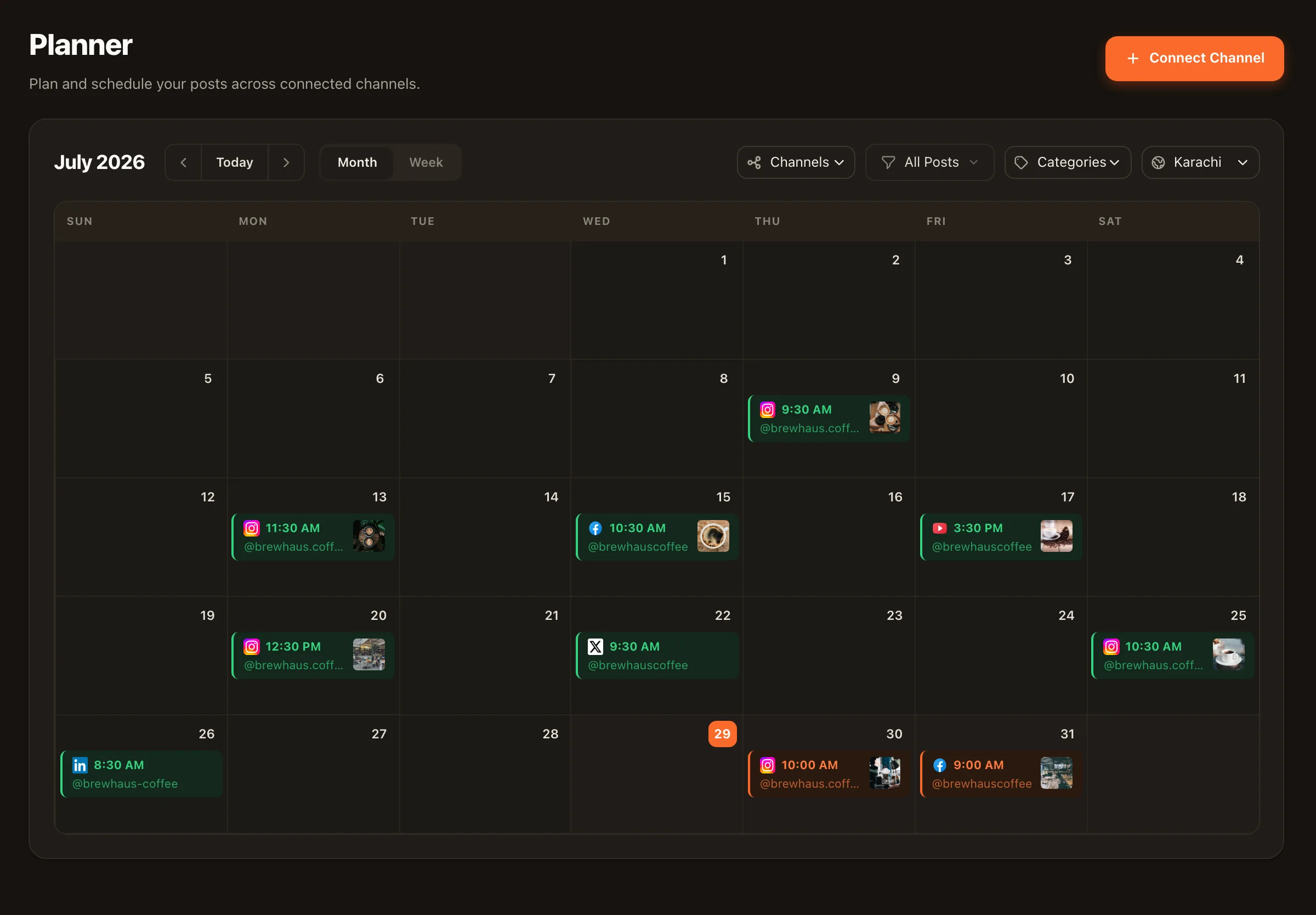
New hook, story reframed as a list, same hard-earned insight — waiting in your Planner as a draft.
Illustrative example — the agent works from your actual posts and never adds facts, numbers, or claims that aren’t in the source or your setup notes.
Built-in guardrails
Repetition is the failure mode of every “repost your best content” tool. This agent is fenced in on every side so your feed never starts feeling like a rerun.
Candidates are scored from actual post metrics — likes, comments, and shares weighted together — not by guesswork about what 'sounds good'.
Recycled posts are stamped at the source, anything reused within the ~45-day cooldown is skipped, and posts that are still too fresh don't qualify at all.
The save tool rejects copies and near-copies. Every draft must be a genuine rewrite — and each draft in a run must come from a different source post.
The agent's only output is drafts in your Planner. It cannot schedule or publish — that trust rail applies to every Nimply content agent.
A run, step by step
1 · Scan the back-catalog
Pulls your channel's published posts ranked by engagement score, age, and times recycled. Nothing qualifying? The run ends honestly — no filler.
2 · Study your current voice
Samples your recent posts so the rewrite sounds like you today, not like you a year ago.
3 · Pick the strongest candidates
High engagement, few past recycles, old enough to be forgotten — one different source post per draft.
4 · Rewrite fresh
New hook, reframed angle, tightened wording, time-bound details updated per your freshness notes.
5 · File the drafts
Each rewrite lands in the Planner's approval queue, stamped to its source post so it cools down.
Five-minute setup
Choose which channel’s back-catalog to mine, add freshness notes and off-limits topics, then pick a cadence — weekly, three times a week, or manual runs only. The schedule appears as a visible automation you can inspect and extend on the Automations page, and every run shows a credit estimate up front. Approved drafts flow into your scheduling calendar like any other post.
Recycling rewrites for the same channel; repurposing rebuilds content for a different platform. They pair naturally.
Turn a proven idea into a swipeable branded carousel for Instagram or LinkedIn.
The recycler's schedule is a real automation — open it on the canvas and chain more steps onto it.
It ranks your channel's published back-catalog by real engagement — a weighted sum of likes, comments, and shares — then prefers posts with fewer past recycles and older posts your audience has likely forgotten. If nothing qualifies on a run, it says so instead of inventing content to fill a quota.
No — never verbatim. Platforms downrank duplicates and audiences notice repeats, so the agent writes a genuinely fresh version: a new hook or first line, a reframed structure (story to list, question to lesson), tightened wording — while keeping the core insight that made the original work. The save tool rejects near-copies outright.
Every recycled post is stamped, and the agent skips anything recycled within the cooldown window (around 45 days) as well as posts that are still too new. Each draft in a run also has to come from a different source post.
You give it freshness notes during setup — renamed products, new pricing, advice you no longer stand behind — and it updates anything time-bound when it rewrites. You can also list off-limits topics it must never recycle, like old launches or discontinued products.
Never. Like every Nimply content agent, it only creates drafts. Each rewrite lands in the Planner's approval pipeline where you review, edit, schedule — or delete. Publishing always stays in your hands.
You pick the cadence during setup — weekly, three times a week, or only when you press Run — and 1 or 2 drafts per run. The schedule is provisioned as a visible automation on your Automations page, and every run shows an upfront credit estimate before it spends anything.
Hire the Evergreen Recycler free, point it at a channel, and review its first fresh rewrites in your Planner.