

Teacher hiring poster template free for schools and tutors
Need to fill a teaching post? Pick a design below, swap in your school name, role and contact details, and have a clear hiring poster ready to share. Every template is editable in your browser with Nimply Design, which comes with every plan, including Free.
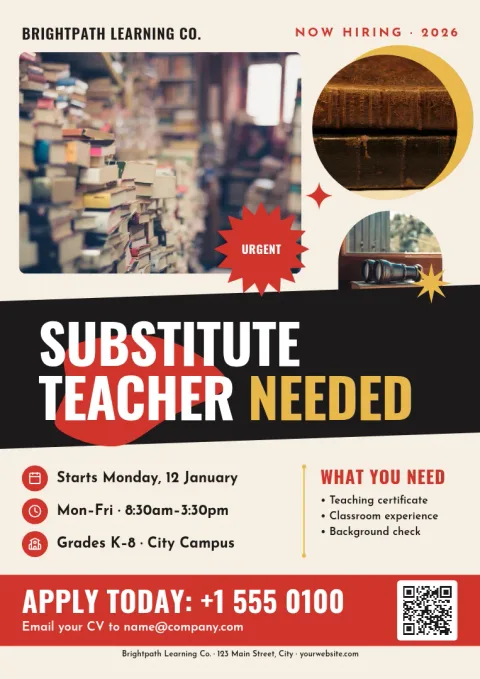 Urgent substitute teacher needed poster
 Join our teaching team photo poster
 Early years teacher recruitment poster
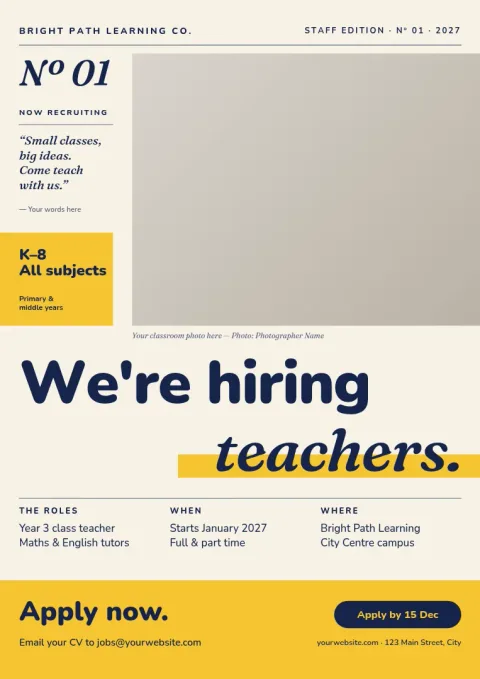 Bright classroom we are hiring poster
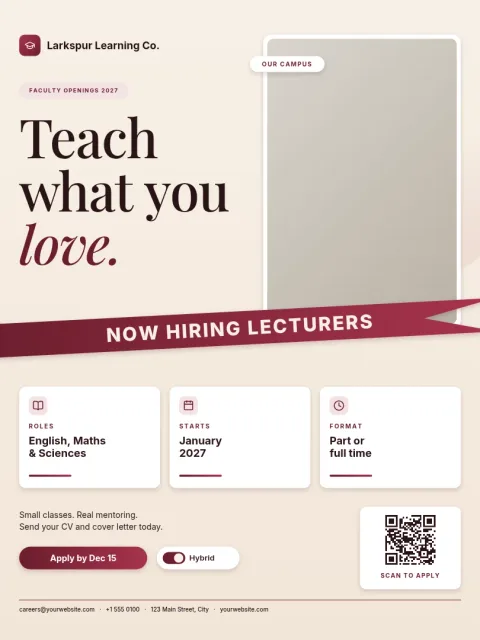 University lecturer opening academic poster
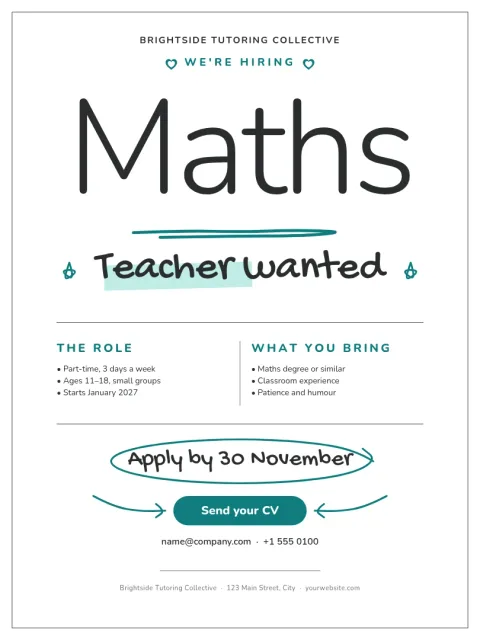 Minimal maths teacher vacancy poster
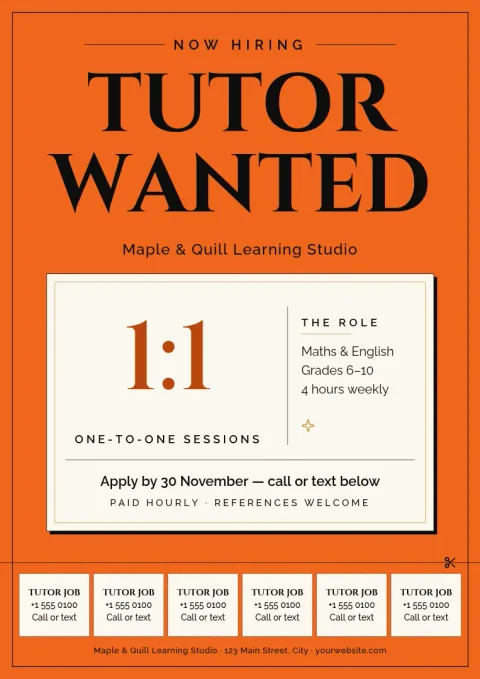 Private tutor wanted community board poster
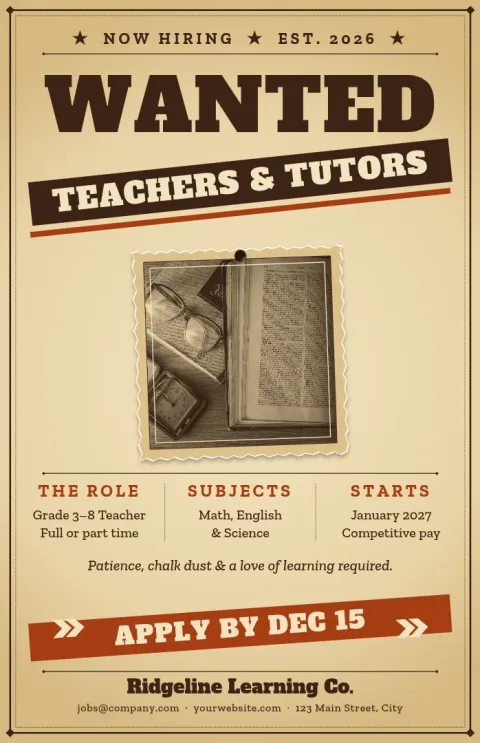 Wanted teacher western-style notice
What a good teacher hiring poster says
Keep it short. Show the role and subject at the top, then who you are, what you offer, and how to apply. Add the closing date and one contact method, such as an email address or a QR code placeholder. Candidates should understand the vacancy in a few seconds, even from across a hallway or a feed.
Edit your poster in the browser
Open any template in Nimply Design and change the text, fonts, colours, photos and layout. If you set up a brand kit, your school colours, fonts and logo stay consistent across every poster you make. Nothing to install, and you can come back to the design later to update the vacancy.
Download or share it
Download your finished poster as PNG, JPG, WebP, PDF (standard or vector) or SVG. You can also send the design straight into a Nimply post for approval and scheduling, so the same vacancy reaches your school's social channels. Downloading a template does not use AI credits.
Choose the right size
The templates here come in poster sizes such as 18x24, A3 and 11x17. Pick the size that suits where the notice will go, like a staff room board, a community noticeboard or a university careers wall. You can start from a different size in the editor if you need one.
Frequently asked questions
Is there really a free teacher hiring poster template?
Yes. Nimply Design is part of every plan, including Free, so you can open these templates and edit them in your browser. Downloading a template does not use AI credits. Only AI photo tools, such as the background remover, do.
What file types can I download?
You can download PNG, JPG, WebP, PDF (standard or vector) or SVG. Choose PDF or SVG when you want crisp lines at larger poster sizes.
Can I use my school's colours and logo?
Yes. Edit colours, fonts and photos by hand, or set up a brand kit so your colours, fonts and logo are ready each time you start a new poster.
Can I post the poster on social media too?
Yes. You can send the design straight into a Nimply post for approval and scheduling, so the vacancy appears on your channels as well as on the wall.
Do the templates include photos?
They use photo placeholders. Replace them with your own pictures of your school, classroom or team, and make sure you have the right to use any image you add.
Make it yours in minutes
Open any template in Nimply Design, add your brand in one click, and send it straight into a post for approval and scheduling.