

Now Hiring Poster Template: 8 Designs You Can Edit
Need to tell people you have a job open? Start with one of these eight now hiring poster templates. Change the role, pay, hours and contact details, match the colours to your brand, then download the poster or send it to a Nimply post. Each one is ready to edit in your browser.
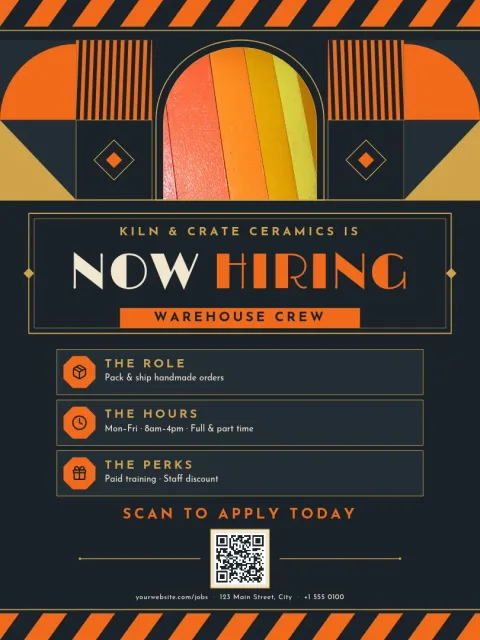
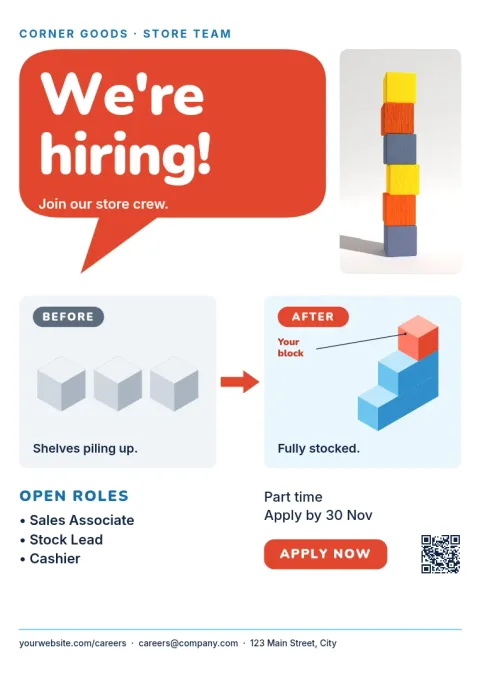
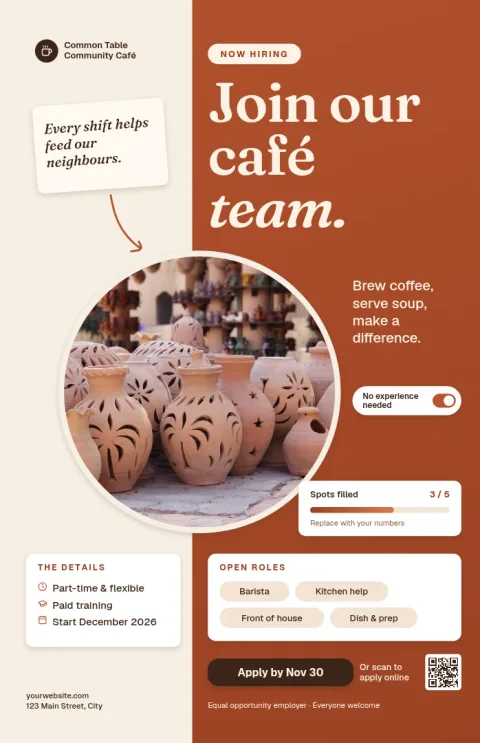
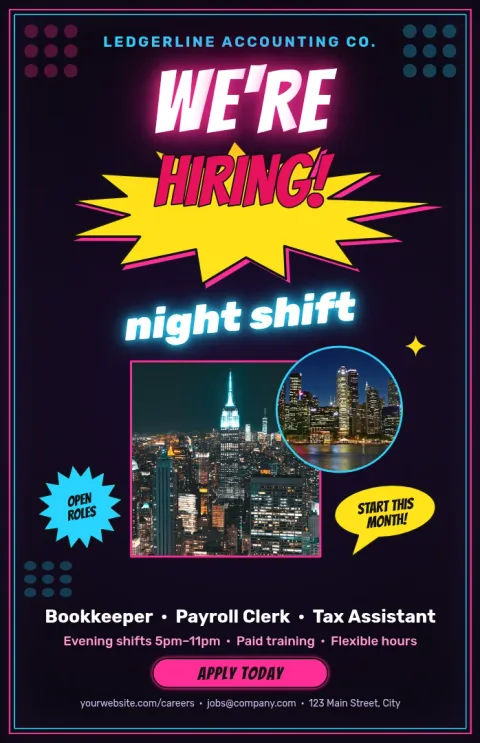
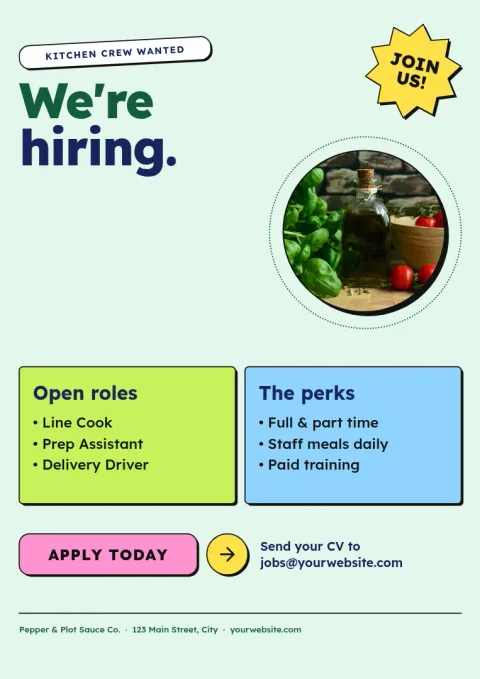
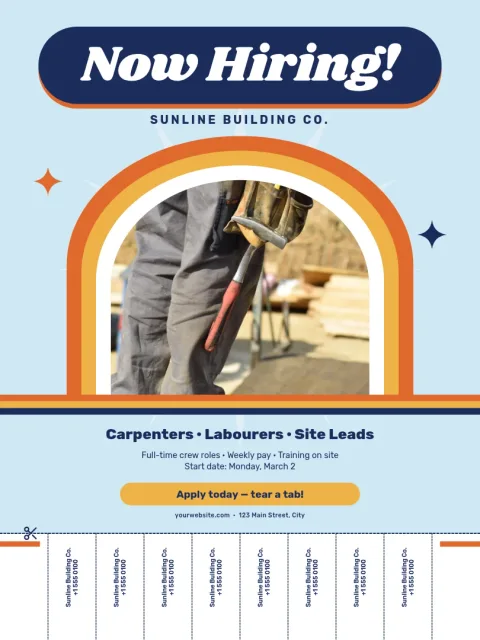
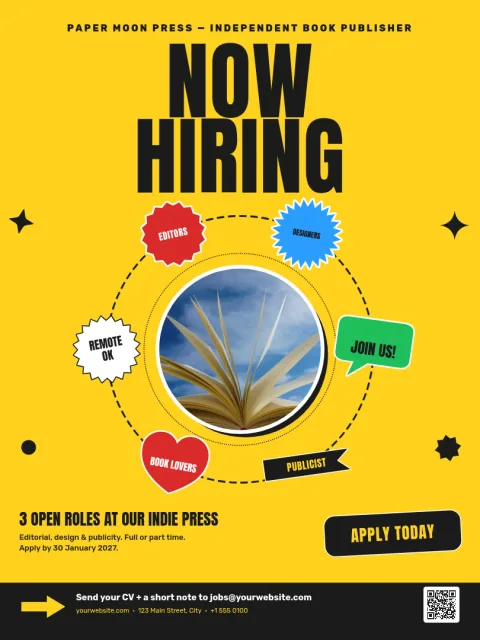
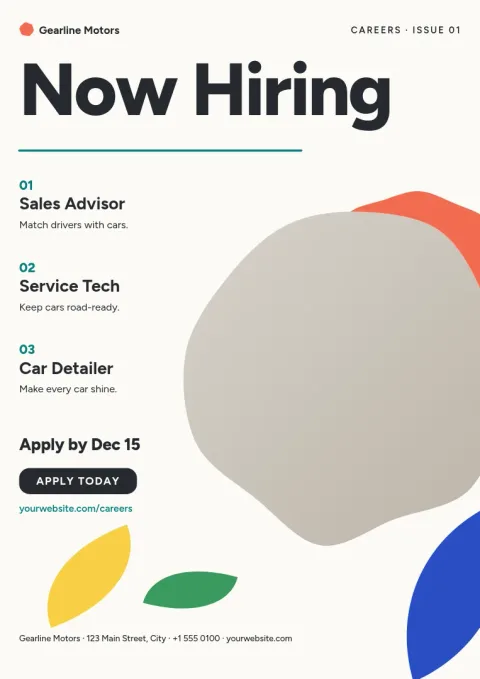
Choose a layout that fits your workplace
A café, a warehouse and a dental clinic do not need the same poster. These templates range from bold single-word headlines to calm, photo-led layouts. Pick the one that sounds like your business, then swap in your own wording. Short headlines and a clear way to apply usually read best from a distance.
What to put on a hiring poster
Keep it simple: the job title, one or two lines about the work, the hours or pay if you can share them, and how to apply. A QR code, email address or phone number all work. Every template here has space for those details, so you can replace the sample text and leave the structure alone.
Edit, download or post
Open a template in Nimply Design and change the text, fonts, colours, photos and layout. A brand kit keeps your colours, fonts and logo in place. Download as PNG, JPG, WebP, PDF or SVG, or send the design into a Nimply post for approval and scheduling. Downloading a template does not use AI credits.
Sizes for walls and windows
Poster templates come in 18x24, A3 and 11x17 sizes, so you can pick one that suits a shop window, a notice board or a break room wall. Because you can download a PDF, the file is easy to take to whichever print shop you prefer.
Frequently asked questions
Are these now hiring poster templates free?
Nimply Design is part of every Nimply plan, including Free. You can open a template, edit it and download it without paying. Only AI photo tools such as the background remover use AI credits.
Can I change the colours and fonts?
Yes. You can edit text, fonts, colours, photos and layout. If you set up a brand kit, your colours, fonts and logo are kept ready so each poster matches the rest of your material.
Which file types can I download?
You can download PNG, JPG, WebP, PDF (standard or vector) or SVG. PDF is a common choice for posters you plan to print elsewhere.
Can I share the poster online as well?
Yes. You can send the design straight into a Nimply post, where it goes through approval and scheduling. That lets you announce the role on social media too.
What size should my hiring poster be?
Choose 18x24 for large wall or window displays, A3 for a standard notice board, and 11x17 for a smaller, easy-to-print size.
Make it yours in minutes
Open any template in Nimply Design, add your brand in one click, and send it straight into a post for approval and scheduling.