

Sales flyer template designs you can edit online
Choose a sales flyer template, swap in your offer, prices and photos, and download it when it looks right. Each design below is made for a different kind of sale, from clearance events to seasonal discounts. Edit everything in your browser with Nimply Design, which is included in every plan, including Free.
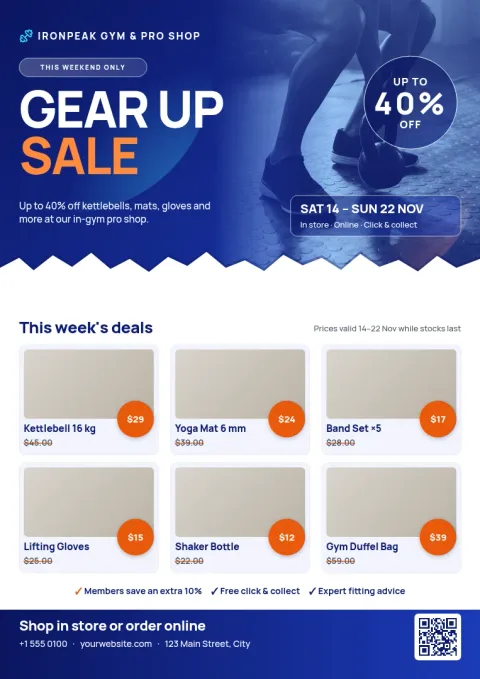
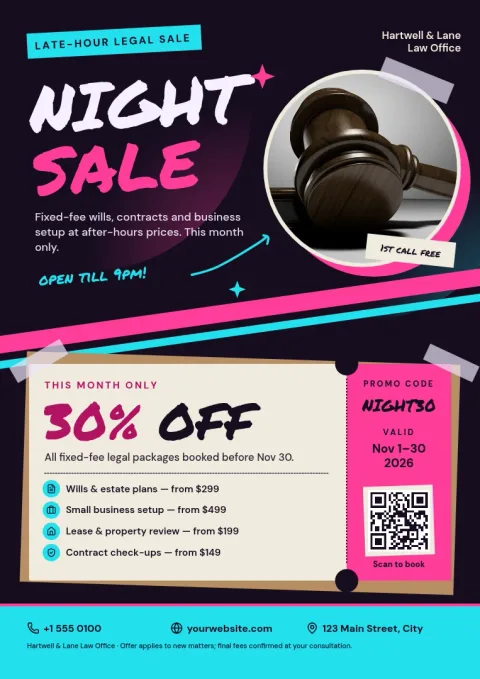
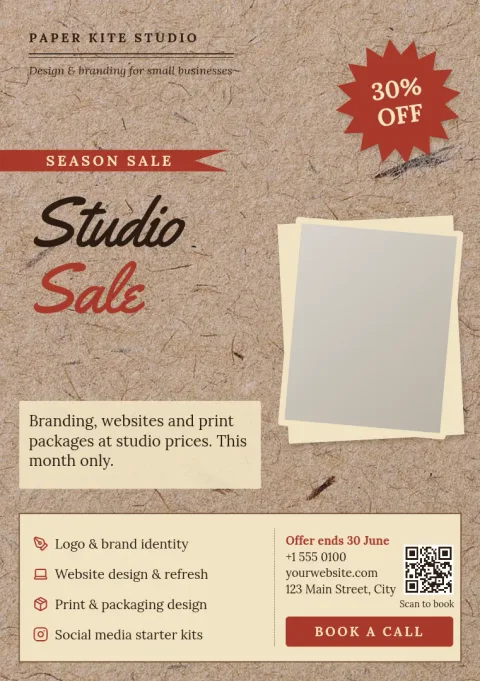
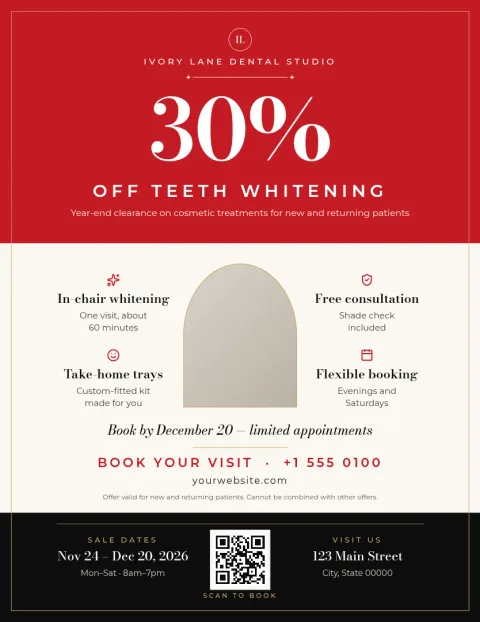
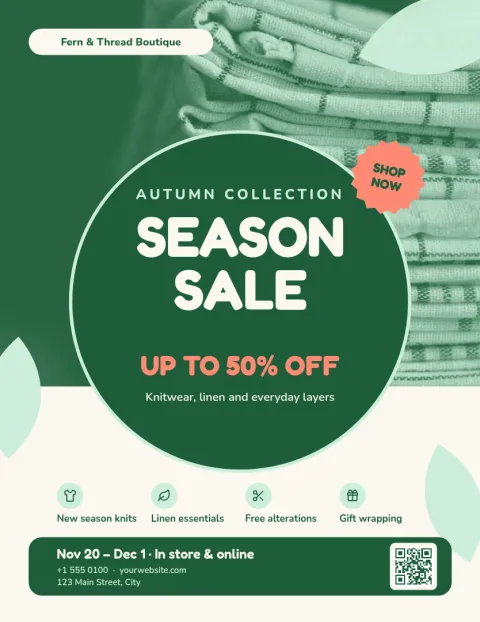
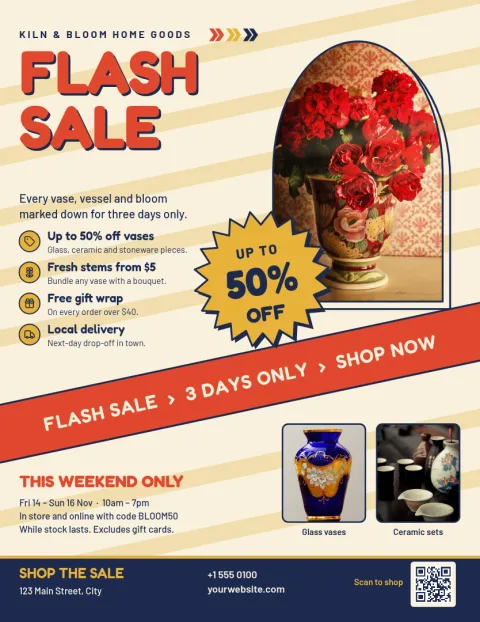
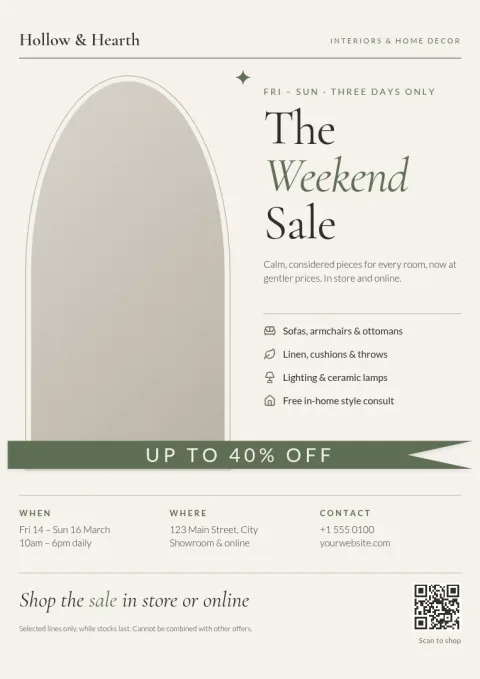
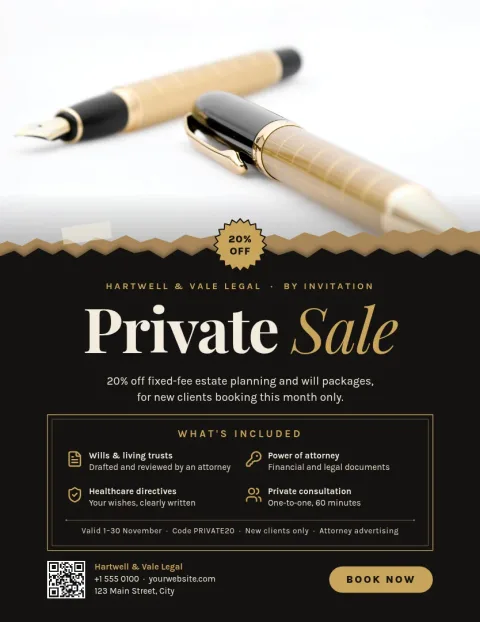
Start with the offer, not the layout
A sales flyer works when the deal is clear at a glance. These templates put the discount, the dates and the place to find you in the spots people read first. Replace the sample text with your own, keep what fits and delete what does not. Every template is built from text, shapes and photo placeholders, so you can change any part.
Make it match your brand
Change fonts, colours, photos and layout to suit your shop. If you set up a brand kit, your colours, fonts and logo stay consistent from one flyer to the next. That helps a weekend sale flyer look like it belongs next to your social posts and menus.
Choose a size and download
Templates come in Letter, A4 and A5 flyer sizes. When you are done, download a PDF (standard or vector), PNG, JPG, WebP or SVG. You can also send the design straight into a Nimply post for approval and scheduling. Downloading a template does not use AI credits.
Optional AI photo tools
If a product photo has a messy background, the background remover can clean it up. Magic Layers is another AI photo tool. Both use AI credits, and you do not need either to use a template. Editing text, colours and layout is always available on its own.
Frequently asked questions
Are these sales flyer templates free to use?
Nimply Design is part of every Nimply plan, including Free. You can open a template, edit it and download it. Downloading a template does not use AI credits. Only the AI photo tools, such as the background remover, do.
What file types can I download?
You can download PNG, JPG, WebP, PDF (standard or vector) or SVG. You can also send the design into a Nimply post for approval and scheduling if you want to share it on social media.
Can I change the colours and fonts?
Yes. You can edit text, fonts, colours, photos and layout on every template. A brand kit keeps your colours, fonts and logo ready so each flyer stays consistent.
Which flyer sizes are available?
These templates use Letter, A4 and A5 flyer sizes. Pick the size that suits where you will use the flyer, then adjust the layout if you need to.
Do I need design skills?
No. Each template already has a layout, so you mostly replace the text and photos. You can leave the design as it is or change as much as you like.
Make it yours in minutes
Open any template in Nimply Design, add your brand in one click, and send it straight into a post for approval and scheduling.