

Real estate sales flyer template for listings and open houses
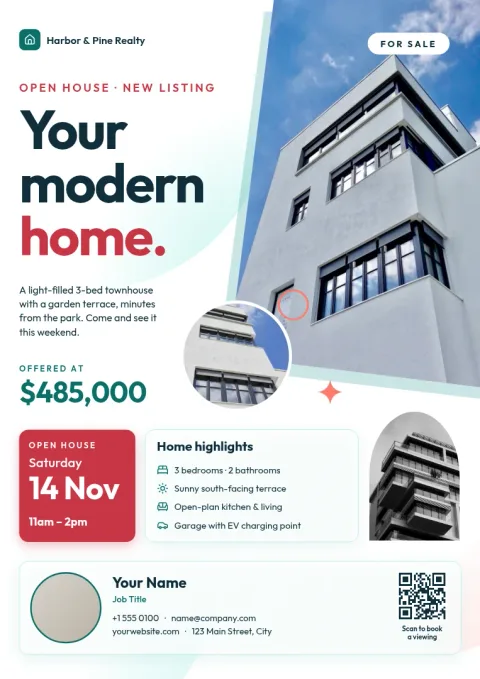
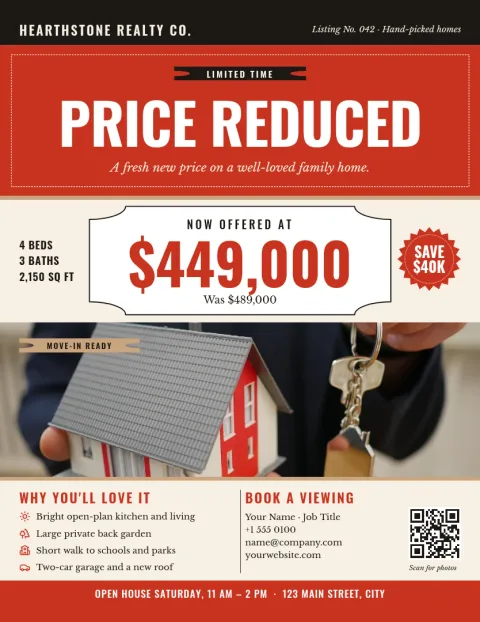
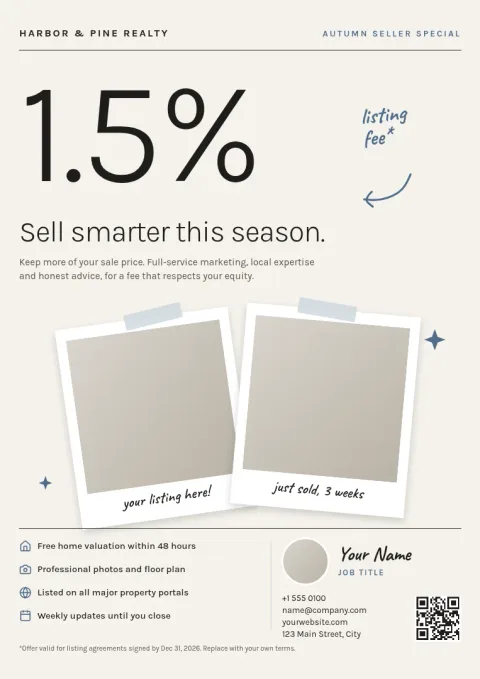
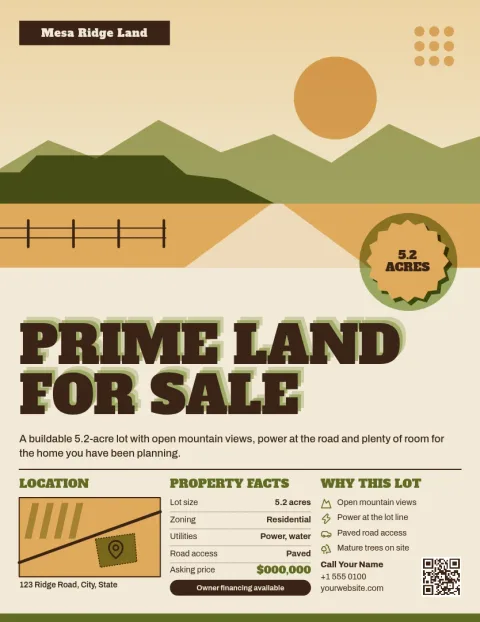
Choose a real estate sales flyer template, drop in your listing photos, price and contact details, and have a clean flyer ready to share. Every layout is editable in your browser, so you can match your brand and download it as a PDF or image in a few minutes.

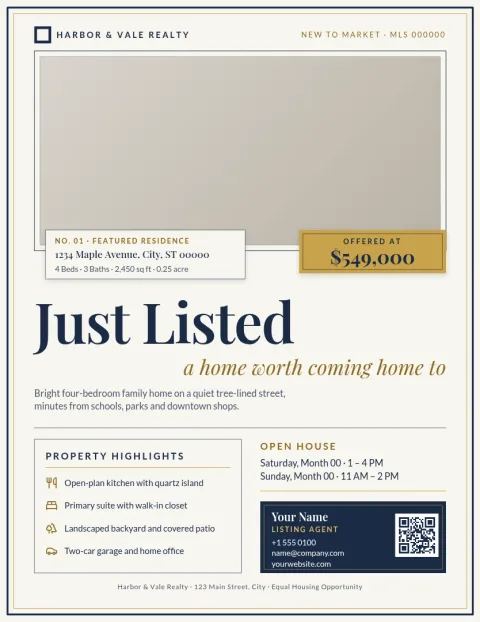
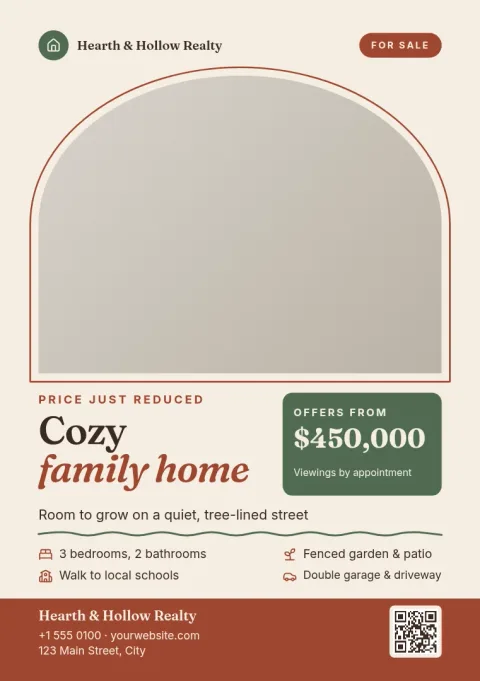
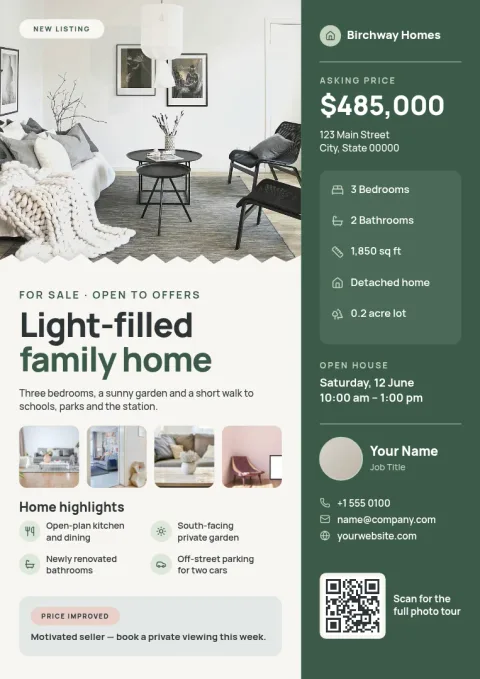
What you can change in each template
Every template is fully editable. Replace the headline, address, price and feature list, swap the photo placeholders for your own pictures, and adjust fonts, colours and layout. If you save a brand kit, your colours, fonts and logo are ready to apply, so each new listing flyer looks like it came from the same agency.
Pick a layout that suits the listing
A single large photo works well for a family home. A grid of smaller photos suits a property with many rooms or outdoor space. Text-led layouts are good for land, rentals or investment properties where facts matter more than pictures. Browse the eight designs below and start with the one closest to your listing.
Sizes and downloads
Templates come in common flyer sizes, including US Letter, A4 and A5. When you are done, download your flyer as a PDF (standard or vector), PNG, JPG, WebP or SVG. You can also send the design into a Nimply post for approval and scheduling if you want to share it on social media.
Frequently asked questions
Can I use these templates for free?
Nimply Design is part of every Nimply plan, including Free. You can open a template, edit it and download it. Downloading a template does not use AI credits.
Can I add my own listing photos?
Yes. Each template has photo placeholders you can replace with your own pictures. You can also change the layout, text, fonts and colours to fit the property.
What file formats can I download?
You can download your flyer as PNG, JPG, WebP, PDF (standard or vector) or SVG. PDF is a common choice when you want to email the flyer or take it to a print shop.
Can I keep my agency branding consistent?
Yes. Brand kits keep your colours, fonts and logo, so you can apply them to each new flyer instead of setting them up again.
Can I remove a photo background?
Yes, with the AI background remover. AI photo tools use AI credits, while editing and downloading templates does not.
Make it yours in minutes
Open any template in Nimply Design, add your brand in one click, and send it straight into a post for approval and scheduling.