

Flyer sale template designs you can edit in your browser
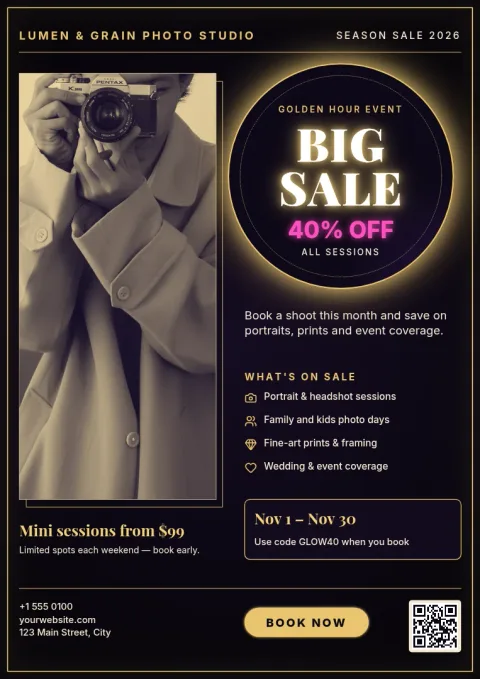
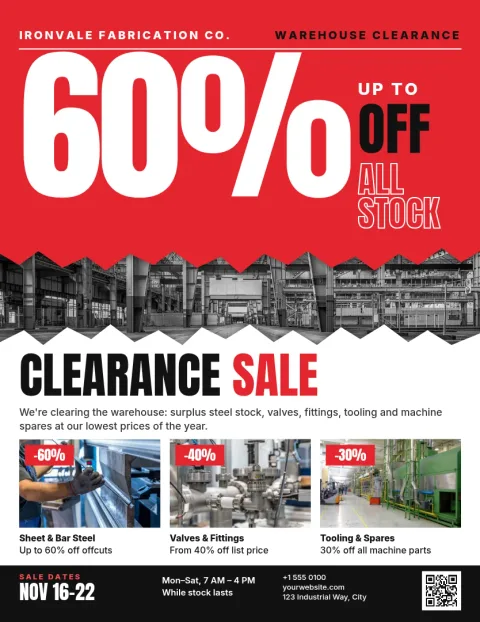
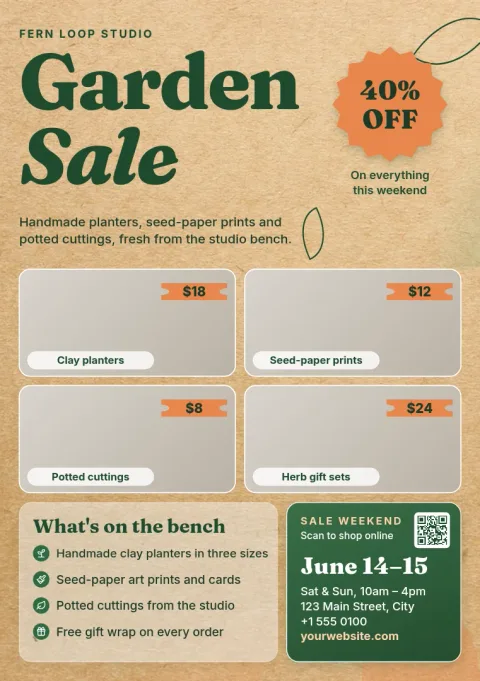
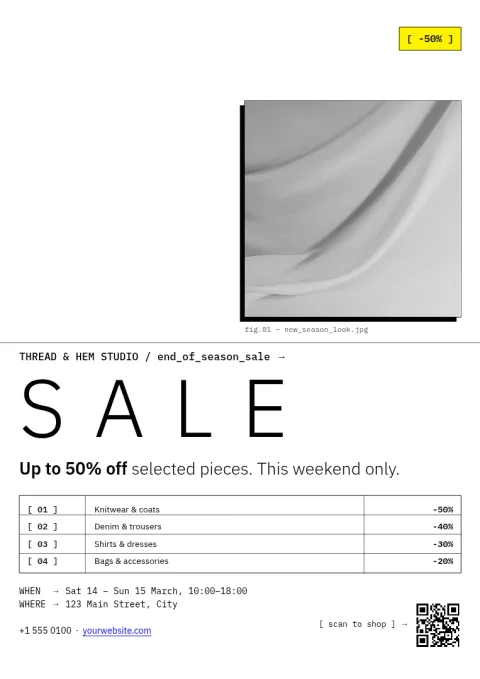
Tell people about your sale with a flyer that is ready in minutes. Choose a flyer sale template below, swap in your offer, dates, photos and brand colours, then download it or send it to a Nimply post. Each layout puts the discount first so it is easy to read.
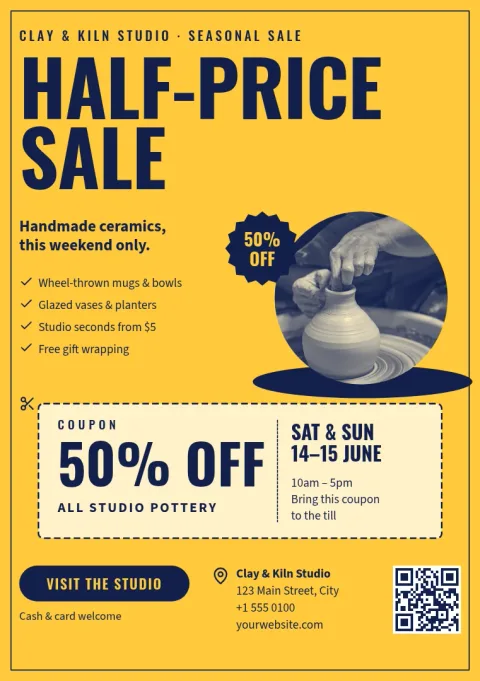
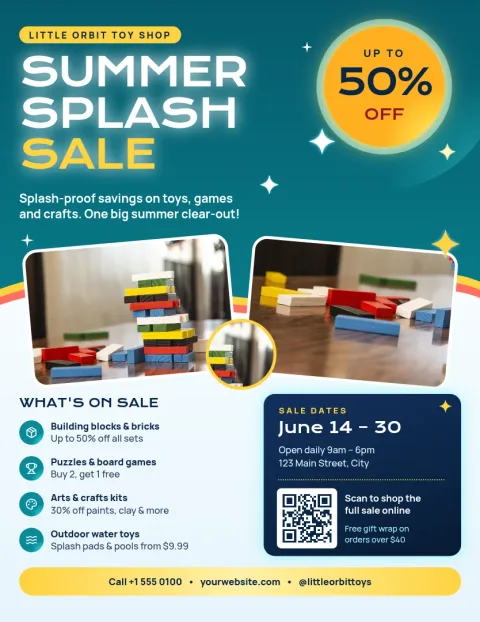
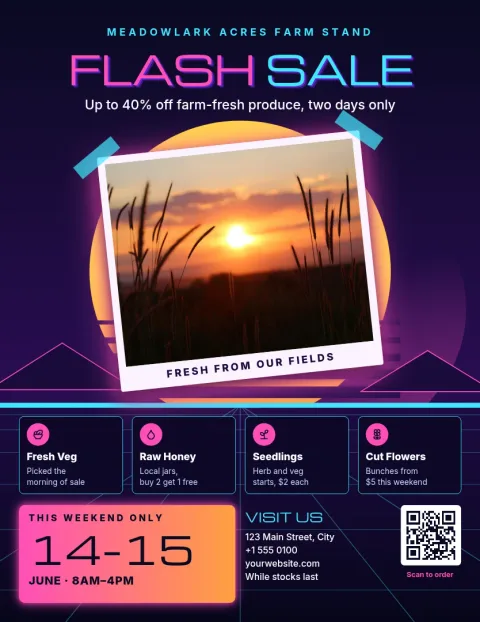
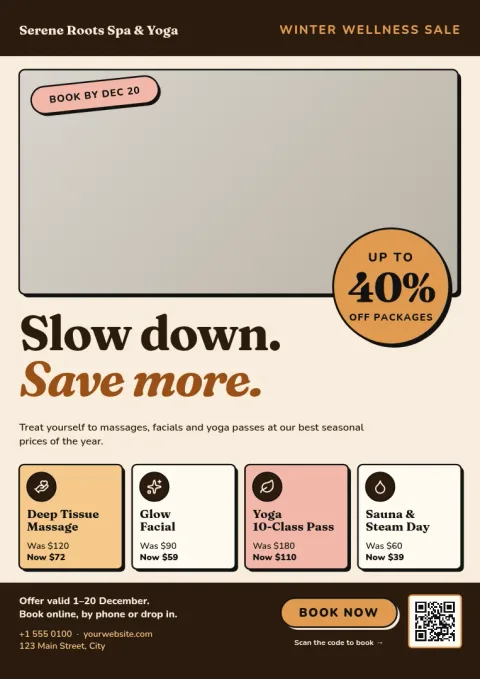
Start with the offer, not the decoration
A sale flyer works when the reader sees the deal in a second. These templates give the discount, the dates and the place the most room. Replace the sample text with your own, keep the headline short, and let the photo and colours support the message instead of competing with it.
Make it match your brand
Edit text, fonts, colours, photos and layout in the Nimply Design editor. If you save a brand kit, your colours, fonts and logo are ready to apply, so a weekend sale flyer looks like it came from the same shop as your posts and menus.
Choose the right size
Templates here come in Letter, A4 and A5 flyer sizes. Pick Letter or A4 for a counter or window display and A5 for a smaller handout. You can download as PDF (standard or vector), PNG, JPG, WebP or SVG.
Share the sale online too
Once the flyer is done, you can download it or send the design straight into a Nimply post for approval and scheduling. That way the same offer reaches people in the shop and on your social channels.
Frequently asked questions
Can I edit a flyer sale template for free?
Nimply Design is part of every Nimply plan, including Free. You can change text, fonts, colours, photos and layout in your browser. Downloading a template does not use AI credits. Only AI photo tools, such as the background remover, do.
What file formats can I download?
You can download your flyer as PNG, JPG, WebP, PDF (standard or vector) or SVG. Pick PDF when you want a file that keeps text sharp, and PNG or JPG when you want to share the flyer on screen.
Which flyer sizes are available?
These templates use Letter, A4 and A5 flyer sizes. Letter and A4 suit counters, noticeboards and windows. A5 is a good choice for smaller handouts.
Can I add my logo and brand colours?
Yes. Edit colours and fonts by hand, or use a brand kit that keeps your colours, fonts and logo so every flyer matches the rest of your material.
Can I post the flyer on social media?
Yes. You can send the finished design straight into a Nimply post, then send it for approval and schedule it. You can also download it and upload it wherever you like.
Make it yours in minutes
Open any template in Nimply Design, add your brand in one click, and send it straight into a post for approval and scheduling.