

LinkedIn carousel post template designs you can edit
Start with a LinkedIn carousel post template and turn your idea into swipeable slides without a blank page. Each design below is sized for LinkedIn. Change the words, fonts, colours and photos in your browser, then download a PDF or send it to a Nimply post.
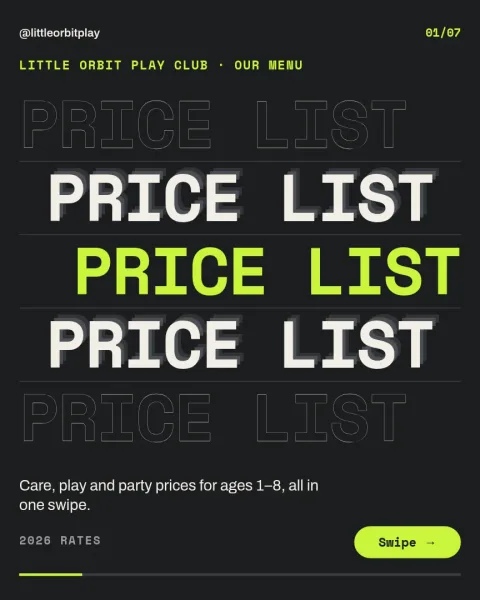
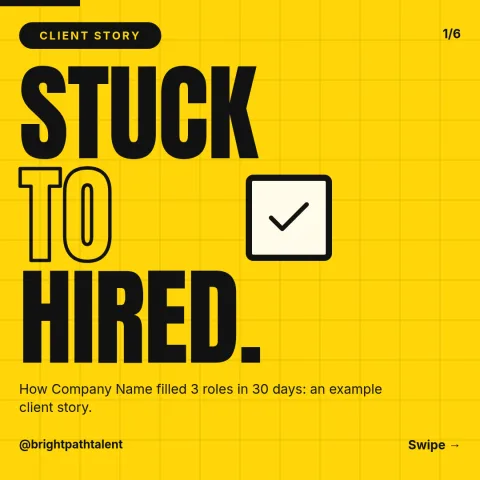
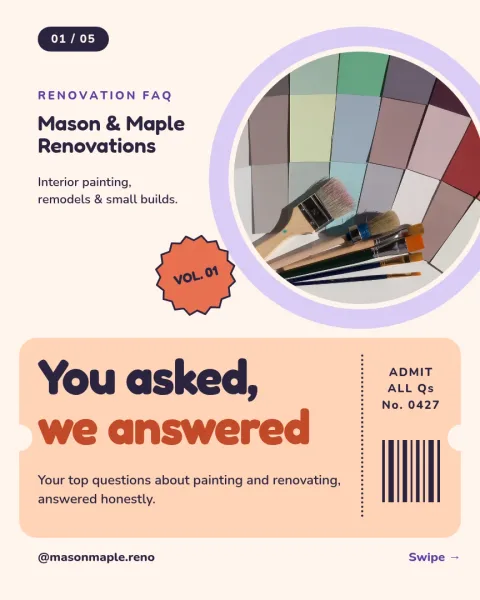
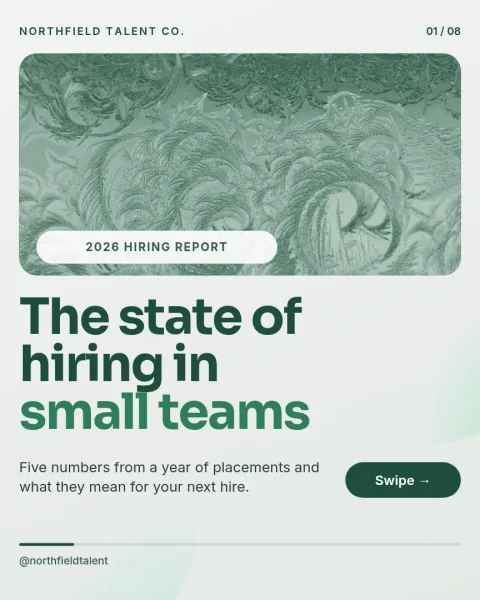
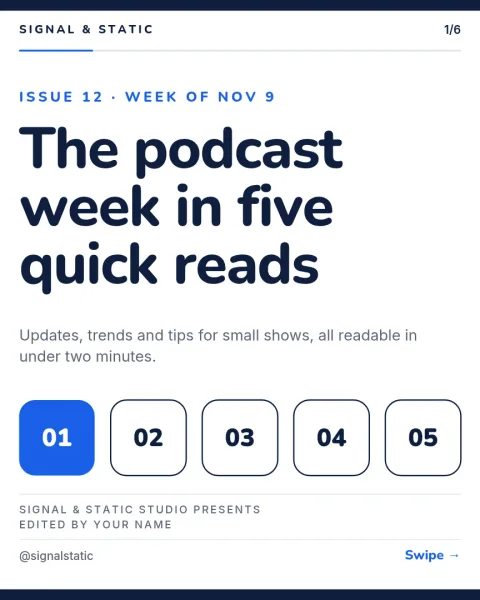
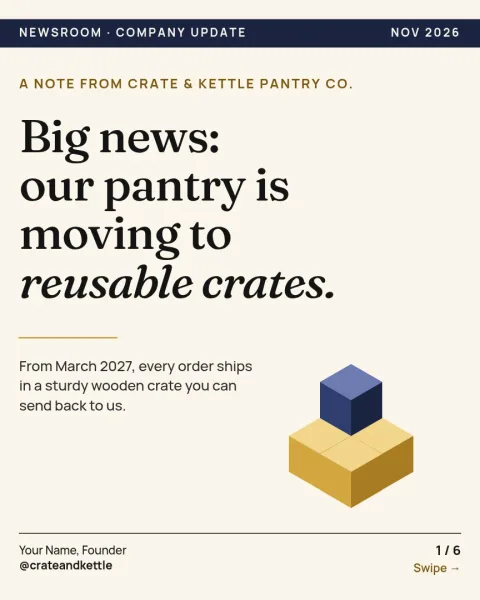
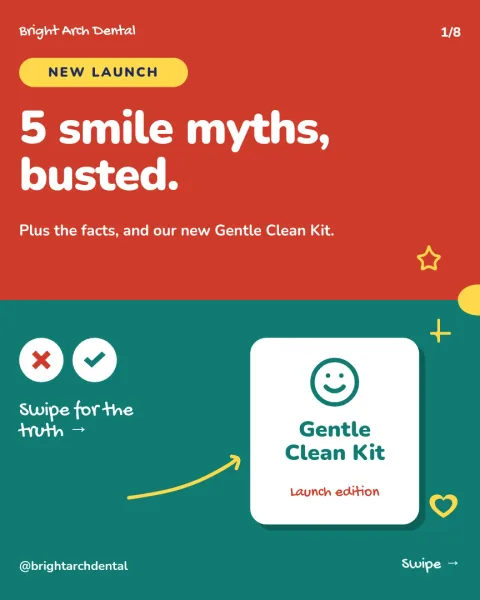
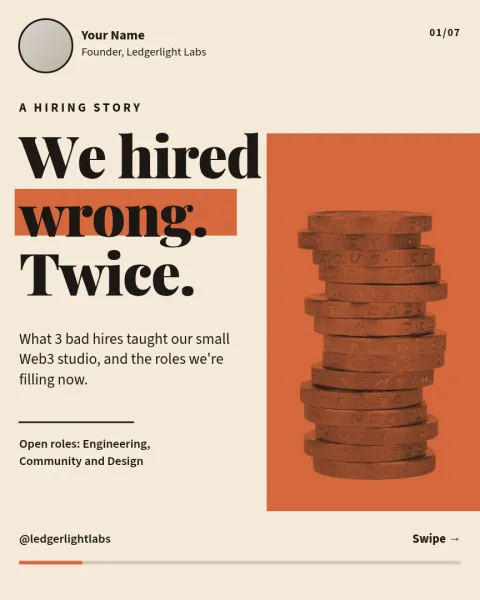
Pick a layout that fits your message
A carousel works best when each slide carries one thought. These eight templates cover common LinkedIn jobs: teaching steps, sharing a lesson, telling a story, showing results and introducing yourself. Look at how the cover slide, middle slides and last slide are arranged, then choose the one closest to what you want to say.
Make it look like your business
Open any template and change the text, fonts, colours, photos and layout. If you set up a brand kit, your colours, fonts and logo stay consistent from slide to slide, so a series of carousels looks like it comes from one source. Swap the photo placeholders for your own pictures.
Download or send to a post
When the slides are ready, download them as a PDF, which is the usual file for a LinkedIn carousel. You can also save PNG, JPG, WebP or SVG. Or send the design straight into a Nimply post, where it can go through approval and be scheduled. Downloading a template does not use AI credits.
Frequently asked questions
What size is a LinkedIn carousel post template?
The templates marked for LinkedIn use the li-carousel size, made for swiping slides on LinkedIn. A few use Instagram-friendly sizes so you can reuse the same idea on both networks. You can see the size before you start editing.
What file should I download for LinkedIn?
Most people upload a PDF to LinkedIn, and Nimply can download standard or vector PDF. You can also export PNG, JPG, WebP or SVG if you need the slides as separate images.
Can I use my own colours and logo?
Yes. Edit colours, fonts, text and photos in any template. A brand kit keeps your colours, fonts and logo saved so each new carousel matches the last one.
Is the editor free?
Nimply Design is part of every Nimply plan, including Free. Downloading a template does not use AI credits. Only AI photo tools, such as the background remover and Magic Layers, use credits.
Can I schedule the carousel from Nimply?
Yes. Instead of downloading, you can send the design into a Nimply post for approval and scheduling.
Make it yours in minutes
Open any template in Nimply Design, add your brand in one click, and send it straight into a post for approval and scheduling.