

Edit a LinkedIn template for your next post
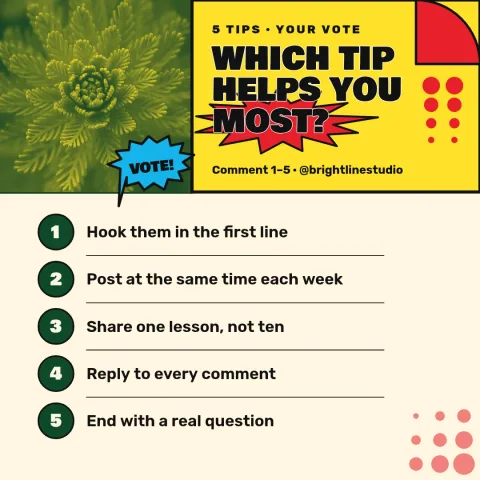
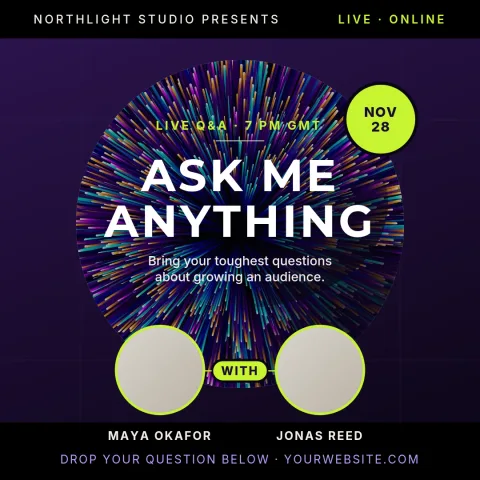
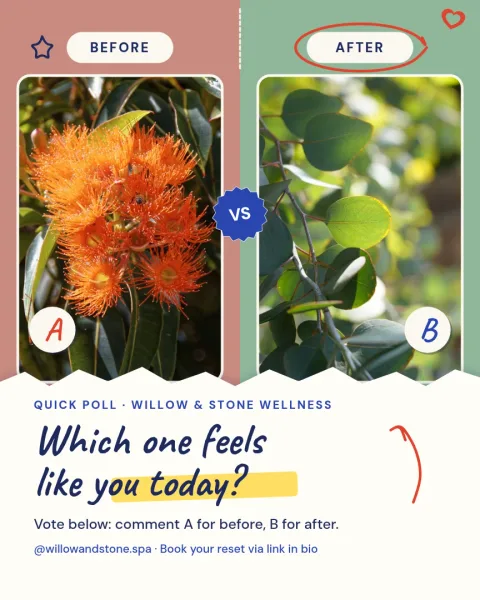
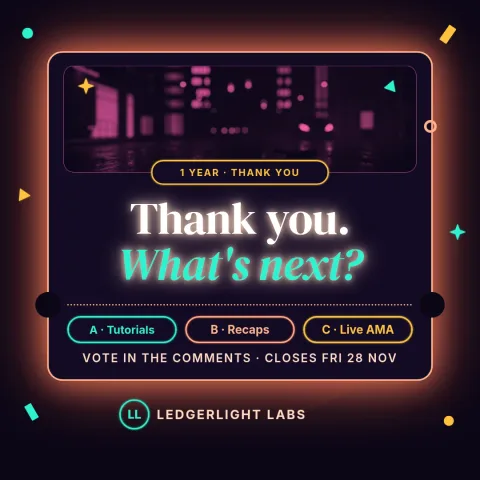
Start from a ready-made LinkedIn post design instead of a blank canvas. Each template below is built for the feed: clear headline, room for your point, and a layout you can change. Open one in the Nimply editor, swap in your words, colours and photo, and have a post ready in minutes.
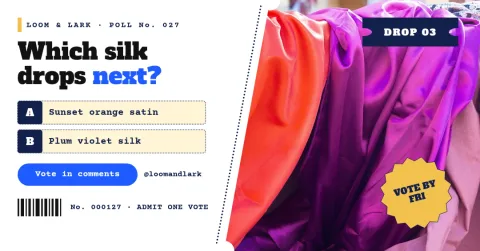
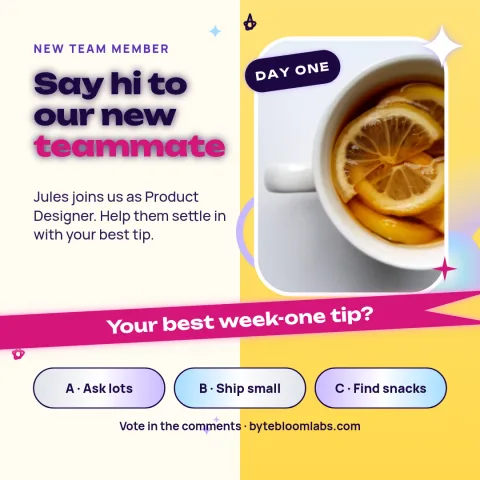
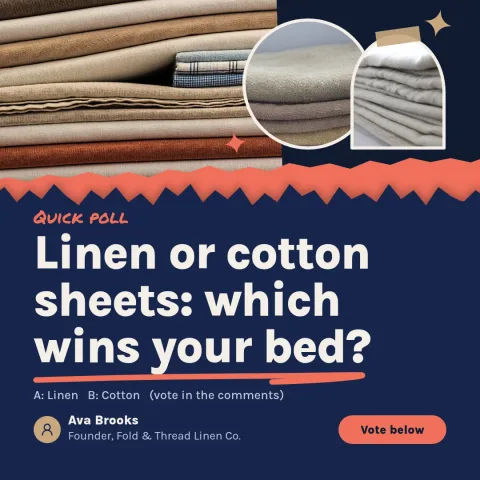
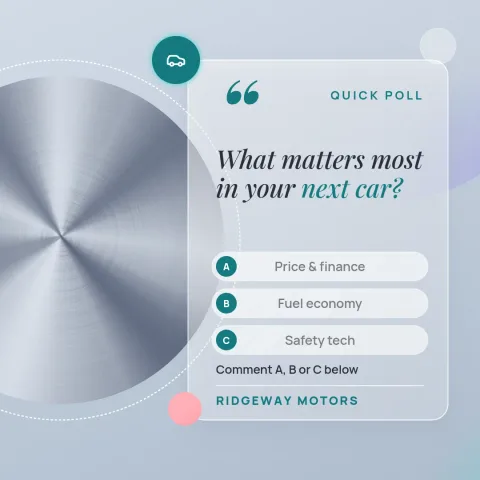
What you can change in each template
Every template opens in the Nimply Design editor in your browser. You can edit the text and fonts, change colours, replace photos and move the layout around. If you set up a brand kit, your colours, fonts and logo stay one click away, so each post looks like it comes from the same business.
Choosing a layout for your message
Match the layout to what you want to say. A big quote or bold statement suits a single opinion. A list or checklist works for tips. A photo with a short caption suits news, hires and events. Pick the one that lets your message be read in a second or two while scrolling.
Download or send to a post
When the design is done, download it as PNG, JPG, WebP, PDF or SVG. Or send it straight into a Nimply post, where it can go through approval and be scheduled. Design is part of every Nimply plan, including Free. Downloading a template does not use AI credits.
Frequently asked questions
Can I edit these LinkedIn templates?
Yes. Open any template in the Nimply editor and change the text, fonts, colours, photos and layout. Nothing is locked, so you can keep the structure or rebuild it to fit your message.
What file types can I download?
You can download PNG, JPG, WebP, PDF (standard or vector) or SVG. You can also send the design directly into a Nimply post for approval and scheduling.
Do I need a paid plan to use them?
No. Nimply Design is part of every plan, including Free. Downloading a template does not use AI credits. Only AI photo tools, such as the background remover and Magic Layers, use credits.
Can I keep my brand colours and logo?
Yes. Set up a brand kit with your colours, fonts and logo, and use them in any template so your posts look consistent.
Make it yours in minutes
Open any template in Nimply Design, add your brand in one click, and send it straight into a post for approval and scheduling.