

Poster template for year 1 classrooms and families
Pick a poster template for year 1, change the words, colours and photos, and download it. These designs suit a classroom wall, a first day at school photo, or a "1 year old" keepsake. Everything is editable in your browser, so you can match it to your class.
What you can make with these templates
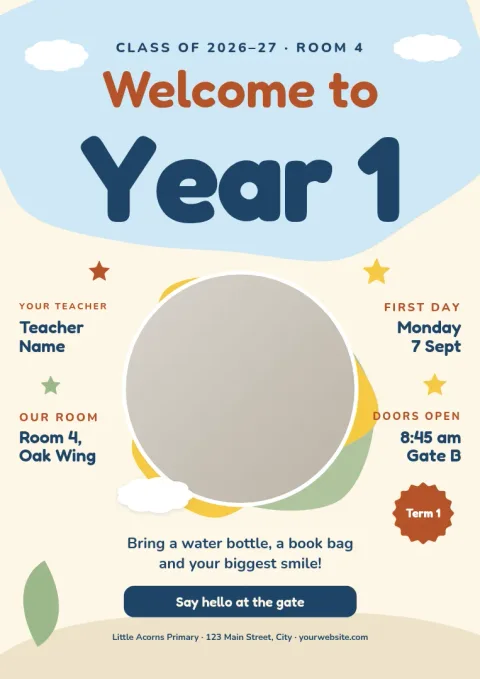
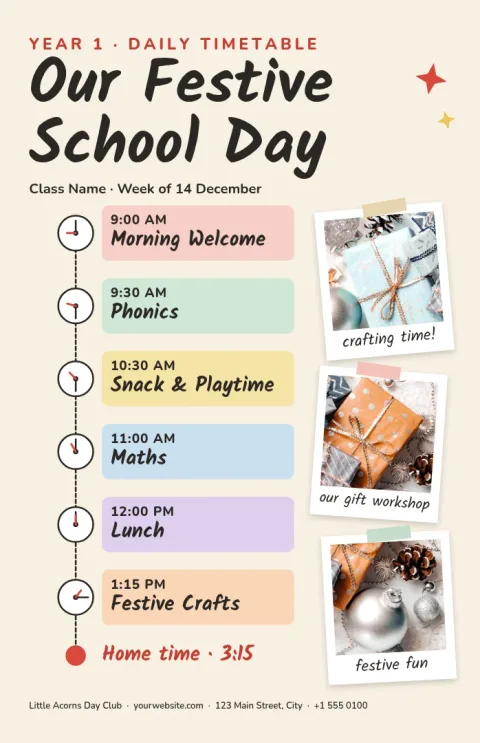
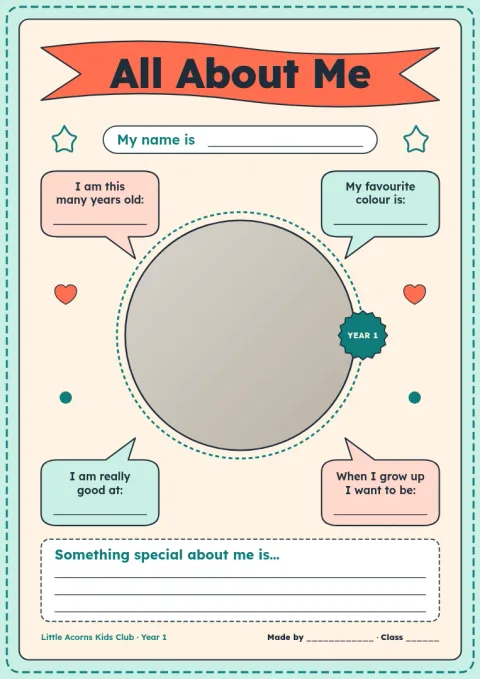
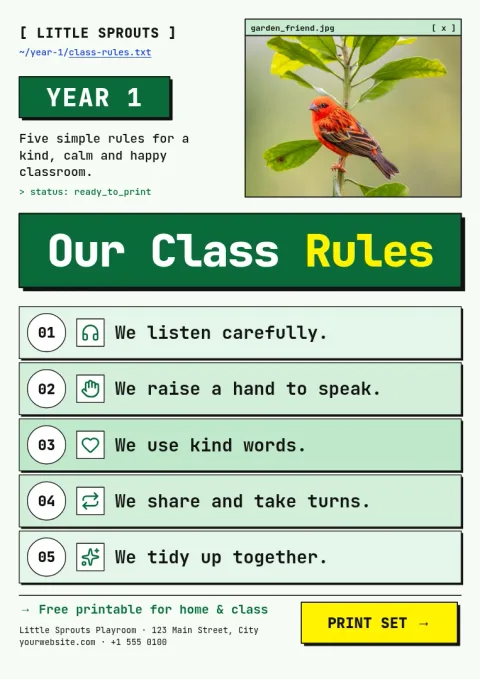
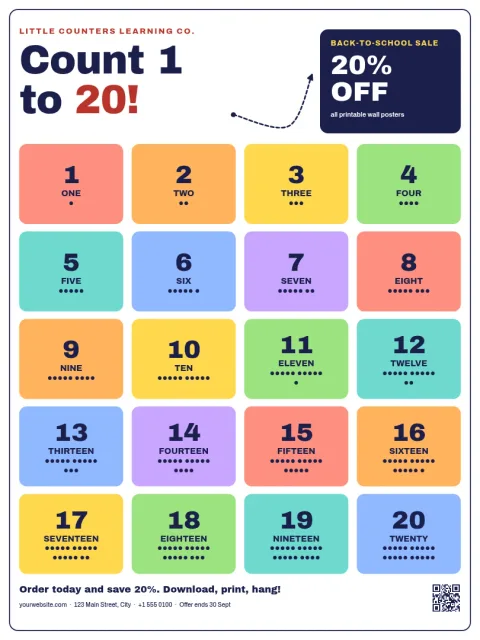
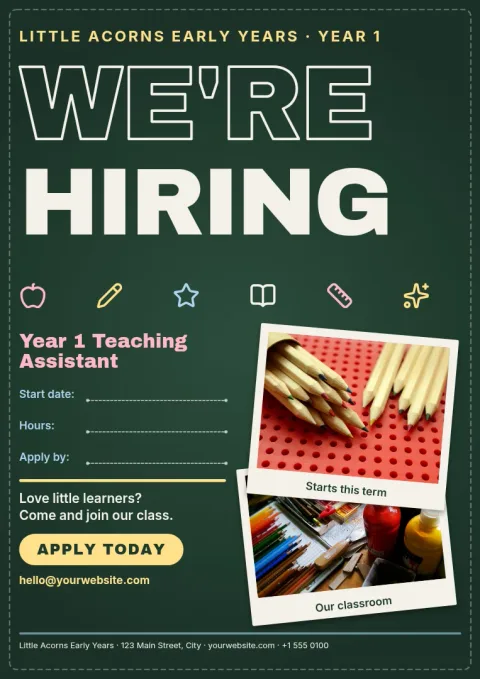
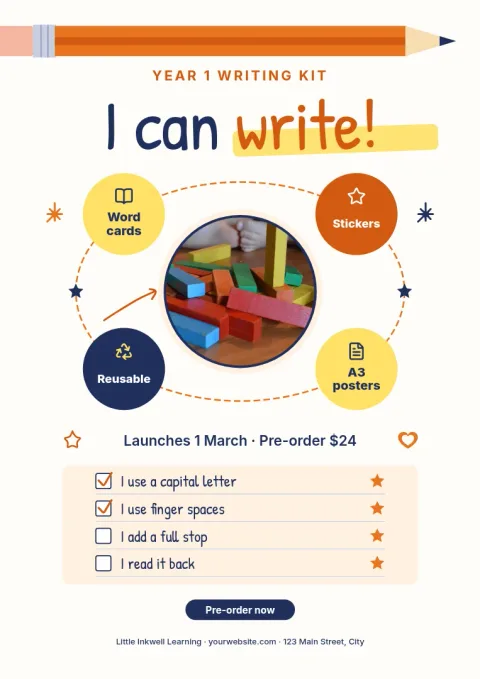
The eight designs cover the posters year 1 teachers and parents ask for most: a welcome board, class rules, a daily timetable, an all about me page, an I can writing display, a number poster, a first day of school sign and a first birthday poster. Each one starts with a clear layout, so you only swap in your own details.
Edit text, fonts, colours and photos
Click any text to change the wording, pick new fonts and colours, and replace photo placeholders with your own pictures. If you use a brand kit, your colours, fonts and logo stay consistent, which helps when a school or nursery wants every display to match.
Download and print or share
Download your poster as a PNG, JPG, WebP, PDF or SVG. PDF is a good choice for printing at home or at a print shop. You can also send a design into a Nimply post if you want to share it with parents. Downloading a template does not use AI credits.
Choose a size that fits the wall
Posters come in A3, 11x17 and 18x24 sizes. A3 suits most classroom boards and is easy to print on a school printer that handles larger paper. Choose the larger size for a hallway or door display where children need to read from a distance.
Frequently asked questions
What does year 1 mean for this poster template?
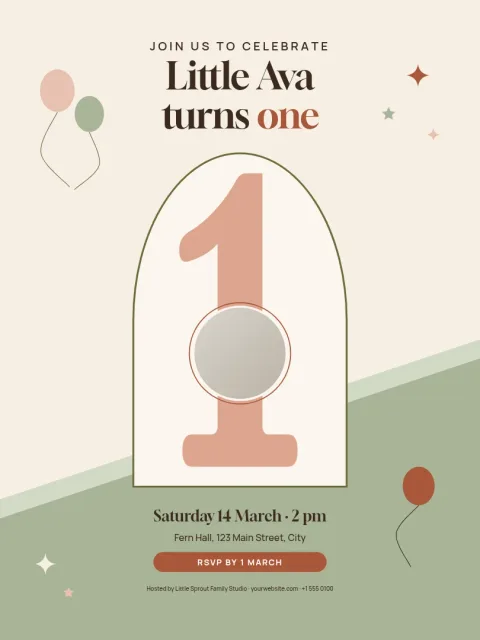
Year 1 usually means children aged five to six in their first full school year, so these templates use big type and simple layouts. One template is a first birthday poster, in case you meant a 1 year old.
Can I change the text and colours?
Yes. You can edit all the text, fonts, colours, photos and layout. Start from the template, change what you need, and leave the rest as it is.
What file types can I download?
You can download PNG, JPG, WebP, PDF (standard or vector) or SVG. For printing, PDF is usually the easiest. Downloading a template does not use AI credits.
Do I need a paid plan?
Nimply Design is part of every Nimply plan, including Free, so you can open the editor and try a template without paying.
Can I add my own photos?
Yes. Each template has photo placeholders you can replace with your own pictures, such as a class photo or a child on their first day.
Make it yours in minutes
Open any template in Nimply Design, add your brand in one click, and send it straight into a post for approval and scheduling.