

01
Give it the title
Type the video title and pick the platform, or run it from an automation. Add notes in plain words in the agent's settings: 'keep it dark', 'never use arrows'.
🎬 Designer agent · Thumbnail Director
Give it your video title. The Designer agent, set up as Thumbnail Director, writes a short hook, builds three different thumbnails in your brand colours and fonts, and saves them for you to pick from. Put your own photo on them, a restyled you, an AI person, or no face at all.
Three versions per run · your brand kit · editable · nothing goes live without you
Title in, thumbnails out
You decide which one goes on your video. The agent does the design work and checks that the words still read on a phone.
01
Type the video title and pick the platform, or run it from an automation. Add notes in plain words in the agent's settings: 'keep it dark', 'never use arrows'.
02
Not the full title. A 2–5 word hook that makes people curious, with one word picked out in your accent colour.
03
One led by the face, one led by the words, one split between the two. Each is checked at feed size so the text stays readable.
04
They're saved to your library as editable designs. Change anything in the Design editor, then use it on your video.
Why it looks like you
Generic thumbnail makers start from a blank prompt box. The Designer starts from the brand kit of the channel you connect it to, so the first version already looks like yours.
Taken from the channel's brand kit. Set it once and every agent on that channel uses it.
The picture is made without any words in it. The hook is then added as real text, so it is always sharp and spelled right.
YouTube, Shorts, Reels, TikTok, podcast covers and link previews each get the right shape. It can also make clip covers.
With no photo of your own, it can use a stock photo or an AI-made background. When the video is about a brand, it can show that brand's logo. Both can be switched off.
The face on the thumbnail
Real photo
Your own photo, cut out from its background and placed on the design.
Restyled
You, redrawn by AI with a new look. Photo-real, or as a comic or cartoon version of you. It is always you, never someone else.
AI person
A made-up person, for channels that don't show a face.
None
Just the scene and the words.
Your face only comes from the photo you save in your channel’s brand profile, after you give consent. When the agent drafts a YouTube or TikTok post with a restyled or AI-made face, it turns on that platform’s AI-content label.
Also in Thumbnail Studio
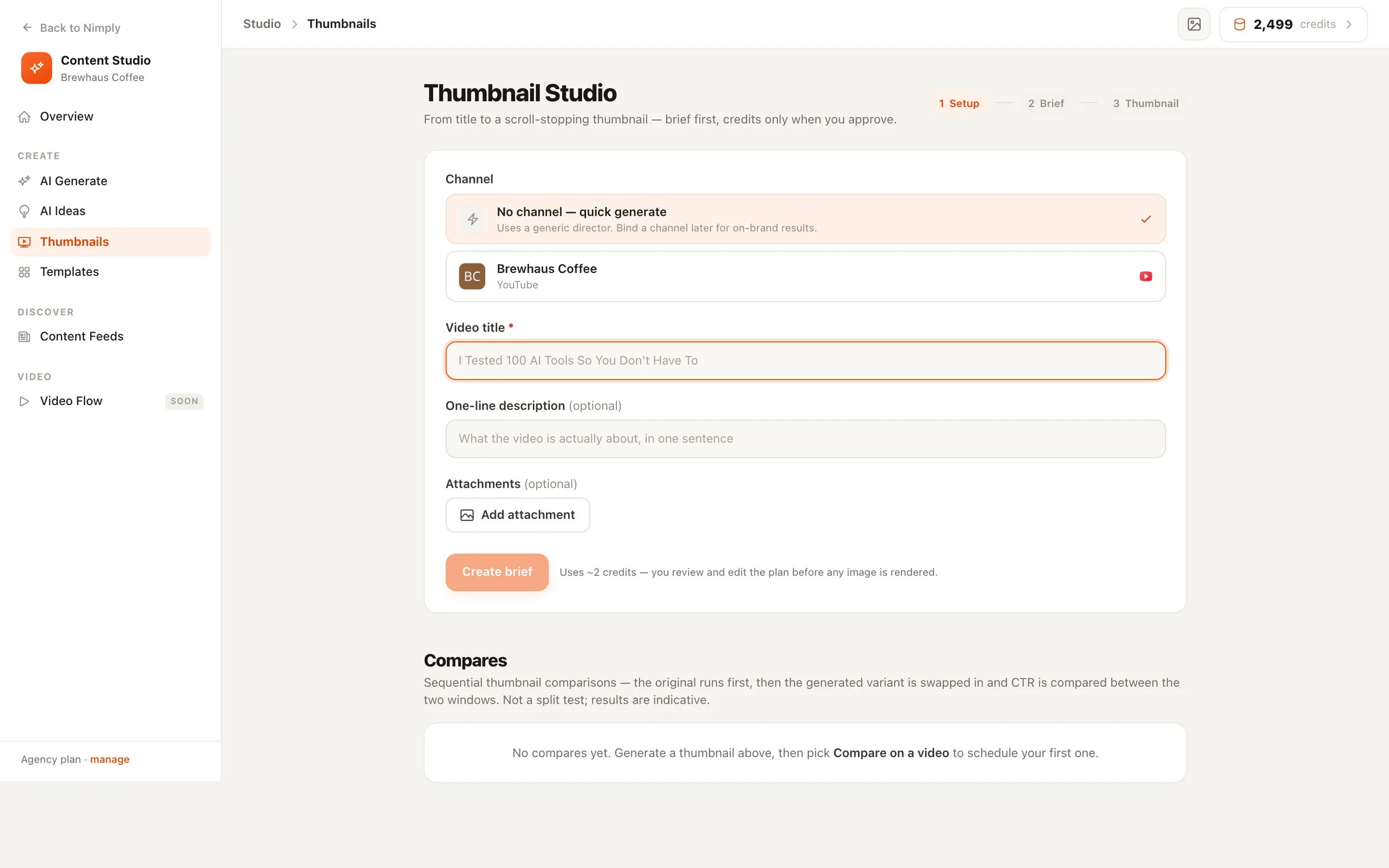
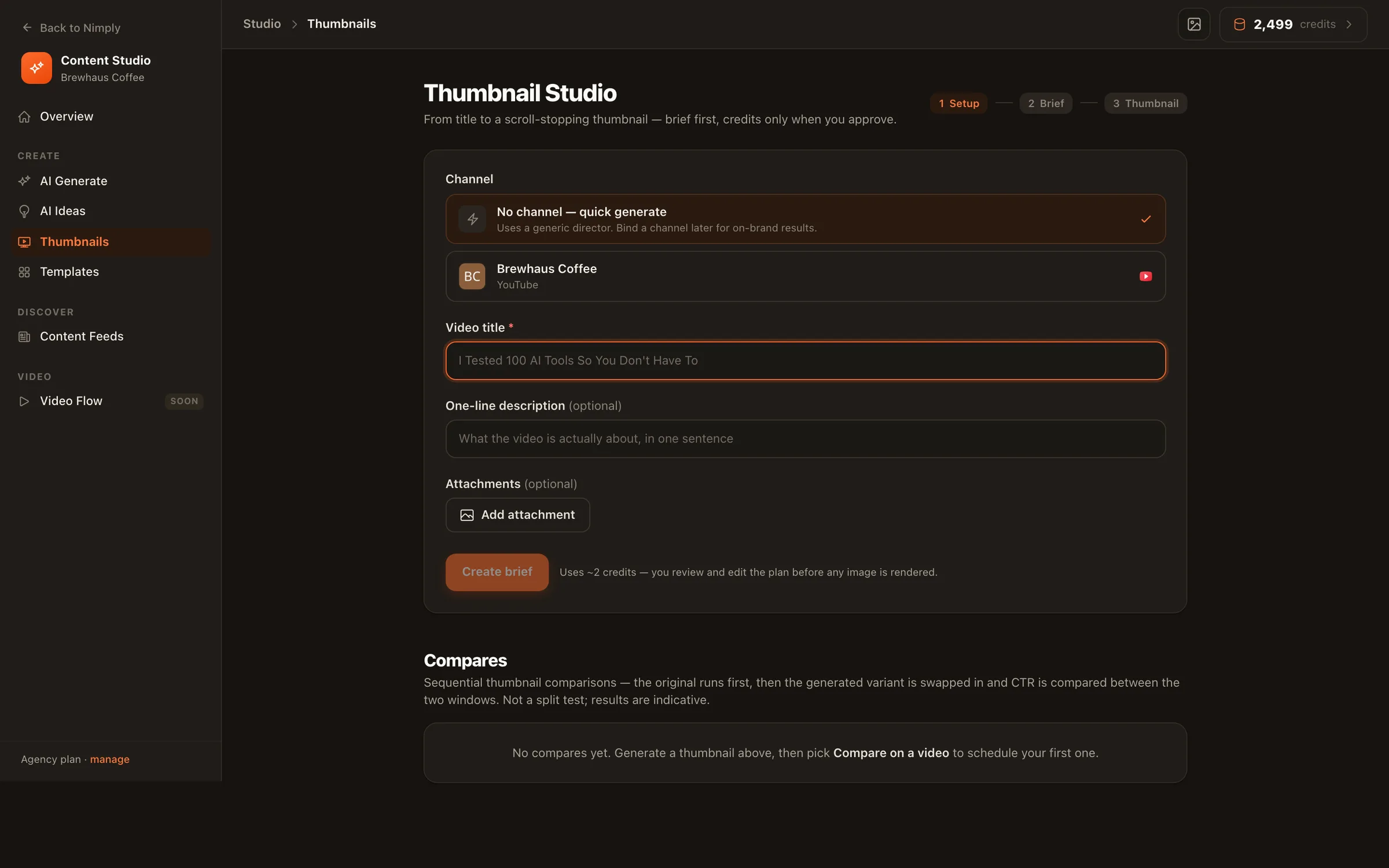
These two tools live in Thumbnail Studio inside Nimply, not in the agent. They work with a connected YouTube channel.
Set on video
Pick one of your recent YouTube uploads and swap its thumbnail from inside Nimply, without opening YouTube Studio. For a new upload, attach the thumbnail when you schedule the video in the Planner.
Thumbnail Compare
Nimply keeps your current thumbnail for 2 to 7 days, swaps in the new one, then shows impressions and click-through rate from YouTube for each period. The two run one after the other, not at the same time, so treat the result as a guide rather than a true A/B test. You can stop it and put the old thumbnail back.
The same Designer agent, set up for branded carousels drafted for your approval.
Attach a thumbnail from your library to a YouTube video you schedule through the Planner.
Start a Designer run from a workflow and pass its title in from an earlier step.
Not any more. You hire the Designer agent and pick the Thumbnail Director setup. It is the same agent that makes carousels, images, pins and stories, already set up for video thumbnails: three versions per run, sized for the platform you choose, saved to your library.
Yes, in the way you choose. Real photo uses your own photo, cut out from its background. Restyled redraws you with AI in a new style, either photo-real or as a comic or cartoon version of you. AI person uses a made-up person. None makes a scene-only thumbnail. Your face only ever comes from the photo you save in your channel's brand profile, with your consent. The agent never uses photos of anyone else.
When the agent drafts a YouTube or TikTok post with a restyled or AI-made face, it turns on that platform's AI-content label for you. If you attach the thumbnail to a post yourself, the same label is a switch in the post composer. The agent also says plainly in its summary when a face was redrawn or made by AI, and never calls that a real photo.
YouTube (16:9), YouTube Shorts, Instagram Reels and TikTok (9:16), podcast covers (square) and link previews (1200×630). Pick your platforms once in the agent's settings, or choose one for a single run.
Yes. Every thumbnail is saved as an editable design, so you can change the words, colours or layout in Nimply's Design editor before you use it. The hook text is real text placed on top of the picture, not letters drawn by an image model, so it stays sharp and spelled right.
The agent doesn't. Thumbnail Studio has a separate tool for that called Thumbnail Compare. You pick one of your recent YouTube videos, Nimply keeps the current thumbnail for a few days, swaps in the new one, then shows impressions and click-through rate from YouTube for each period. It runs one after the other, not side by side, so it is not a true A/B test and the result is a guide, not proof.
Runs use AI credits, and you see an estimate before you start. A thumbnail with no face costs the least. A restyled face on an AI-made background costs the most, because it uses more image work.
Sign up free, hire the Designer with the Thumbnail Director setup, and get three thumbnails to pick from on your first run.