

Business questions
Customer Support Agent
Hours, delivery, returns, stock — answered from your profile and FAQ. Draft-first or auto once trusted; escalates what it can't answer; can look up live data through MCP connections.
See the support agent →💬 Engagement & inbox
Most WhatsApp chatbots are a menu of buttons customers learn to hate. Nimply’s agents read the actual question, answer from the FAQ, hours and policies you gave them, and escalate what they can’t answer — draft-first until you trust them, and paused the instant you type in a thread.
WhatsApp Business Platform · draft-first default · per-thread pause · replies inside the 24-hour window
Illustrative thread
Hi, are you open on Sunday? And do you deliver to Dubai Marina?
+971 55 ··· 2093 · 11:41 PM
Hi! Yes — we're open Sunday 10am to 8pm, and we deliver to Dubai Marina (free over AED 150, otherwise AED 20). Want me to reserve anything for you?
Support agent · auto-sent · 11:41 PM · read ✓✓
Great. Can I pay half now and half on delivery?
+971 55 ··· 2093 · 11:43 PM
Hi, Layla here from the team — yes, we can split it. I'll send you a payment link for the first half now.
You · 8:02 AM
You typed — agent paused in this thread
Which agent answers
“Chatbot” hides three different jobs. Pick the agent built for yours, or run more than one on the same number.
Business questions
Hours, delivery, returns, stock — answered from your profile and FAQ. Draft-first or auto once trusted; escalates what it can't answer; can look up live data through MCP connections.
See the support agent →Enquiries that could become sales
Asks the qualifying questions you defined, tags the thread with budget, timing and intent, and flags the hot leads for a human — beside the Instagram and Facebook leads it already handles.
See the sales agent →Creator and community chats
Learns your texting style and keeps conversations warm, with away-mode for offline hours and allow and block lists so it never talks to the wrong people.
See the DM agent →The rails
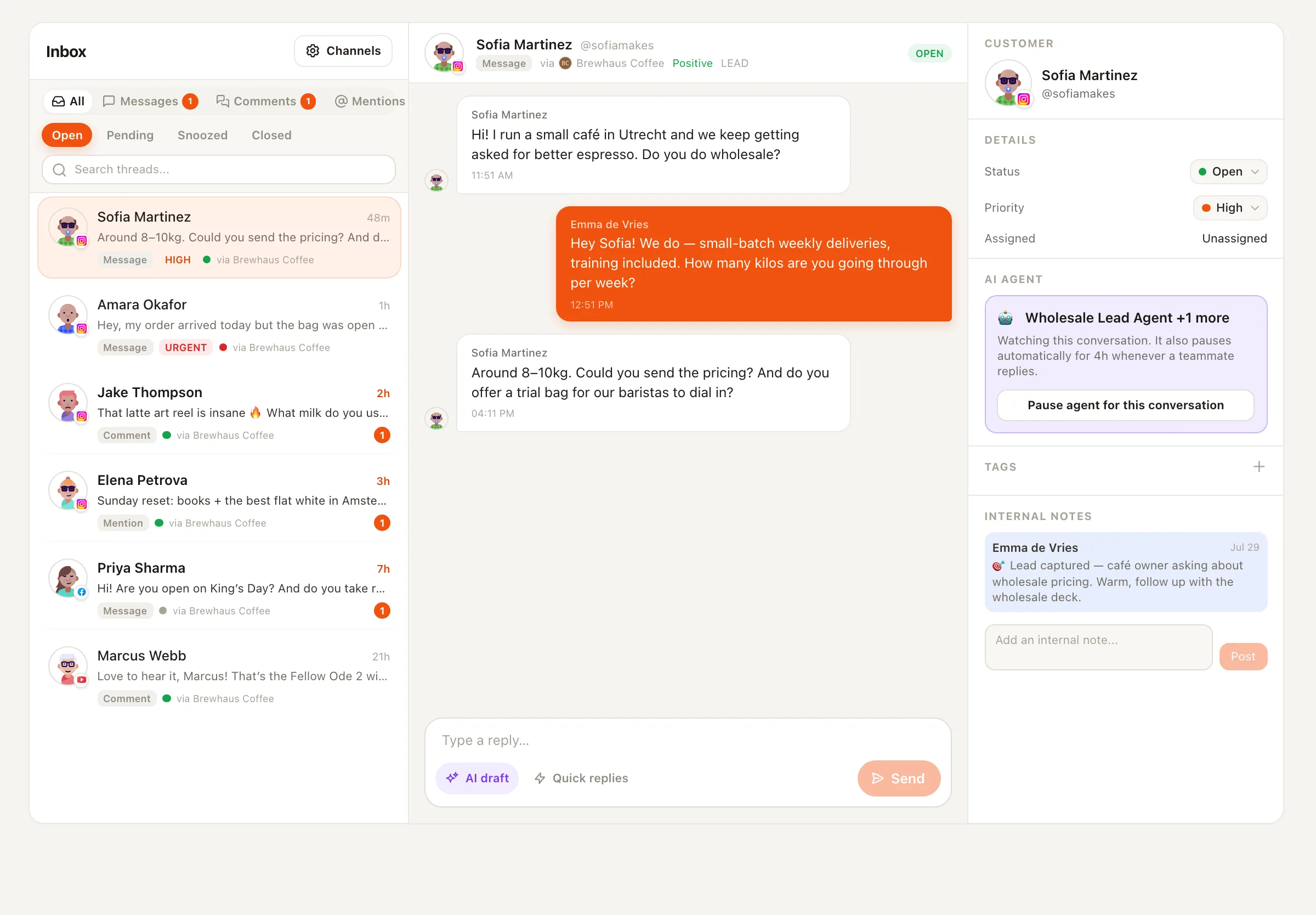
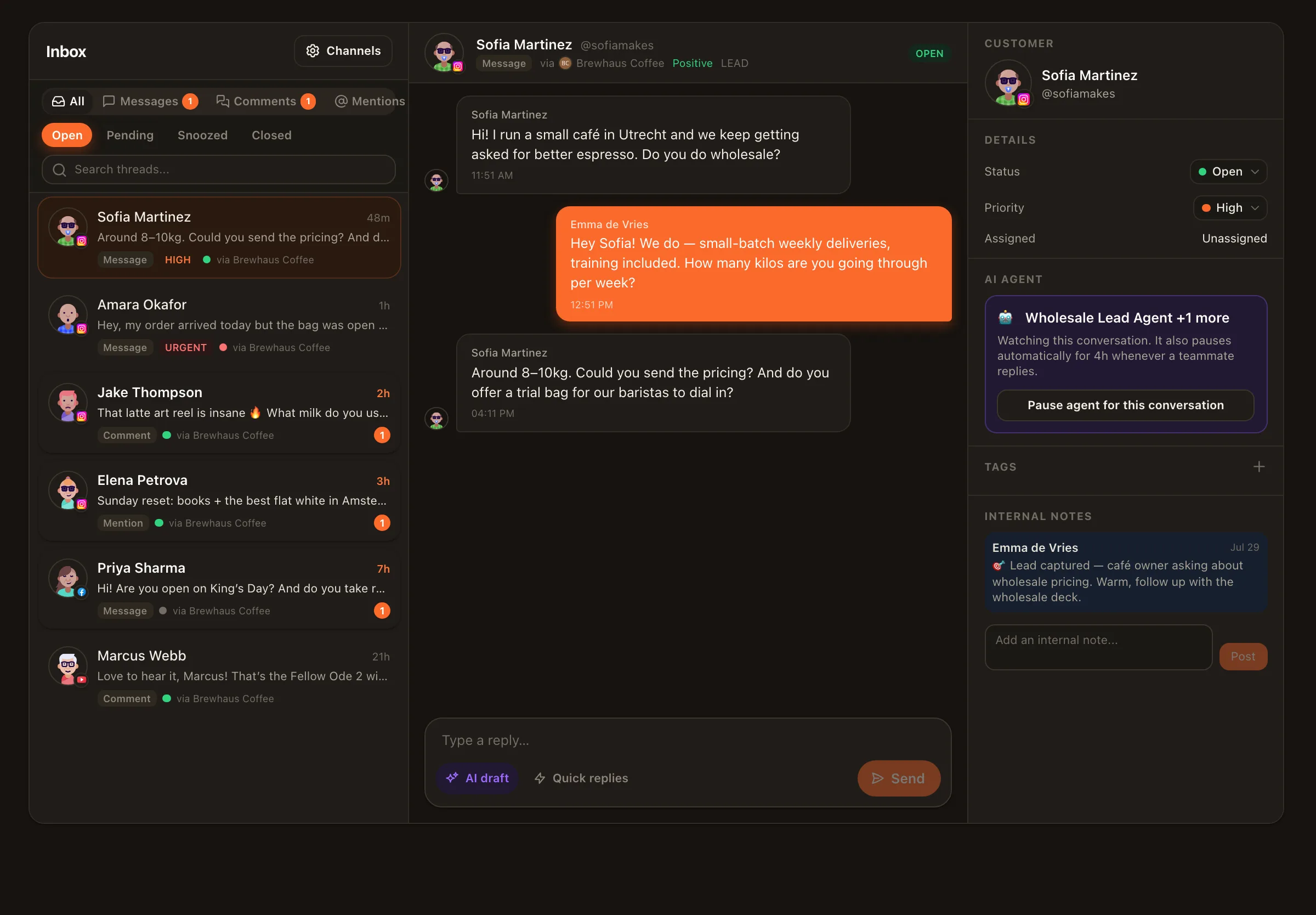
Every automated WhatsApp thread lives in the same shared inbox as the manual ones. AI triage tags sentiment and intent, the agent’s drafts and sends are visible in the conversation, and nothing goes out in a mode you did not choose: draft-first is the default, auto mode is your explicit call per agent, and a human typing pauses the agent in that thread every time. Agents reply only inside WhatsApp’s 24-hour window and only to people who wrote to you first.
The team side of the same inbox: WhatsApp shared inbox for teams.
Honest setup
Channels → Connect → WhatsApp Business. Meta's official signup popup, your own WhatsApp Business Account, a verified number. Inbox switches on automatically.
Support agent for business questions, Sales Lead for enquiries, Personal DM for creator chats. Give it your FAQ, hours, policies or texting style — the honest ten minutes that make it sound right.
Let it draft while a teammate approves. Watch what it gets right, tighten the instructions where it doesn't.
Flip auto mode when it has earned it. Rate limits, per-thread pause, escalation and full visibility in the inbox stay on.
Platform notes: WhatsApp allows free-form replies only within 24 hours of the customer’s last message; starting a chat needs an approved template message, which Nimply does not send. Meta bills your WhatsApp Business Account for delivery separately from your Nimply plan. Setup, limits and costs are on the WhatsApp integration page.
You connect your WhatsApp Business number through Meta's official signup, then hire an agent from the gallery — the Customer Support Agent for business questions, the Sales Lead Agent for qualifying enquiries, or the Personal DM Agent for creator conversations — and bind it to the WhatsApp channel. The agent reads each incoming chat, your profile, FAQ and instructions, and drafts a reply for your team, or sends it directly if you have switched that agent to auto mode.
A real language model with your instructions, not a button menu. It answers in your tone, handles questions you did not script, and escalates anything outside its brief to a person instead of guessing. You can also give the Customer Support Agent live data through MCP connections, for example order status from your own system.
No. WhatsApp only allows free-form replies within 24 hours of the customer's last message; anything else needs an approved template message, which Nimply does not send. Agents answer conversations customers open. That keeps you inside WhatsApp's rules and keeps your number safe.
Type. The moment a human replies in a thread, the agent pauses in that conversation. You can also pause an agent per thread with one click, and auto mode has rate limits so a busy night never turns into a flood.
No, and you should not. Every agent starts in draft-first mode: it writes, you approve. Run it that way for a week, tighten the instructions where it was wrong, and flip auto mode only for the agent that has earned it. Each run shows its credit cost.
Agents are included in every paid Nimply plan and run on the AI credits your plan includes. Nimply adds no charge for sending a WhatsApp reply. Separately, Meta bills your own WhatsApp Business Account for delivered replies from October 1, 2026, at its published per-country rates, after a free allowance of 1,000 replies a month per phone number. Until then, replies inside the 24-hour window are free on Meta's side too.
Yes. The signup offers to connect the number already in your WhatsApp Business app (Meta's Coexistence, app version 2.24.17 or newer): the app keeps working, replies you send from the phone show up in the inbox, and the agent answers through the official platform. In the app, broadcast lists, disappearing and view-once messages, live location and calls switch off for that number. There is no QR scanning or web-session linking involved.
Connect your WhatsApp Business number, hire an agent in draft-first mode, and see what it would have sent.