

One thread per customer
Every chat keeps its full history, whether the customer shows a phone number or a WhatsApp username. Photos, voice notes, documents and reactions land where they belong.
💬 Engagement & inbox
Your customers already message you on WhatsApp. The problem is that the chats live on one phone. Nimply connects your WhatsApp Business number through Meta’s official platform and turns every chat into a thread in the shared inbox — history, assignment, notes, SLAs and AI triage included, right next to your Instagram, Facebook, YouTube and Telegram conversations.
WhatsApp Business Platform · no QR scanning · replies inside the 24-hour window
Illustrative thread
Hi! Do you still have the oak dining table in 180cm? Need it before the 20th 🙏
+971 50 ··· 4417 · 9:12 PM
Sara → assigned to Omar · note: stock check done, 2 left in the warehouse
Internal note · 9:15 PM
Hi! Yes — two left in 180cm. Delivery in Dubai is 3–4 days, so the 20th works. Want me to reserve one for you?
Omar · 9:18 PM · read ✓✓
Yes please! Sending the address now.
+971 50 ··· 4417 · 9:19 PM
What changes
The WhatsApp Business app is built for one person. A team needs the things every other support inbox has had for years.
Every chat keeps its full history, whether the customer shows a phone number or a WhatsApp username. Photos, voice notes, documents and reactions land where they belong.
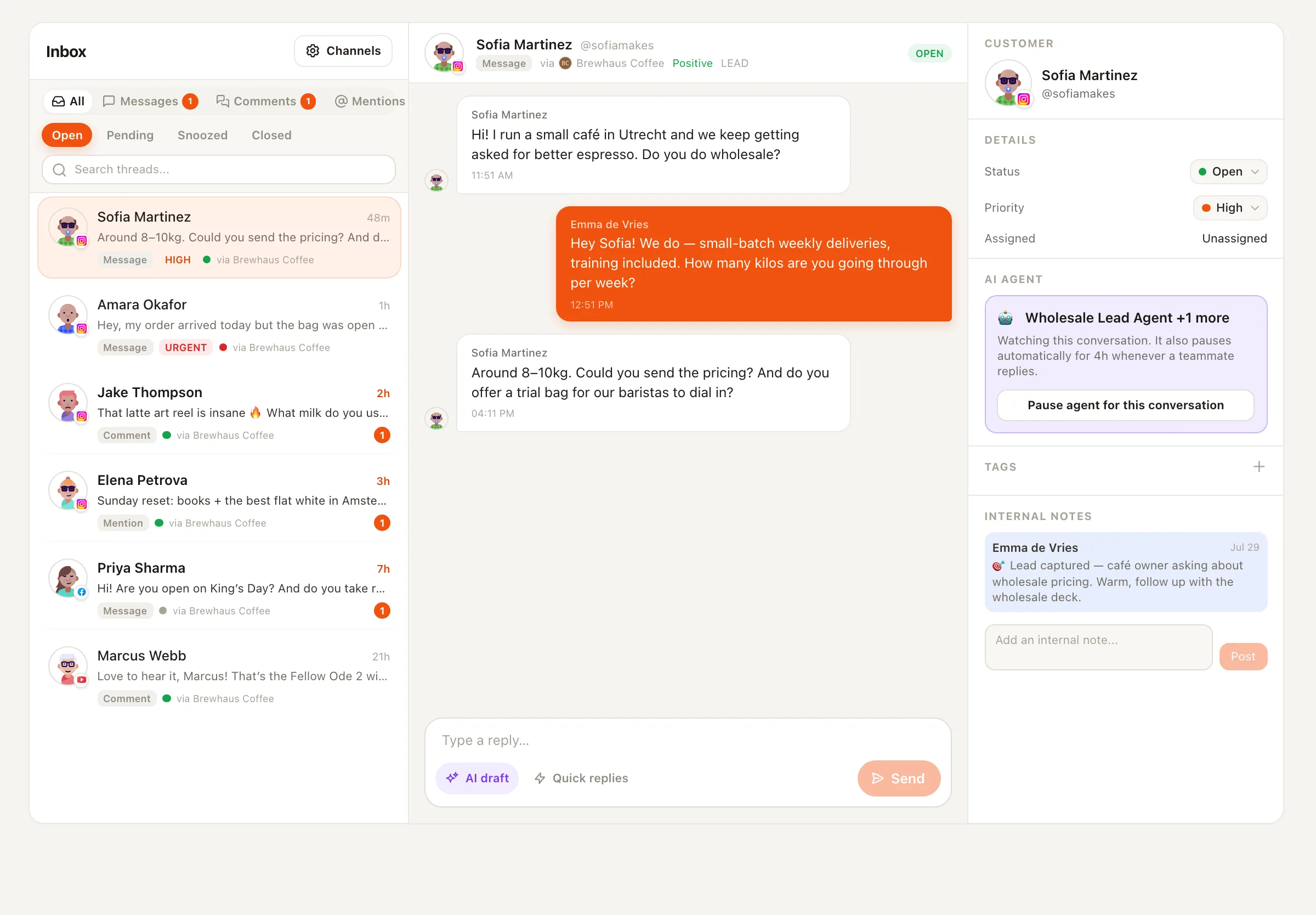
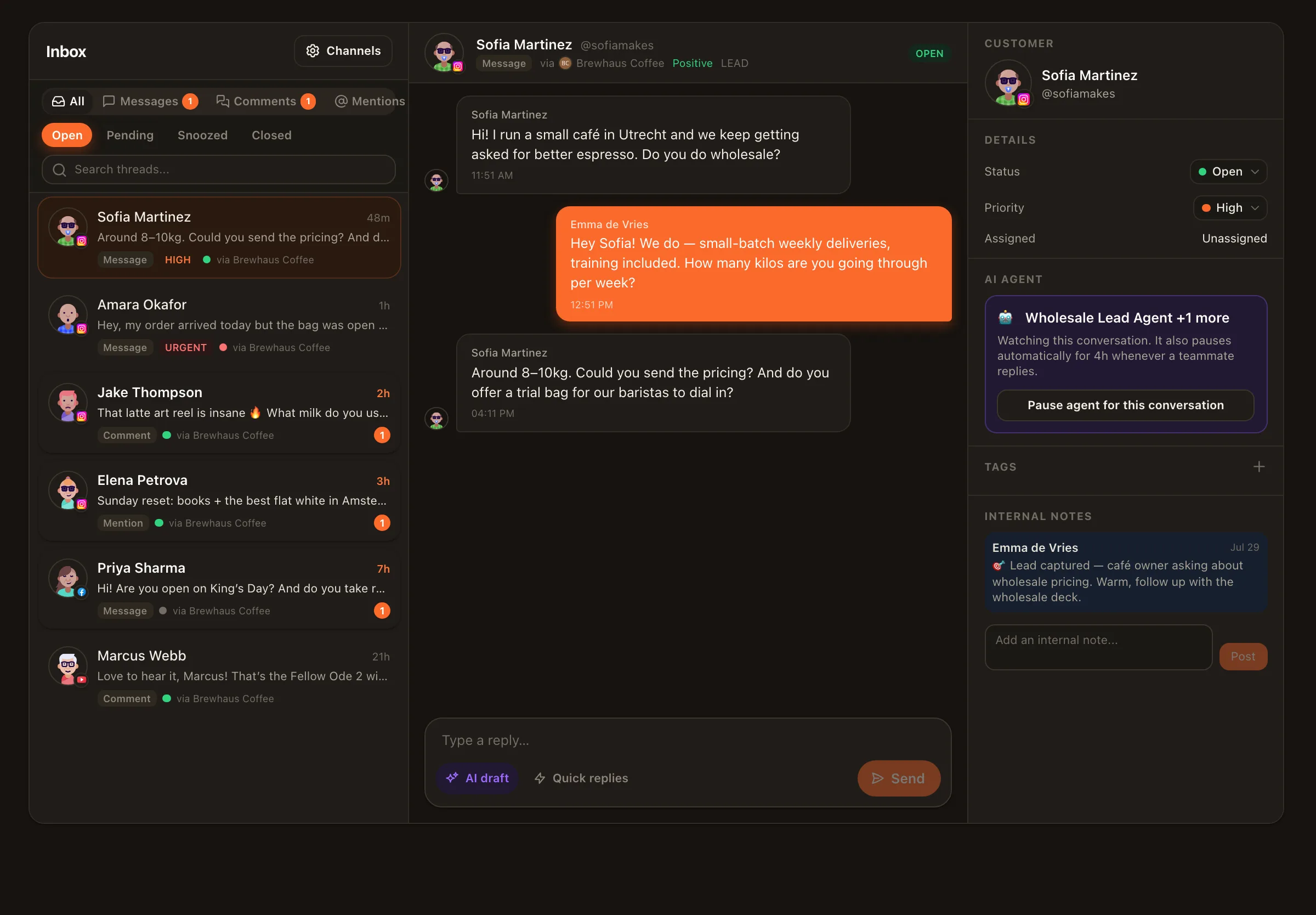
Hand a chat to the person who can answer it, leave an internal note the customer never sees, and watch replies show delivered and read status.
AI triage marks sentiment, intent and priority as chats arrive; SLA policies raise a flag before a reply is late, and the 24-hour window countdown sits next to the reply box.
WhatsApp chats sit beside Instagram and Facebook DMs, YouTube comments, Threads replies and Telegram messages. One place, one set of saved replies, one team.
AI help, with rails
Hire the Customer Support Agent or the Sales Lead Agent and bind it to the WhatsApp channel. It reads the thread and your instructions and drafts a reply for a teammate to approve. Switch a trusted agent to auto mode and it answers on its own, with rate limits, and pauses in any thread the moment a human types. Agents only ever reply inside conversations customers started — WhatsApp’s rules, and ours.
Want the automation side in depth? See WhatsApp AI chatbot for customer support.
Honest setup
A landline or spare mobile that can receive an SMS or call — or the number already in your WhatsApp Business app, which the signup connects in place (Meta's Coexistence) and keeps working on the phone.
Channels → Connect → WhatsApp Business. Sign in with Facebook, pick or create your WhatsApp Business Account, verify the number. Nimply registers it and switches the inbox on.
Invite teammates with the right roles, set saved replies and an SLA policy, and send yourself a test message to see the first thread.
Bind the Customer Support or Sales Lead agent in draft-first mode. Graduate it to auto mode once it has earned it.
Platform notes: WhatsApp is an inbox channel only — there is no official API for posting to Status or WhatsApp Channels, so Nimply does not schedule to WhatsApp. Meta bills your WhatsApp Business Account for delivery separately from your Nimply plan. Full details on the WhatsApp integration page.
Connect your WhatsApp Business number from Channels → Connect → WhatsApp Business. Meta's official signup popup lets you pick or create your WhatsApp Business Account and verify the number; Nimply registers it and switches the inbox on. From then on every customer chat is a thread the whole team can see and answer.
Yes — that is the point. Every teammate with access to the workspace sees the threads, and assignment, internal notes and a visible reply history keep two people from answering the same customer twice. Workspace roles (Owner, Admin, Editor, Viewer) decide who may reply.
No. Nimply uses the WhatsApp Business Platform, Meta's API for businesses, with permissions Meta reviewed and approved. There is no phone linking or web-session trick, so nothing breaks when the phone is off and your number is not at risk.
WhatsApp lets a business reply freely for 24 hours after the customer's last message. Nimply shows a countdown next to the reply box, flags threads before the window closes, and tells you plainly when it has closed. The customer's next message reopens it. Starting a conversation outside the window needs an approved template message, which Nimply does not send.
Incoming photos, videos, voice notes, documents and stickers arrive in the thread. Outgoing replies support text plus one image, video, document or audio file.
WhatsApp is included in every paid Nimply plan: one number on Creator, three on Growth, ten on Agency. Separately, Meta bills your own WhatsApp Business Account for delivery; replies within the 24-hour window are free on Meta's side until October 1, 2026, and from that date each reply sent from Nimply also uses AI credits, shown before you press send.
No. WhatsApp offers no official API for Status or Channels, so no compliant tool can. WhatsApp in Nimply is an inbox and AI-agents channel only; publishing and scheduling cover your nine other networks.
Connect your WhatsApp Business number through Meta's official signup and see the first thread in minutes.