

📥 Engagement & inbox
Social media inbox management, minus the tab-hopping
Social media inbox management usually means five apps, four notification badges, and a nagging feeling you missed someone. Nimply pulls every DM, comment, and mention into one queue, lets AI triage it, and routes each thread to the right person — so nothing sits unanswered because nobody saw it.
Opt-in per channel · AI triage on arrival · humans always outrank agents
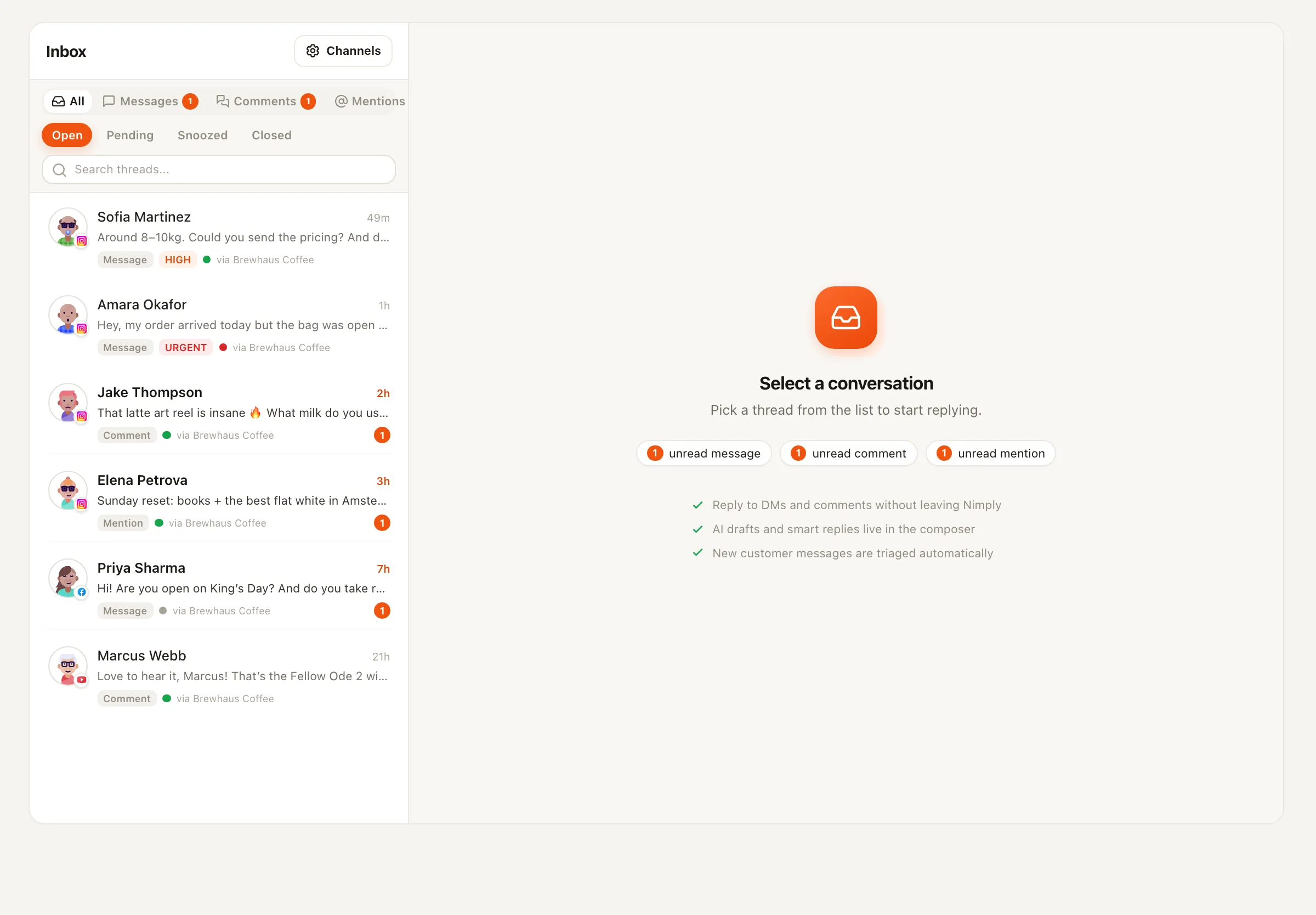
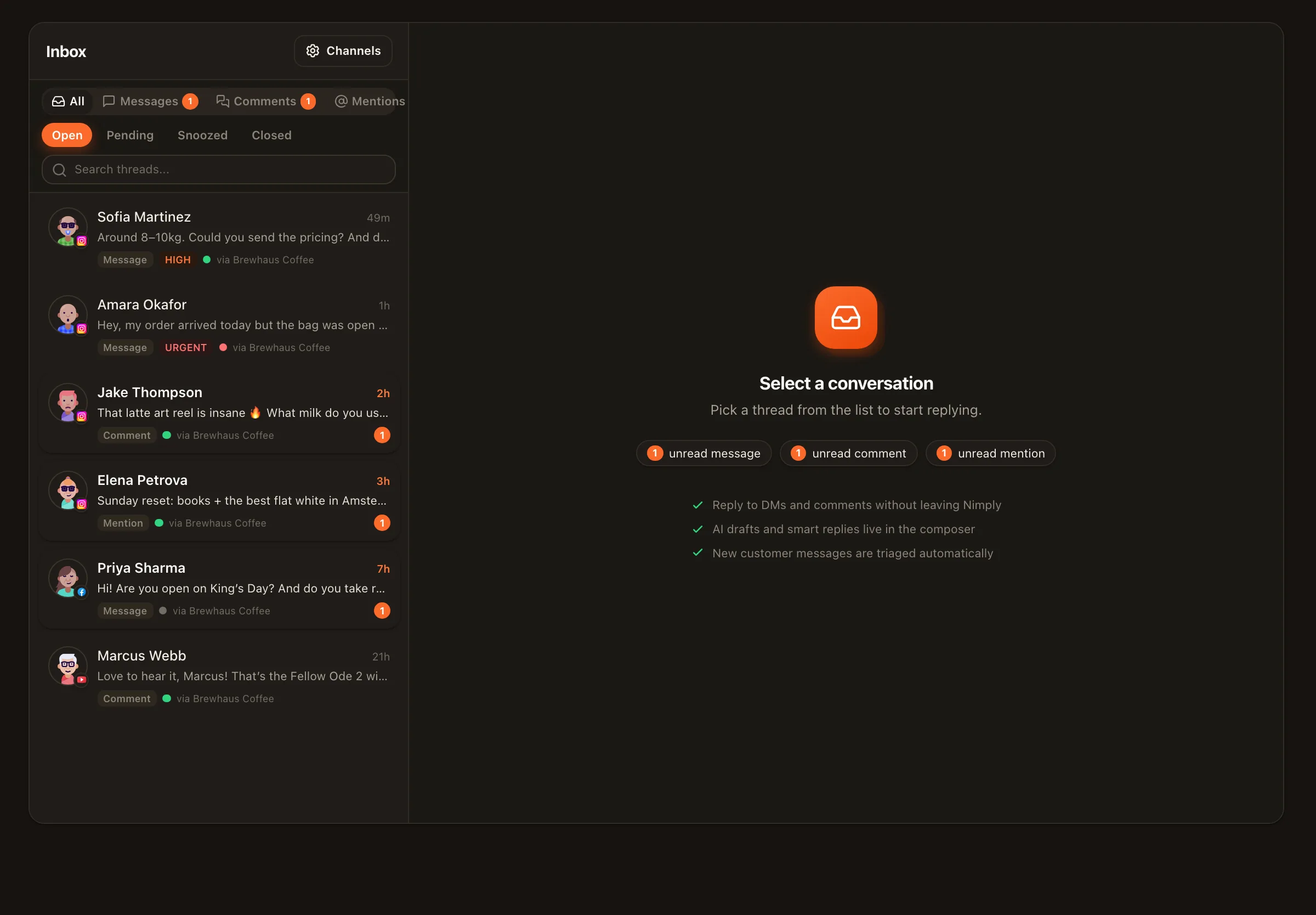
The job
The work isn’t replying. It’s finding what needs a reply.
Done by hand, inbox management is a scavenger hunt: Instagram DMs in one app, Facebook comments in another, YouTube comments in Studio, mentions wherever they land. Every platform sorts by recency, none of them sort by importance — so the lead from Tuesday drowns under Thursday’s spam.
A managed queue flips that. Every conversation arrives pre-read: tagged by intent, scored for sentiment, and either assigned to a teammate or already answered in draft. The example alongside is what a triaged morning actually looks like — the complaint and the lead float up, the spam sinks.
Sentiment, intent, and auto-tags on arrival
AI triage labels each thread — question, complaint, lead, praise, spam — before anyone opens it, so filters and priorities mean something.
Assignment rules route threads to people
By platform, channel, keyword, intent, or sentiment. Everyone works a filtered view they own instead of a shared pile everyone half-watches.
Response-time targets keep it honest
Attach SLA policies and breaches surface visibly in the queue — the slipping thread announces itself before the customer does.
Inbox · needs response
4 open- IG
@renata.builds
4mHey! Does the Pro plan include the API access or…
questionpricing→ You - FB
Marcus D.
11mSecond time my order arrived late. Not impressed.
complaintnegative→ Sam - YT
K. Osei
23mGreat breakdown — do you offer this as a service?
leadpositive→ Ana - IG
@dropship_kingz44
1hDM me to make $5k/week from your phone 🚀🚀
spam→ —
Illustrative queue — tags and routing shown are the real triage fields.
Beyond triage
Put staff on the queue — human and AI
Triage tells you what matters; someone still has to answer. Shared saved replies handle the questions you’ve answered a hundred times, AI drafts replies in your voice for the rest, and translations keep multilingual threads workable. When volume outgrows the team, you can hire agents onto the inbox itself — each run priced in transparent credits, draft-first by default:
🎧 Customer Support Agent
Works the queue with your knowledge via MCP live-data connections — drafts answers, escalates what it shouldn't touch.
🛡️ Community Moderator
Handles the ugly end of the inbox: spam and hate get moderation actions before your audience sees them.
🧲 Sales & Lead Agent
Spots buying intent in comments and DMs and makes sure it's captured, tagged, and followed up.
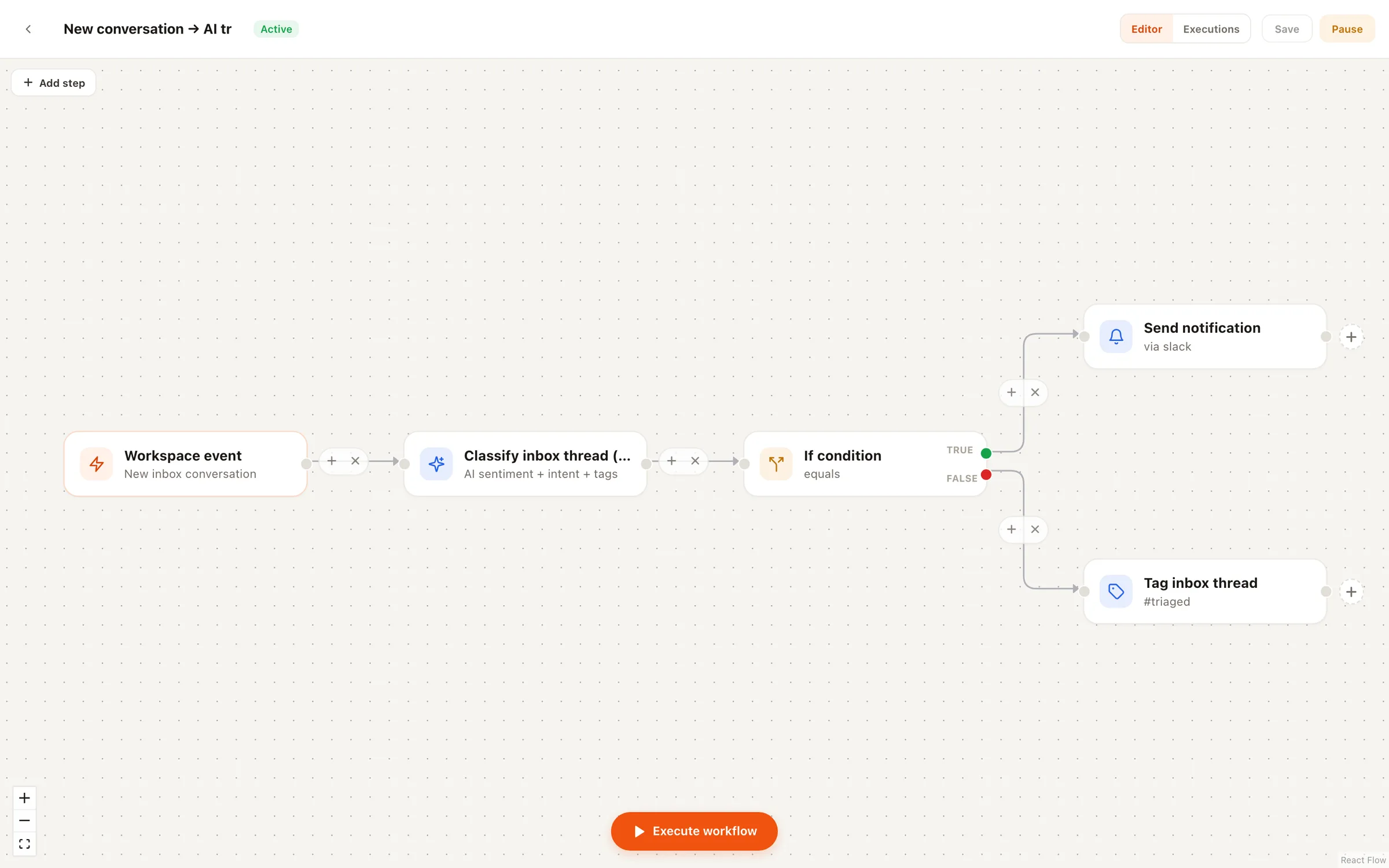
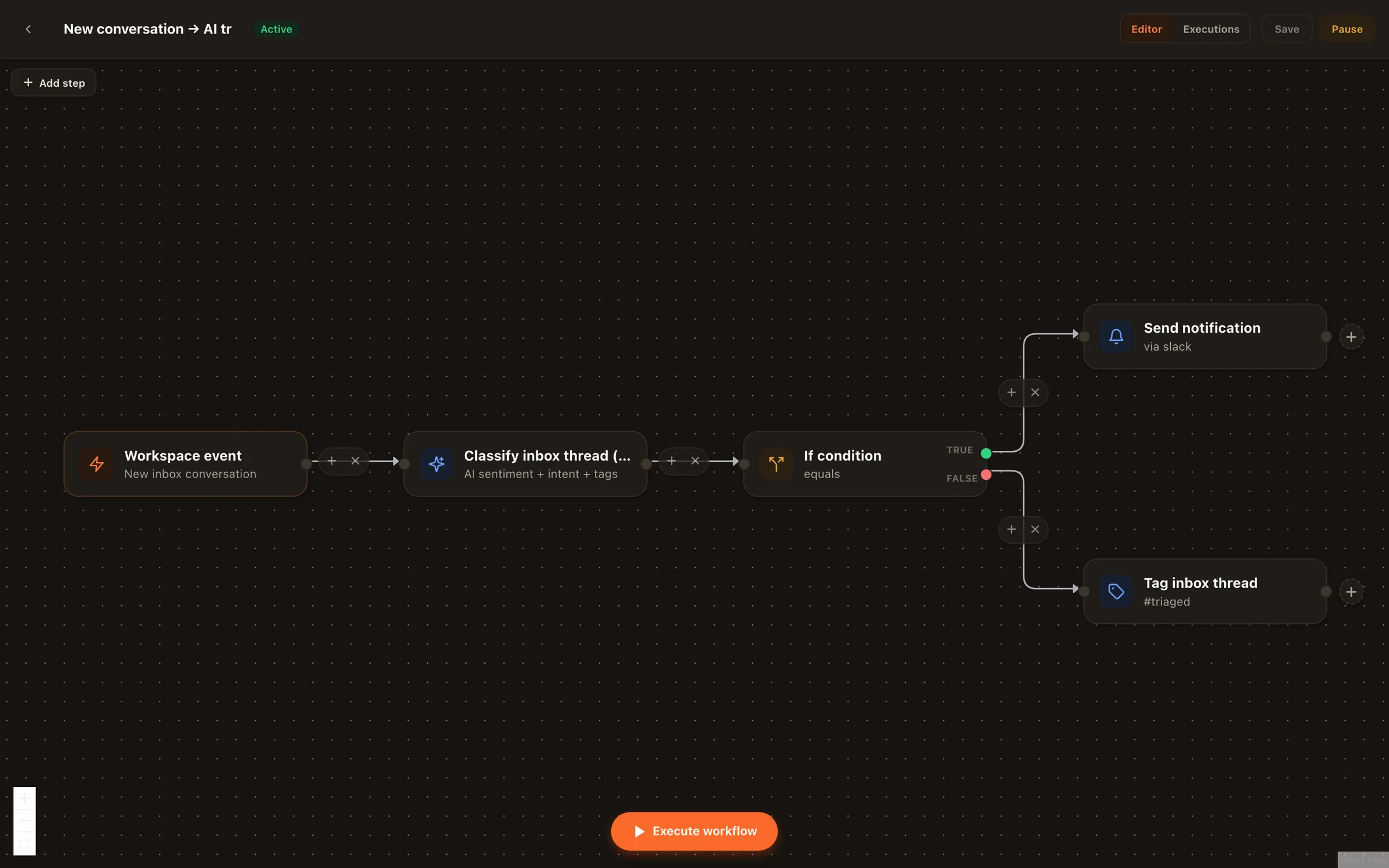
One rail never bends: the moment a human types in a thread, the agent pauses for that conversation. Your team always outranks the AI.
Honest setup
From scattered apps to one queue
- 1
Connect your channels
Facebook Pages, Instagram professional accounts, YouTube — the same connections that power scheduling.
- 2
Opt each channel into the inbox
Conversations are never pulled silently. You enable the inbox per channel; Nimply subscribes to that channel's webhooks only then.
- 3
Let triage label the first wave
Sentiment, intent, and tags appear on threads as they arrive. Skim a day's worth to see how your inbox actually breaks down.
- 4
Add assignment rules and SLA targets
Route threads to the right teammates and set response-time targets where speed matters — leads and complaints first.
- 5
Layer in saved replies and agents
Build the shared reply library, then hire an agent for the repetitive tier once you trust the drafts.
Platform notes
What lands in the queue today
Facebook Pages
Page DMs and post comments flow in; moderation actions apply from the thread.
Instagram professional
DMs, comments, and mentions for business and creator accounts.
YouTube
Video comments, triaged alongside everything else — no more living in Studio.
Other platforms
The inbox covers Facebook, Instagram, YouTube, Telegram, and WhatsApp Business today — scheduling and publishing cover all nine platforms Nimply connects.
Go deeper: the unified social media inbox page covers the full feature set, and the saved replies and response-time SLA guides show the two workflows most teams add next.
Social media inbox management — FAQ
Which platforms does the unified inbox cover?
Facebook Pages (DMs and comments), Instagram professional accounts (DMs, comments, mentions), YouTube comments, Telegram comments, reactions, and DMs, and WhatsApp Business chats today — that's the honest list, and we'd rather state it plainly than promise a roadmap. Scheduling and publishing cover a wider set: all nine platforms Nimply connects.
Does connecting a channel automatically pull in its messages?
No — the inbox is opt-in per channel. Connecting an account for scheduling does not subscribe Nimply to its conversations. You flip the inbox on for exactly the channels you want managed, and webhooks are subscribed only at that moment. Turn it off and Nimply unsubscribes.
What does AI triage actually add to each thread?
As conversations arrive, Nimply reads them and attaches sentiment (positive, neutral, negative), intent (question, complaint, lead, praise, spam), and auto-tags. Those signals drive your filters, your assignment rules, and which threads the team sees first — the AI sorts, you decide.
Can AI answer conversations for me?
Yes, on your terms. You can use AI-drafted replies in your voice one thread at a time, or hire the Customer Support Agent to work the queue. Draft-first is the default: the agent prepares replies and your team approves them. And the moment a human types in a thread, the agent stands down for that conversation.
How do teams split up the queue?
Assignment rules route threads to teammates automatically — by platform, channel, keyword, intent, or sentiment — and anyone can assign a thread manually. Each person works their own filtered view instead of a shared pile, and SLA targets make it visible when something assigned is about to slip.
Is there an extra per-seat charge for inbox features?
The inbox is part of the workspace your team already shares. AI features that consume model time — triage, drafted replies, agent runs — use transparent per-run credits, so you can see exactly what the AI work costs before and after it happens.
Every conversation, one queue, nothing missed
Connect your channels, opt them into the inbox, and let triage sort your first morning for free.