Nimply Logo

⚡ Recipe collection

9 social media automation ideas you can actually build

Most lists of social media automation ideas are wishlists. Every recipe here is assembled from real nodes on Nimply’s visual automations canvas — trigger, steps, outcome — and every one can be dry-run in TEST mode before it touches a real customer.

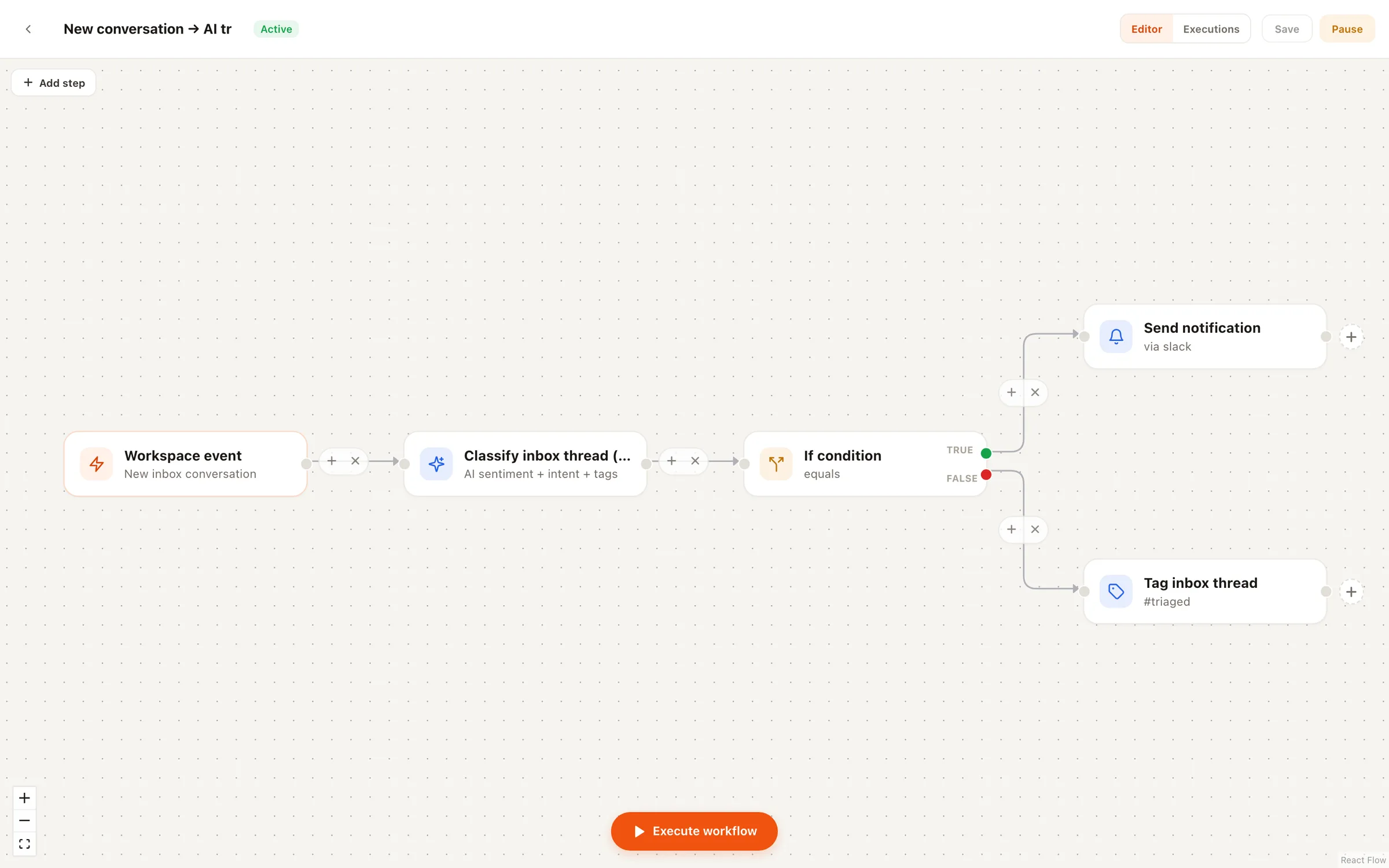
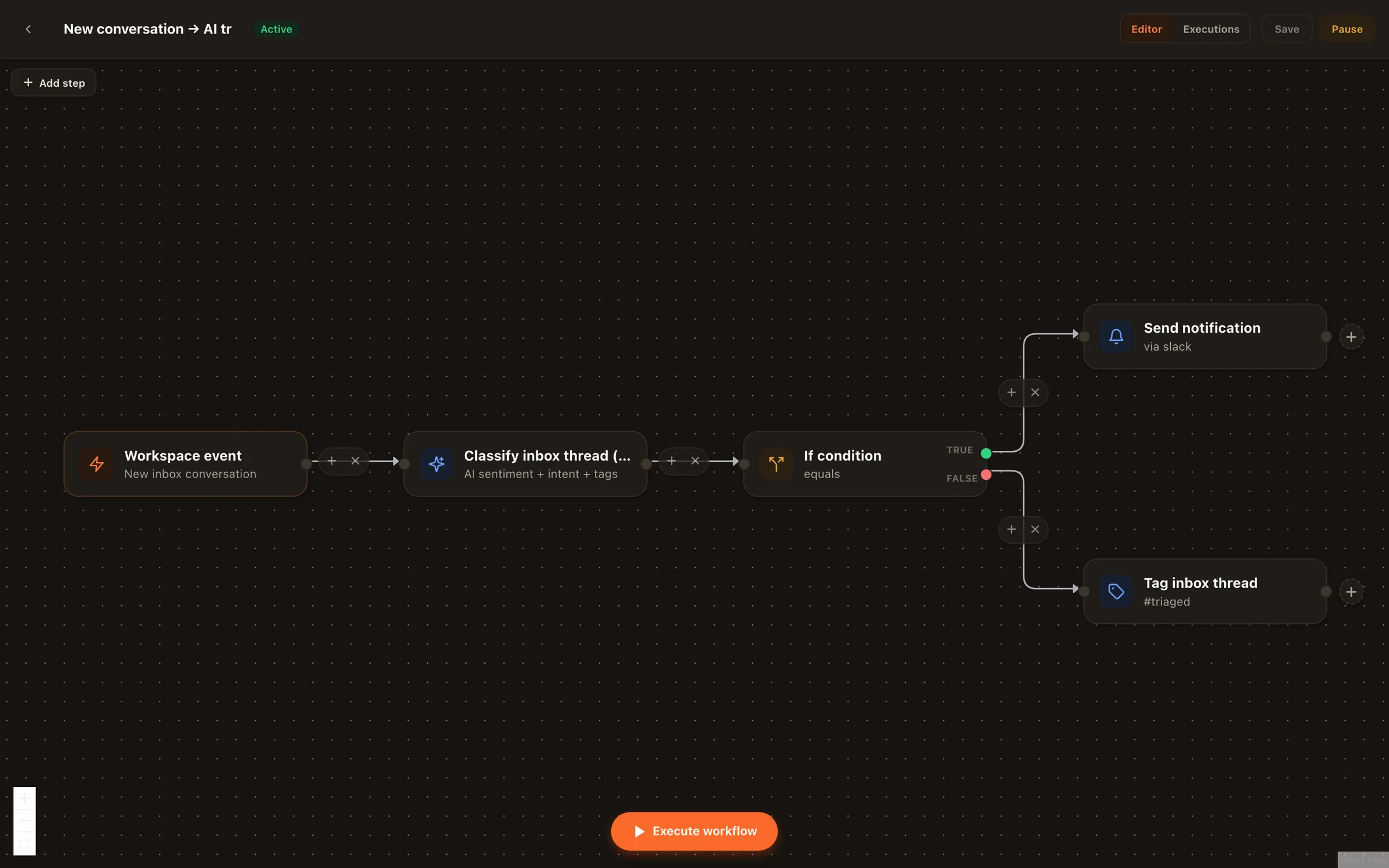
Nimply's visual automations canvas showing an AI inbox triage flow with classify and branch nodes
Recipe 02 on the actual canvas: classify a new inbox message, branch, notify.

The recipes

Trigger → steps → outcome

Read each one as a build sheet. Several ship as prebuilt flows in the canvas’s recipe gallery — open, adapt, dry-run, go live.

Recipe 01

Comment keyword → DM funnel

Trigger

Someone comments a keyword (e.g. “GUIDE”) on your post

  1. 1Comment trigger watches the post for your keyword
  2. 2Keyword engine sends the promised link by DM

Outcome: “Comment GUIDE” CTAs become an always-on lead funnel — no manual DMs at midnight.

Deep dive: comment-to-DM

Recipe 02

Inbox message → AI classify → route

Trigger

A new message lands in your unified inbox

  1. 1AI classify node labels it — sales question, support issue, spam
  2. 2If-branch routes each label down its own path
  3. 3Sales questions notify your Slack channel instantly

Outcome: Hot messages reach a human in minutes; spam never interrupts anyone.

More on inbox management

Recipe 03

Weekly trend brief on autopilot

Trigger

Schedule: every Monday, 8:00 AM

  1. 1Run-agent node fires Trend Scout
  2. 2The scout files sourced post angles on your Ideas board

Outcome: You start every content-planning week with a researched brief instead of a blank page.

Recipe 04

Keyword comment alert

Trigger

A comment matches your keywords

  1. 1Keyword comment trigger catches the match
  2. 2Notify node pings you in Slack or in-app

Outcome: You show up while the conversation is live — a “pricing” or “is this in stock” comment gets a human in minutes.

Recipe 05

Negative-sentiment escalation

Trigger

A new comment or message arrives

  1. 1AI classify node scores the sentiment
  2. 2If-branch: negative goes down the escalation path
  3. 3Notify node alerts the account owner immediately

Outcome: Angry customers get a human fast, before a thread becomes a screenshot.

Recipe 06

Evergreen recycling on a schedule

Trigger

Schedule: every other Thursday

  1. 1Run-agent node fires the Evergreen Recycler
  2. 2It drafts fresh takes on proven posts — into the approval queue

Outcome: Your back catalog keeps working; you approve each re-run before it's scheduled.

Recipe 07

New RSS article → post draft

Trigger

Your RSS feed publishes a new item

  1. 1The new article becomes an editable draft in your queue
  2. 2You tailor it per platform and schedule

Outcome: Blog-to-social promotion runs itself up to the point where your judgment matters.

Recipe 08

Agent run → Telegram receipt

Trigger

Any agent finishes a run

  1. 1Event trigger fires on completion
  2. 2Notify node sends the summary to your Telegram

Outcome: You supervise your AI workforce from your pocket — no dashboard-checking habit required.

Recipe 09

Classified lead → your own stack

Trigger

AI classify tags an inbox message as a lead

  1. 1If-branch isolates the lead path
  2. 2HTTP request node posts the details to your CRM webhook
  3. 3Notify node tells the sales channel in Slack

Outcome: Social leads land in the pipeline you already work from, not a screenshot folder.

More on lead capture

The safety story

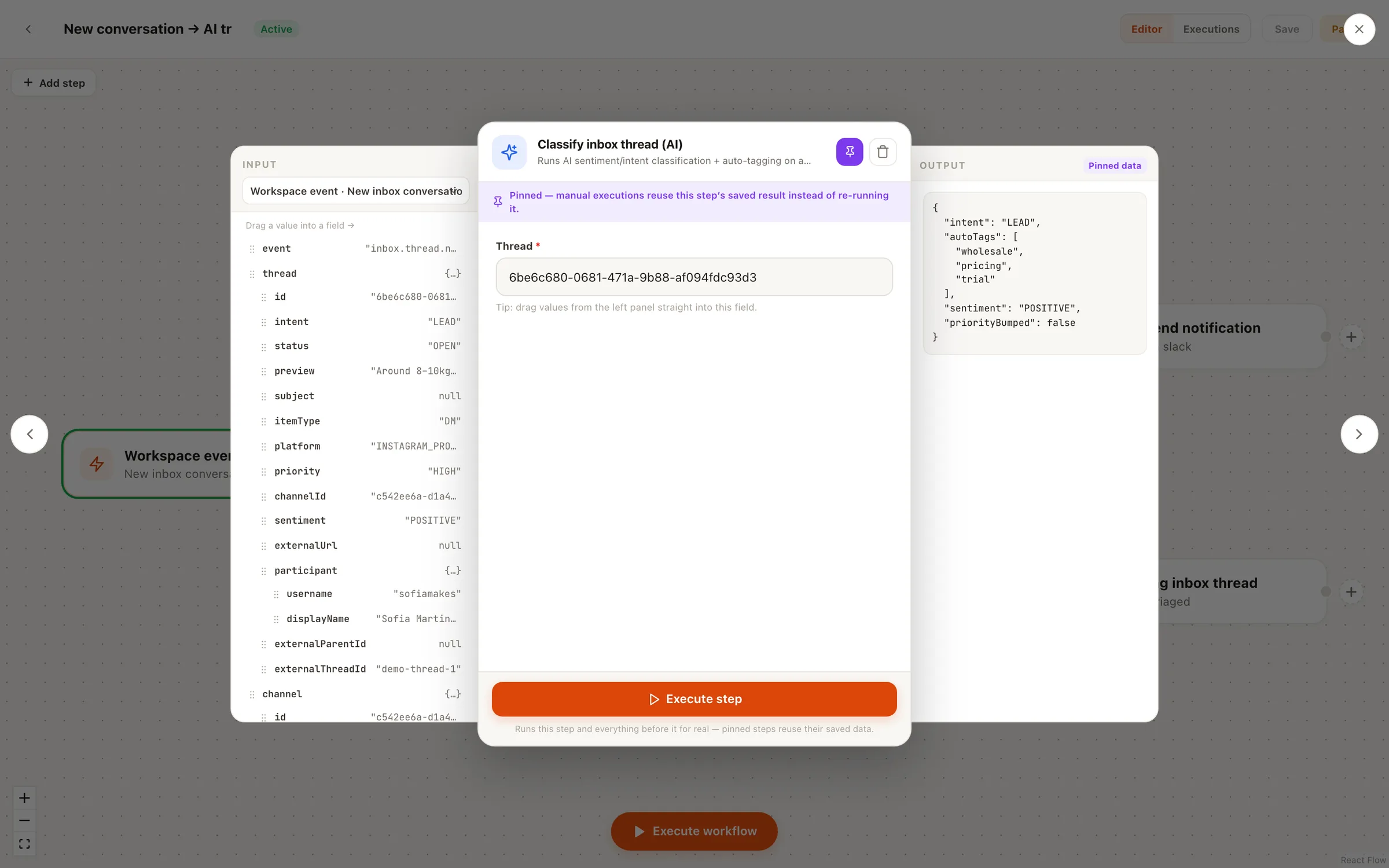
Dry-run everything before it meets a customer

Automation anxiety is rational — a misconfigured flow talks to real people. That’s why every flow on the canvas can run in TEST simulation mode: a dry run that shows you what each node would do, with nothing actually sent. Flip to live only when the simulation looks right, and the execution history keeps a record of every real run afterward. And the deepest rail holds everywhere: automations can draft and route, but nothing publishes to your channels without human approval.

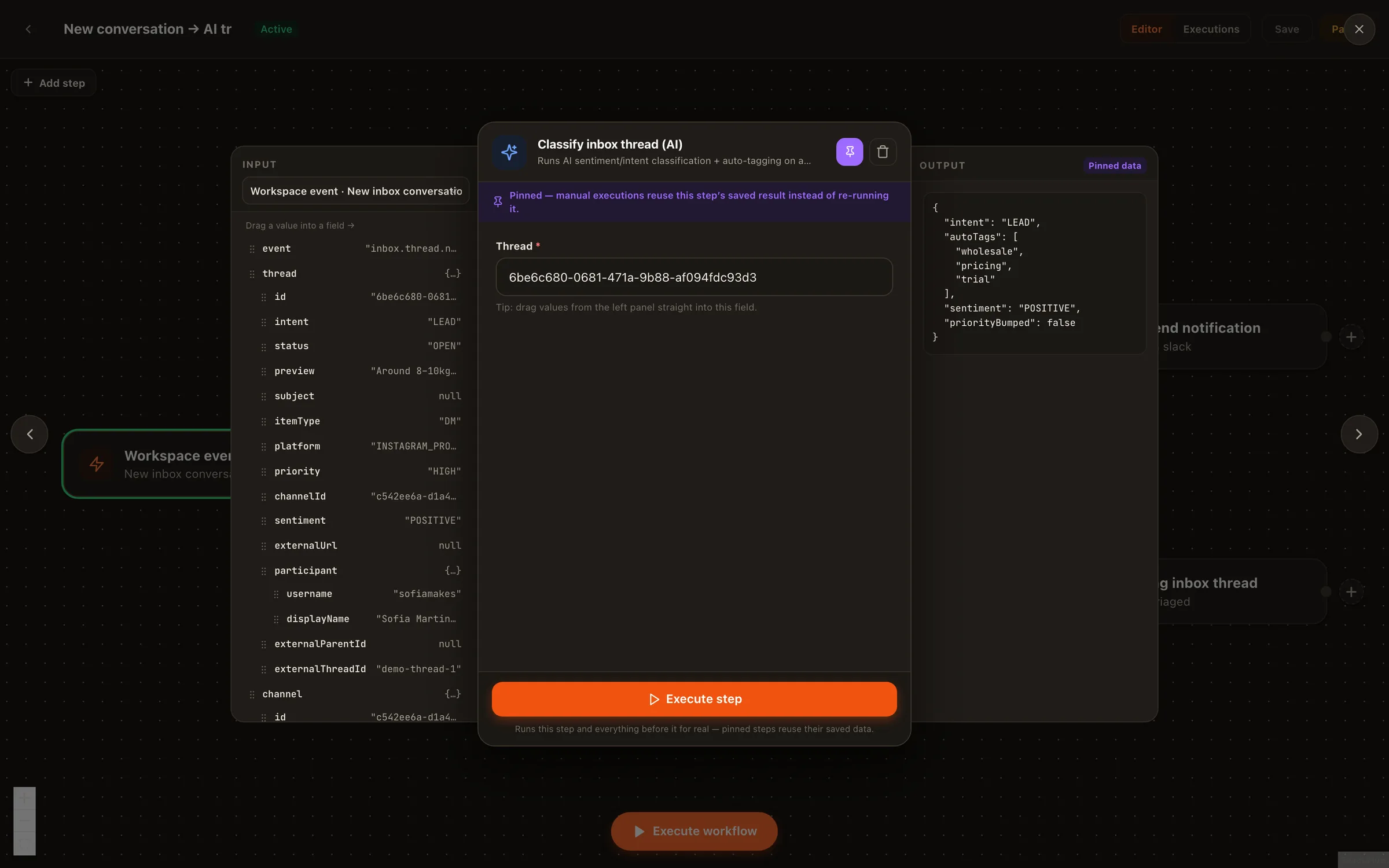
Configuring an automation node in Nimply with TEST simulation available before going live
Configure a node, simulate the flow, then go live — in that order.

Social media automation ideas — FAQ

Do I need to code to build these automations?

No. Nimply's automations canvas is an n8n-style visual builder: you drop nodes on a canvas and connect them. Triggers (schedules, events, comments), actions (run an agent, send a DM via the keyword engine, classify with AI, branch, notify), and an HTTP request node when you do want to reach an external system.

How do I know an automation won't misbehave before I turn it on?

Run it in TEST simulation mode first. TEST mode dry-runs the flow so you can watch what each node would do — before anything real happens. Once live, every run is recorded in the execution history, so you can audit exactly what fired and why.

Can automations publish posts on their own?

No. Nimply's platform-wide rule applies inside automations too: agents draft, a human approves, then it schedules. Automations can run agents, route messages, classify, and notify — but nothing publishes to your channels without going through the approval rail.

Do I have to build these from scratch?

No — the canvas ships with a recipe gallery of prebuilt flows you can start from, including the comment-to-DM funnel. Open a recipe, swap in your channels and keywords, dry-run it in TEST mode, and go live.

What can trigger an automation?

Three families: schedules (run every Monday at 9am), events (a new inbox message arrives, an agent finishes a run), and comment triggers (someone comments a keyword on your post). Each recipe below names its trigger first, because the trigger is the whole idea.

Which of these should I build first?

The comment-to-DM keyword funnel — it's the highest-leverage recipe for most accounts because it converts engagement you already get into conversations and leads. It has a dedicated deep-dive at /solutions/automations/comment-to-dm and a prebuilt recipe in the gallery.

Pick a recipe and build it tonight

Open the canvas, start from the recipe gallery, dry-run in TEST mode, and let your first automation take a job off your plate.