

The dial
Log, hide, or hide + delete
You choose how much authority the agent gets — from observe-and-log all the way to removing spam outright. Start cautious, loosen as it earns trust.
💬 For community managers
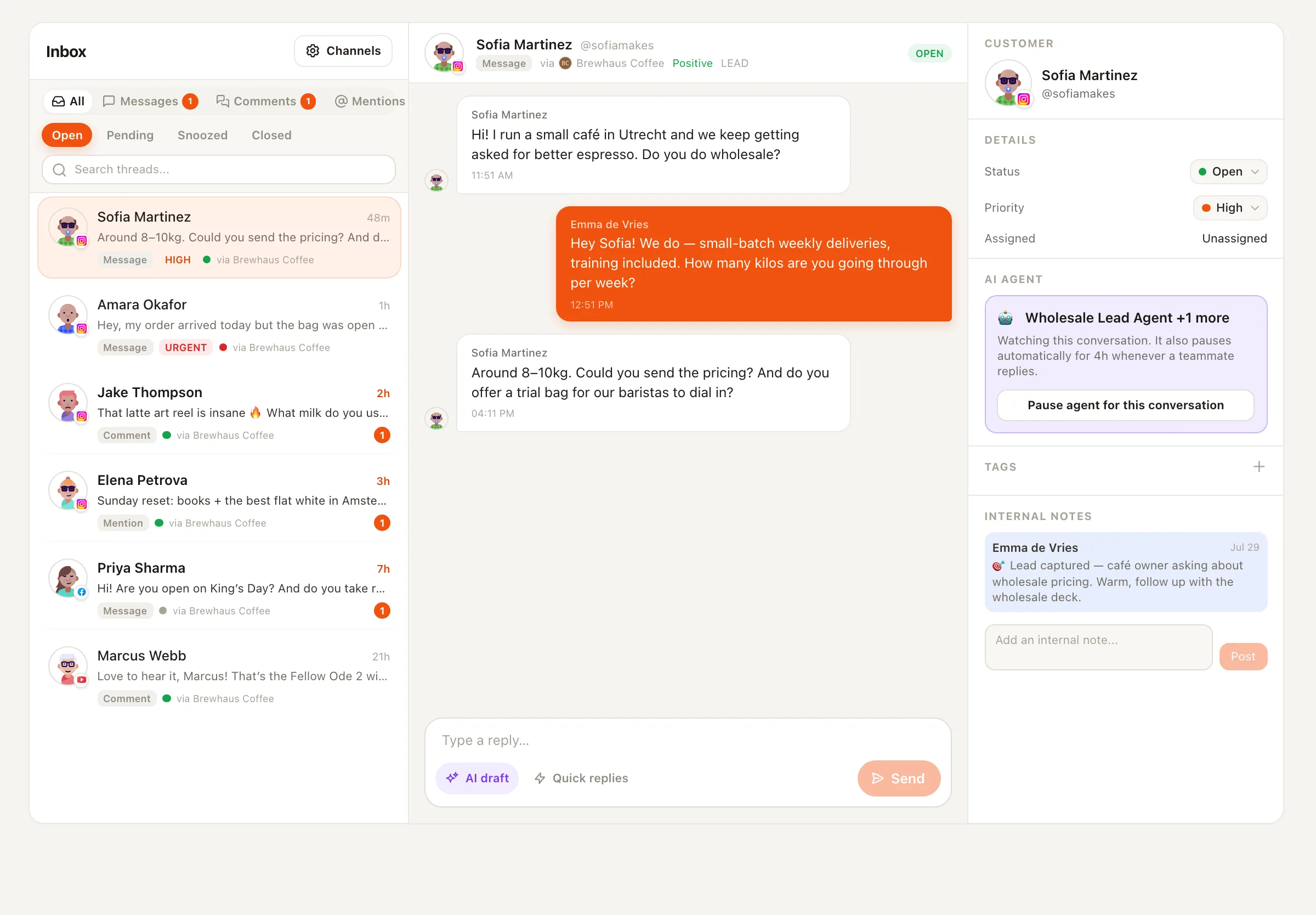
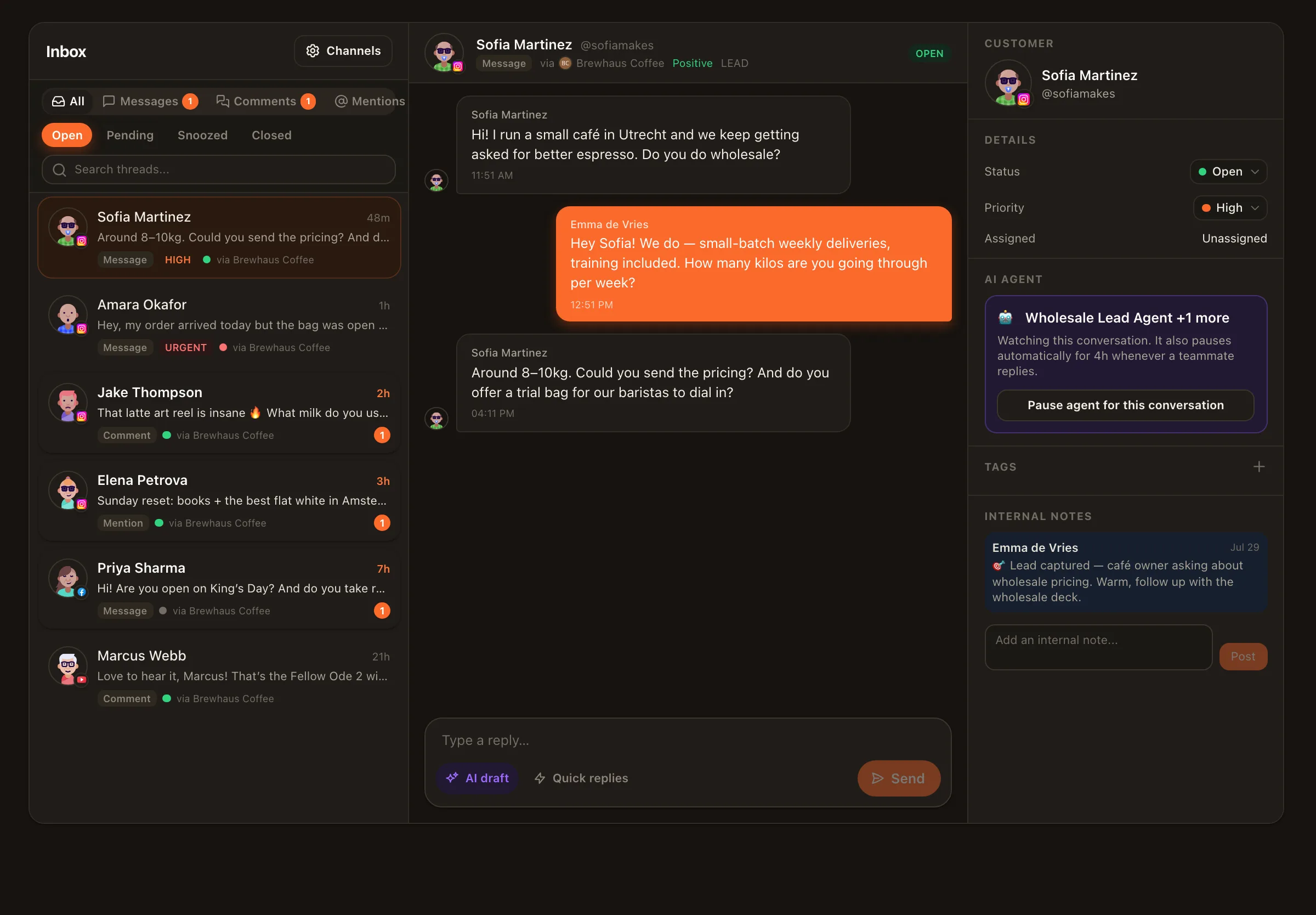
Most community manager tools hand you a combined feed and call it a day. Nimply treats your queue like an operations problem: triaged by intent, timed against SLAs, moderated with an audit trail, and pre-drafted by agents that know when to escalate. Here’s the morning view — illustrative numbers, real mechanics.
Unassigned
12
Assignment rules route these
Breaching SLA
3
Visible before the timer dies
Escalated to you
5
Agent knew its limits
Drafts awaiting review
9
Written, not sent
The 24/7 expectation
Comments arrive at 2 a.m. DMs pile up over the weekend. A single unanswered complaint sits in public view. The job description says “community,” but the lived reality is queue management across Facebook, Instagram, and YouTube — each with its own app, its own notifications, its own way of burying things.
The answer isn’t working nights. It’s a queue where AI triage sorts by intent and sentiment before you arrive, SLA policies make response-time promises visible instead of vibes-based, and assignment rules mean nothing waits for whoever happens to look first.
Moderation with receipts
The Community Moderator agent watches your comment sections so you don’t have to — with constraints that make it trustworthy rather than trigger-happy.
The dial
You choose how much authority the agent gets — from observe-and-log all the way to removing spam outright. Start cautious, loosen as it earns trust.
The trail
Nothing disappears silently. Every hide or delete carries the agent’s reasoning, so you can review — and reverse — any call it made. See comment moderation in practice.
The line
A hard rule, not a setting: negative feedback is never hidden. And the agent has no reply tool by design — moderation and conversation are different jobs, and it only does one.
The rest of the toolkit
The answers your team writes best get captured once and reused forever — saved replies mean the newest teammate answers like the most seasoned one. AI draft replies and translations cover the rest of the gap.
The Customer Support agent drafts from your business profile and FAQ, escalates what it can’t answer, and never sends without review.
When a conversation needs a human, pause the agent on that thread only. The rest of the queue keeps moving; this conversation is yours alone.
Everything above runs on the unified inbox — opt-in per channel, so you enable exactly the accounts whose conversations belong in the queue.
Today: Facebook Page comments and DMs, YouTube and TikTok comments, Threads replies, Telegram comments and DMs, X mentions and DMs, WhatsApp Business chats, and Instagram comments and DMs. The inbox is opt-in per channel, so you decide which connected accounts feed the queue.
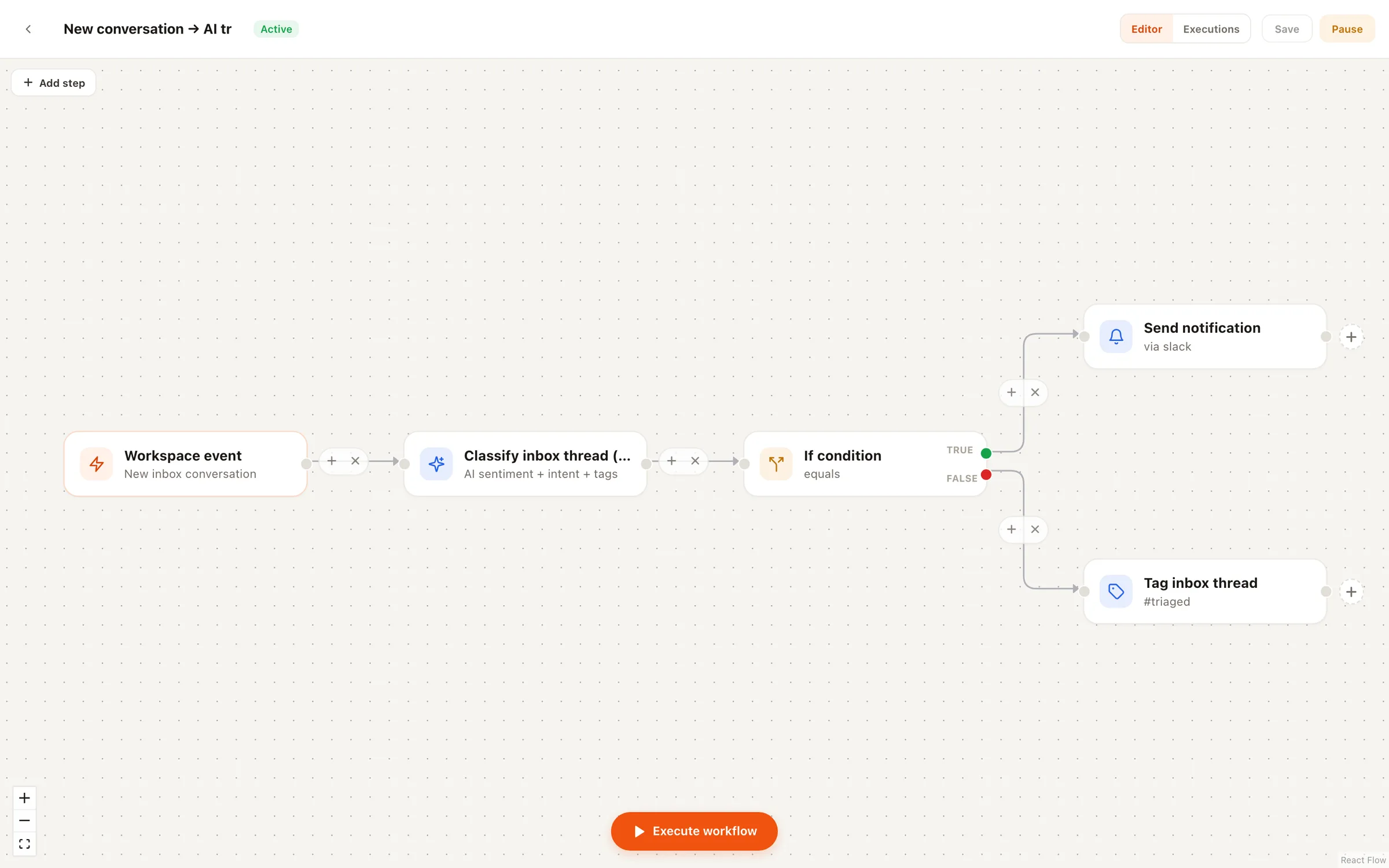
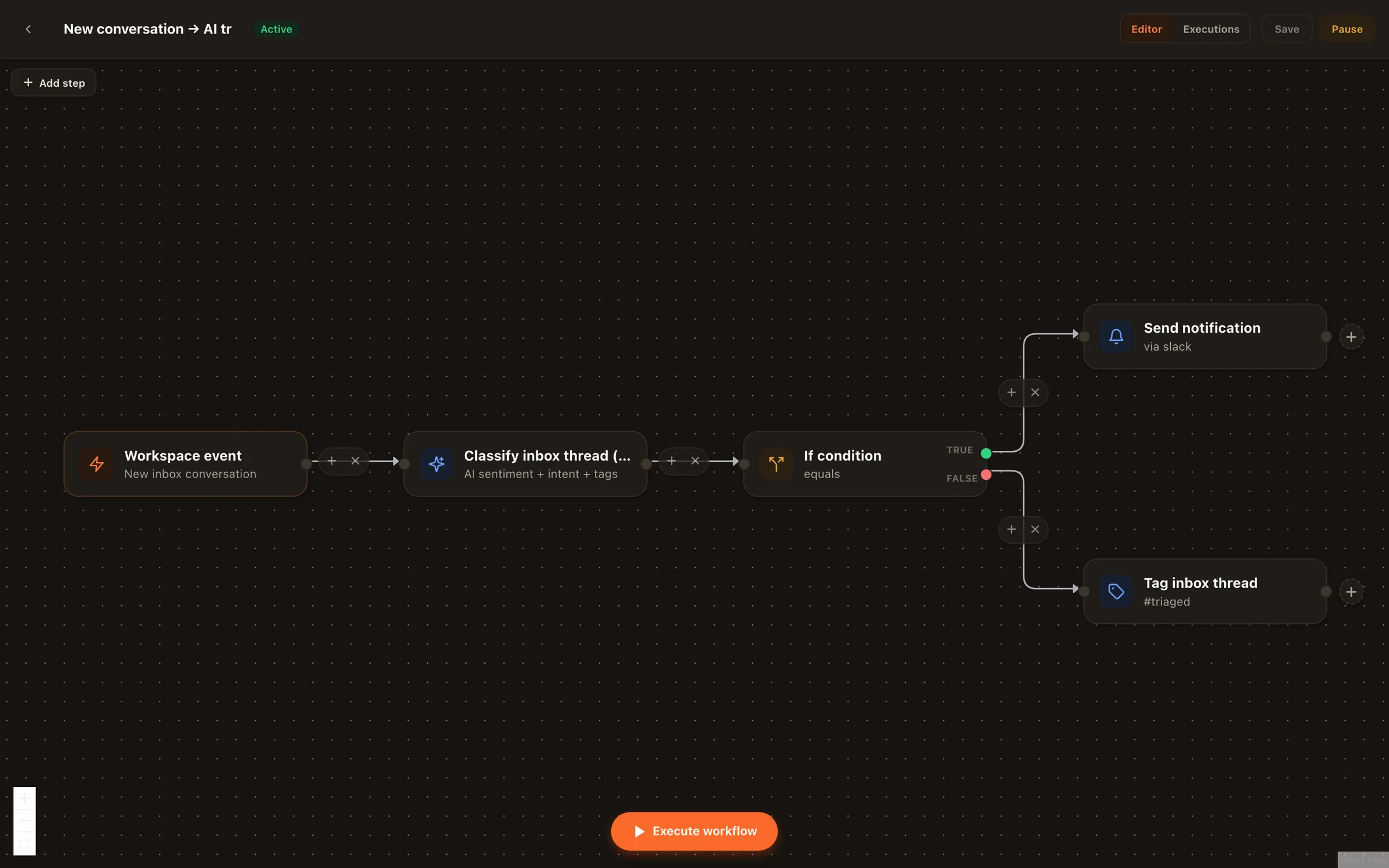
Every incoming conversation gets classified by sentiment and intent and auto-tagged. That means you open the queue to a sorted reality — complaints and buying questions surfaced, praise and spam already labeled — instead of a chronological pile.
You define SLA policies for response times, and the inbox makes breaches visible: you can see what's at risk and what's already over the line. Combined with assignment rules, the right conversation reaches the right person before the timer runs out.
No — by design. The Community Moderator has a dial (log only, hide, or hide and delete), writes an audit note for every single action, and is hard-ruled to leave criticism up. It also has no reply tool at all, so it can never argue with your community. Negative feedback is signal; the agent only removes genuine spam and abuse.
Every thread has a per-thread agent pause. The moment you step in, you can pause the agent on that conversation and it stays hands-off until you say otherwise — no wrestling over a thread.
No agent in Nimply publishes or sends without a rail. The Customer Support agent drafts replies from your business profile and FAQ and escalates what it isn't sure about; drafts wait for your review. Moderation actions are logged and auditable. You stay the voice of the community.
Connect a channel, turn on triage, set your first SLA policy, and let the moderator take the graveyard shift — free to start.