

crypto_gainz_4u
Hidden — spam“Make $5,000/week from home!! DM me 🚀🚀 t.me/…”
Audit note: Link-farm pattern + payout bait. Hidden before followers saw it.
🛡️ Engagement & inbox
Spam under your best-performing post. A scam link tagging your customers. Hate at 3 AM. If you moderate Facebook comments by refreshing the app, you’re always minutes too late. Nimply’s Community Moderator patrols your comment sections continuously and hides the genuinely bad stuff before your audience sees it — on a strictness dial you control, with an audit note for every single action.
Illustrative verdicts · one patrol pass
crypto_gainz_4u
Hidden — spam“Make $5,000/week from home!! DM me 🚀🚀 t.me/…”
Audit note: Link-farm pattern + payout bait. Hidden before followers saw it.
sam.the.customer
Visible — criticism“Honestly disappointed — my order took 3 weeks and support was slow.”
Audit note: Negative but legitimate. Criticism is always allowed; flagged for a human reply.
anon48291
Hidden + deleted — hate“[slur removed] — targeted harassment at another commenter”
Audit note: Aimed at your audience, not your brand. Removed on the strictest dial setting.
lena_asks
Logged — question“Is this available in the EU? Couldn't find shipping info 🙈”
Audit note: Not a moderation case. Left untouched and routed to the inbox as a question.
Your strictness, your dial
Moderation isn’t one-size-fits-all — a gaming channel and a medical practice need different thresholds. The moderator’s authority is a dial, not a default.
Setting 1
The moderator flags what it finds and touches nothing. Perfect for the first week — see its judgment before granting any authority.
Setting 2
Uses the platform's native hide: invisible to your audience, reversible by you. The workhorse setting for spam and scam links.
Setting 3
For communities that need a hard line on hate and harassment. Still audited, still your explicit choice.
Humans included
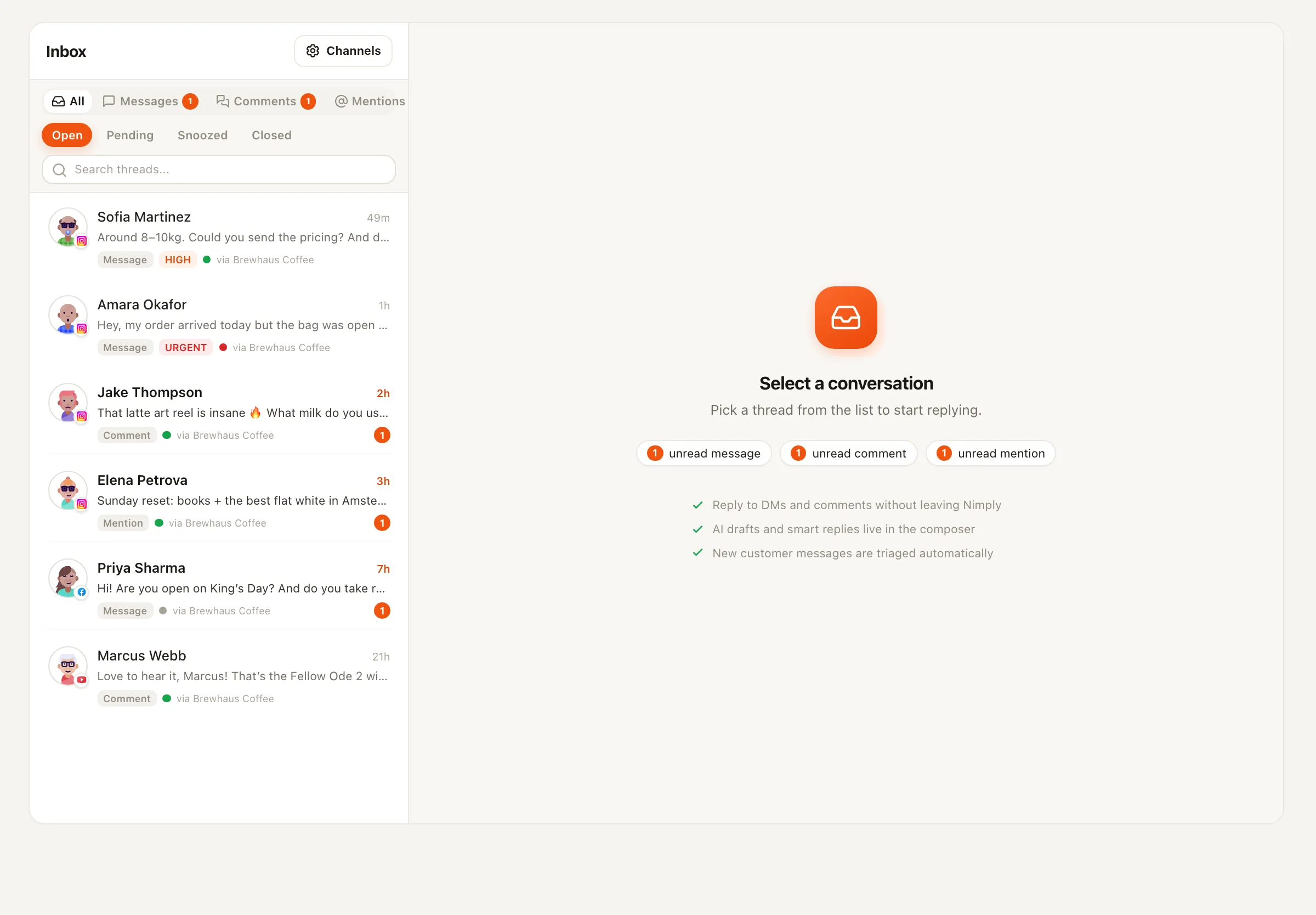
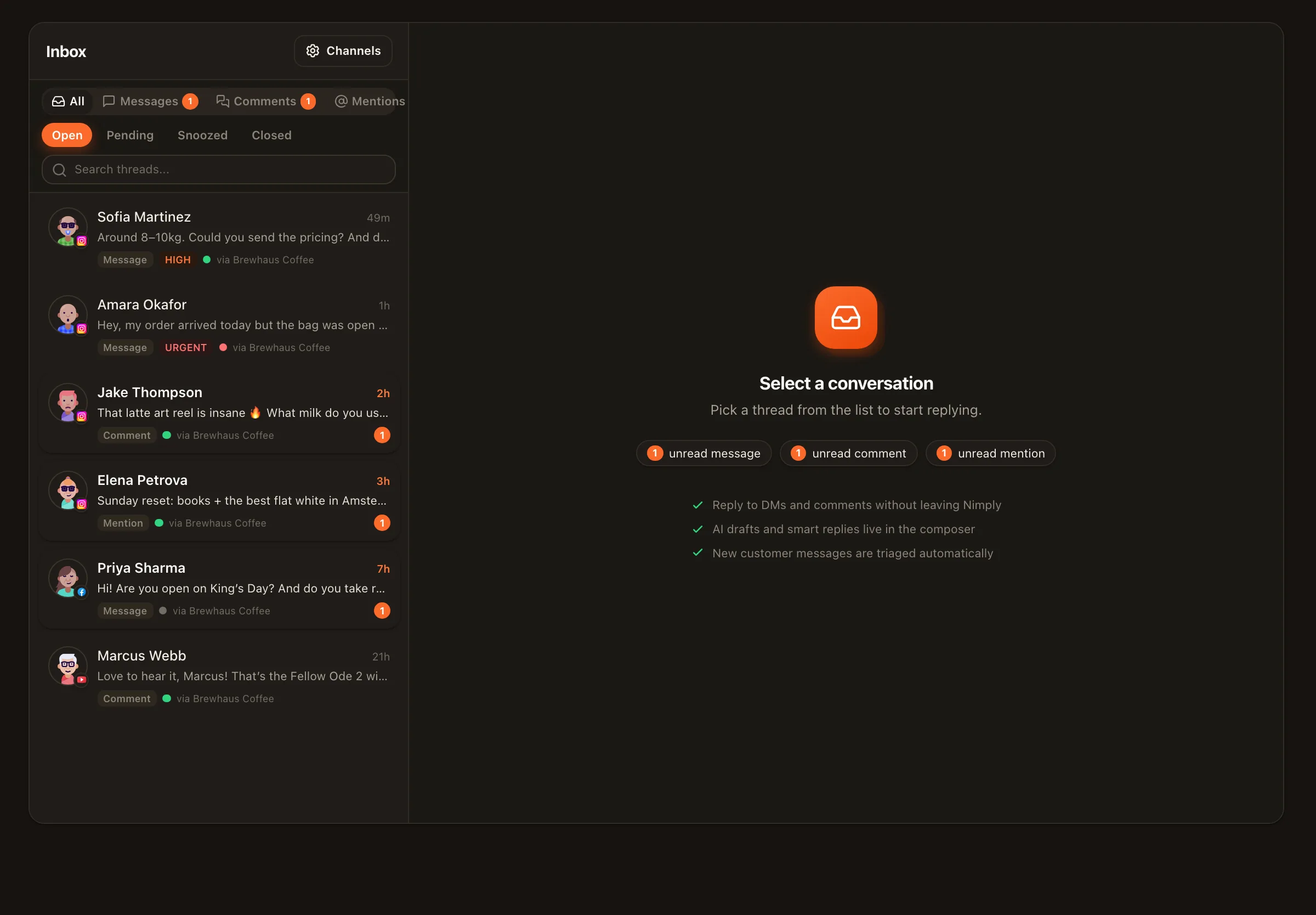
Everything the moderator watches also flows into the unified inbox, where AI triage tags sentiment and intent and the same moderation actions are available manually — including for the edge cases no policy anticipates. YouTube comment management lives in the same queue as your Facebook Page and Instagram threads, so one pass covers all three. And every action, agent or human, lands in one audit trail: what was hidden, when, and the reasoning — reconstructable months later if a “where did my comment go?” email ever arrives.
Honest setup
Connect the channels whose comments you want covered — Facebook Page, Instagram professional account, YouTube — and switch on their inboxes (opt-in per channel).
Hire the Community Moderator and describe your community's line: what counts as spam here, what topics get heated but stay legitimate.
Run it on log-only for a while and review its verdicts in the audit trail.
Turn the dial up — hide, or hide + delete — once its judgment matches yours. Runs show transparent credit costs.
Moderation removes the bad; someone still has to answer the good. Pair the moderator with the AI reply generator for drafted responses, or see social media inbox management for the full queue workflow.
Today: comments on Facebook Pages and Instagram professional accounts, plus YouTube comments — all flowing into one unified inbox, opt-in per channel. More platforms will follow as their API approvals land.
No — by rule. Criticism is always allowed, however sharp. The Community Moderator targets spam, scams, and hate: things aimed at your audience, not opinions aimed at you. A comment section that only contains praise convinces nobody anyway.
Whatever level you set on its dial: log only (flag it for you, touch nothing), hide (the platform's native hide, invisible to the audience but reversible), or hide + delete for the worst category. It writes an audit note for every action, so you can always reconstruct what happened and why.
No — deliberately. The moderator has no reply tool at all, so it can never be baited into a public argument on your behalf. Replying is a different job; for that, see the AI reply generator and the reply agents.
Never. The Community Moderator works comment sections only — DMs are out of its scope by design. DM automation is its own, separately configured thing.
Yes, and you probably will for edge cases: the unified inbox gives you the same moderation actions by hand, with AI triage tagging sentiment and intent so the ugly stuff surfaces fast. Agent actions and manual actions land in the same audit trail.
Hire the Community Moderator on log-only, watch its verdicts for a week, and hand over the night shift when it's earned it.