

The trust dial
You choose how much it does
Start in log-only mode and review what it would have hidden. Move to hide, or hide-and-delete, when you trust its judgment. The dial is yours, per channel.
🏫 Nimply for Schools
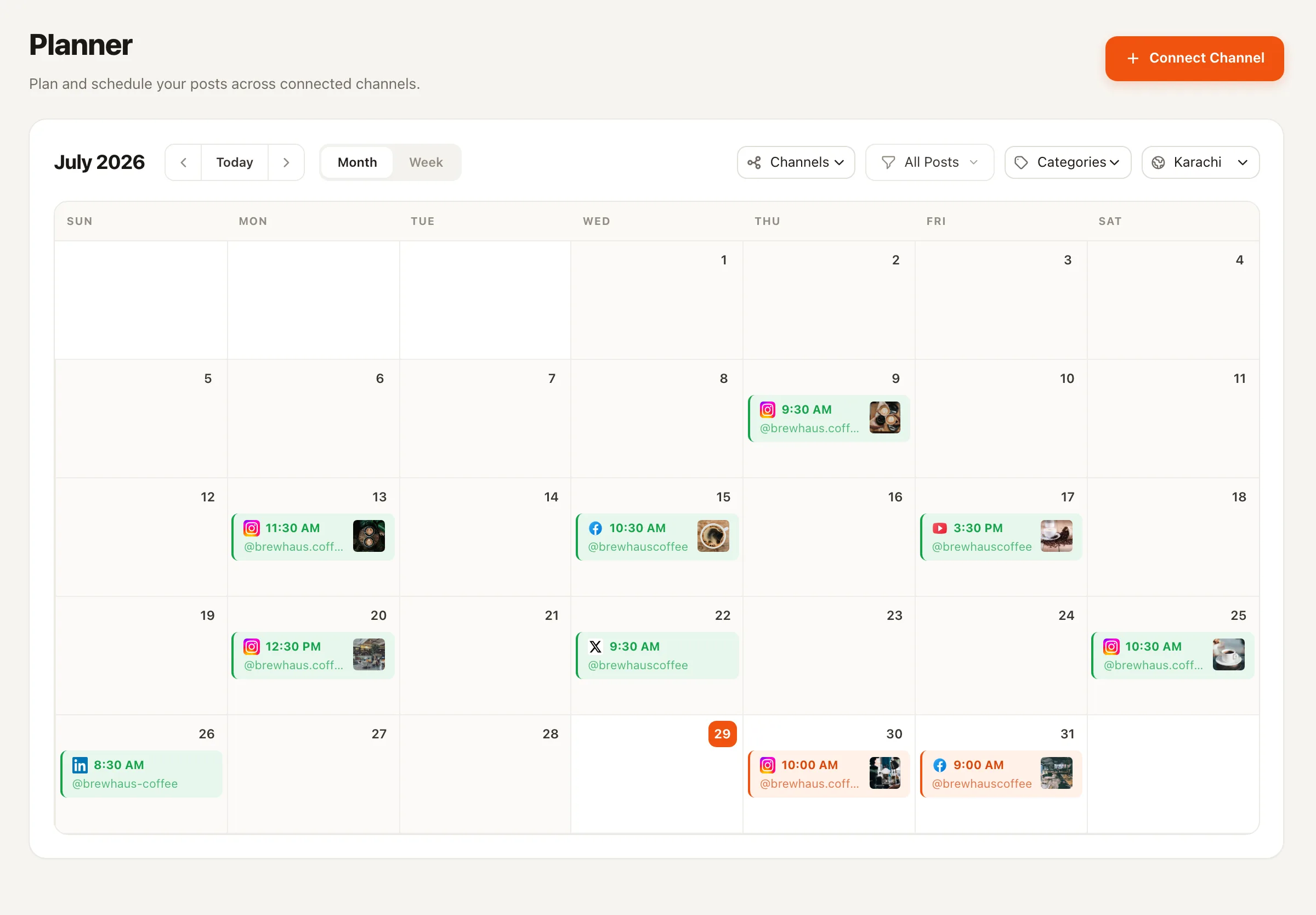
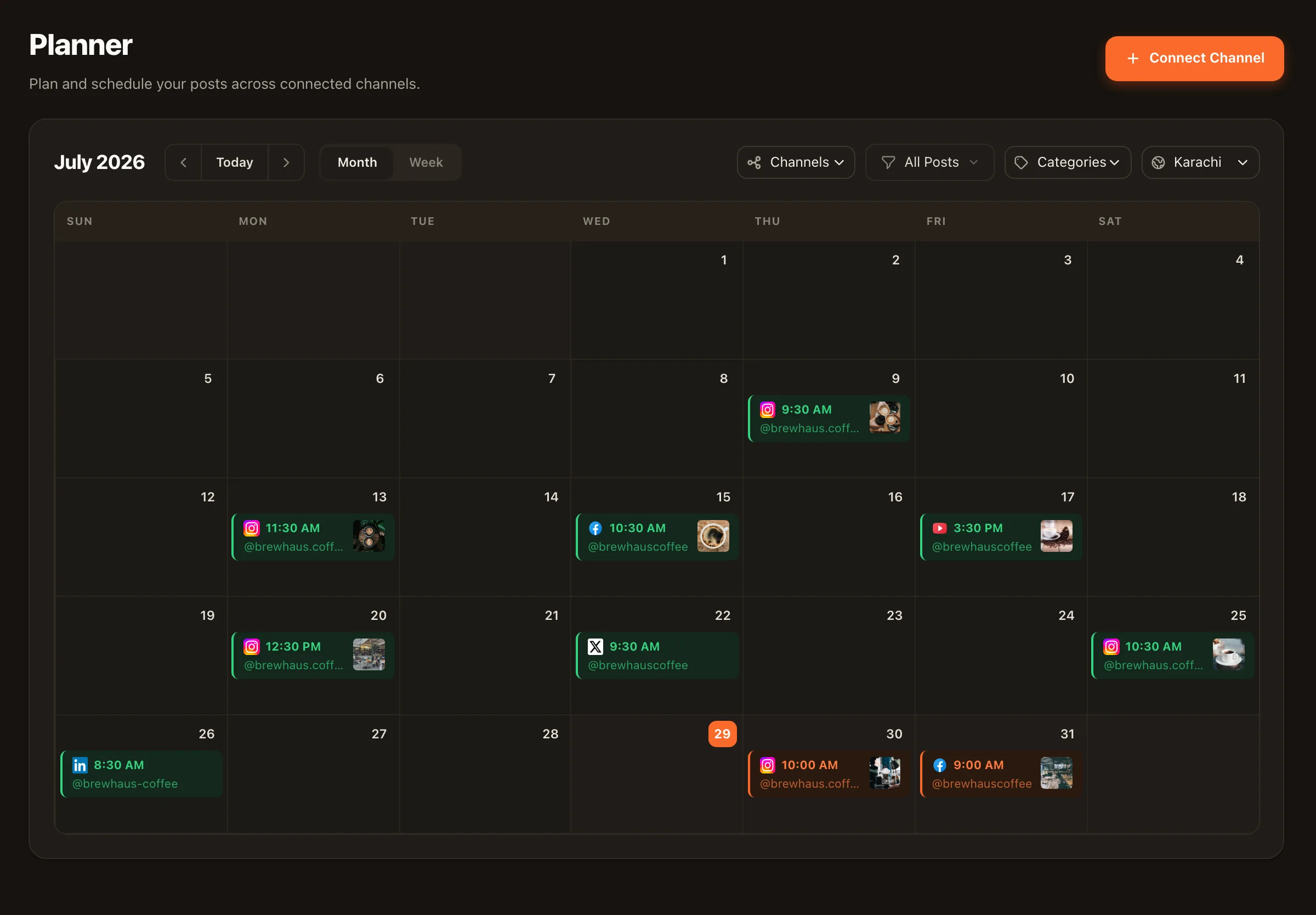
School comms is social media for schools at its hardest: three audiences, five platforms, weekly events, and zero tolerance for a mistake on a public page. Nimply gives your team one calendar, a mandatory approval rail, and an AI moderator that keeps comment sections safe before parents ever see the spam.
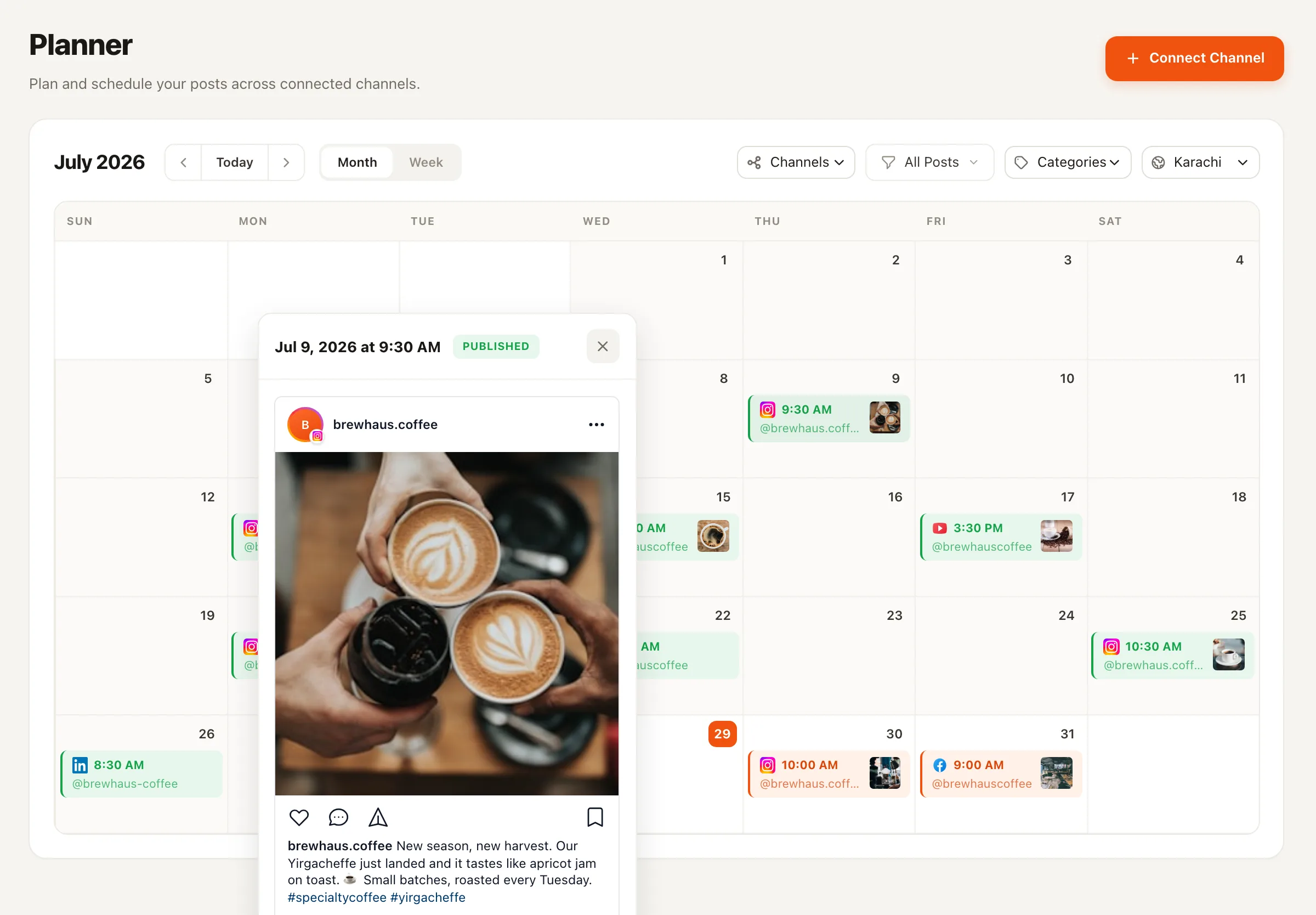
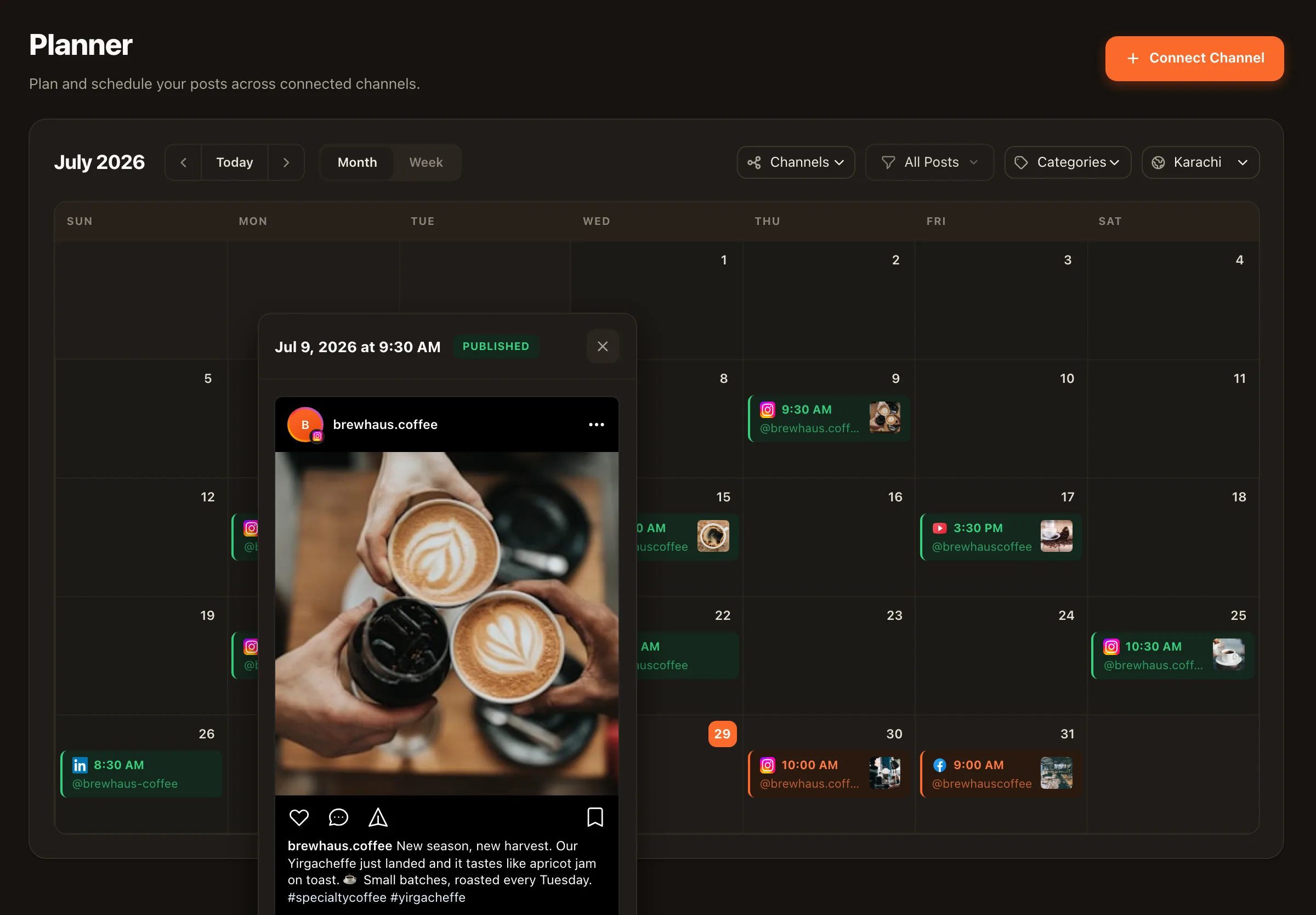
Write once, announce everywhere
The event
Spring Concert — Thursday, 6 PM, Main Hall
Typed once into the composer, with the photos you’ve cleared for publication.
Full details for parents: date, time, parking, ticket link — the version people forward to grandparents.
The rehearsal photo, a short punchy caption, and the date — written for students and alumni.
YouTube
The rehearsal clip scheduled as a Short, so families who can't attend know a full recording is coming.
Per-platform copy, one scheduled time, one approval — not three logins and three retypes.
The rail administrators actually care about
A school account is a public record with the district’s name on it. Nimply’s workflow is built so that can’t go wrong quietly: teachers and office staff draft, the post enters a pending-approval state, and the comms director signs it off before it’s scheduled. AI agents live on the same rail — they draft, they never publish.
Owner, admin, editor, viewer. The PTA volunteer can draft; only the people you designate can approve and schedule.
Every post — human-written or agent-drafted — moves through the same pipeline. There is no side door to a live page.
Per-platform previews show exactly how the announcement renders on Facebook versus Instagram before anyone commits.
Comment sections, kept safe
Spam links under the graduation album. A hateful reply on the sports announcement. On a school page, the damage is done the moment a parent sees it. The Community Moderator agent watches comments on Facebook, Instagram, and YouTube and hides spam and hate before your audience sees it.
The trust dial
Start in log-only mode and review what it would have hidden. Move to hide, or hide-and-delete, when you trust its judgment. The dial is yours, per channel.
The audit trail
It writes an audit note on every action it takes — what it hid, and why. When a parent or the board asks what happened under a post, you have an answer, not a shrug.
The line it won’t cross
A parent unhappy about pickup lines is not spam. The moderator targets abuse and junk, never disagreement — and it never argues with anyone. Removing criticism is not its job.
For the questions that land in DMs — term dates, event times, lost-and-found — the Customer Support Agent can draft replies from an FAQ you write, run draft-first so a staff member approves each answer, and escalate anything unfamiliar to your team. Inbox features are opt-in per channel, starting with your Facebook Page.
Plan the semester, not the day
Term dates, concerts, sports fixtures, parent evenings — you know most of it in August. Build it as a social media content calendar once, then bulk-schedule the recurring beats so the predictable work stops eating your week. What’s left is the part that needs a human: the surprise snow day, the championship win, the photo that sums up the whole term.
Say it’s spirit week at a K-8
Five theme days, one comms coordinator. The Monday-through- Friday announcement posts were drafted and approved the week before — each with its cleared photos and per-platform copy — so they publish themselves each morning. During the week, the coordinator’s only jobs are posting the surprise moments and glancing at the moderation log, where the Community Moderator has already hidden the two crypto-spam comments that landed under Pajama Day. The principal approved everything in one Friday-afternoon pass.
Illustrative scenario — not a customer story.
Honestly: privacy is your policy, and Nimply gives you the controls to enforce it. You choose every photo and every word that gets posted — Nimply doesn't generate content from student data, and no AI agent posts anything without a human approving it first. The approval workflow is where your photo-consent list gets checked, by a person, before anything is scheduled.
Whoever you decide. Nimply workspaces have member roles — a teacher or office staffer can draft as an Editor, and the post enters a pending-approval state until someone with approval rights, typically the comms director or principal, signs it off. Only then does it get scheduled. Nothing skips the queue, including anything drafted by an AI agent.
The Community Moderator agent watches comments on your Facebook Page, Instagram professional account, and YouTube channel, and hides spam and hateful content before your community sees it. You set the trust dial — log only, hide, or hide and delete — and it writes an audit note on every action so administration can review exactly what was moderated and why. Genuine criticism from parents is always allowed through; it moderates abuse, not disagreement.
Only if you enable it. The Customer Support Agent can draft answers to common questions — term dates, event times, contact info — from a business profile and FAQ you write. You can run it draft-first, so a staff member approves each reply, and it escalates anything it can't answer to your team. Inbox features are opt-in per channel, and it works on Facebook Pages and Instagram professional accounts today.
The honest answer: plan on one working session to connect your channels and build your first month of posts, and a little longer if you want agents configured. The payoff compounds — once the semester calendar exists, each event is a matter of writing it once and approving the per-platform versions, instead of logging into three apps and retyping.
Facebook, Instagram, YouTube, TikTok, LinkedIn, X (Twitter), Pinterest, Threads, and Telegram. Most schools live on Facebook for parents, Instagram for students and alumni, and YouTube for concerts and graduation streams — you can publish to all of them from one composer with per-platform captions and previews.
Start free, connect your school's pages, and put your next event announcement on every platform with one approval.