

01 · One at a time
Compose onto a slot
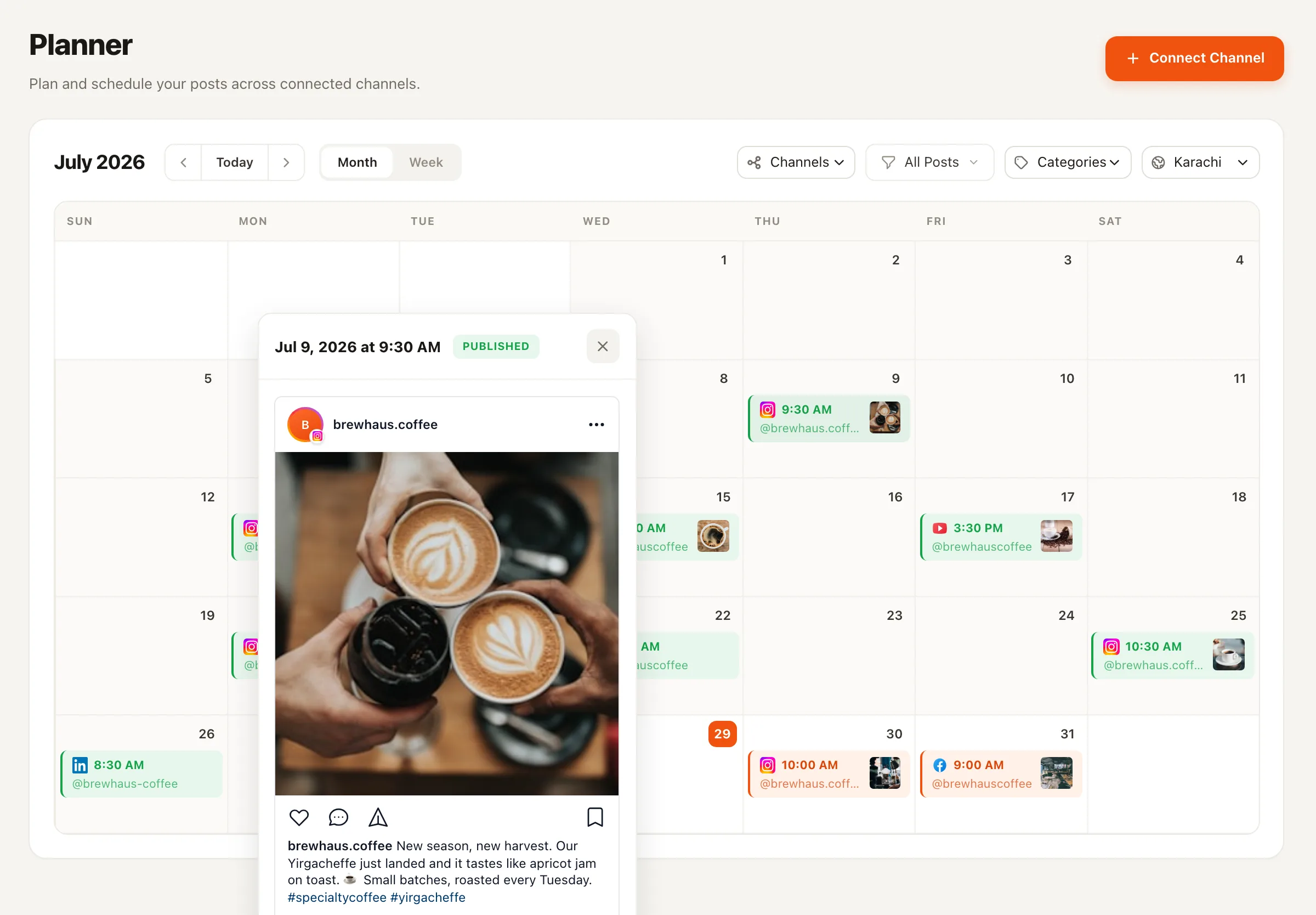
Click a day, write the post, attach media, pick channels, tag a category. Saved hashtag sets mean the fiddly parts are one click, not a paste from a notes app.
🗓️ Plan the month, not the day
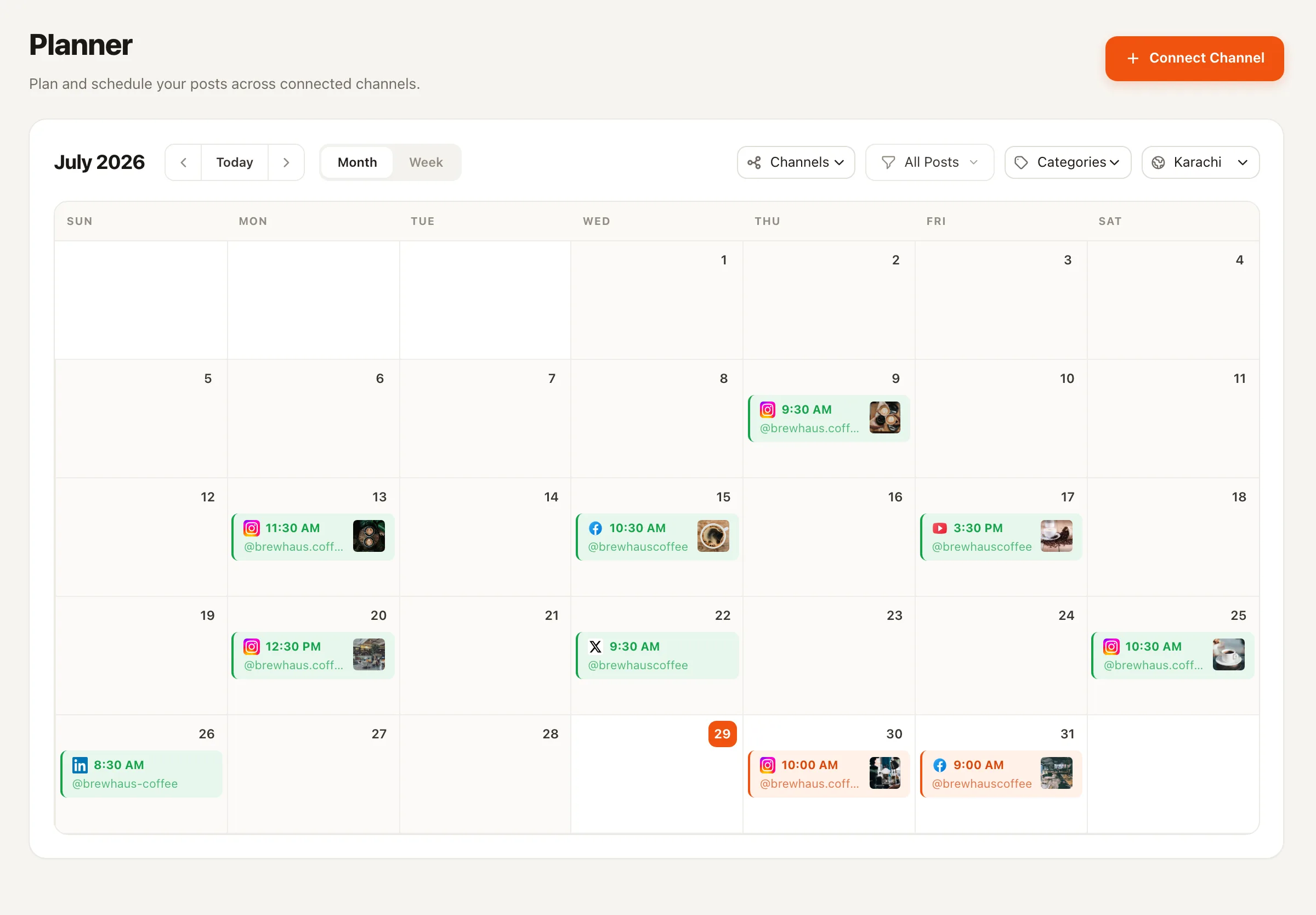
Most calendars are really spreadsheets wearing a costume — and they die the first week plans change. Nimply is a content calendar tool where the entry on the grid is the scheduled post: drag it, recolor it, re-queue it, and it publishes itself when the slot arrives.
The problem
Every spreadsheet calendar starts beautifully — tabs per month, color-coded rows, a formula someone was proud of. Then reality arrives: a launch slips, a post needs to move, and now the sheet says one thing while the scheduler says another. The sheet is a picture of a plan, not the plan itself, and pictures go stale.
The failure mode is always the same: maintaining the calendar becomes a second job on top of actually posting. The moment those two jobs disagree, people trust neither — and the calendar quietly dies around week three.
The fix is structural, not motivational. When the thing on the calendar is the scheduled post itself, there is nothing to keep in sync. Moving the post updates the plan; updating the plan moves the post. One object, one truth.
The grid
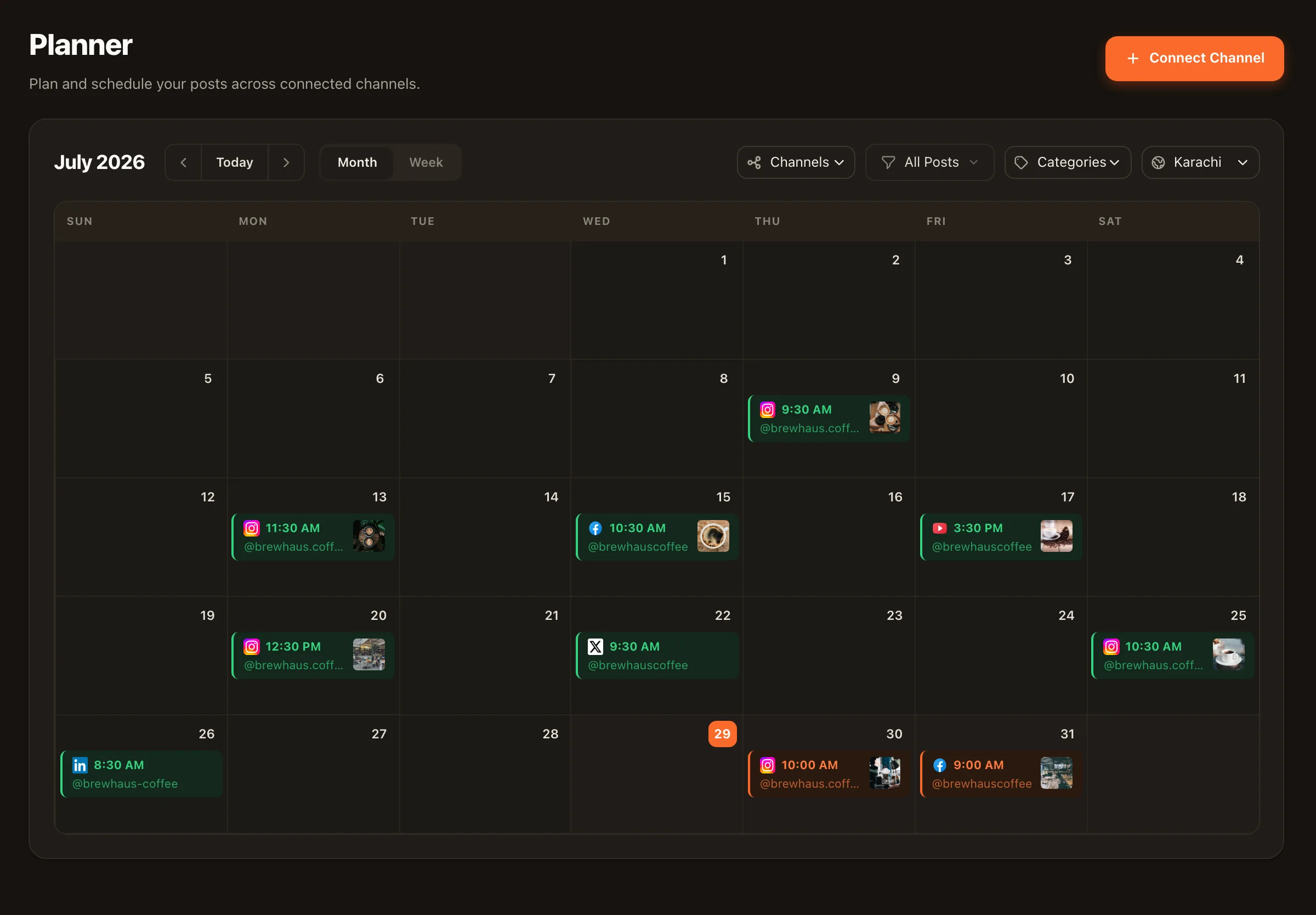
The month view is where you judge the shape of your plan: color-coded categories make an unbalanced mix — too much promo, not enough education — visible in seconds. The week view is where you work: exact times, per-channel details, and hashtag sets on each post.
Rescheduling is drag-and-drop in either view. No editing three cells and hoping — pick the post up, put it down on Thursday.
Filling the grid
An empty calendar is just a prettier blank page. Nimply gives you three speeds of filling it — use whichever the week calls for.
01 · One at a time
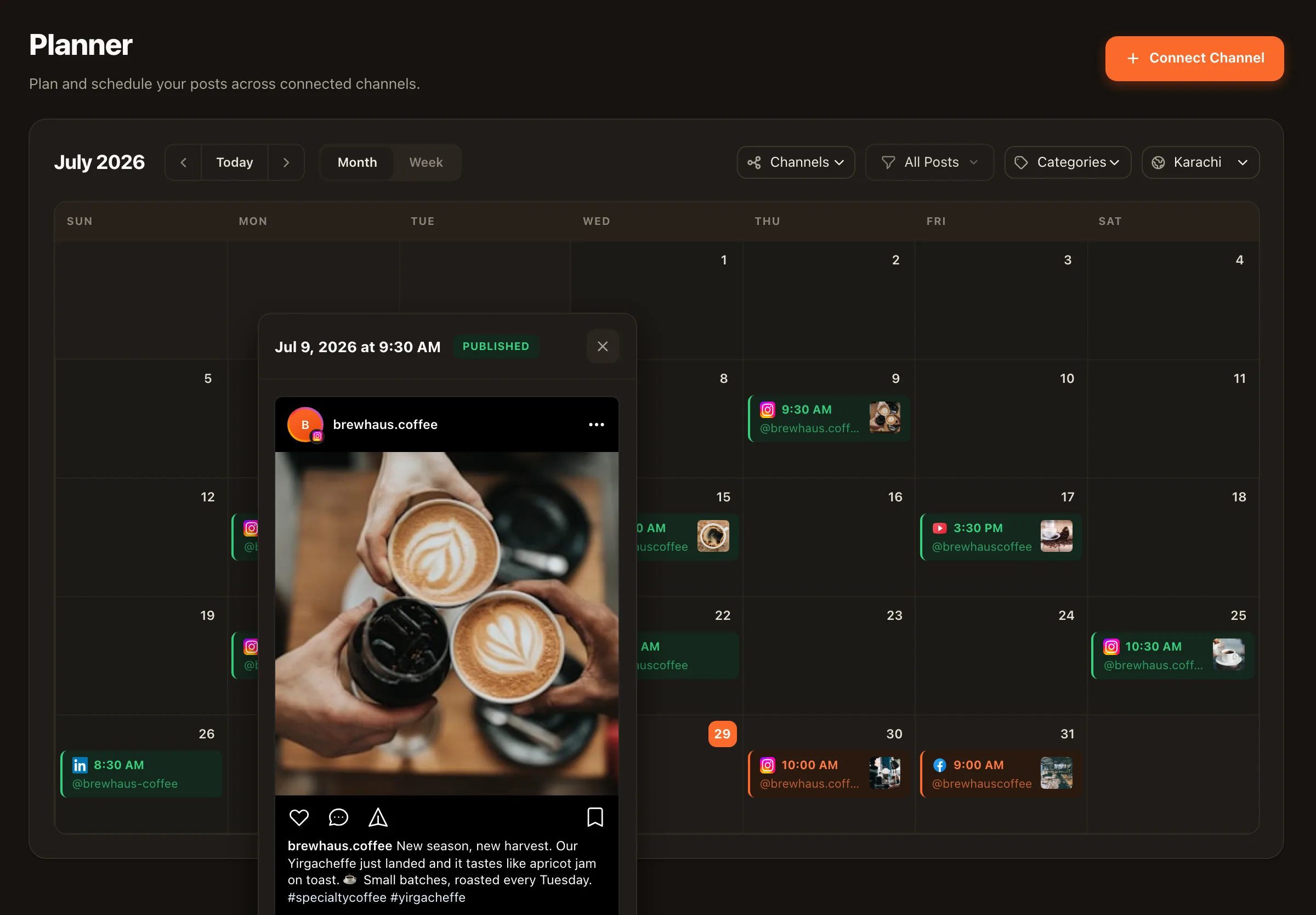
Click a day, write the post, attach media, pick channels, tag a category. Saved hashtag sets mean the fiddly parts are one click, not a paste from a notes app.
02 · In bulk
Batch-write a month of captions in a sheet, then bulk-upload the CSV and watch the grid populate. The fastest route from planning doc to scheduled reality.
03 · On autopilot
Best-time queues drop new posts into preset slots automatically, and the Evergreen Recycler agent re-drafts your proven posts on a cooldown, approval-first — so the baseline cadence holds even in a busy week.
However it gets onto the grid, everything flows through the same scheduling and publishing rail — including drafts filed by AI agents, which wait for your approval before they ever touch a slot.
Start with structure
A calendar tool can’t decide your cadence or content mix for you. Our free content calendar template covers the planning framework itself — how often to post per platform, how to balance categories, and the weekly rhythm that keeps the grid full. It works in a spreadsheet on day one, and maps one-to-one onto Nimply’s planner when you outgrow the spreadsheet.
A spreadsheet describes your plan; it can't execute it. In Nimply the calendar entry IS the post — the caption, media, hashtags, and publish time live in one object, so when the slot arrives the post goes out. Rescheduling is a drag, not a copy-paste across three tabs, and the calendar can never drift out of sync with what actually publishes.
Yes. The planner shows every connected channel — Facebook, Instagram, LinkedIn, TikTok, YouTube, Pinterest, and more — on one month or week view. Each post shows which channels it targets, and you can plan a cross-platform week without switching tabs.
You define categories that match your content mix — education, promotion, community, behind-the-scenes, whatever your strategy calls for — and give each a color. Posts wear their category color on the calendar, so an unbalanced month (say, three straight weeks of promo) is visible at a glance instead of hiding in a list.
Bulk CSV upload. Draft your captions in a sheet, export it, and import the whole batch — Nimply turns each row into a scheduled post. Combine that with best-time queues (posts drop into preset slots automatically) and the Evergreen Recycler agent's approval-first re-drafts, and most of the grid fills itself.
Drag the post to a new day and you're done. Because the calendar entry is the real scheduled post, there's nothing to update anywhere else — no stale spreadsheet row, no Slack message telling the team the plan moved.
Yes — we publish a free content calendar framework covering cadence, category mix, and planning rhythm at /templates/content-calendar-template. Use it in a spreadsheet if you like; when you're tired of maintaining the spreadsheet, the same structure maps directly onto Nimply's planner.
Put the plan on a calendar that publishes itself. Free to start — connect your channels and drag your first post onto the grid today.