

Template poster jawatan kosong you can edit online
Need to tell people you are hiring? Pick a template poster jawatan kosong, type in the role, requirements and how to apply, and swap in your own colours and logo. Each design is editable in your browser, so you can have a clear vacancy poster ready the same day.
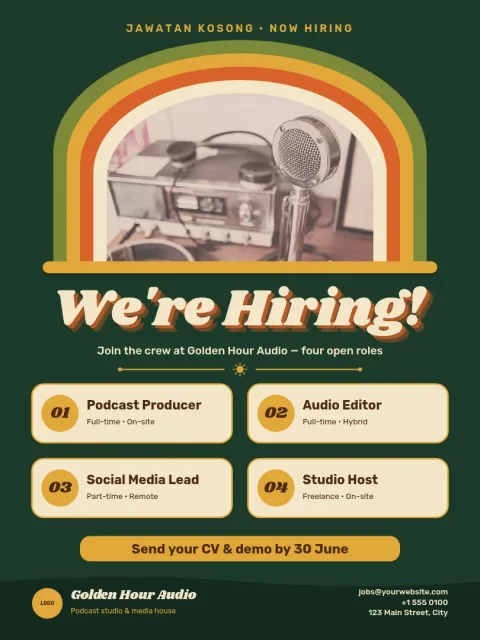
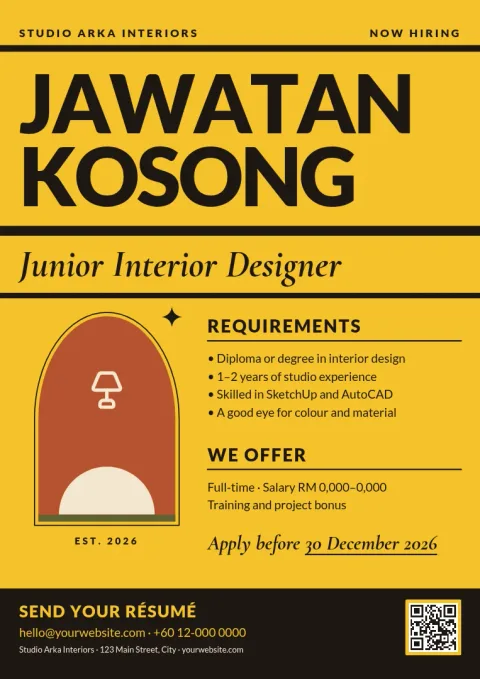
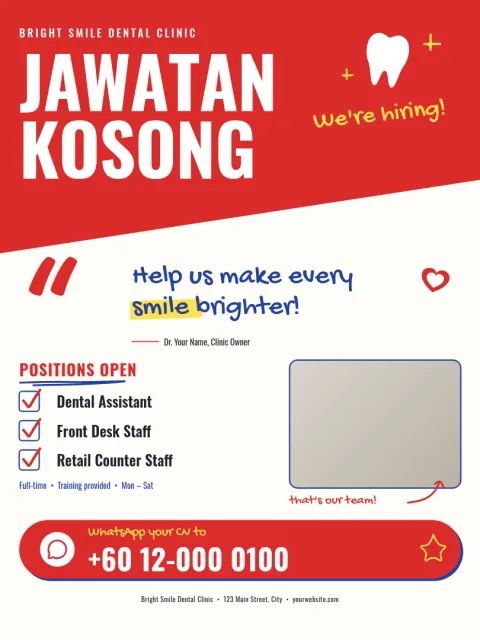
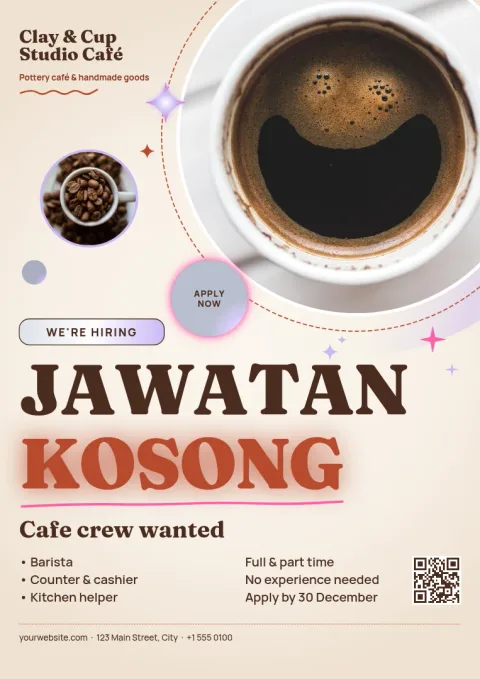
What a good vacancy poster includes
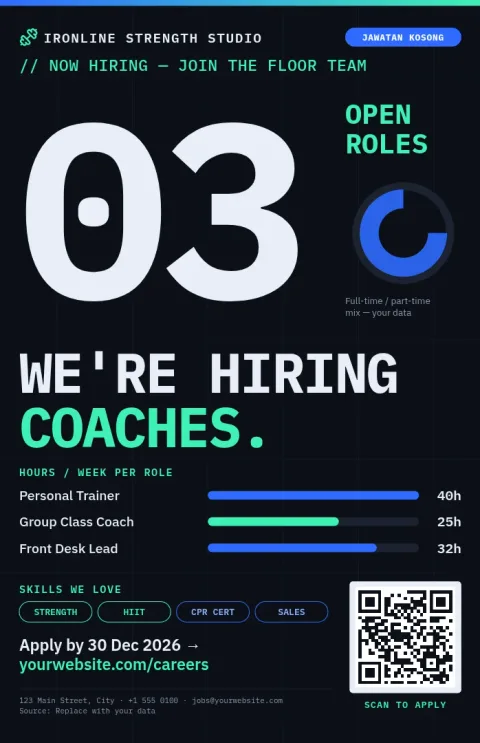
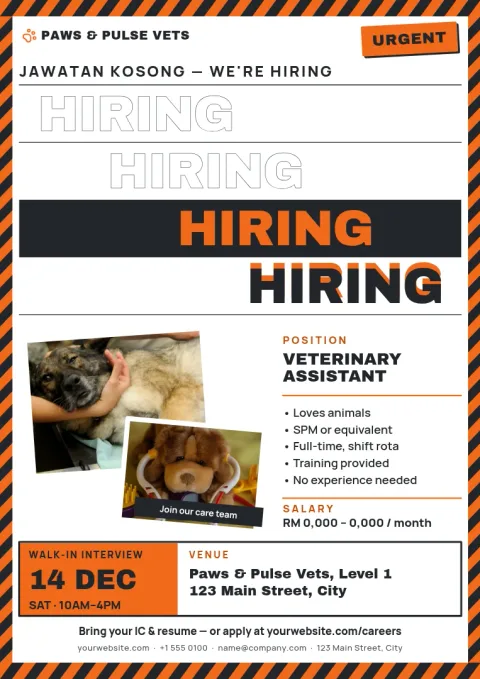
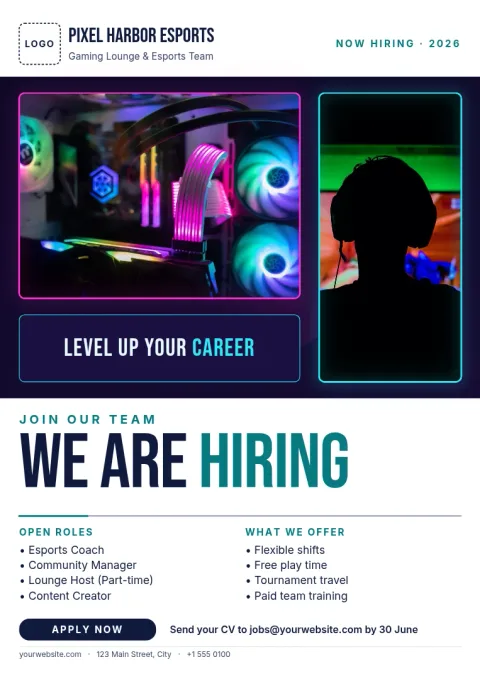
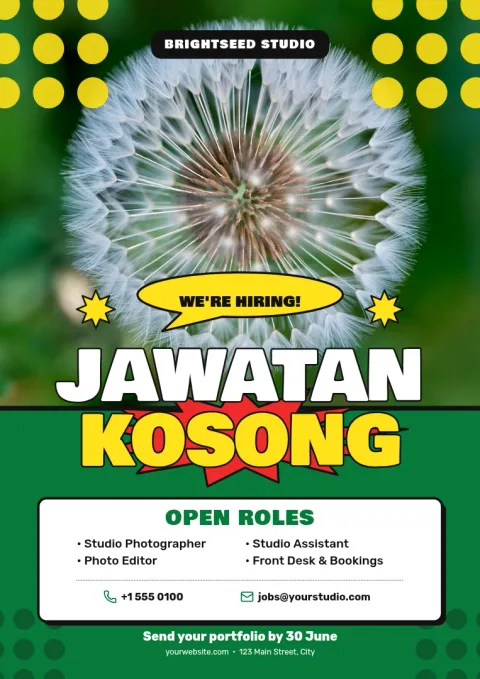
Keep it short enough to read from a few steps away. Put the job title in large type, add two or three key requirements, and say how to apply: a phone number, WhatsApp, email or QR code. Add your shop name or logo so people know who is hiring, and a closing date if you have one.
Edit the poster for your business
Open a template and change the wording, fonts, colours, photos and layout. Whether you need a cashier, a kitchen helper or a driver, you can rewrite the headline in Malay or English. If you use a brand kit, your colours, fonts and logo stay consistent across every poster.
Download or share it
When the poster is done, download it as PNG, JPG, WebP, PDF or SVG. You can also send the design straight into a Nimply post for approval and scheduling, so the same vacancy reaches your social channels. Nimply Design is included in every plan, including Free.
Frequently asked questions
Can I write the poster in Malay?
Yes. All text is editable, so you can write in Malay, English or both. Change the headline, job details and contact line, and pick a font that suits the language you use.
What size should a job vacancy poster be?
A3 works well for a shop window or notice board, and 11x17 or 18x24 suit larger spaces. The templates here use poster sizes, and you can pick the one that fits where you will display it.
Which file formats can I download?
You can download PNG, JPG, WebP, PDF (standard or vector) or SVG. PDF is a good choice if you plan to print the poster yourself or take the file to a print shop.
Does downloading a template use AI credits?
No. Downloading a template does not use AI credits. Only AI photo tools, such as the background remover and Magic Layers, use credits.
Make it yours in minutes
Open any template in Nimply Design, add your brand in one click, and send it straight into a post for approval and scheduling.