

Template poster jastip for open PO and shopping trips
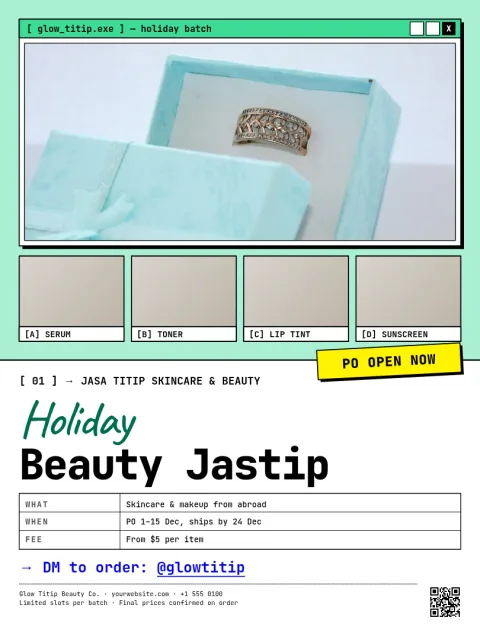
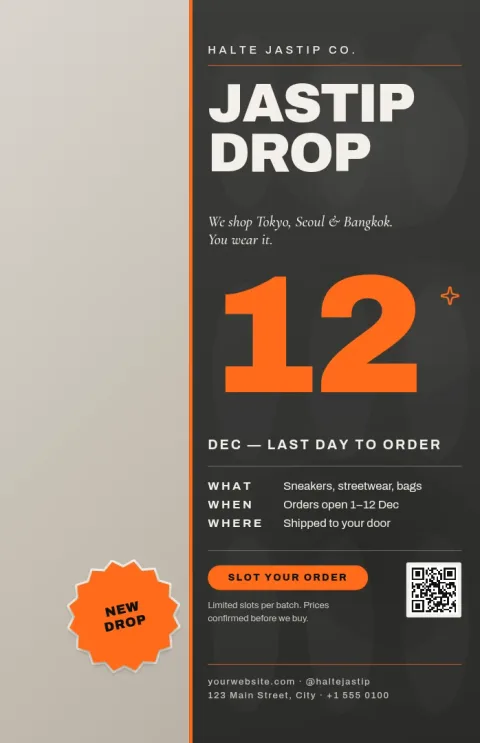
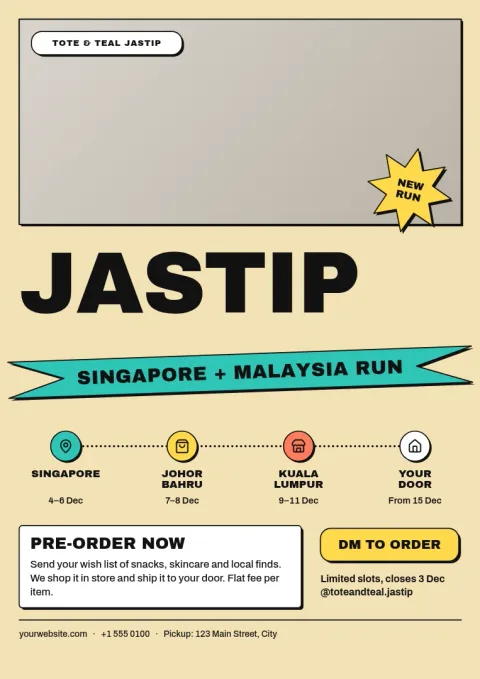
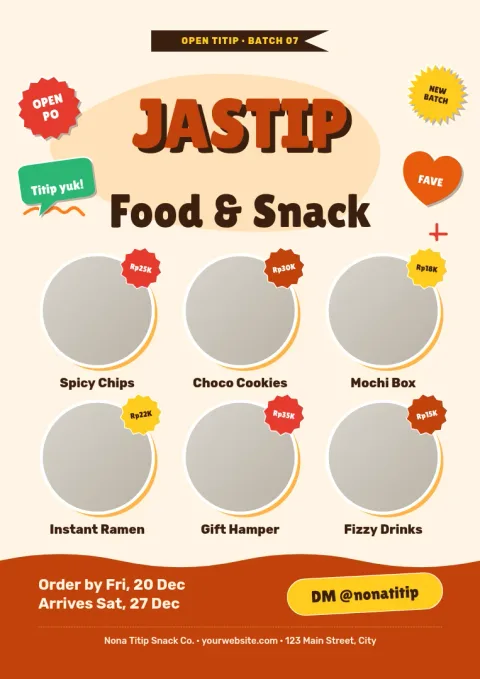
Tell buyers where you are shopping, when the order closes and what it costs. Each template poster jastip below is ready to edit in your browser. Swap in your trip, products and contact details, then download the poster or send it into a Nimply post.
What a jastip poster needs to say
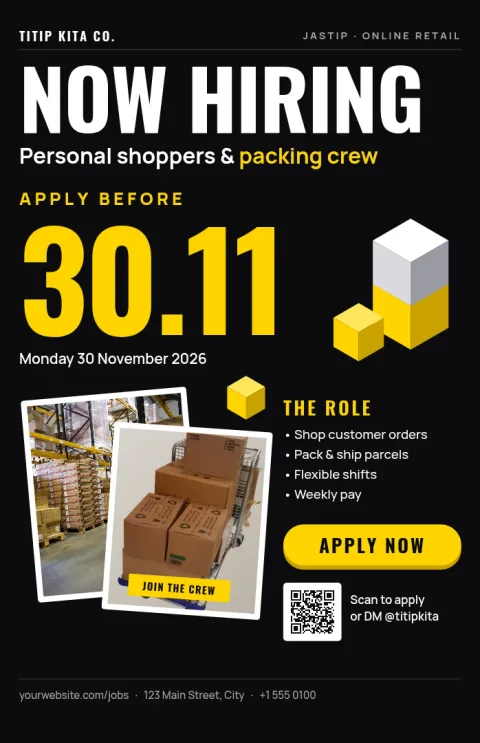
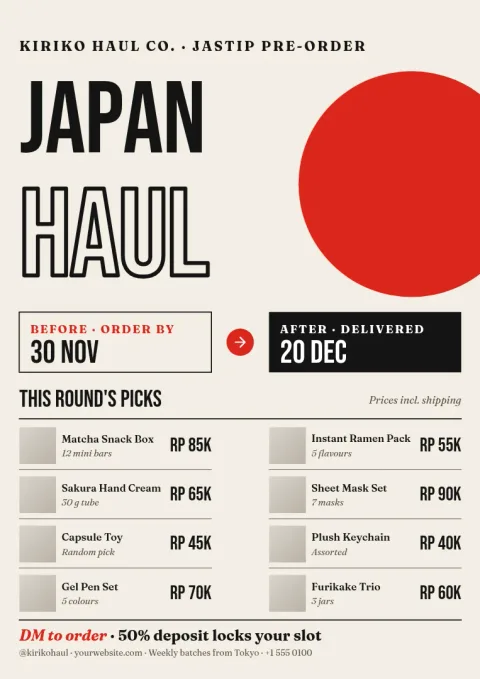
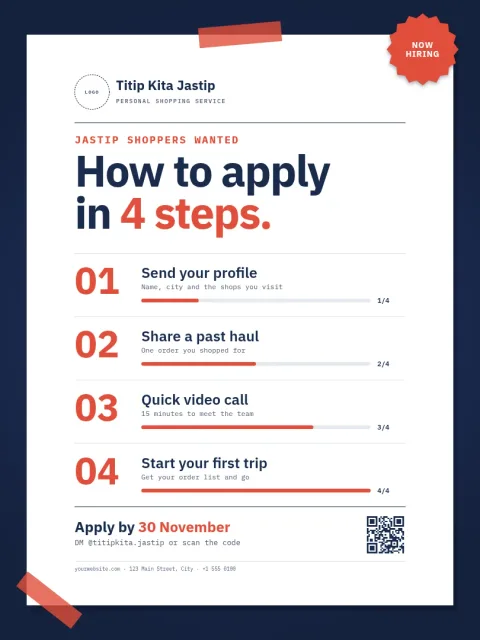
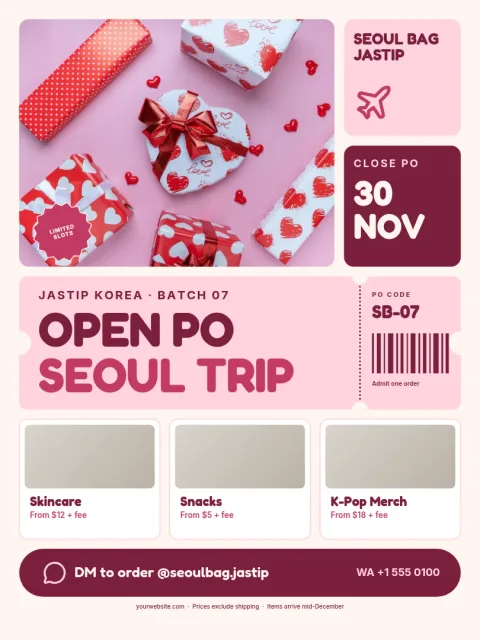
Buyers scan fast, so the poster should answer four things at once: where you are buying from, when the open PO closes, what you can get, and how to order. Each layout here gives those four a clear place, so you only replace the words and photos with your own.
Edit it to match your shop
Change the text, fonts, colours, photos and layout until the poster looks like your jastip. Save your colours, fonts and logo in a brand kit so every new trip poster matches the last one. Placeholders show where product photos go.
Download or send to a post
Download your poster as PNG, JPG, WebP, PDF or SVG. You can also send it straight into a Nimply post for approval and scheduling. Downloading a template does not use AI credits. Only AI photo tools, such as the background remover, do.
Frequently asked questions
What is a jastip poster used for?
It announces a shopping trip or open pre-order so buyers know the destination, the closing date, the items you can buy and how to contact you. People post it on social media, share it in chats or display it at a pickup point.
Can I change the language and prices?
Yes. Every text block is editable, so you can write in Indonesian, English or both. Replace the sample prices, dates and contact details with your own before you download.
Which file formats can I download?
You can download PNG, JPG, WebP, PDF (standard or vector) or SVG. PNG or JPG suits social posts and chats. PDF suits sharing a document.
Do I need design skills?
No. Start from a layout that already has the structure, then change the text, colours and photos. Brand kits keep your colours, fonts and logo so repeat posters stay consistent.
Make it yours in minutes
Open any template in Nimply Design, add your brand in one click, and send it straight into a post for approval and scheduling.