

Tech poster template designs you can edit in your browser
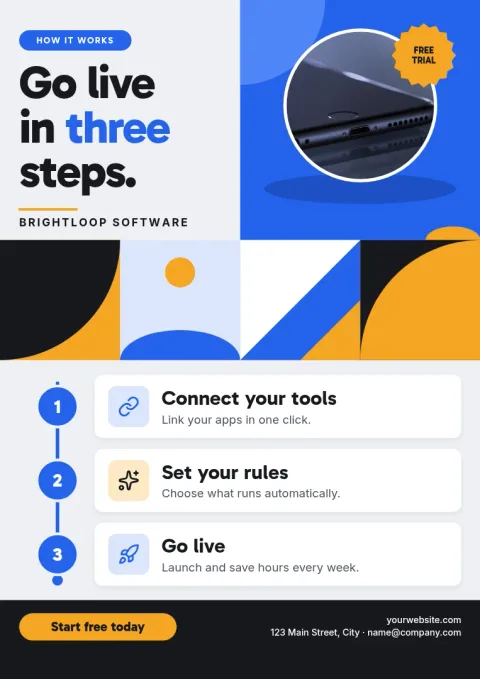
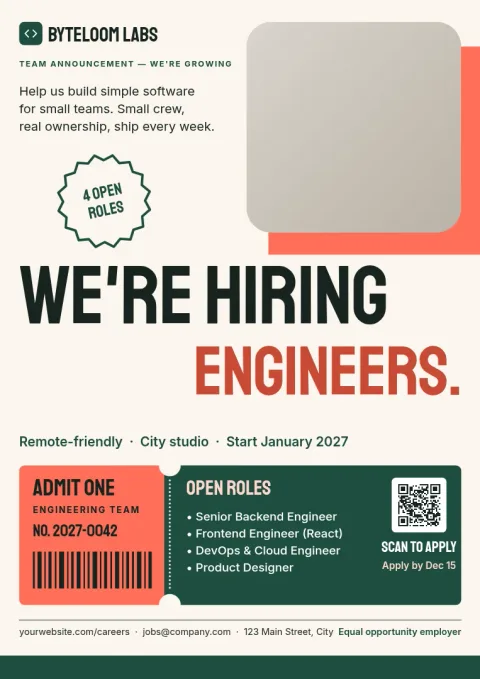
Start from a tech poster template and make it yours in minutes. These eight layouts cover product launches, meetups, hackathons, security notices and office walls. Change the words, fonts, colours and photos, then download the file or send it into a Nimply post.

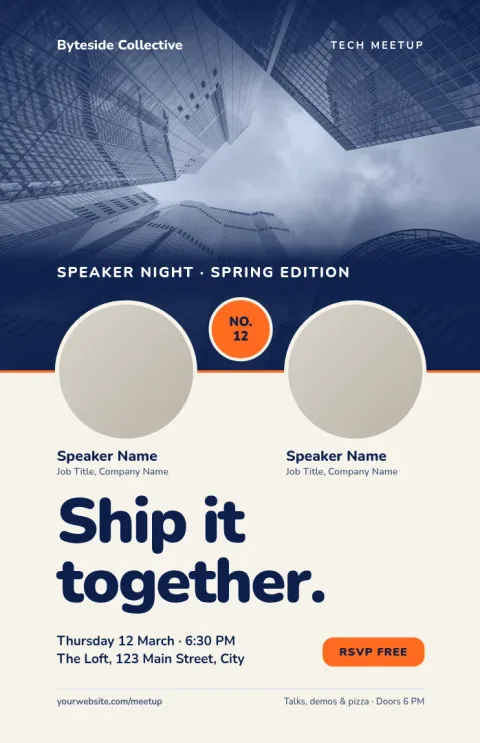
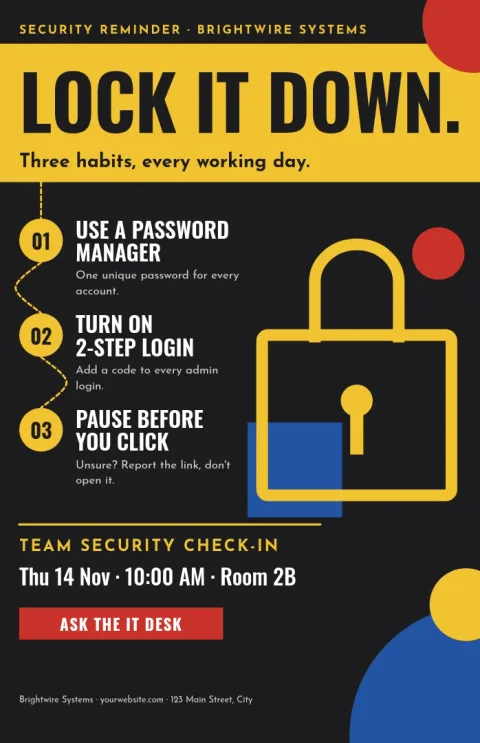
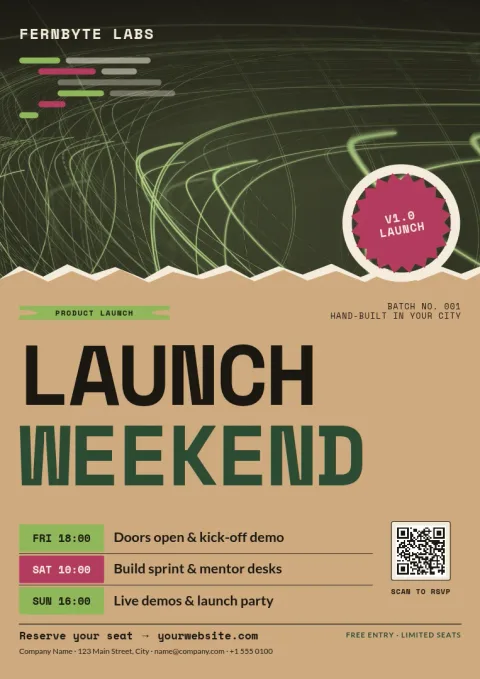
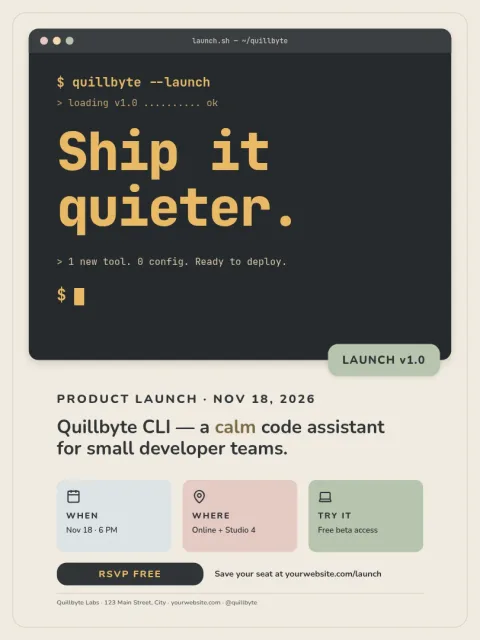

Choose a layout that fits the message
A tech poster works best when it says one thing clearly. Use the bold type layouts for launches and events, the diagram-style ones for explaining a process, and the quieter designs for internal notices. Each template has placeholders for photos, so you can drop in a product shot or team picture.
Make it match your brand
Swap in your own colours, fonts and logo. If you save a brand kit in Nimply, your palette, fonts and logo stay ready for every poster you make, so a set of posters looks like it came from the same team.
Download or share
Download your poster as PNG, JPG, WebP, PDF (standard or vector) or SVG. You can also send the design straight into a Nimply post for approval and scheduling. Downloading a template does not use AI credits. AI photo tools such as the background remover do.
Frequently asked questions
Can I change the colours and fonts?
Yes. You can edit text, fonts, colours, photos and layout in every template. With a brand kit, your colours, fonts and logo are kept ready so each poster matches the rest of your material.
Which sizes are available?
The templates in this collection use common poster sizes: 18x24 inches, A3 and 11x17 inches. Pick the one that suits your wall space or display.
What file formats can I download?
You can download PNG, JPG, WebP, PDF (standard or vector) or SVG. Pick PDF or SVG when you want crisp text and shapes at large sizes.
Does downloading a template cost AI credits?
No. Downloading a template does not use AI credits. Only the AI photo tools, such as the background remover and Magic Layers, use credits.
Make it yours in minutes
Open any template in Nimply Design, add your brand in one click, and send it straight into a post for approval and scheduling.