

Poster template for kids you can edit in your browser
Start from a poster template for kids and make it fit your room, class or event. Change the words, colours, fonts and photos in the Nimply Design editor, then download the result. These eight designs cover learning, routines, bedrooms and small kid-run events.
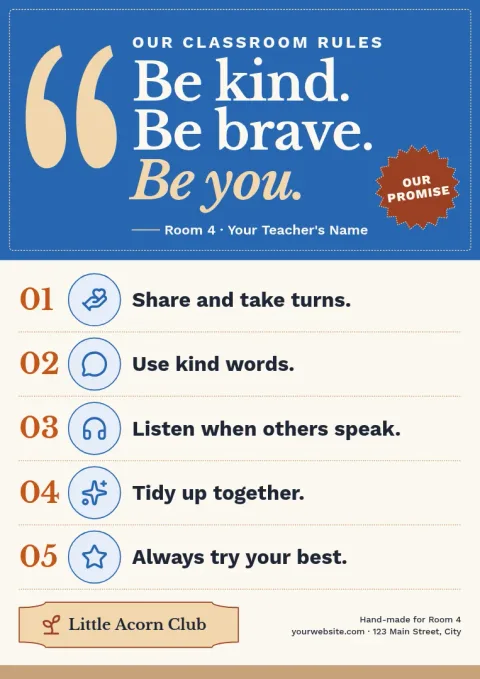
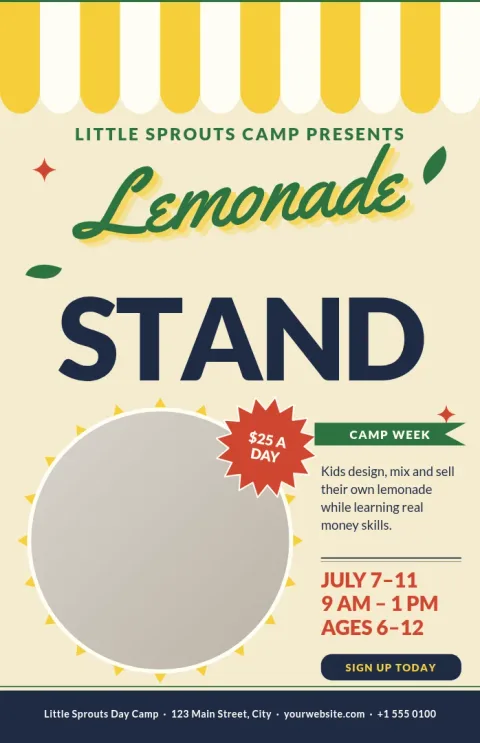
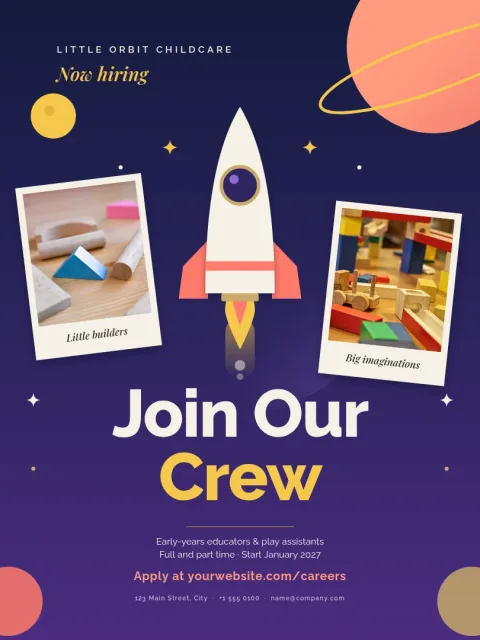
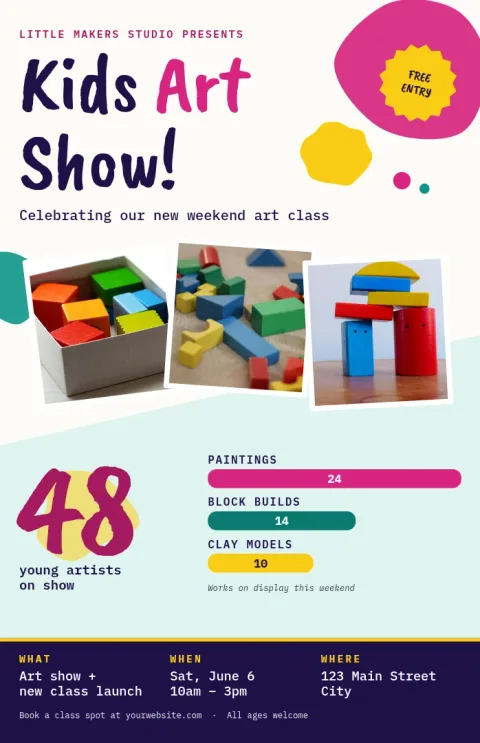
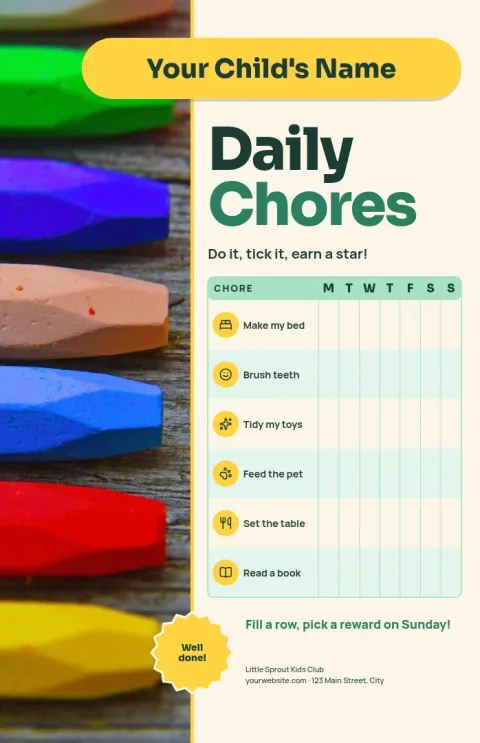
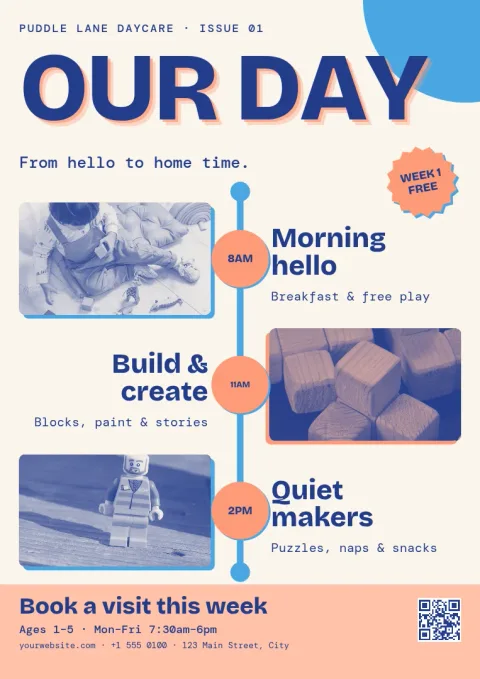
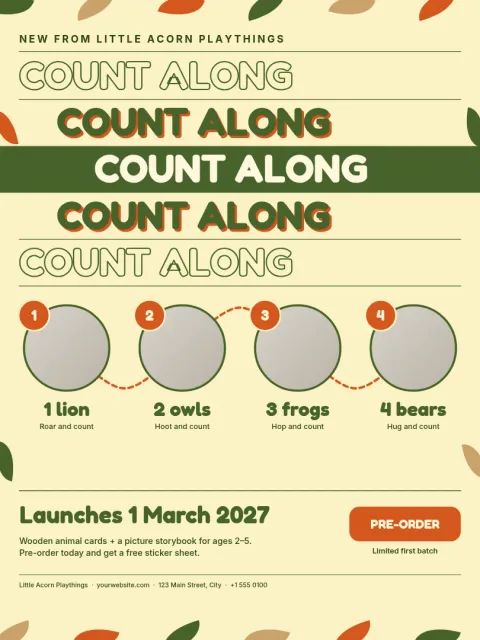
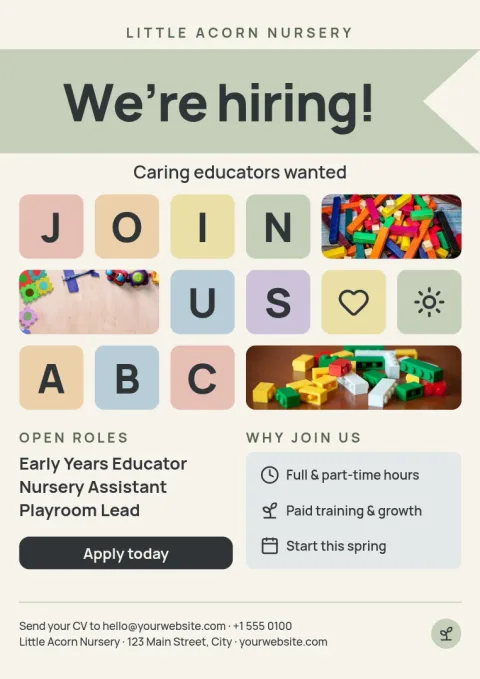
Choose a poster by where it will hang
Think about the wall first. A bedroom poster can be soft and decorative. A classroom or daycare poster needs big, clear words that children can read from across the room. A chore chart or routine poster works best with simple icons and plenty of space. Pick the template closest to that job and adjust from there.
Make it yours in the editor
Every template opens in the Nimply Design editor. Edit the text, swap fonts and colours, replace the photo placeholders with your own pictures and move any element around. If you keep a brand kit, such as for a nursery or school club, your colours, fonts and logo are ready to apply.
Sizes and download options
The templates come in poster sizes including 18x24, A3 and 11x17. Download your finished design as PNG, JPG, WebP, PDF (standard or vector) or SVG. Downloading a template does not use AI credits. Only the AI photo tools, like the background remover, do.
Frequently asked questions
Can I change the colours and wording?
Yes. Every text block, colour, font and photo can be edited in the browser. You can also move or delete elements, so a chore chart can become a reading list or a birthday notice.
What file formats can I download?
You can download PNG, JPG, WebP, PDF (standard or vector) or SVG. Pick PDF or SVG when you need sharp lines at a larger poster size.
Does downloading a template cost AI credits?
No. Downloading a template does not use AI credits. Credits are only used by the AI photo tools, such as the background remover and Magic Layers.
Which poster size should I pick?
Choose 18x24 for a classic wall poster, A3 for classrooms and notice boards in A-size regions, and 11x17 for smaller spaces like hallways or doors.
Do I need a paid plan to use the editor?
No. Nimply Design is part of every Nimply plan, including Free.
Make it yours in minutes
Open any template in Nimply Design, add your brand in one click, and send it straight into a post for approval and scheduling.