

Poster template background designs to edit and download
Start with a poster template background that already has the colour, texture and layout sorted, then add your own words and photos. Each design below opens in the Nimply Design editor in your browser. Change what you like, keep what works, and download when you are happy with it.
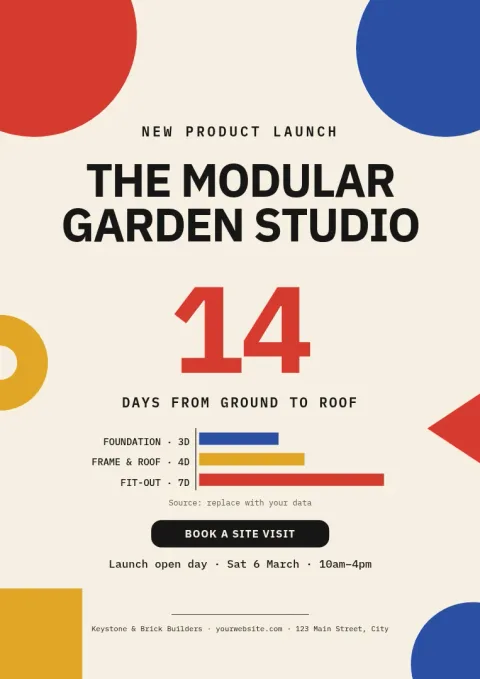
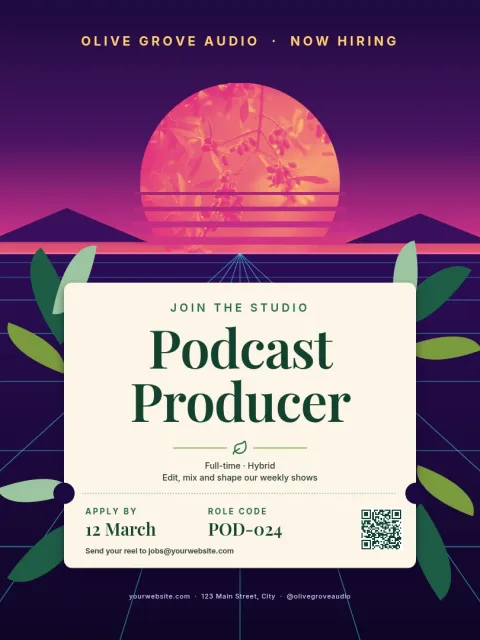
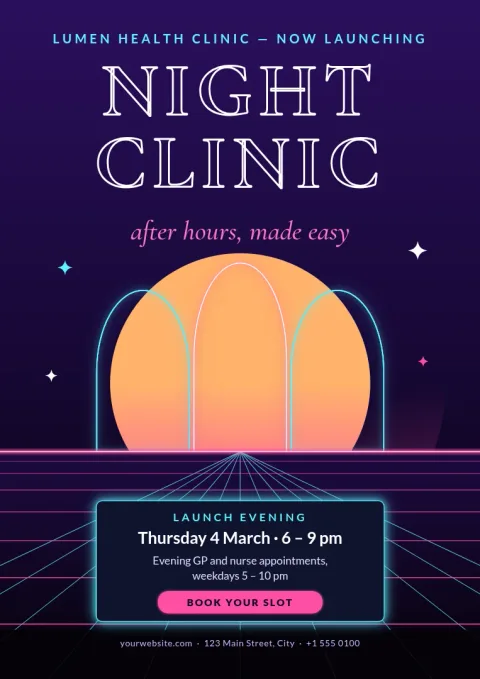
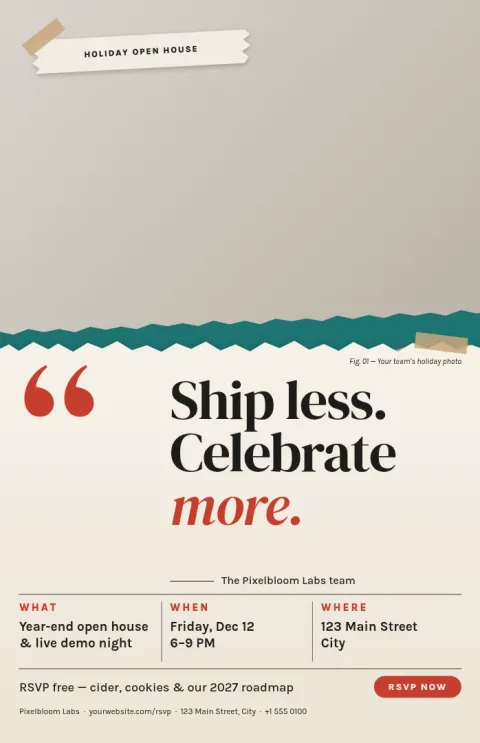
Choose a background that fits the message
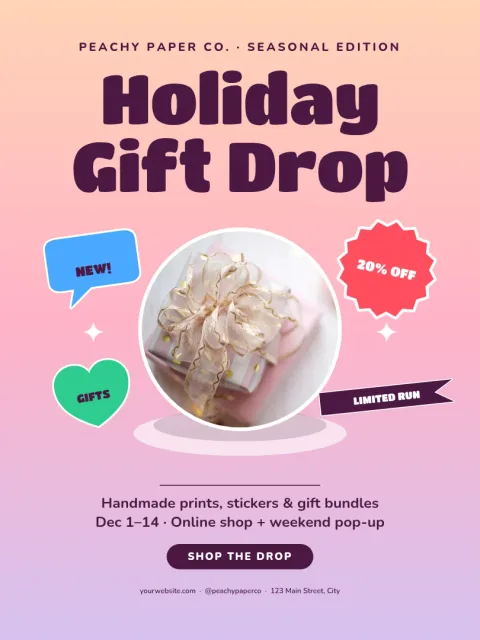
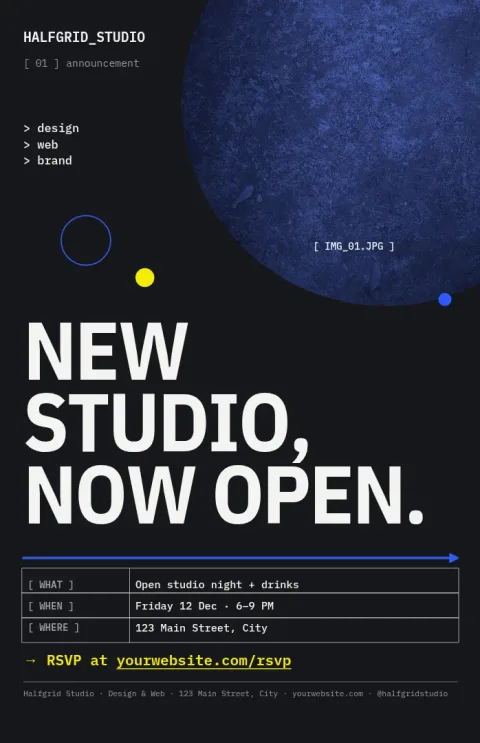
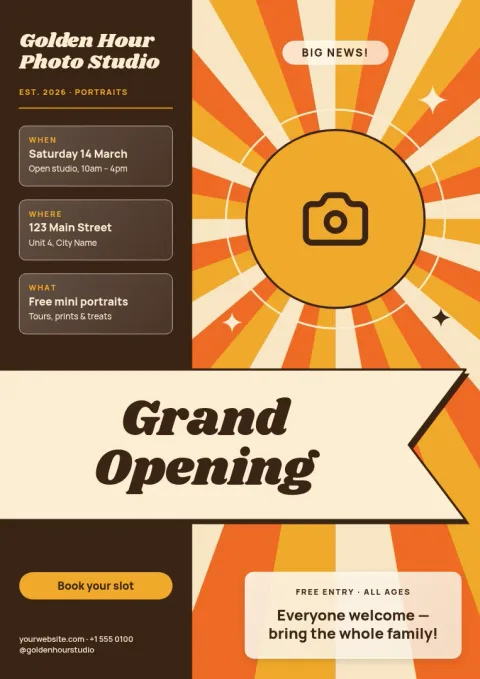
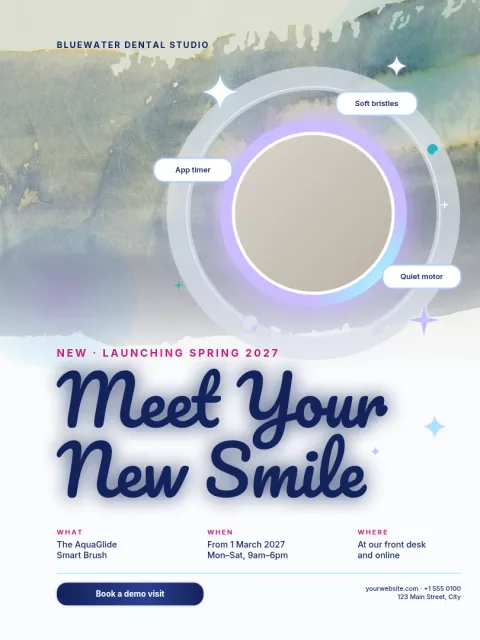
A background sets the mood before anyone reads a word. Soft gradients and watercolour washes feel calm and friendly. Bold shapes and sunbursts feel lively. Dark textures feel serious and dramatic. Pick the mood first, then check that your headline will stay easy to read on top of it.
Make it yours in the editor
Every template can be edited. Swap the text and fonts, change colours, drop in your own photos and move things around. If you use a brand kit, your colours, fonts and logo are kept close at hand so the poster matches the rest of your material.
Sizes and downloads
These templates come in common poster sizes: 18x24, A3 and 11x17. Download your finished design as PNG, JPG, WebP, PDF (standard or vector) or SVG. You can also send it into a Nimply post for approval and scheduling.
Frequently asked questions
Can I change the colours of a poster background?
Yes. Every template is fully editable, so you can change colours, shapes, text, fonts and photos. If you have a brand kit, you can use your saved colours and fonts to keep the poster consistent with your other designs.
What file types can I download?
You can download PNG, JPG, WebP, PDF (standard or vector) or SVG. Pick PDF or SVG when you want crisp lines at larger sizes, and PNG or JPG when you want an image to share online.
Does downloading a template use AI credits?
No. Downloading a template does not use AI credits. Only the AI photo tools, such as the background remover and Magic Layers, use credits, and you can skip them entirely.
Which poster sizes are available?
The templates on this page use 18x24, A3 and 11x17 poster sizes. Choose the one that matches where you plan to show your poster, then edit the layout to suit.
Make it yours in minutes
Open any template in Nimply Design, add your brand in one click, and send it straight into a post for approval and scheduling.