

Mother day poster template designs you can edit online
Start from a ready-made mother day poster template and make it yours in the browser. Swap the words, colours and photo, add your shop or event details, then download the file. Eight different styles below, from soft florals to bold sale posters, in common poster sizes.
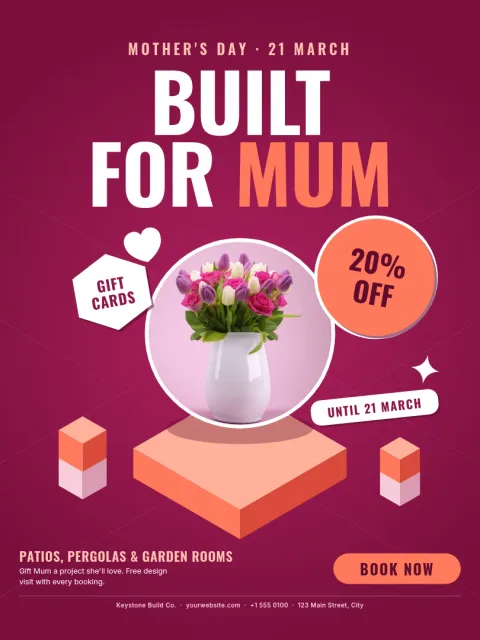
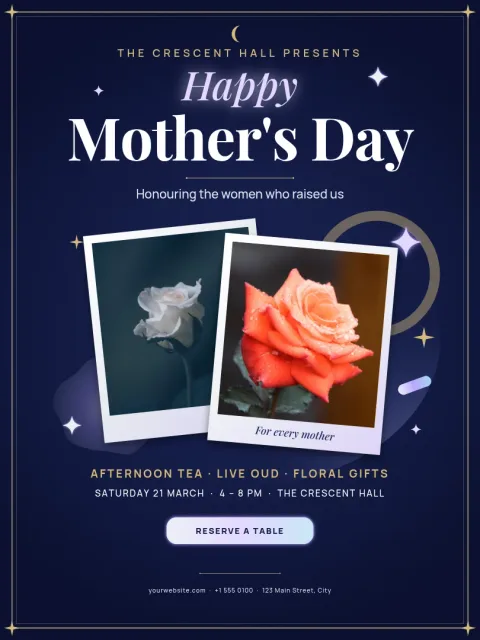
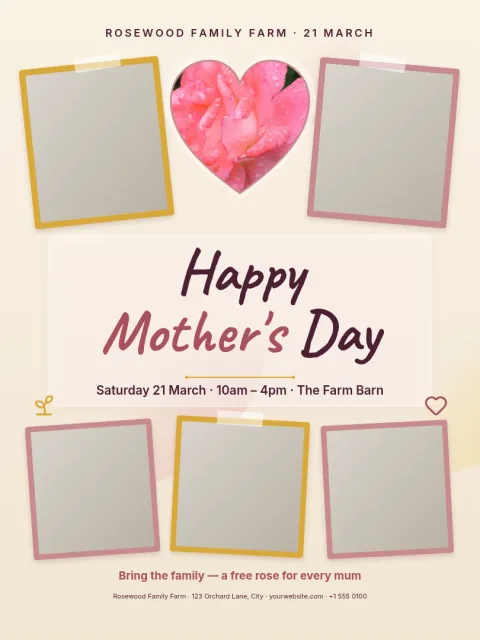
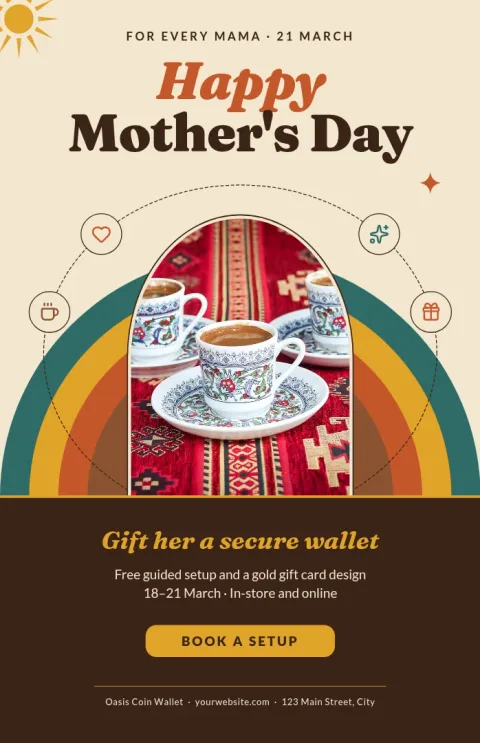
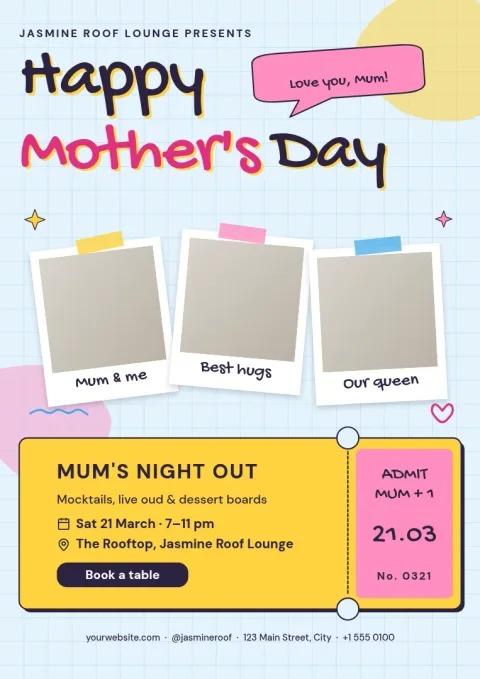
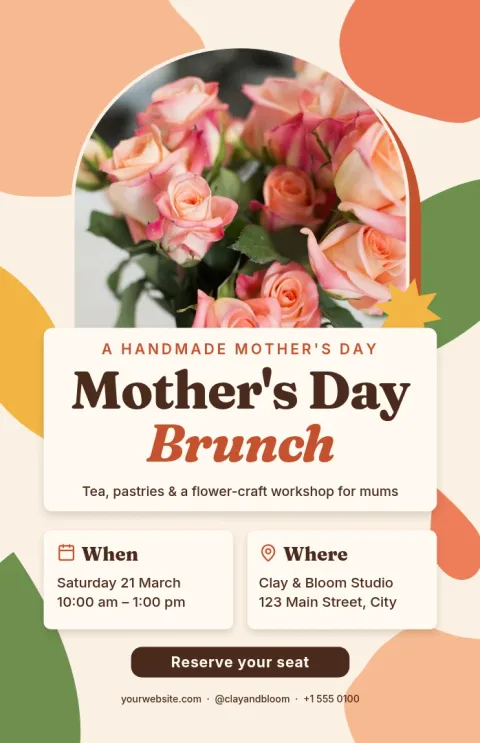
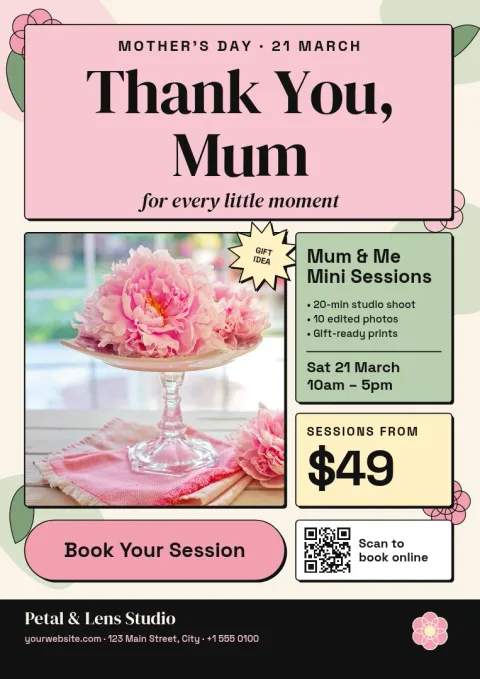
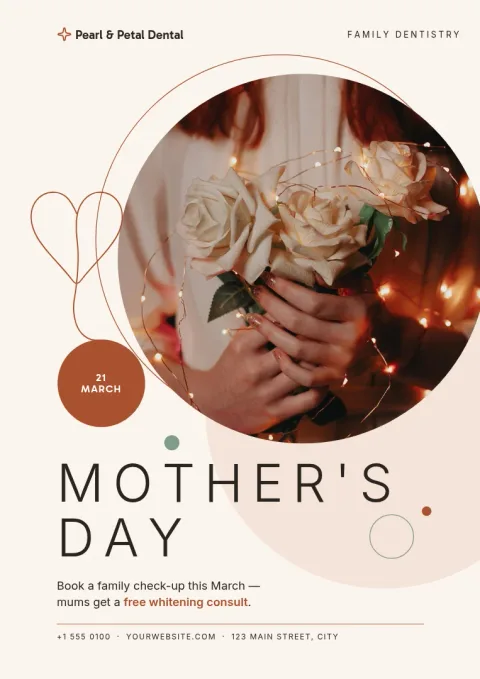
Choose a poster style that fits your message
A Mother's Day poster does different jobs. A cafe may want a brunch notice, a shop a gift offer, a school a thank-you wall piece. Start with the layout closest to your goal. Each template below has clear places for a headline, a short line of detail and a photo, so you spend your time on the words rather than on spacing and alignment.
What you can change in each template
Every template is editable in Nimply Design. Change the text and fonts, adjust the colours, replace the photo placeholder with your own picture and move elements around. If you have a brand kit, it keeps your colours, fonts and logo ready, so a shop poster still looks like your shop. Nothing is locked, so you can simplify a layout as much as you like.
Sizes and download options
The posters come in sizes such as A3, 11x17 and 18x24. When you are done, download the design as PNG, JPG, WebP, PDF or SVG. A PDF is a common choice if you plan to print it yourself or take it to a print shop. You can also send the design into a Nimply post for approval and scheduling. Downloading a template does not use AI credits.
Tips for a clear Mother's Day poster
Keep one main message, such as a date, an offer or a thank-you. Use a large headline and put the time, place or code in smaller text below it. Choose a photo with space around the subject so the words stay readable. If you add a photo of your own, check that the text still contrasts well with it before you download.
Frequently asked questions
Can I edit a mother day poster template for free?
Nimply Design is part of every Nimply plan, including Free. You can open a template, edit the text, fonts, colours, photo and layout in your browser, and download it. Downloading a template does not use AI credits.
Which file formats can I download?
You can download PNG, JPG, WebP, PDF (standard or vector) or SVG. For a poster you plan to print yourself or take to a print shop, PDF is a common choice. For sharing online, PNG or JPG usually works well.
What poster sizes are available?
The templates here use A3, 11x17 and 18x24 poster sizes. Pick the one that matches the frame, board or print shop size you have in mind before you start editing.
Can I use my own photo and logo?
Yes. Replace the photo placeholder with your own picture and add your logo. A brand kit keeps your colours, fonts and logo saved, so you can reuse them on every poster you make.
Can I post the poster on social media too?
Yes. You can download the design and share it yourself, or send it straight into a Nimply post for approval and scheduling. That way the same poster can also be a social post.
Make it yours in minutes
Open any template in Nimply Design, add your brand in one click, and send it straight into a post for approval and scheduling.