

Poster Template History: Designs for Timelines and Projects
Pick a history poster layout that fits your topic, then swap in your own dates, photos and text. These eight templates cover timelines, biographies, museum displays, school fairs and research posters, so you can start from a clear structure instead of a blank page.
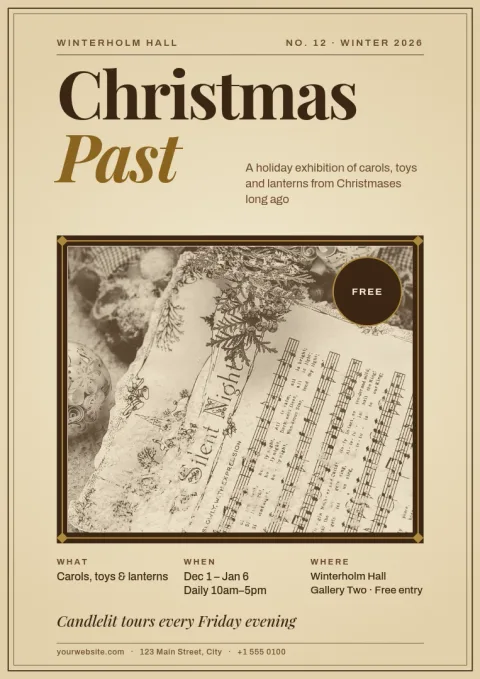
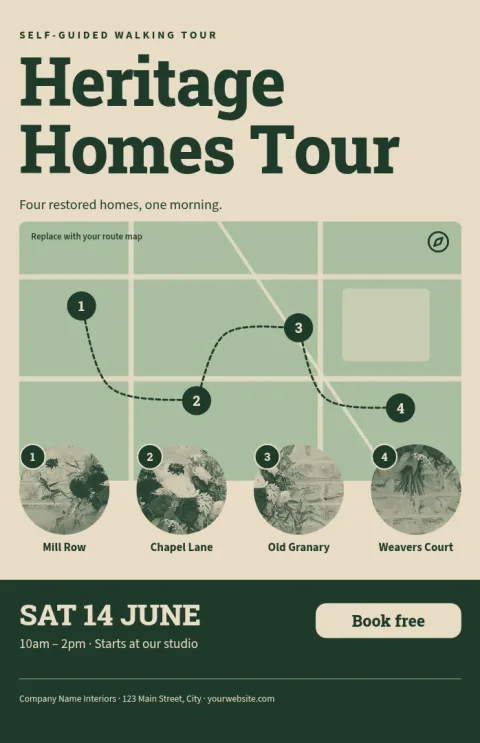
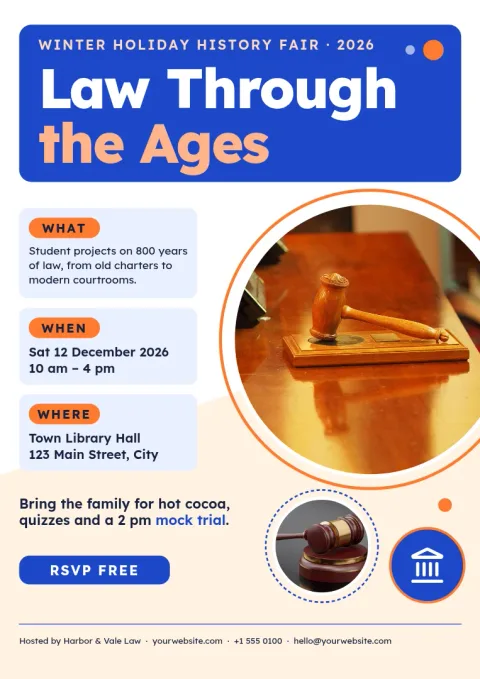
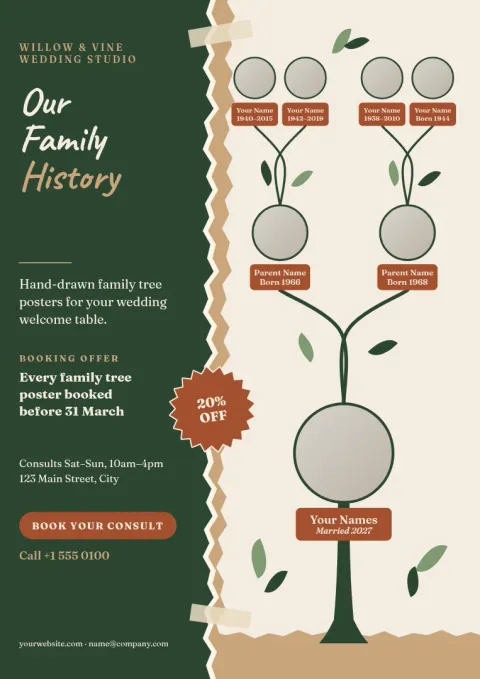
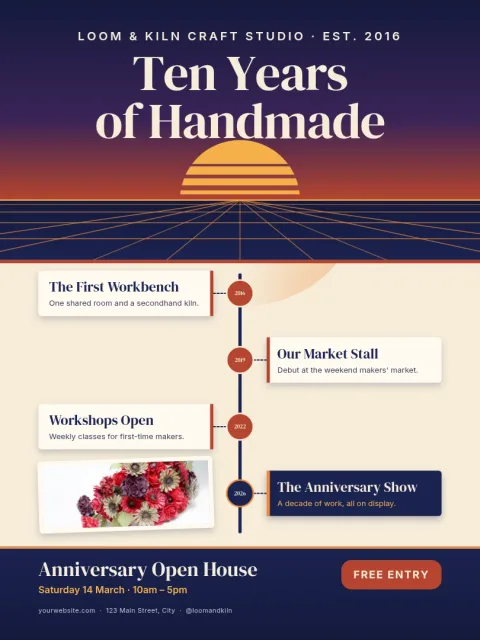
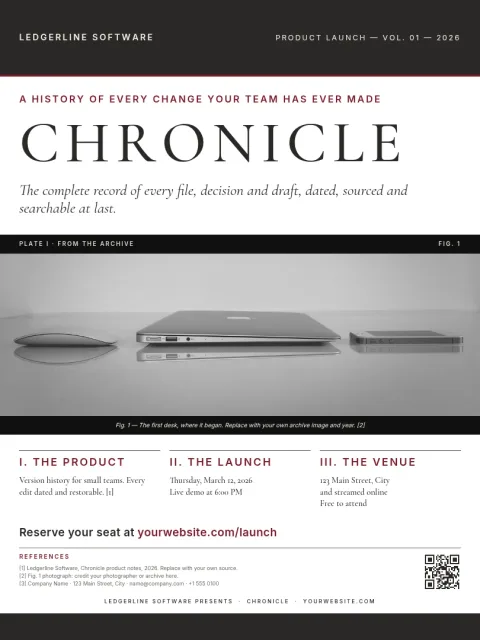
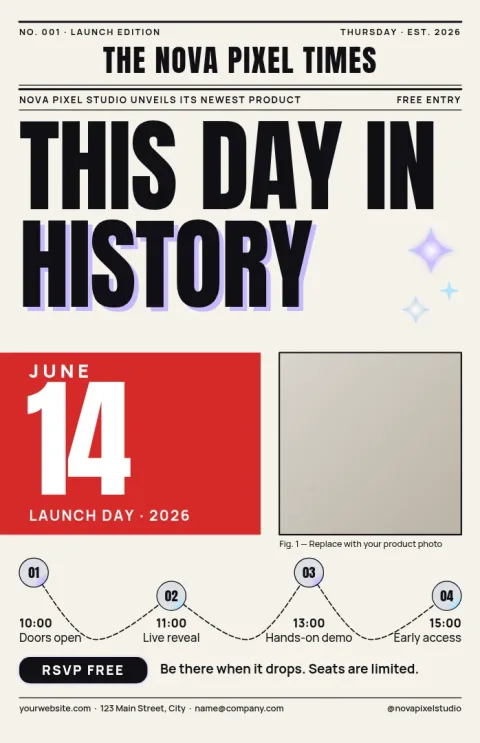
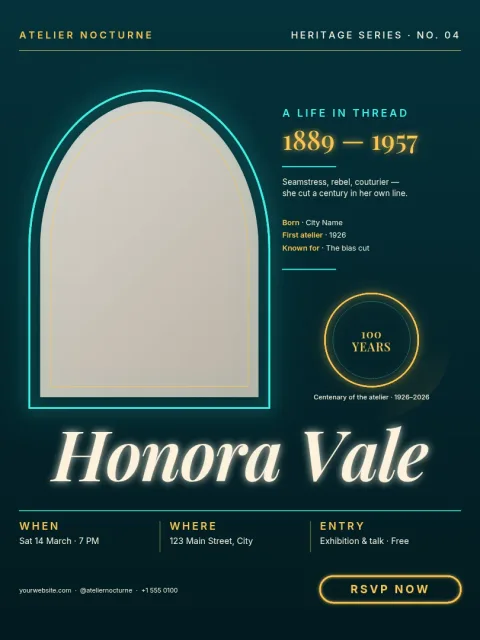
Choose a layout that fits your story
History content usually follows one of a few shapes: a sequence of dates, a single person, a place, or an argument backed by sources. Start with the template that matches yours. A timeline suits events in order, a biography suits one life, and a research layout suits findings with citations.
Edit everything in your browser
Nimply Design is a graphic design editor that runs in the browser. Change the text, fonts, colours, photos and layout of any template. If you work for a museum, school or society, a brand kit keeps your colours, fonts and logo consistent across every poster.
Sizes and downloads
The templates come in 18x24, A3 and 11x17 poster sizes. When you finish, download your poster as PNG, JPG, WebP, PDF (standard or vector) or SVG. Downloading a template does not use AI credits. AI photo tools such as the background remover do.
Frequently asked questions
What should go on a history poster?
Lead with a clear title and one main image. Then add the key dates or events, a short explanation in your own words, and your sources at the bottom. Keep paragraphs short so people can read from a few steps away.
Which poster size should I choose?
Use 18x24 for a wall display or school fair, A3 for classrooms and notice boards, and 11x17 for smaller spaces or handouts. Check any size rules from your teacher, event or conference before you start.
Can I use my own photos and archive images?
Yes. Replace the photo placeholders with your own images. Make sure you have the right to use any archive or historical photo, and credit the source on the poster.
What file formats can I download?
You can download PNG, JPG, WebP, PDF (standard or vector) or SVG. PDF is a common choice when you need a file for a print shop. Nimply does not print or ship posters.
Make it yours in minutes
Open any template in Nimply Design, add your brand in one click, and send it straight into a post for approval and scheduling.