

Flyer template business PDF: 8 layouts you can edit
Start with a business flyer that already has a clear layout, then make it yours. Change the words, fonts, colours and photos in your browser, and download the finished flyer as a PDF. Pick a Letter, A4 or A5 size to suit where the flyer will be used.
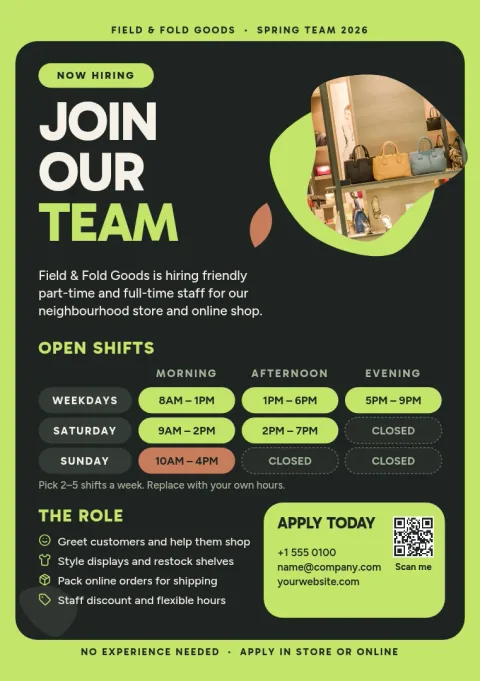
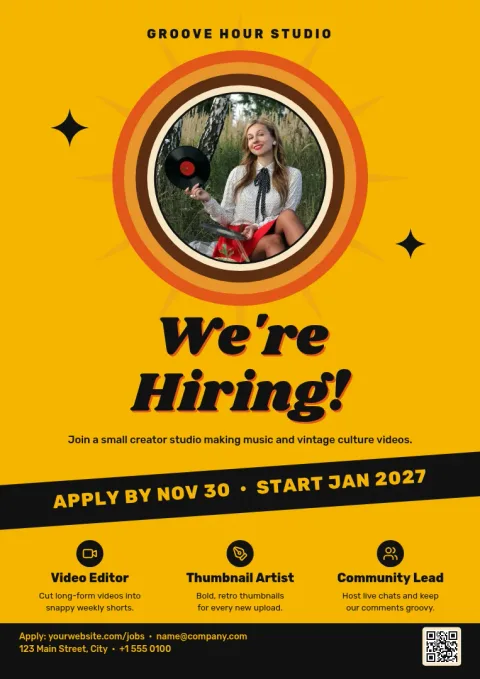
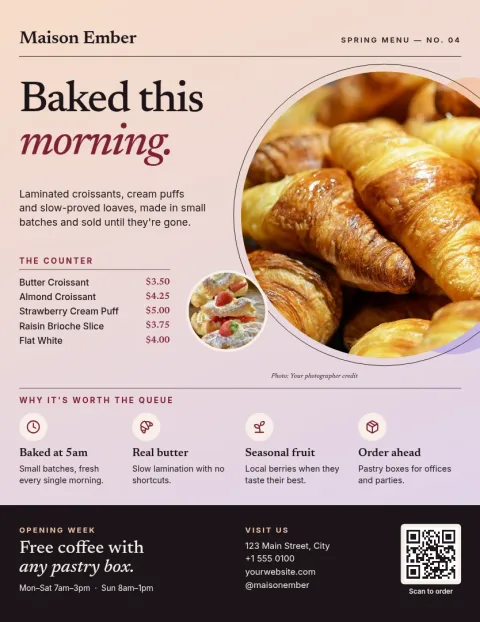
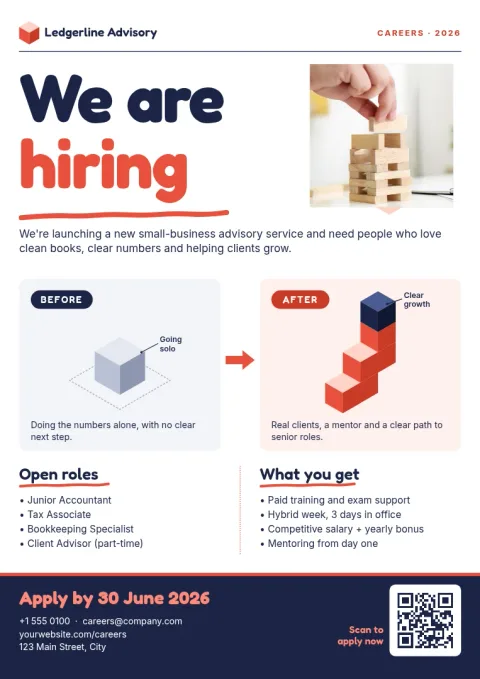
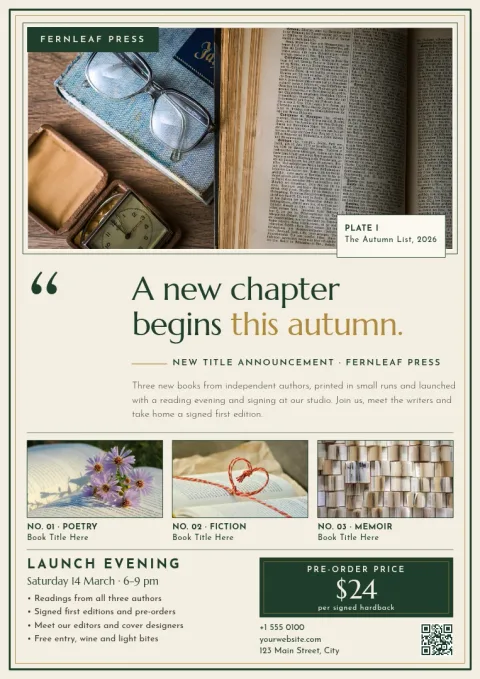
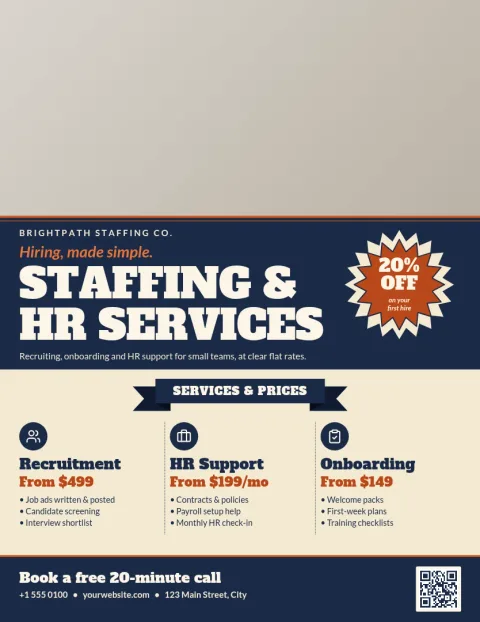
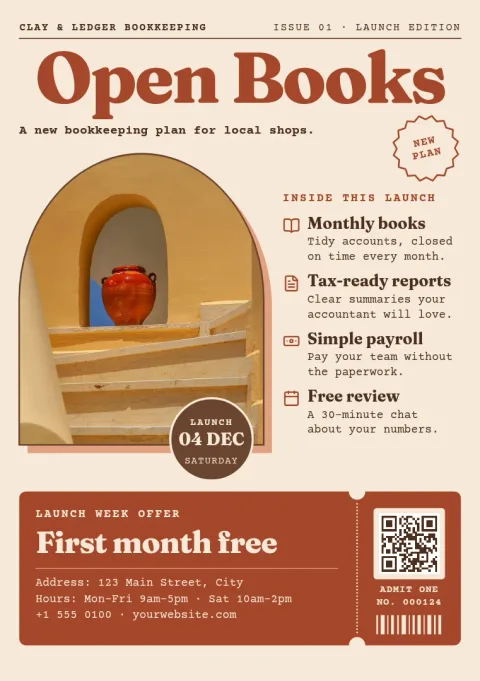
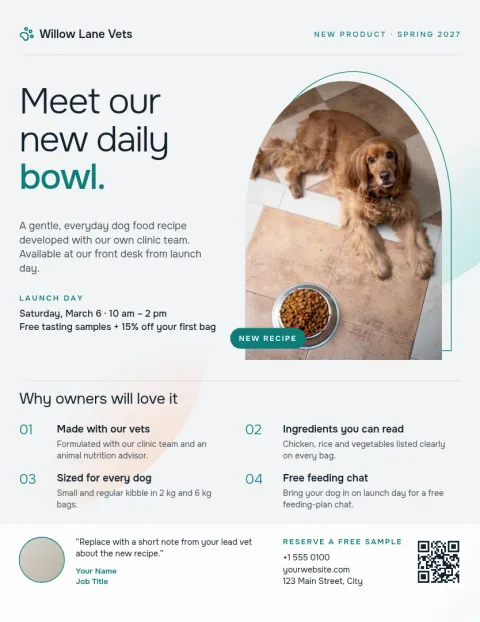
Pick a layout that fits your message
A flyer works best when it says one thing clearly. These eight templates cover common business jobs: showing your services, announcing a sale, opening a shop, listing a property, promoting classes, launching a product, sharing an overview and hiring. Choose the one closest to your goal, then swap in your own words. Fewer words usually read better on a single page.
Edit everything in your browser
Nimply Design is a graphic design editor that runs in the browser. You can edit text, fonts, colours, photos and layout on every template. If you use a brand kit, it keeps your colours, fonts and logo ready, so each flyer looks like it belongs to the same business.
Download your flyer as a PDF
When the flyer looks right, download it as a PDF, either standard or vector. You can also save PNG, JPG, WebP or SVG files if you need an image version. Downloading a template does not use AI credits. Credits apply only to AI photo tools such as the background remover and Magic Layers.
Choose the right size first
Letter suits most flyers in the US, A4 is the usual choice elsewhere, and A5 is a smaller half-page format that works well for handouts and counters. Pick the size before you add lots of text, because changing it later can mean moving things around. Every template here is built for one of these three sizes.
Frequently asked questions
Can I download these flyers as a PDF?
Yes. Nimply Design lets you download a finished flyer as a PDF, in standard or vector form. You can also export PNG, JPG, WebP or SVG if you want an image version instead.
Do I need design skills to use a template?
No. Each template already has the layout, type and colours set up. You replace the text and photos, adjust colours or fonts if you like, and download the result.
Is it free to use these flyer templates?
Nimply Design is part of every Nimply plan, including Free. Downloading a template does not use AI credits. Only the AI photo tools, such as the background remover and Magic Layers, do.
Can I use my own logo and brand colours?
Yes. You can edit colours, fonts and photos on any template, and brand kits keep your colours, fonts and logo saved so you can reuse them across flyers.
Which size should I choose?
Pick Letter or A4 for a full-page flyer, depending on your country. Pick A5 for a smaller handout that is easier to leave on a counter or hand over quickly.
Make it yours in minutes
Open any template in Nimply Design, add your brand in one click, and send it straight into a post for approval and scheduling.