

Doctor clinic poster design template free to edit online
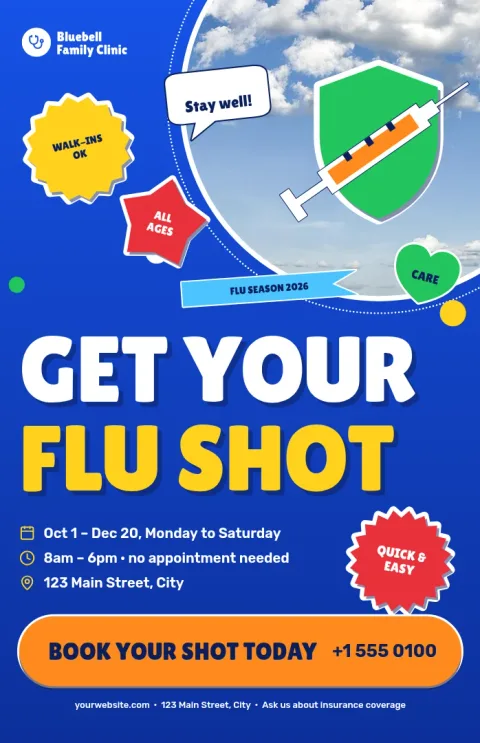
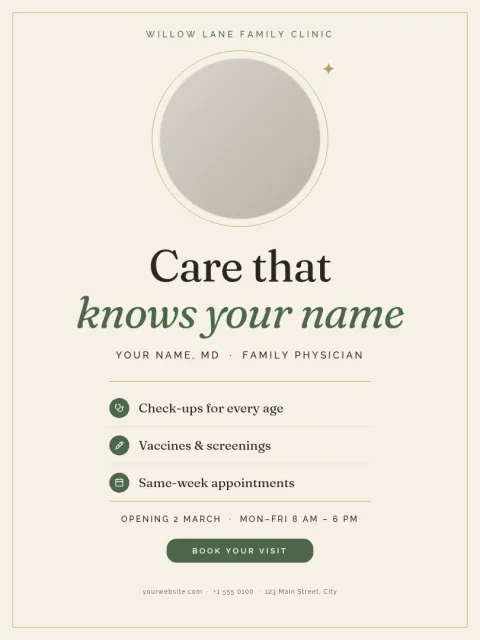
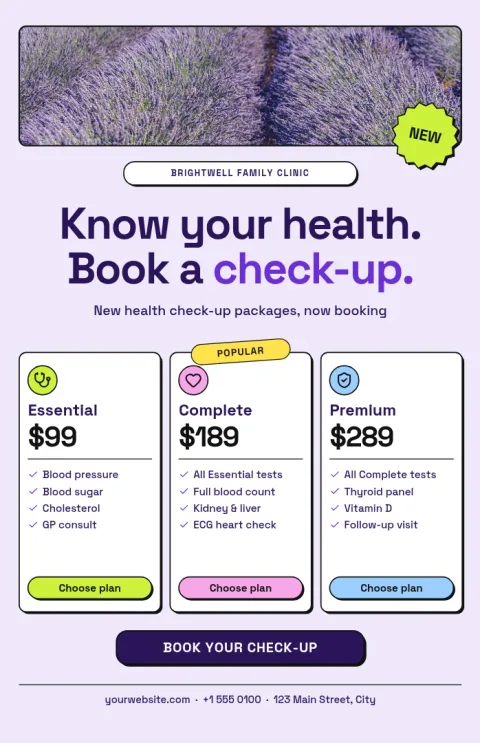
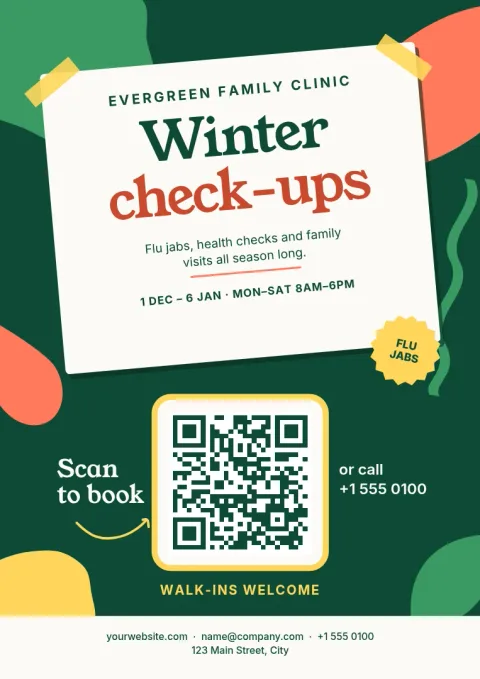
Pick a ready-made poster for your clinic or practice, then make it yours. Swap in your opening hours, services and photos, match your brand colours, and download a file for the waiting room or your website. These eight templates cover the most common clinic notices.
What you can put on a clinic poster
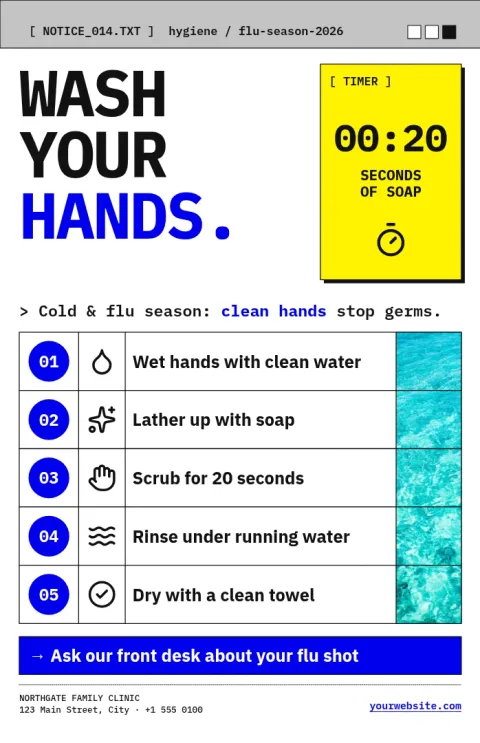
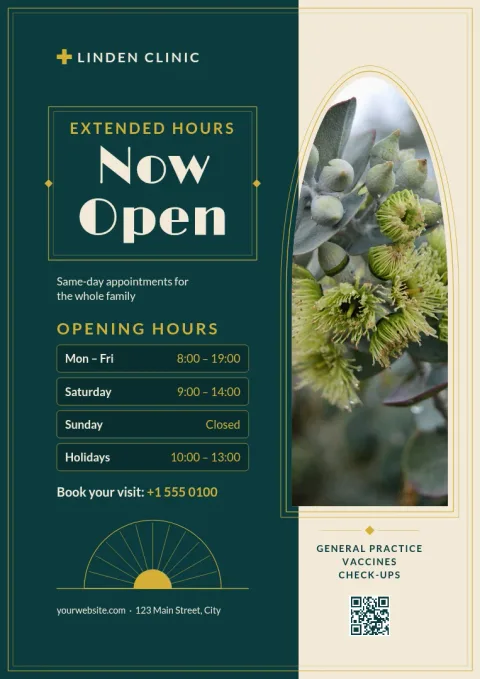
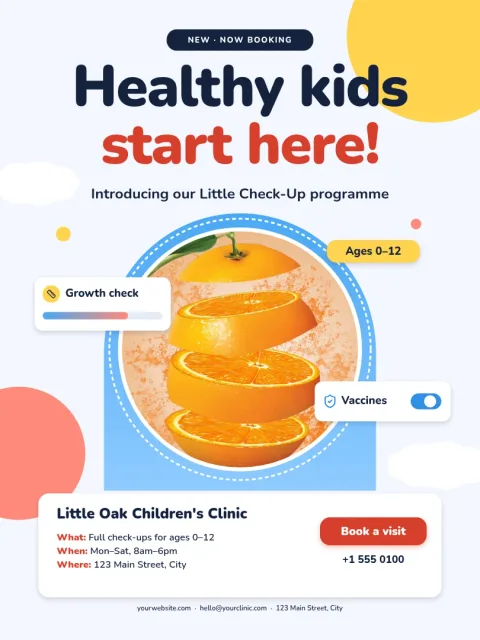
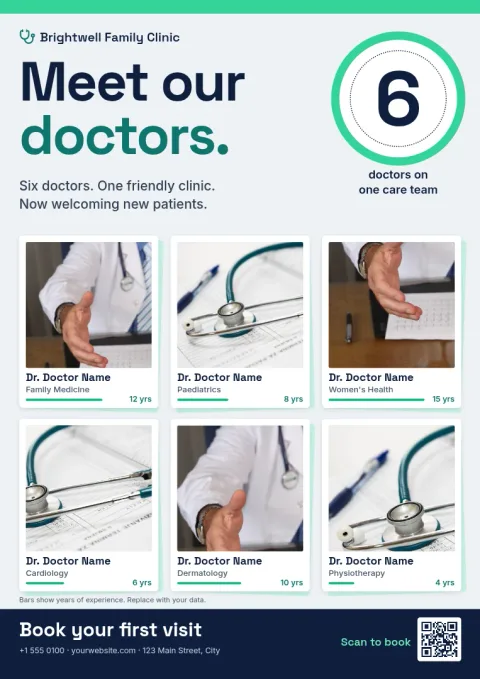
Most clinics need a handful of posters: opening hours, a welcome message, seasonal reminders like flu shots, hygiene notices, team introductions and ways to book. Each template below is built for one of these jobs, so you start with a sensible layout and only replace the words and photos.
Make it match your practice
Every template is editable. Change the text, fonts, colours, photos and layout directly in the browser. If you save a brand kit, your colours, fonts and logo stay consistent across all your posters, which helps patients recognise your clinic at a glance.
Download and use it
Nimply Design is part of every plan, including Free. You can download your poster as PDF, PNG, JPG, WebP or SVG. A PDF is a good choice if you plan to take the file to a print shop yourself. PNG works well for your website or social pages.
Keep patient information in mind
Use photos you have the right to share, and avoid showing patient details on a public poster. Placeholder images in these templates are there to be replaced with your own clinic photos, team pictures or images you are licensed to use.
Frequently asked questions
Is the doctor clinic poster template really free to use?
Nimply Design is included in every Nimply plan, including Free. You can open a template, edit it and download it. Downloading a template does not use AI credits. Only AI photo tools, such as the background remover, use credits.
Can I change the colours and logo to match my clinic?
Yes. You can edit text, fonts, colours, photos and layout. A brand kit keeps your colours, fonts and logo together, so each new poster starts on brand.
What file formats can I download?
You can download PNG, JPG, WebP, PDF (standard or vector) or SVG. For a printed waiting-room poster, a PDF is usually the easiest file to hand to a print shop.
Which poster sizes are available?
These templates come in 18x24 inch, A3 and 11x17 inch sizes. Pick the one that fits your wall, frame or noticeboard.
Does Nimply print the posters for me?
No. Nimply is where you design and download the file. You can print it yourself or take it to a local print shop.
Make it yours in minutes
Open any template in Nimply Design, add your brand in one click, and send it straight into a post for approval and scheduling.