

🧵 Threads
Schedule Threads posts — stay present without living there
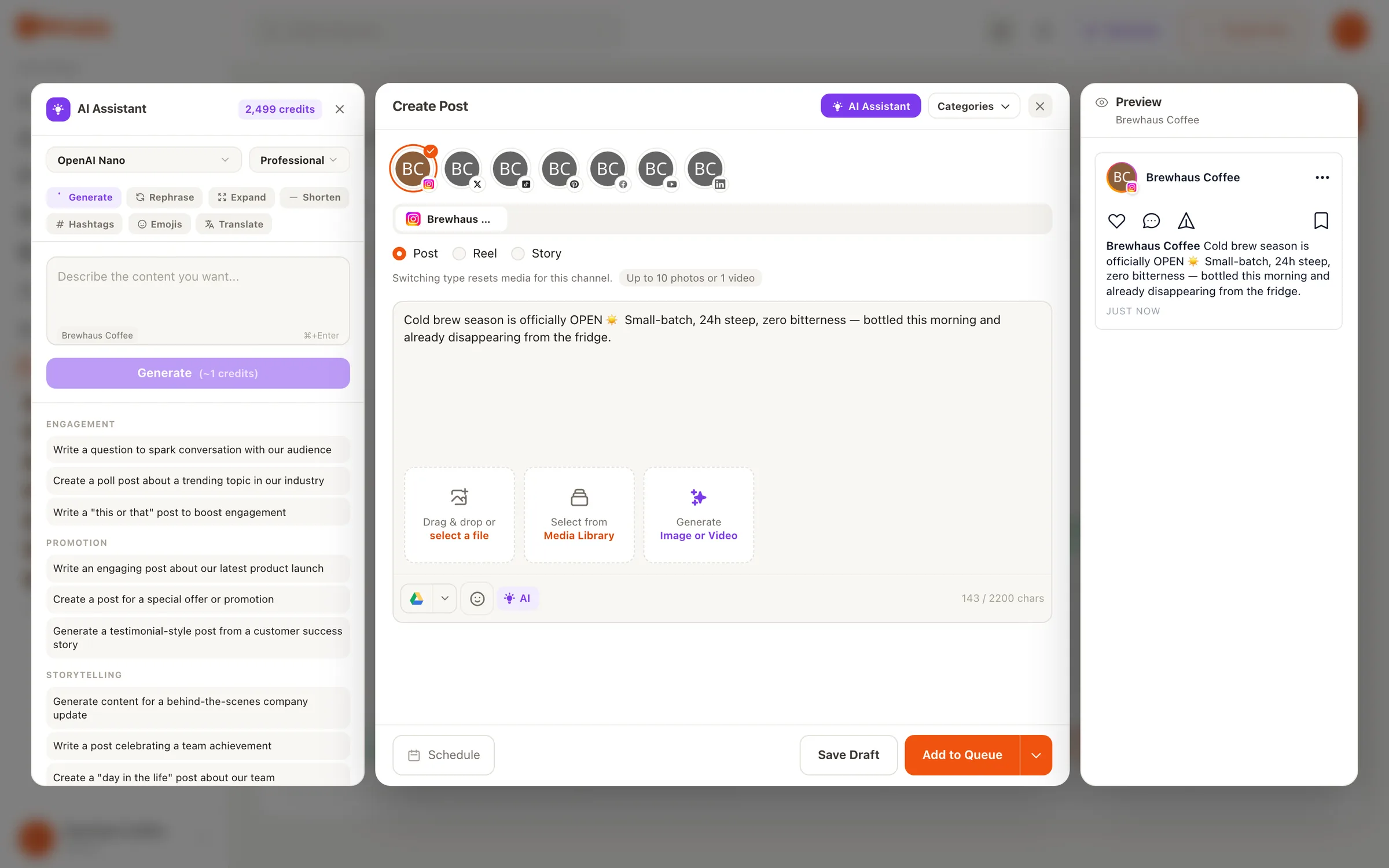
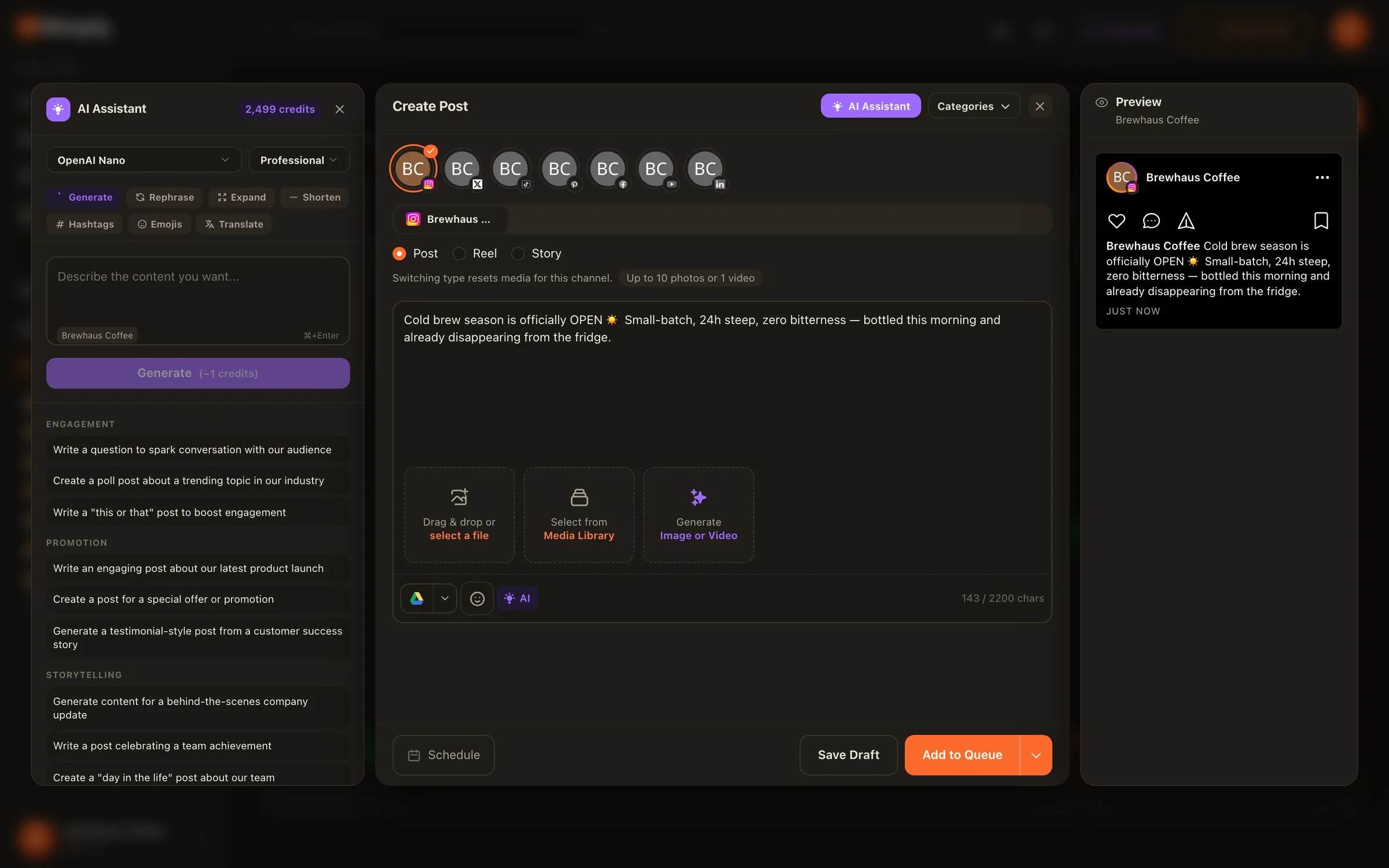
Threads runs on conversational, almost-daily posting — which is easy for two weeks and brutal after that. The fix is to schedule Threads posts in batches: draft a handful of text and media posts when you’re in a writing mood, queue them across the week, and Nimply publishes each one automatically while you get on with your day.
Setup
A week of Threads in one writing session
Honest steps, no hidden ones — this takes about as long as writing the posts themselves.
01
Connect Threads
Link your Threads account to Nimply once — it becomes a channel on your shared calendar like any other.
02
Draft in batches
Write your text posts and attach media where it helps. Batch-writing keeps the voice consistent across the week.
03
Spread them out
Drop each post on a calendar slot, or let a best-time queue fill your preset times automatically. Drag to reschedule anytime.
04
It publishes itself
At each scheduled time, Nimply posts to Threads automatically. Approval-gate anything a teammate should see first.
Threads notes
What scheduling covers — and what stays human
We’ll be straight about the shape of it: Nimply schedules your Threads text and media posts. The replies, the banter, the quote-posts that make Threads feel alive — that’s still you, and honestly it should be. Scheduling handles the baseline so the time you do spend in the app is spent talking, not typing out post number four of the week.
Text and media posts, queued ahead
The two formats a Threads presence is built on, drafted in one composer and published automatically at their scheduled times.
One calendar with everything else
Threads sits beside Instagram, X, and the rest in the same planner — categories, drag-to-reschedule, and approvals included.
Scheduling is the floor
The queue guarantees you never go silent; spontaneous posts and replies happen in the app whenever the moment strikes.
One idea, three feeds
The same thought rarely fits Threads and X the same way
Threads leans conversational; X rewards compression; Instagram wants the visual to lead. Nimply’s composer lets you target all three in one pass and tailor the caption per platform before anything publishes — so you’re not choosing between copy-paste sameness and triple the work.
Posting the same announcement everywhere? See how posting to every platform at once works, or let the Content Repurposer agent rebuild one piece natively per platform — as drafts for your approval, never published directly. The planner behind all of it is Nimply’s social media scheduling foundation, the same one that powers Instagram scheduling.
Scheduling Threads posts — FAQ
What kinds of Threads posts can I schedule?
Text posts and media posts — the core of a Threads presence. You write the post in Nimply's composer, attach an image or video if you want one, pick a time, and Nimply publishes it to your connected Threads account automatically.
Does the post publish on its own, or do I get a push notification?
It publishes on its own. At the scheduled time Nimply posts directly to Threads — no reminder notification, no copy-paste step, no needing your phone in hand.
Can I write a week of Threads posts in one sitting?
That's the intended workflow. Draft a batch in the composer, then spread them across the week on the calendar — or add them to a best-time queue with preset slots and let Nimply fill the schedule for you.
Can I post the same idea to Threads and X at once?
Yes — Nimply's composer targets multiple platforms in one pass, and you can tailor the caption per platform before publishing, so the Threads version can stay conversational while the X version stays tight.
Do scheduled Threads posts go through approval?
They can. Nimply's approval workflow holds any draft — including Threads posts — until a teammate approves it, which matters when more than one person touches the brand account.
Can I still post spontaneously?
Of course — scheduling is a floor, not a ceiling. The queue keeps a baseline presence going, and you jump into Threads for the live, in-the-moment posts whenever you actually have something to say.
Keep the Threads streak alive without the daily scramble
Draft a batch tonight, queue it across the week, and spend your app time actually talking to people.