

Bloggers
Every post you publish deserves more than one tweet on launch day. Feed in, drafts out, promotion handled.
📡 Feed-powered publishing
The honest version of RSS to social media isn’t a robot spraying headlines at your followers. Point Nimply at your feeds, and every new article becomes an editable post draft waiting in your queue — caption started, link attached, your judgment still in charge of what actually ships.
Illustrative
In · new feed items
Our Q3 product update is live
yourblog.com/rss
Interview: scaling a support team
yourblog.com/rss
The pricing page rewrite, explained
news.yoursite.io/feed
Nimply turns each article into a draft
Out · your drafts queue
We just shipped the Q3 update — here's the one change you'll notice first…
Draft · editable
What scaling support actually broke (and fixed) — new interview:
Draft · editable
We rewrote our pricing page. The before/after is worth a look:
Draft · editable
Who this serves
Every post you publish deserves more than one tweet on launch day. Feed in, drafts out, promotion handled.
Stories hit the site all day. The feed catches each one so social never lags the homepage.
Follow the publications your audience trusts and share the best of them — with your take added, not a bare link.
When nobody owns social, articles fall through the cracks. A drafts queue makes the gap visible and fixable.
Why drafts win
Auto-blasted feeds are easy to spot and easy to unfollow: raw headlines, no voice, no judgment. Nimply stops one step earlier on purpose.
Each article arrives as a draft. Skip the ones that don't deserve a post; rewrite the ones that do in your voice.
RSS drafts flow into the same approvals, calendar, and per-platform tailoring as every other post — see the shared content calendar.
Let a week of articles pile up, then clear the queue in one sitting — the same rhythm as bulk scheduling, fed by your own site.
Related: content calendar · bulk scheduling
Beyond your own RSS
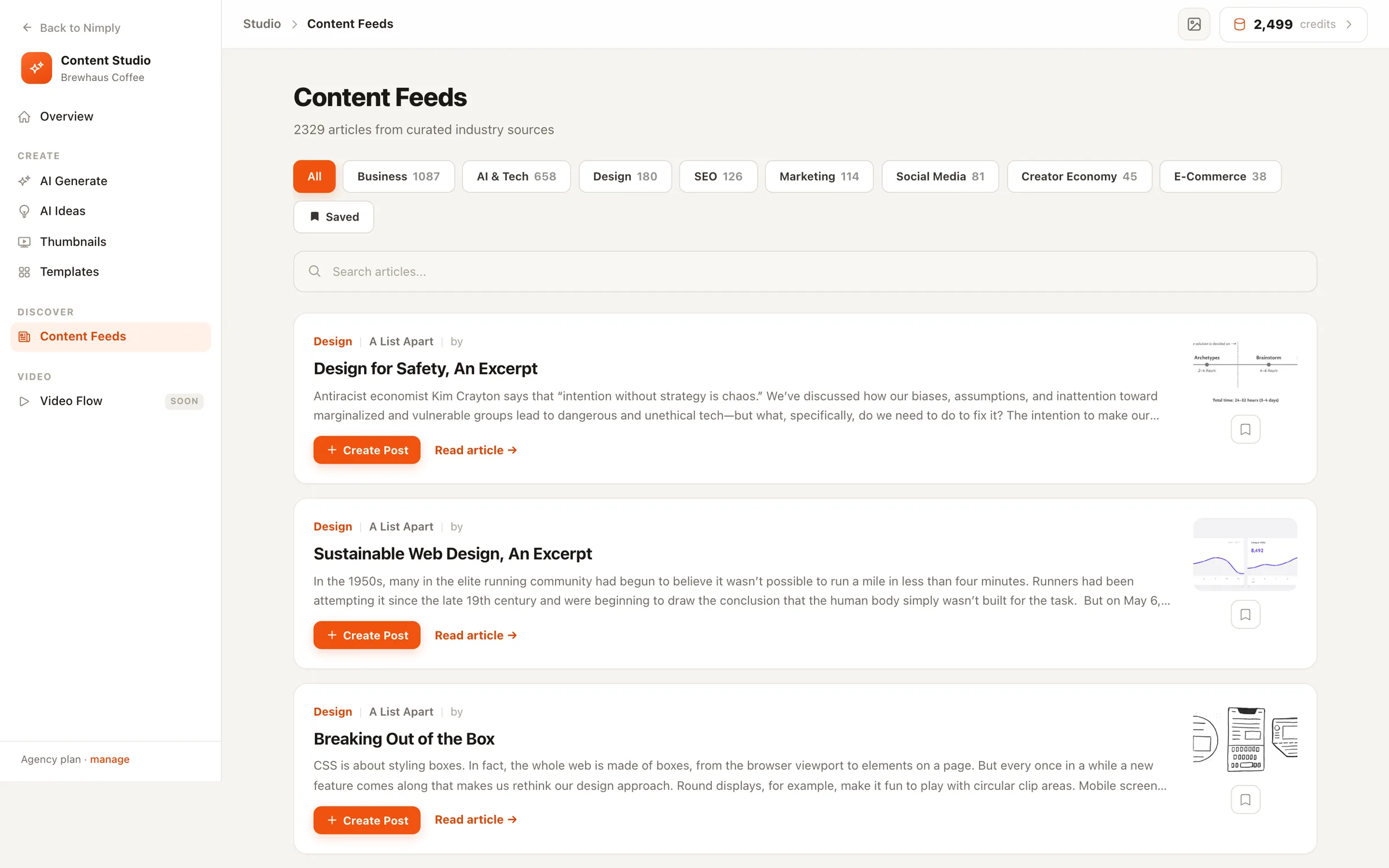
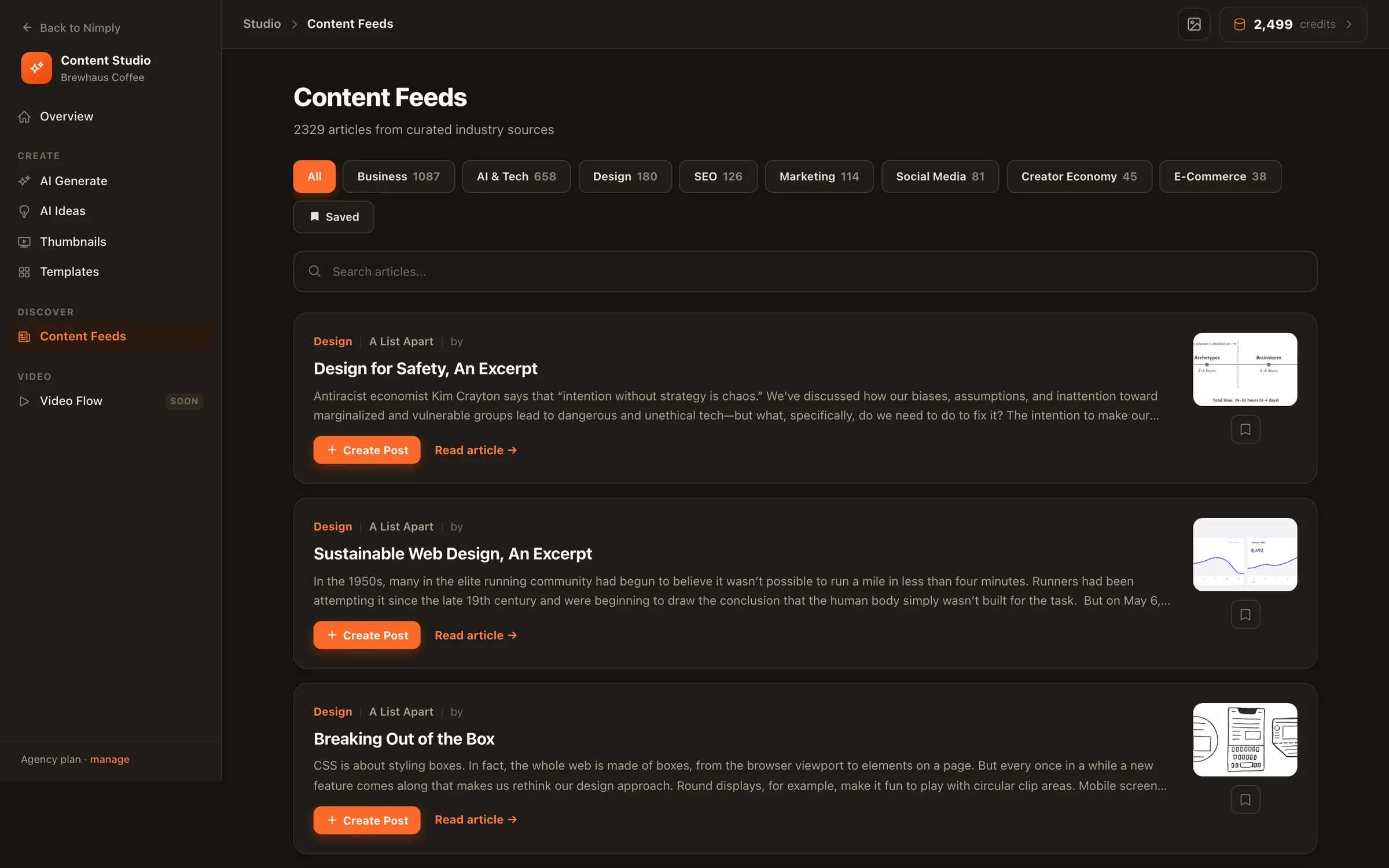
The same feed machinery does double duty. Nimply’s built-in Feeds stream carries 2,000+ curated industry articles across niches — an idea source when your own blog is quiet — and the Trend Scout agent reads those sources to file sourced post angles on your Ideas board. Your RSS keeps social in sync with what you publish; Feeds and Ideas keep it in sync with what your industry is talking about.
No — deliberately. New articles become editable post drafts in your queue, not published posts. You review each draft, tweak the caption for your audience, pick channels, and schedule it. Feeds that auto-blast raw headlines read like bots; drafts keep a human in the loop.
Yes. Point Nimply at each feed you care about — your own blog, your company newsroom, publications you curate from — and new articles from all of them flow into the same drafts queue.
Always. Every RSS-generated draft is a normal Nimply draft: rewrite the copy, tailor it per platform, add media, attach hashtags, route it through approval, and drop it on the calendar like any other post.
That's what Feeds and Ideas are for. Nimply's built-in Feeds stream carries 2,000+ curated industry articles across niches, and the Trend Scout agent reads those sources to file ready-to-use post angles on your Ideas board — so your queue never depends on your own blog's publishing pace.
Anyone whose content already ships somewhere else first: bloggers promoting every post, newsrooms distributing stories, curators sharing the best of their industry, and multi-author sites where nobody owns social. The feed does the watching; you do the choosing.
Yes — RSS drafts land in the same queue and calendar as everything else you plan in Nimply, so feed-driven posts, original content, and campaigns are scheduled side by side in one view.
Point Nimply at your feed today — the next article you publish shows up as a draft, not a chore.