

Speed 1 · Draft-first
AI drafts, you send
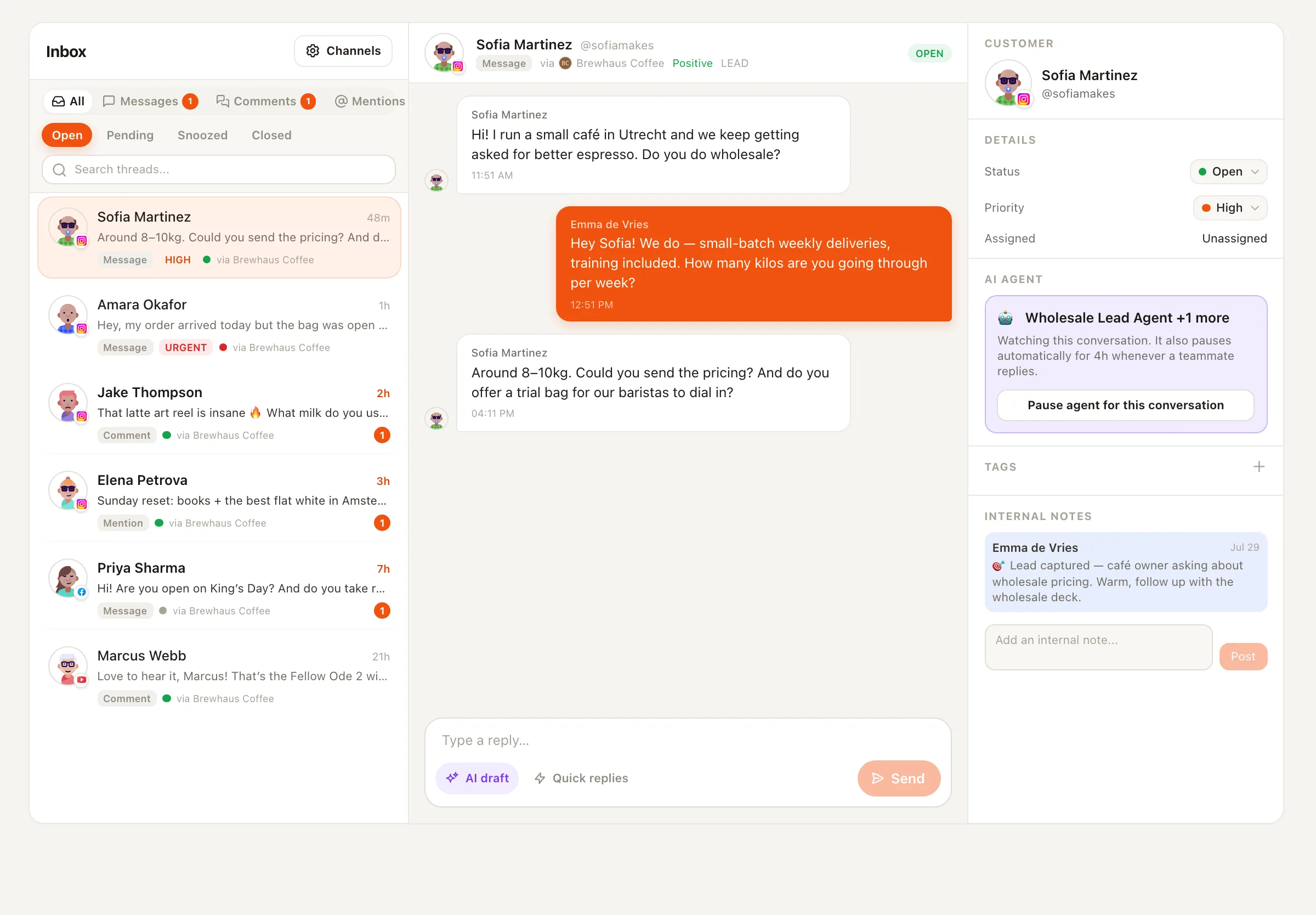
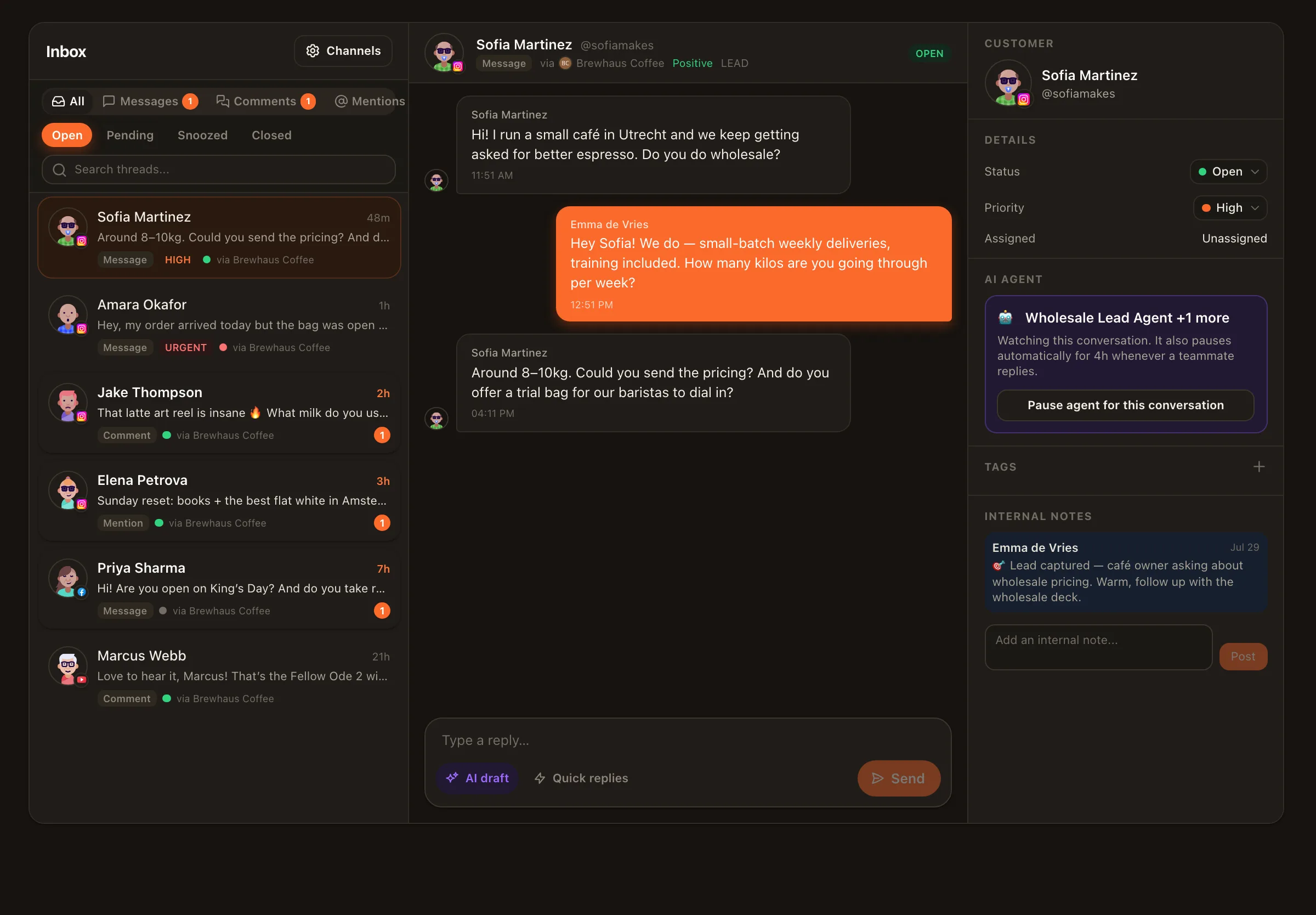
Open any comment or DM, tap draft, and get a reply written from the conversation’s context and your voice profile. Edit freely, then send. This is the default everywhere — nothing goes out without your tap.
✍️ Engagement & inbox
Nimply’s AI reply generator turns every comment and DM in your inbox into a drafted response written in your voice. You read it, tweak a word or two, and send — the typing is done, the judgment stays yours. And when a conversation type earns your trust, a reply agent can handle it end to end.
Draft-first by default · edit anything · per-conversation pause
Illustrative conversation
@maya.runs · Instagram DM
Do you ship to Canada? And how long does it usually take?
AI draft · your voice
Awaiting your approvalHey Maya! Yes — we ship to Canada. Orders usually land in 5–8 business days, and you’ll get tracking as soon as it leaves the warehouse. 🚚
The job
Shipping questions. Pricing questions. “Is this still available?” The same twelve conversations, dressed differently, every single day. Answering them well matters — a fast, warm reply is often the difference between a follower and a customer — but the typing itself is pure repetition. That’s the part an AI reply generator should absorb, without ever taking the judgment call away from you.
Drafts land inside the conversation
No copy-pasting into a separate AI tool. The draft appears in the composer of the actual thread, context already read.
Your voice, not bot voice
Drafts follow the tone profile you set up — your phrasing, your emoji habits, your sign-offs.
Saved replies for the true clichés
For the questions that never change, saved replies answer in two clicks — shared across your whole team.
Translations built in
Read incoming messages in your language, reply in theirs.
Two speeds
The reply generator and the reply agents are the same idea at two trust levels — and you move between them per conversation type, not all-or-nothing.
Speed 1 · Draft-first
Open any comment or DM, tap draft, and get a reply written from the conversation’s context and your voice profile. Edit freely, then send. This is the default everywhere — nothing goes out without your tap.
Speed 2 · Trusted agents
The Customer Support Agent answers business DMs and comments from your business profile and FAQ — draft-first or, once you flip the switch, sending on its own and escalating what it can’t handle. The Personal DM Agent does the same for creators, in your texting style. Type in any thread and the agent stands down there instantly.
Honest setup
Connect a channel — a Facebook Page, Instagram professional account, or YouTube channel — and switch its inbox on. Inbox is opt-in per channel.
Describe your voice and, for support use, your business profile and FAQ. Ten honest minutes here is what makes drafts sound like you.
Reply with drafts for a while. Edit them; notice what you keep changing and refine the setup.
When a conversation type is consistently right, hire an agent for it and choose its mode — draft-first or auto — knowing you can pause it in any thread by typing.
Platform notes
Related: Instagram DM automation · comment moderation
You describe your brand or personal tone during setup, and agents like the Personal DM Agent are configured around your actual texting style — short or long, emoji or none, formal or casual. Drafts follow that profile, and every edit you make before sending is a signal about what you actually sound like.
Not unless you explicitly choose that. Draft-first is the default: the AI writes, you approve, edit, or discard. Auto-send only exists on agents where you deliberately switch the mode on — and even then you can pause the agent in any single conversation just by typing in the thread yourself.
The unified inbox currently carries DMs, comments, and mentions from Facebook Pages and Instagram professional accounts, plus YouTube comments — with more platforms arriving as their API approvals land. Inbox is opt-in per channel, so you decide which accounts flow in.
AI drafts are on-demand: you open a conversation, tap draft, and get a reply to review. A reply agent — like the Customer Support Agent — works the queue on its own, drafting (or, if you allow it, sending) answers based on your business profile and FAQ, and escalating anything it isn't sure about to you.
Yes. The inbox includes translations, so you can read an incoming message in your language and draft a reply back in theirs — useful the moment your audience stops being one-language.
AI work runs on credits, and usage is transparent: agent runs show their credit cost, so you always know what the automation layer is consuming. There are no hidden per-reply fees buried in a plan.
Connect a channel, switch on its inbox, and answer your next comment from a draft instead of a blank composer.