

01
It eats the character budget
On platforms with tight caption limits, a tracking-parameter URL can consume more characters than your actual message. The link should be the smallest thing in the post.
🔗 Built into publishing
Most teams treat a link shortener for social media as one more tab: copy URL, shorten, copy again, paste. Nimply deletes the round trip — paste the full URL in your post and it’s shortened automatically at publish time.
What you paste
https://www.yourstore.com/collections/fall-2026/products/waxed-canvas-tote?utm_source=instagram&utm_medium=social&utm_campaign=fall_launch
147 characters — over half an X post gone before you say a word
What your audience sees
Short link · auto-applied at publish
Caption budget back — UTMs still on the destination
The case for short
01
On platforms with tight caption limits, a tracking-parameter URL can consume more characters than your actual message. The link should be the smallest thing in the post.
02
A wall of ?utm_source=&campaign= mid-caption looks like machinery your audience was never meant to see. Short links keep the caption human.
03
Captions are typography too. One 147-character token wraps across three lines and buries your CTA under alphabet soup.
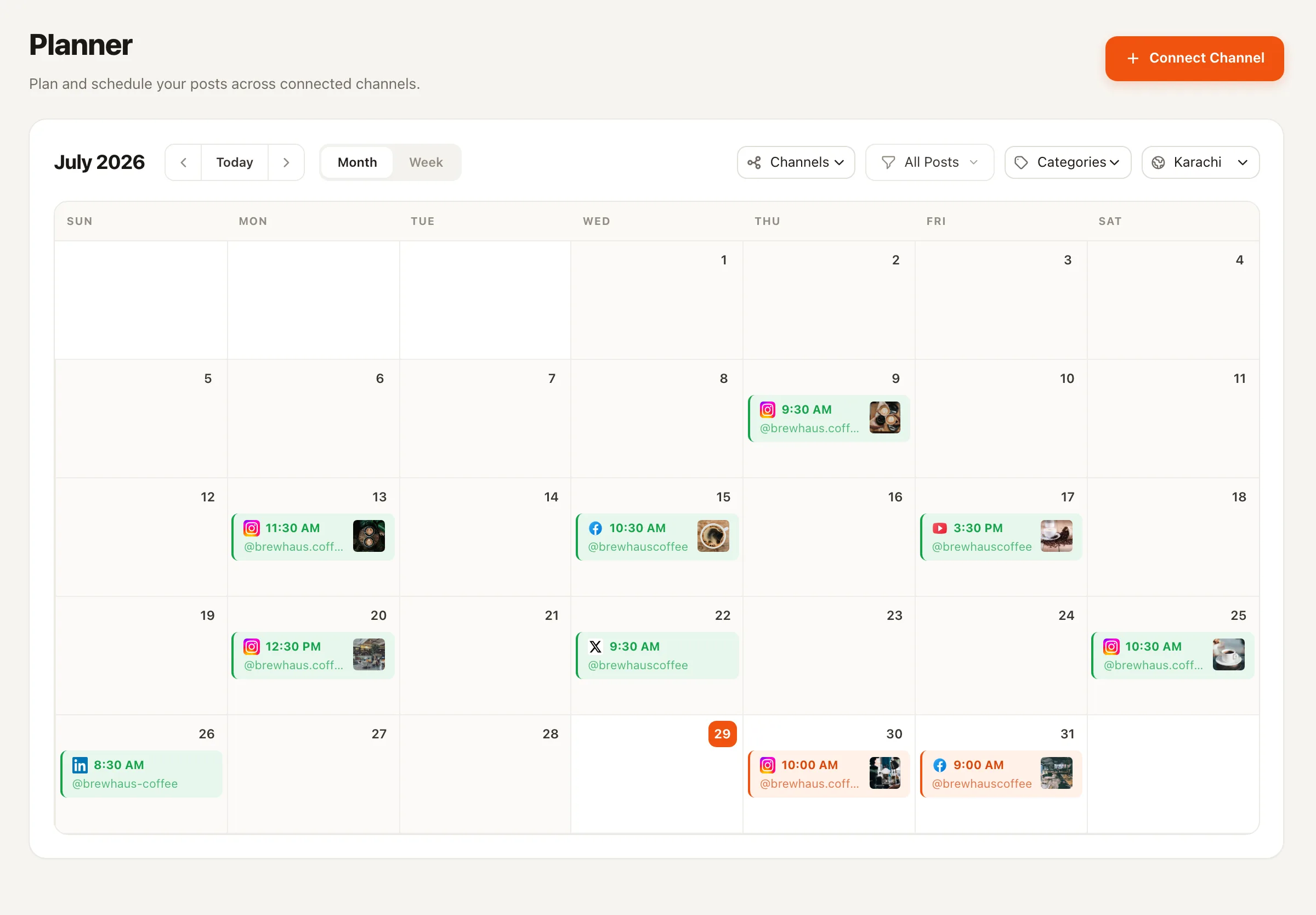
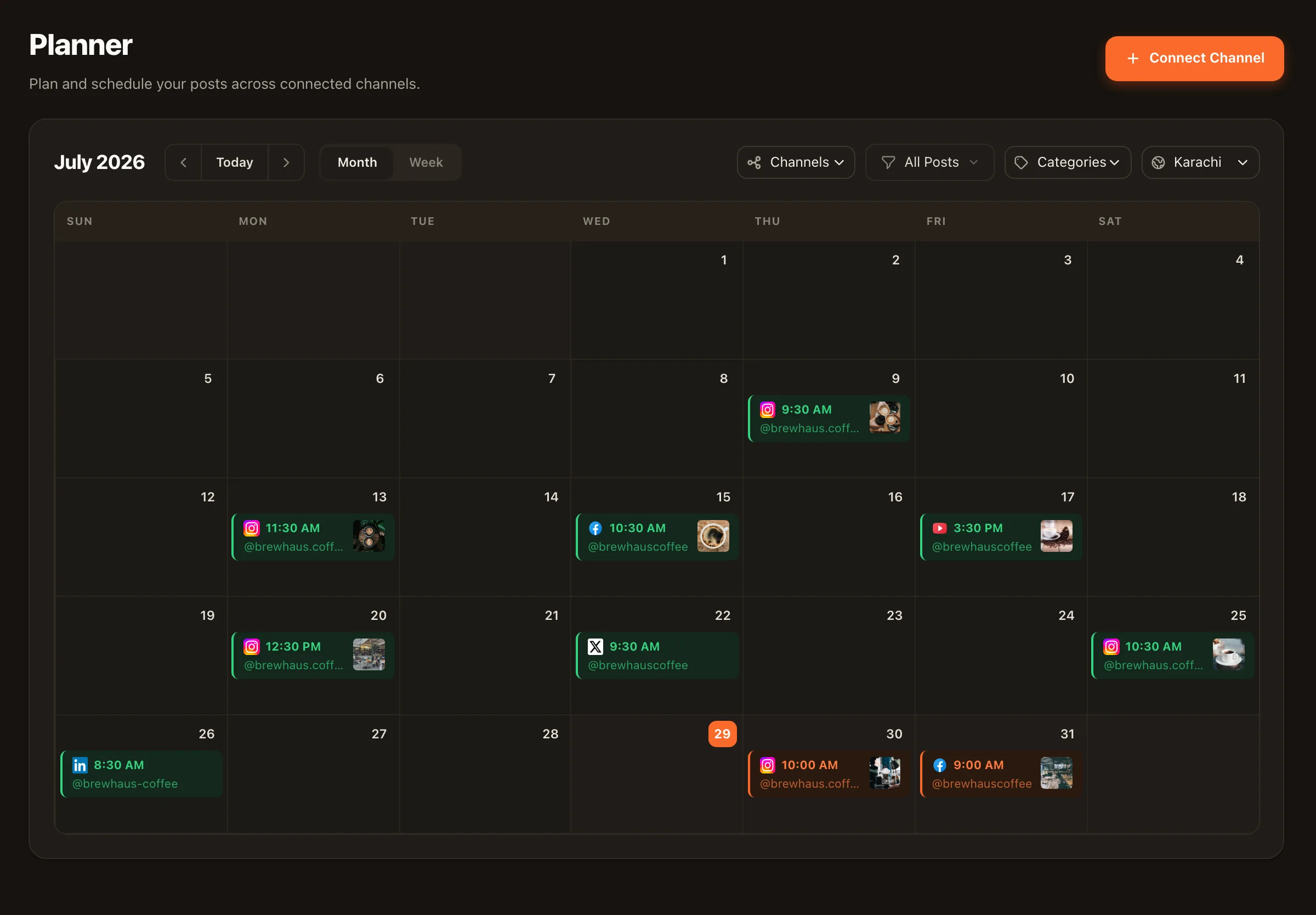
Zero-step workflow — and honest limits
It does one thing well: every link in a post you publish through Nimply is shortened automatically at publish time. No browser extension, no shortening step, nothing for teammates to forget on the Instagram queue at 7am.
And what it doesn’t do, said plainly: no custom branded short domains today, and no full link-analytics suite — you get basic click counts per link, while deeper attribution stays with the UTM parameters you already use. If those are dealbreakers, a dedicated link platform is the better fit; if you just want clean captions without another tool, this is it. On Instagram, pair it with saved hashtag sets to keep captions clean end to end.
No — that's the point. Paste the full URL, UTM parameters and all, into your post. When Nimply publishes the post, the link is shortened automatically. There's no separate shortening step and no second tool in your workflow.
Not today — we won't pretend otherwise. Short links use Nimply's shortener, not a custom domain you bring. If a branded short domain is a hard requirement for you, a dedicated link tool is the right call for now; Nimply's shortener is built for convenience inside the publishing flow.
Basic click counts, yes — each short link tracks how many times it was clicked. What it isn't is a full link-analytics suite: no referrer breakdowns, device splits, or per-link dashboards. For deeper attribution, add UTM parameters to your URLs before pasting them in and read the results in your web analytics tool; the shortener preserves your full destination URL.
Shortening happens at publish time inside Nimply's publishing pipeline, so it applies to the posts you publish through Nimply regardless of which connected channel they go to.
Instagram doesn't make caption links clickable for feed posts — no shortener changes that. Where short links earn their keep on Instagram is everywhere links are clickable: your bio, Stories link stickers, and DMs. For feed posts, the usual move is a clean caption that points to the link in your bio.
Paste full URLs, publish clean captions. The shortener is on for every post you publish through Nimply - free to start.