

Organized by content category
Build one set per recurring content type — launches, BTS, tutorials, community. If you use the planner's post categories, sets map onto them naturally, so the right tags are always one click from the right post.
# Planner feature
If your hashtag sets currently live in a notes app that you copy-paste from five times a week, you’ve already invented this feature — just with more steps. Nimply stores named hashtag groups inside the planner, organized by content category, and attaches any of them to a post in one click.
Your hashtag sets
4 savedLaunch day
8 tags#productlaunch #newdrop #smallbatch …
Studio BTS
6 tags#behindthescenes #studiolife #processvideo …
Tutorials
9 tags#howto #learnontiktok #tutorialtuesday …
Community
5 tags#customerspotlight #madewithlove …
One click in the composer drops the whole set straight into your caption.
The workflow
The tags themselves take thirty seconds. Doing it every post, across every channel, forever — while occasionally typo-ing a tag into a dead one — is the tax. Sets remove it three ways:
Build one set per recurring content type — launches, BTS, tutorials, community. If you use the planner's post categories, sets map onto them naturally, so the right tags are always one click from the right post.
Pick the set in the composer and the whole group drops into the caption exactly as you saved it — no pasting, no typo'd tags, the same set every time that content category comes up.
Sets live in the workspace, not someone's phone. Whoever drafts the post attaches the same curated tags, and any set you refine is instantly available to everyone for their next post.
An honest hashtag strategy
We won’t sell you “hashtags that get you followers” — nobody honest can. What hashtags still do is categorize: they tell the platform and searching humans what a post is about. And the platforms themselves have shifted toward keyword search — Instagram and TikTok now index caption text the way search engines index pages — which makes a small number of genuinely descriptive tags worth more than thirty aspirational ones.
That’s the strategy sets encode: curate a handful of relevant tags per content category once, thoughtfully, instead of improvising thirty in the posting panic. If you’re thinking about social search more broadly, the SEO templates library covers the keyword side of the same shift. And when you’re drafting the caption itself, the Instagram caption generator proposes relevant tags you can prune into a new set — ready to attach the next time that content category comes up.
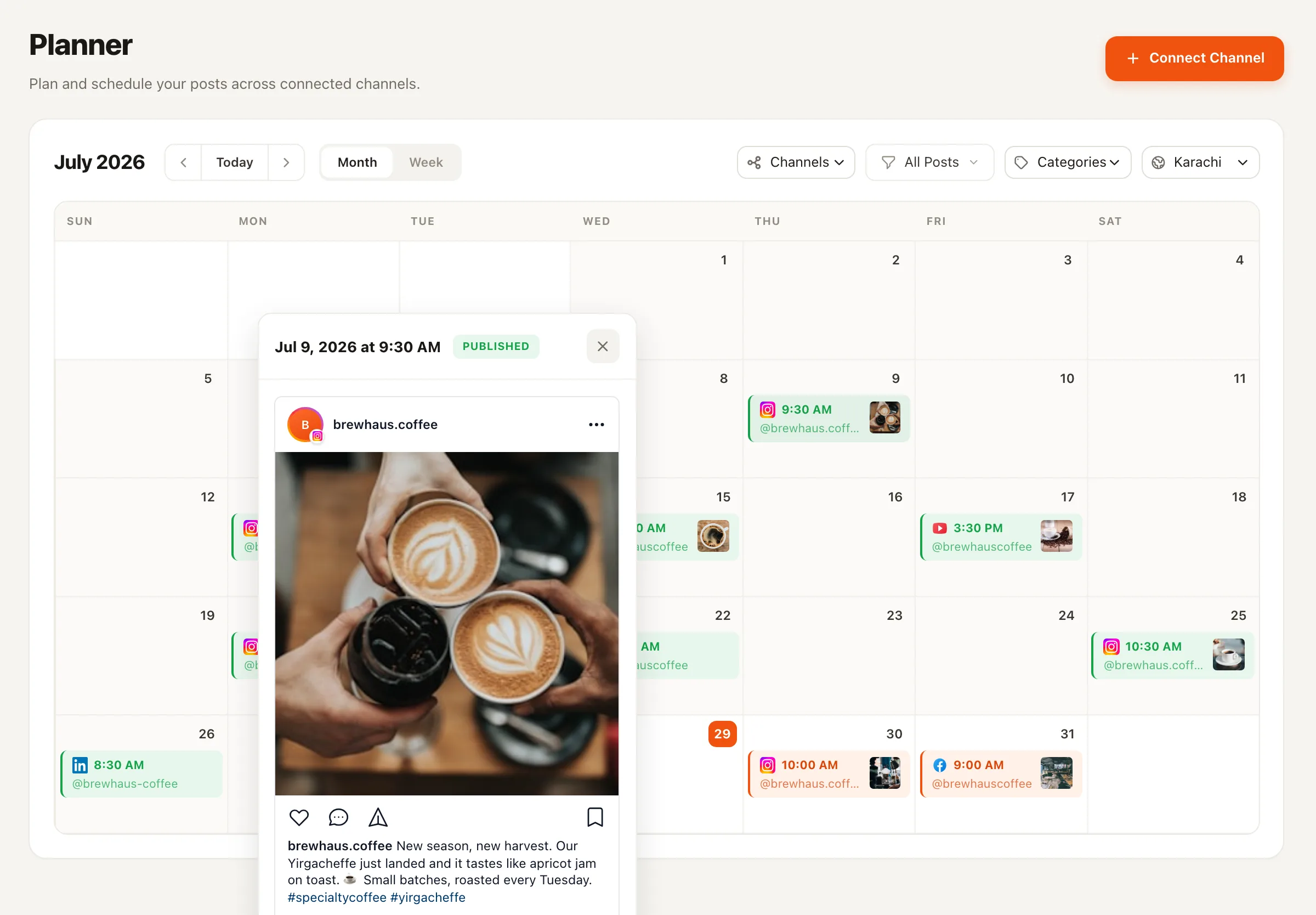
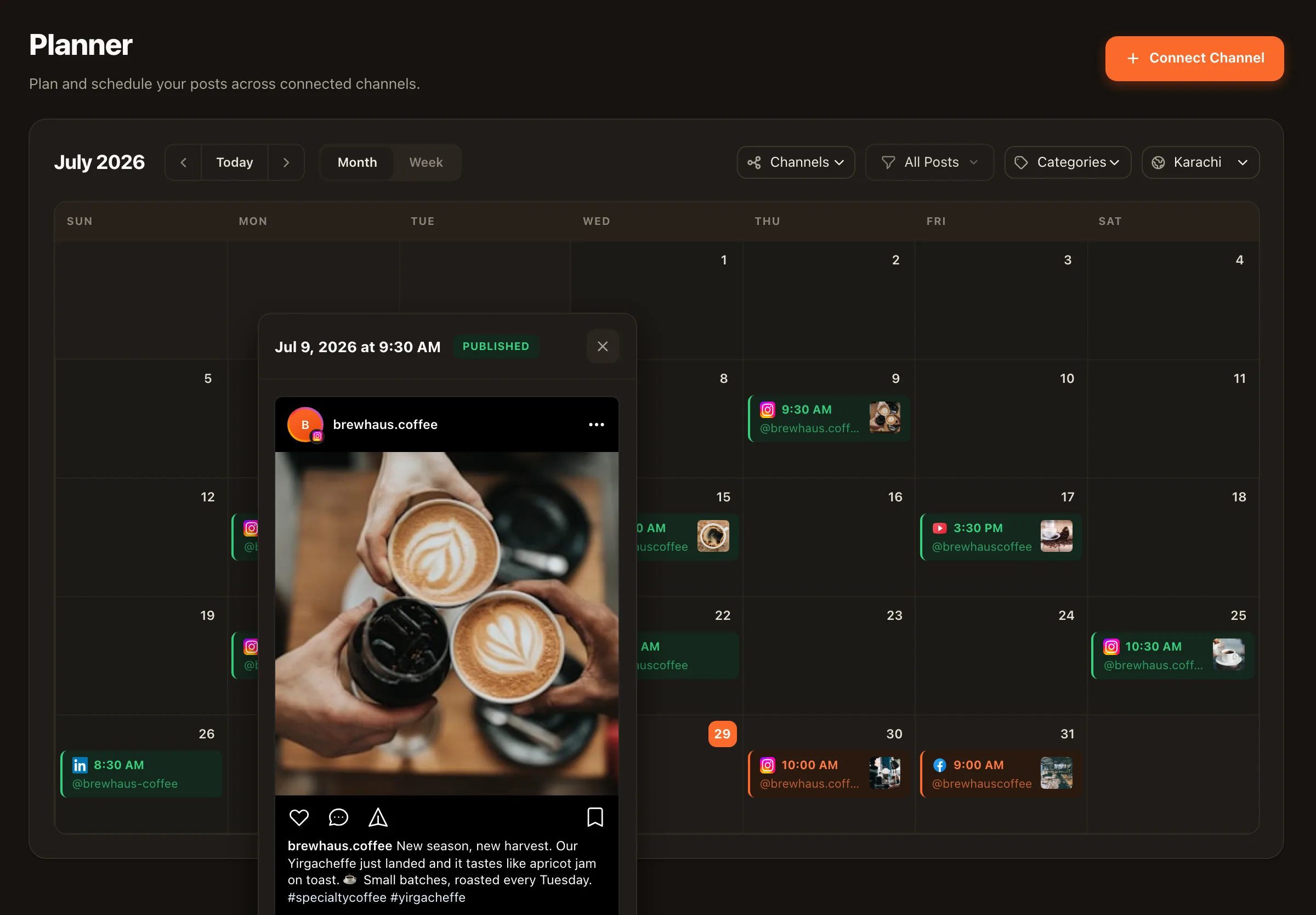
A named, saved group of hashtags — “Launch day,” “Studio BTS,” “Tutorials” — stored in your Nimply planner. When you compose a post, you attach the whole set in one click instead of retyping or pasting tags from a notes app.
One per recurring content category is the pattern that holds up: launches, behind-the-scenes, tutorials, community posts. If you're using post categories in the planner, your hashtag sets usually mirror them one-to-one.
The updated set applies to every post you compose from then on. Posts you've already scheduled keep the tags they were composed with — a set is an insert at compose time, not a live link — so refining a set never silently rewrites content that's already been approved.
Less as a growth hack, still as context. Platforms have shifted hard toward keyword search — Instagram and TikTok index caption text — so a handful of genuinely descriptive tags helps categorization, while thirty scattergun tags does nothing a decade-old tactic promised. Relevance over volume.
Repeating one giant set on every post regardless of content is the actual mistake — not repetition itself. Category-based sets solve this naturally: your tutorial posts share tutorial tags, your launch posts share launch tags, and every tag stays honest to the content it's on.
The caption generator in the AI Content Studio drafts relevant hashtags along with your caption, which you can prune and save as a set. There's no magic “hashtags that get you followers” engine — no honest hashtag generator can promise that — but drafting relevant candidates and curating them into sets is exactly the workflow that works.
Build your first hashtag sets in minutes, attach them in one click, and keep every caption consistent — free to start.