

Built in
2,000+ live industry articles
Nimply’s curated Feeds stream covers niches from AI to fitness to finance. The scout scans it every run — trying a category matched to your niche first — with zero setup on your side.
💡 Trend Scout Agent
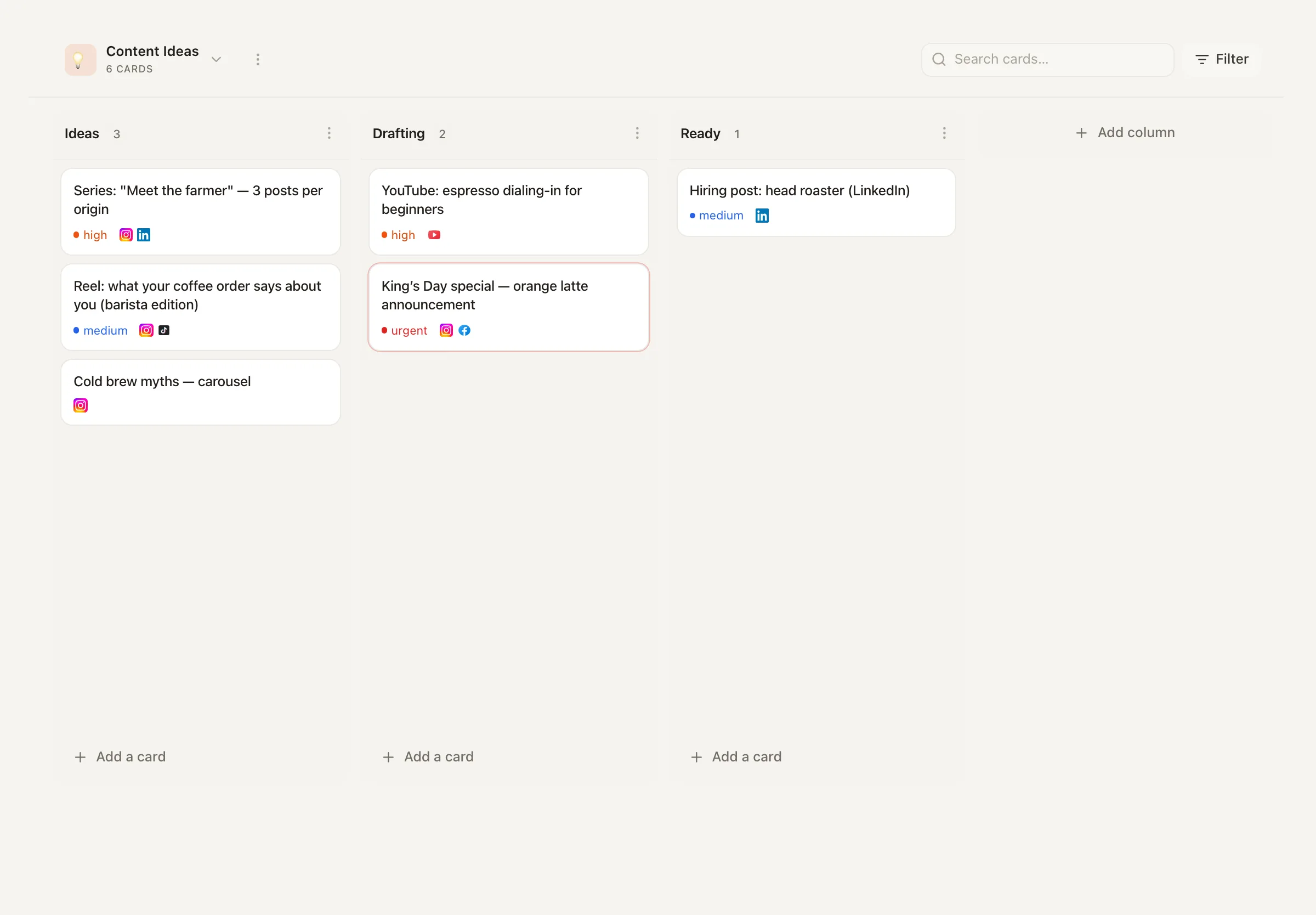
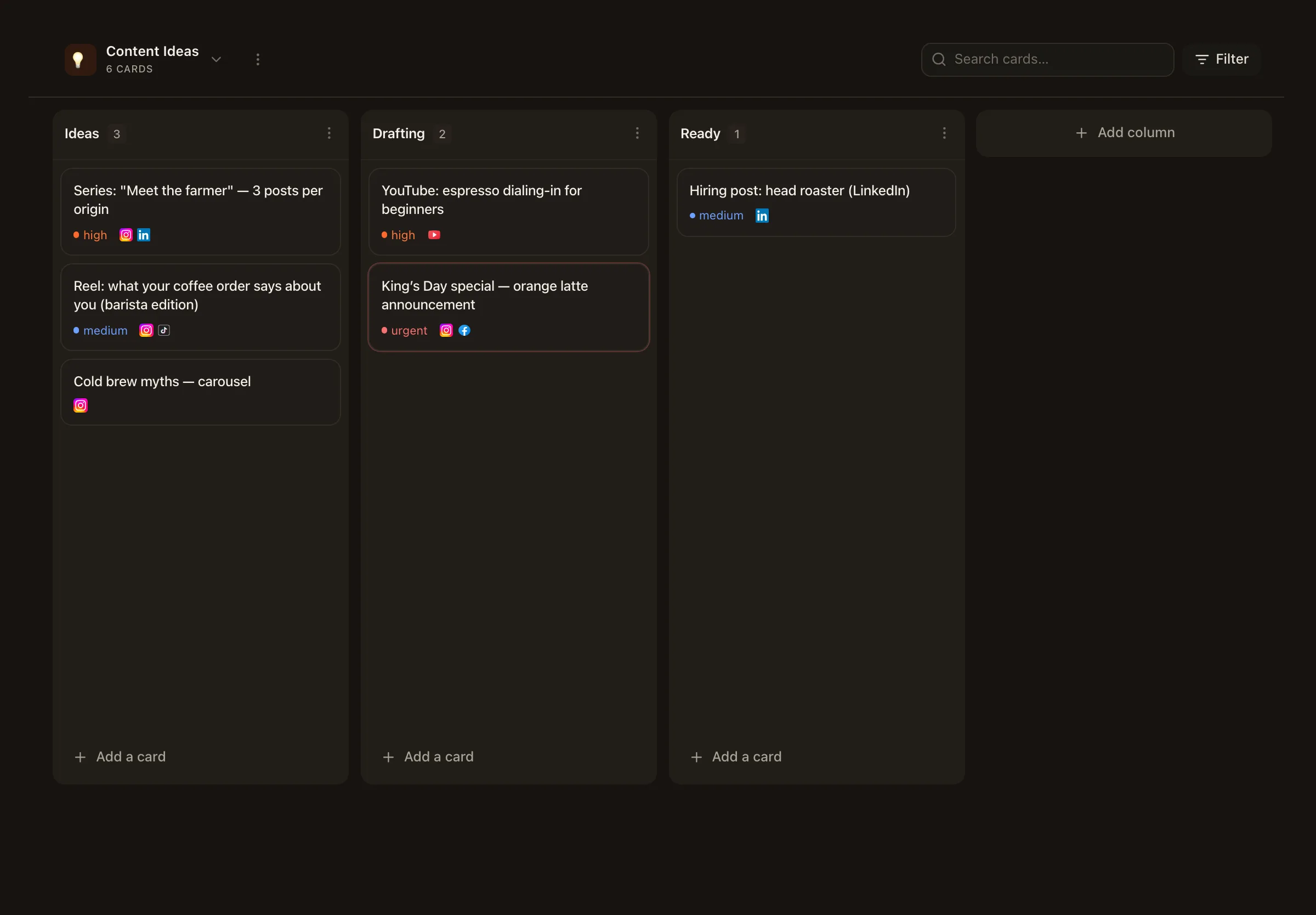
The blank calendar isn’t a creativity problem — it’s a scanning problem. Trend Scout reads what’s moving in your niche, throws away the generic noise, and files 3-5 ready-to-use post angles on your Ideas board. Every angle names its source. You just pick what resonates.
Every angle sourced · one notification per brief · you decide what becomes a post
Where it looks
Trend Scout doesn’t hallucinate a zeitgeist. It reads actual articles and tool results, and it’s forbidden from filing anything it can’t point to.
Built in
Nimply’s curated Feeds stream covers niches from AI to fitness to finance. The scout scans it every run — trying a category matched to your niche first — with zero setup on your side.
Optional
Connect search or trend MCP servers in Workspace Settings and the scout uses them for live data beyond the built-in feeds — your sources, your niche depth.
The filter
An article only survives if you could say something about it that your audience cares about. Generic industry noise gets cut; your watch-list and off-limits topics steer the rest.
The deliverable
Summarizing the news is easy and useless. Each card the scout files is built to be actionable: it opens with the hook you could post with, and closes with the link that proves it’s real.
The card title is the first line of a post you could actually publish — written for your audience, not copied from the article.
Two to four sentences: what's trending (source named), why it matters this week, and the specific take to lead with — opinion, experience, or the contrarian view.
Every card ends with the link to the real article or tool result behind it. No source, no card — that's a hard rule.
Different topics or formats per brief — never five takes on the same story.
One scouting run
1 · Scan
Reads the built-in industry feeds (niche category first) plus any connected MCP trend sources.
2 · Filter
Everything passes through your niche description. Interesting-in-general isn't enough — it has to be interesting for your audience.
3 · Distill
3-5 angles, each a hook plus why-now plus your specific take, each ending with its source URL.
4 · File
The angles land as cards on the dedicated Trend Scout board in Ideas.
5 · Notify
One in-app notification: how many angles are waiting, plus a one-line teaser of the best one. No inbox flooding.
From card to calendar
Trend Scout stops at the Ideas board because taste is your job. When an angle resonates, turn the card into a post and it flows into the same planning and scheduling workflow as everything else — draft, approve, schedule. Its cadence lives as a visible automation on the Automations page, and each run shows its credit estimate up front.
A scouted angle with a list inside it is carousel material — hand the idea over and get branded slides back.
Trend Scout finds what to say; the repurposer makes one piece of content say it on every platform.
When a trend echoes something you already posted about, the recycler can resurface your proven take.
Two places: Nimply's built-in industry feeds — a curated stream of 2,000+ live articles across niches — and, optionally, any search or trend MCP servers you connect in Workspace Settings. The agent scans both, then filters hard through your niche description so only things this specific audience cares about survive.
A hard rule in its instructions: no source, no card. Every angle must trace to a real feed article or tool result — the card names the source and ends with the source URL. It is explicitly forbidden from inventing trends, statistics, or articles.
Each idea card opens with the hook you could post with — not the article headline — followed by two to four sentences covering what's trending (with the source named), why it matters right now, and the specific angle you should take: your opinion, your experience, or the contrarian view. The source URL closes the card.
No — deliberately. Trend Scout is an ideation agent: it files angles as cards on a dedicated Trend Scout board in Ideas and sends you one notification per brief. You decide which angles resonate and turn those cards into posts. Nothing is drafted or published on your behalf.
No. You choose 3 or 5 angles per brief, but fewer, sharper angles beat filler by rule — if only two things genuinely matter in your niche this week, it saves two and says so. Angles must also be genuinely different from each other, not five takes on one article.
During setup you describe your niche and audience in plain language, optionally list things to always watch for — model releases, algorithm changes, competitor news — and things it must never suggest, like politics. Its schedule (weekly, three times a week, or manual) runs as a visible automation.
Hire Trend Scout free, describe your niche in a sentence, and get your first sourced angles this week.