

One page resume template to edit in your browser
A short resume is easier to read and easier to send. Choose a one page resume template below, swap in your own details, and adjust fonts, colours and layout until it fits you. Pick A4 or US Letter, then download a PDF when you are done.
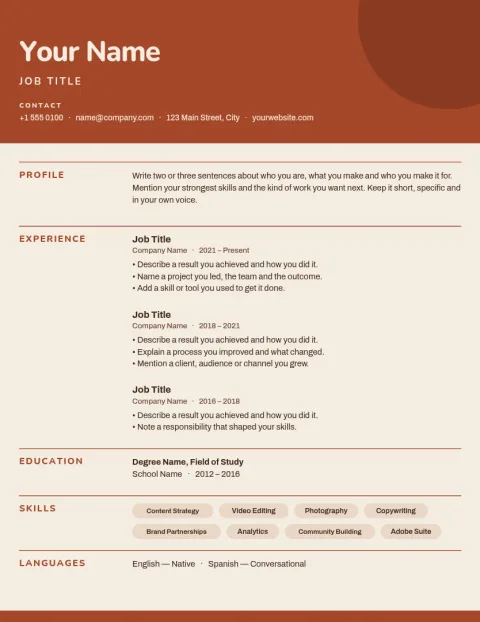
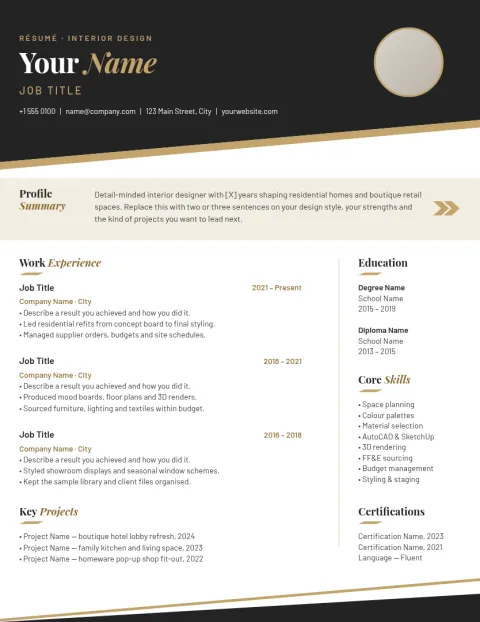
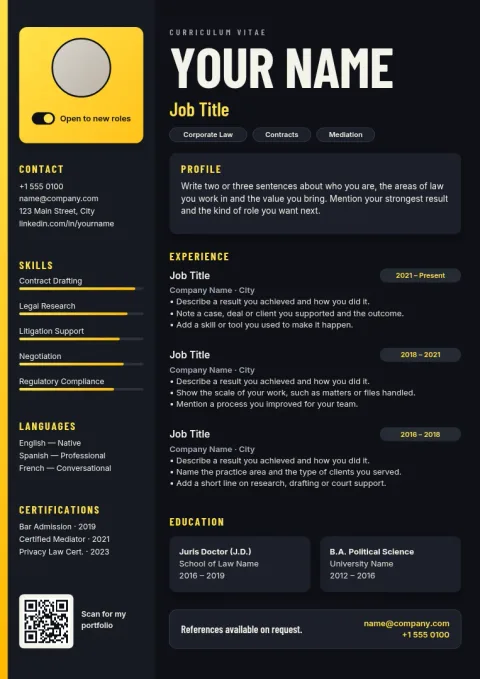
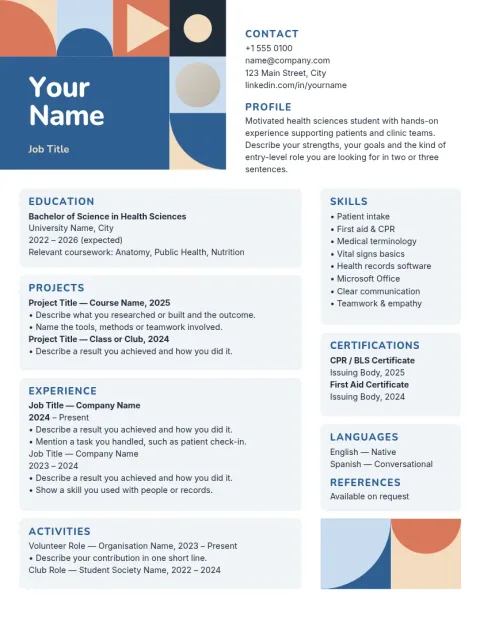
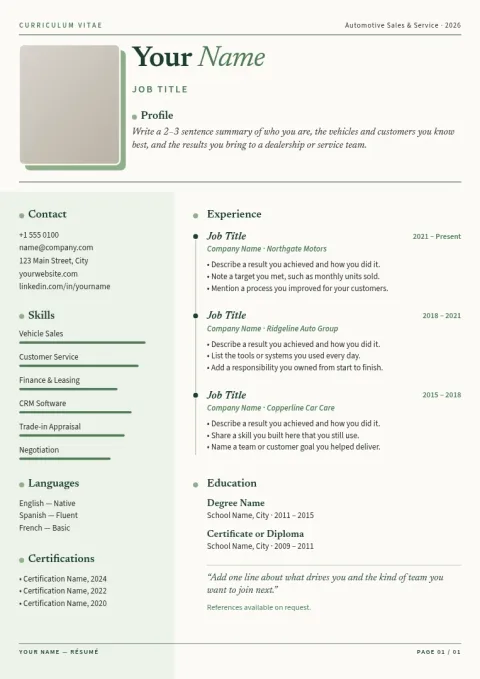
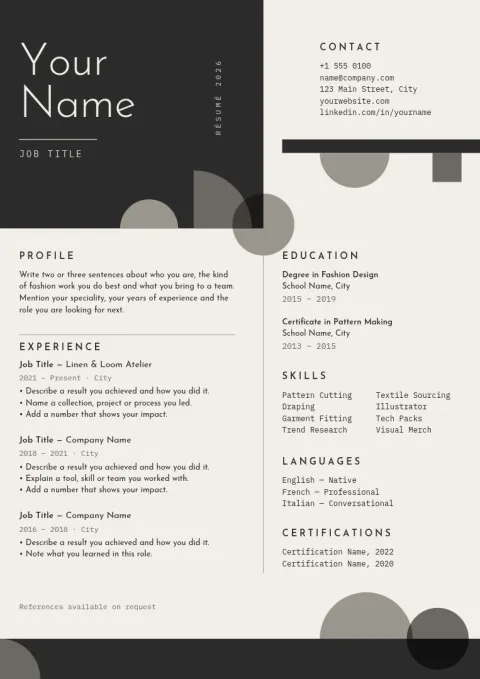
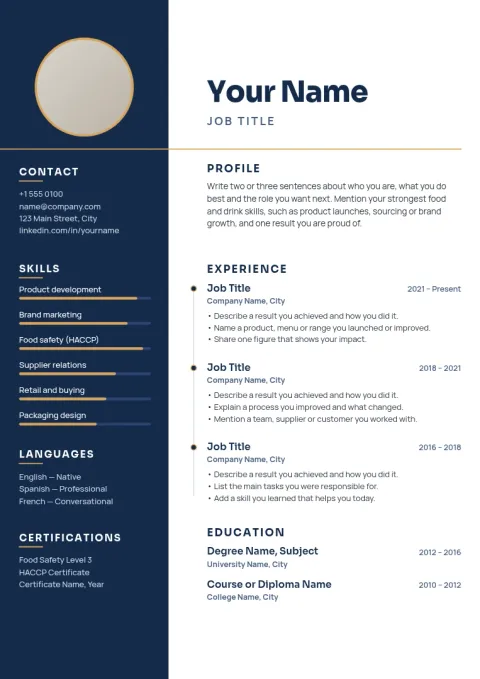
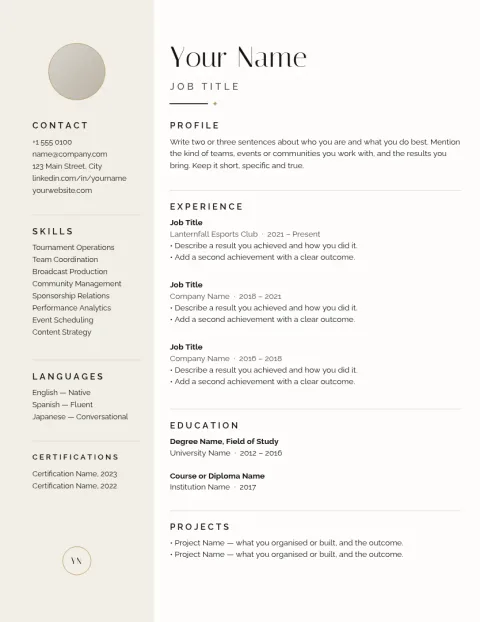
Fit your career on a single page
Each template here has a clear order: name and contact details, a short summary, experience, skills and education. You can edit every line, remove sections you do not need and move blocks around. If you have a lot to say, shorten older roles and keep your strongest results near the top.
Choose the right size
Templates come in A4 and US Letter. Use A4 for most countries outside North America, and Letter for the US and Canada. If you are applying abroad, check the size the employer expects before you export, so nothing gets cut off or scaled when it is opened or printed.
Make it match you
Change the colours and fonts to suit your field. A quiet palette works for finance or law, while a bit of colour can help in design or marketing. Save your colours, fonts and logo in a brand kit if you want a personal portfolio, CV and cover letter to look alike.
Download and apply
Download your resume as a PDF, standard or vector, or as a PNG or JPG. PDF is usually the safest choice for job applications. Downloading a template does not use AI credits. Those are only used if you try AI photo tools such as the background remover.
Frequently asked questions
Are these one page resume templates free to use?
Nimply Design is part of every plan, including Free, so you can open a template, edit it and download it. AI photo tools, like the background remover, use AI credits, but downloading a template does not.
Can I download my resume as a PDF?
Yes. You can download as a standard or vector PDF, and also as PNG, JPG, WebP or SVG. A PDF is the usual choice when you send a resume to an employer.
Should I use A4 or US Letter?
Use US Letter for the US and Canada, and A4 for most other places. Both sizes are available, so pick the one that matches the country you are applying in.
Can I change the colours and fonts?
Yes. You can edit text, fonts, colours, photos and layout. If you want the same look across several documents, a brand kit keeps your colours, fonts and logo ready.
How do I keep my resume to one page?
Keep the summary to two or three lines, focus on recent roles, and cut details that do not help the job you want. You can also reduce font size slightly or adjust spacing in the editor.
Make it yours in minutes
Open any template in Nimply Design, add your brand in one click, and send it straight into a post for approval and scheduling.