

Home cleaning flyer template designs you can edit online
Start with a home cleaning flyer template and make it yours. Add your services, prices and phone number, swap in your colours and photos, then download the file. Each of the eight layouts below suits a different kind of cleaning business, from weekly maids to move-out specialists.
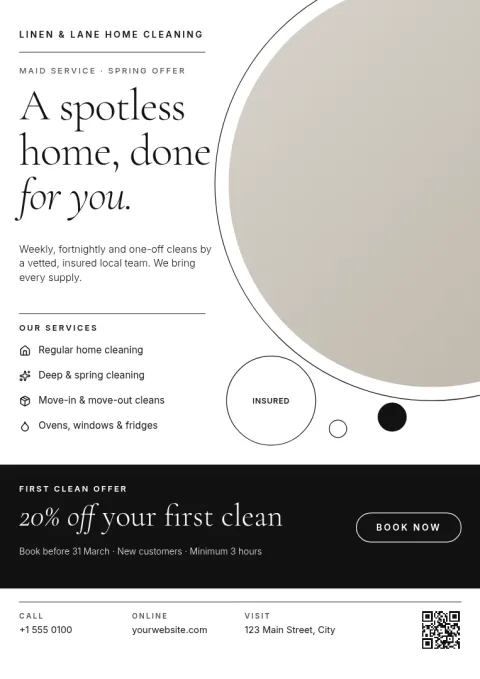
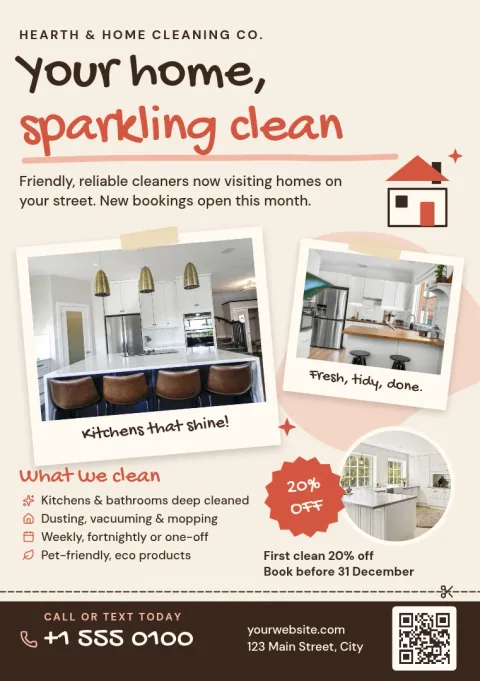
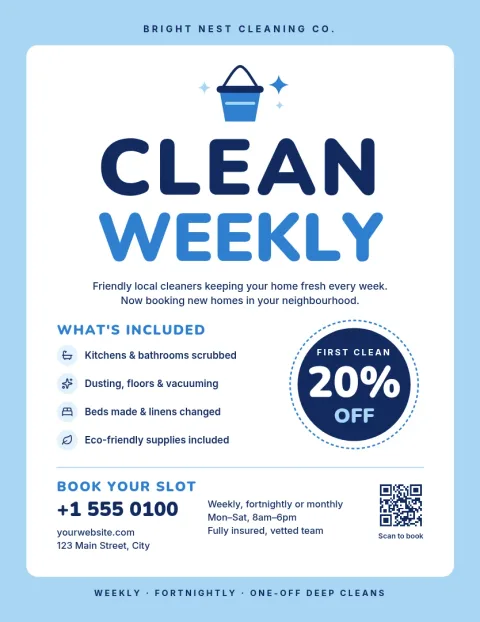
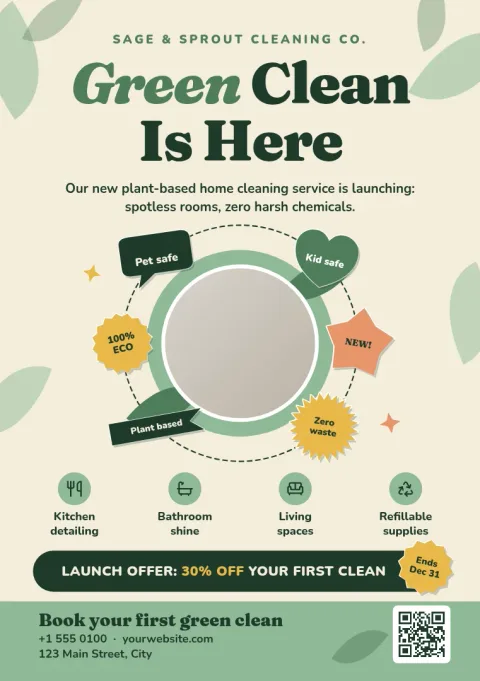
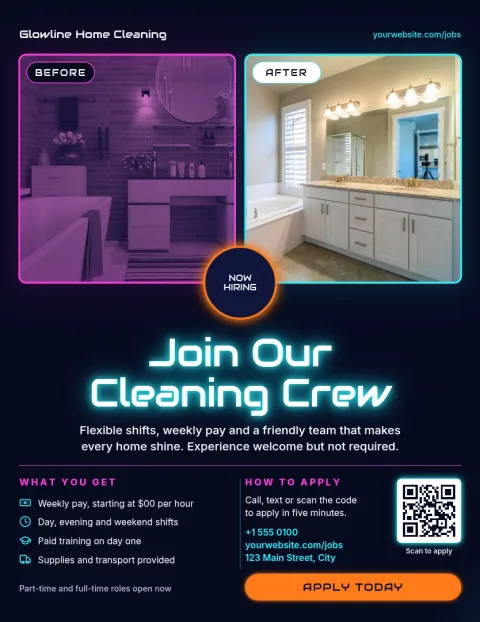
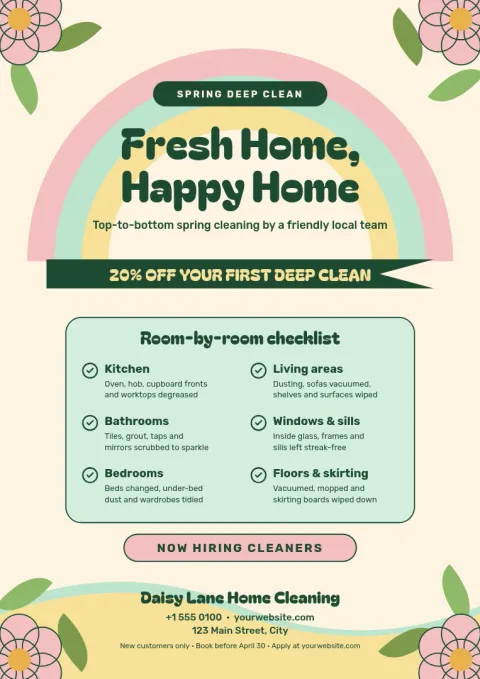
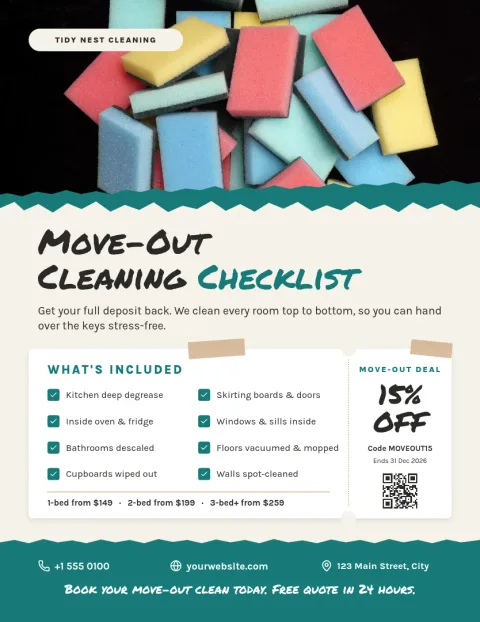
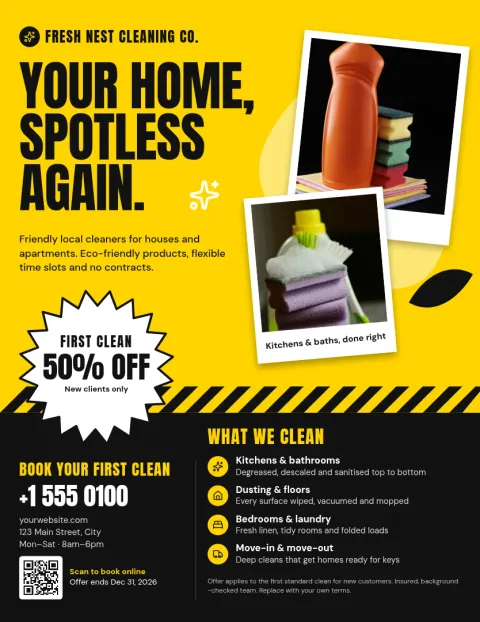
What a good cleaning flyer needs
People glance at a flyer for a few seconds, so lead with what you do and where. Put your service name and area at the top, list three or four services, add one clear offer, and make your phone number or booking link easy to find. Leave white space around the text so the flyer feels as clean as the work you do.
Edit everything in your browser
Open any template in Nimply Design and change the text, fonts, colours, photos and layout. Save your colours, fonts and logo in a brand kit so every flyer matches your van, website and social posts. Nimply Design is part of every Nimply plan, including Free.
Download or share the design
When the flyer is ready, download it as a PDF (standard or vector), PNG, JPG, WebP or SVG. You can also send the same design into a Nimply post for approval and scheduling, so one design works as a handout and as a social post. Downloading a template does not use AI credits.
Choosing a size
Letter and A4 flyers have room for a service list and an offer, which suits mailboxes and notice boards. The A5 size is smaller and works well for handing out at the door or leaving at local shops. Pick the size that matches how you plan to share it.
Frequently asked questions
Can I change the colours and text on these templates?
Yes. Every template opens in the Nimply Design editor, where you can edit the text, fonts, colours, photos and layout. A brand kit can store your logo, colours and fonts so new flyers match your business.
What file types can I download?
You can download PDF (standard or vector), PNG, JPG, WebP or SVG. Choose PDF if you plan to print the flyer yourself or take it to a print shop, and PNG or JPG for sharing online.
Does Nimply print or ship the flyers?
No. Nimply is a design editor, so you download the file and print it yourself or take it to a printer of your choice.
Do I need to pay to use a template?
Nimply Design is part of every plan, including Free. Downloading a template does not use AI credits. Only AI photo tools such as the background remover and Magic Layers use credits.
Can I use the flyer on social media too?
Yes. You can send the design straight into a Nimply post for approval and scheduling, or download it as an image and post it anywhere you like.
Make it yours in minutes
Open any template in Nimply Design, add your brand in one click, and send it straight into a post for approval and scheduling.