

Gym templates for posts you can edit and share
Pick a gym template, swap in your own text, colours and photos, and have a post ready for your members. These eight designs cover class timetables, membership offers, trainer intros, challenges and more. Edit them in your browser with Nimply Design, then download the file or send it to a Nimply post.
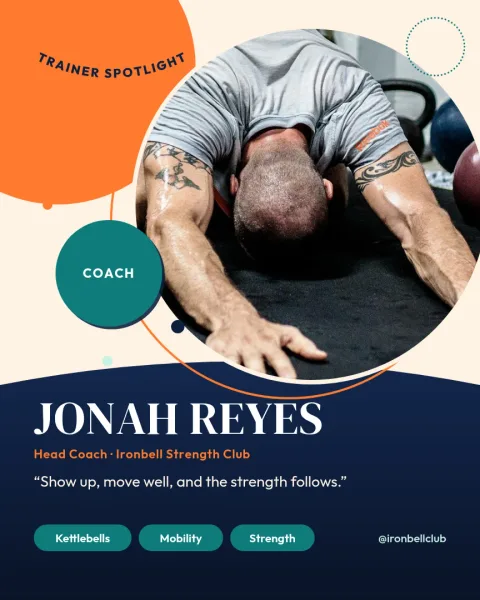
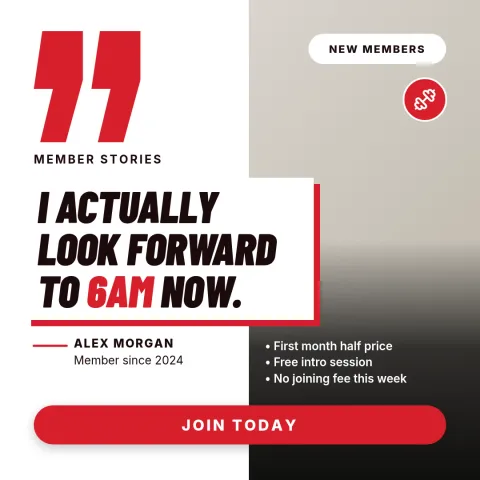
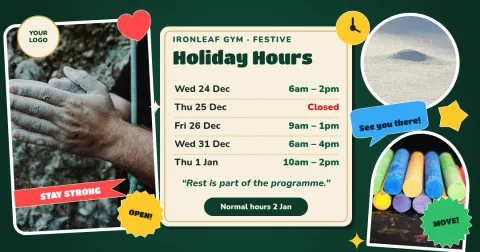
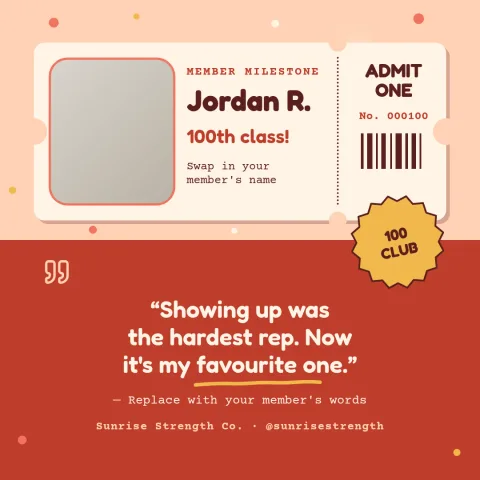
What these gym templates cover
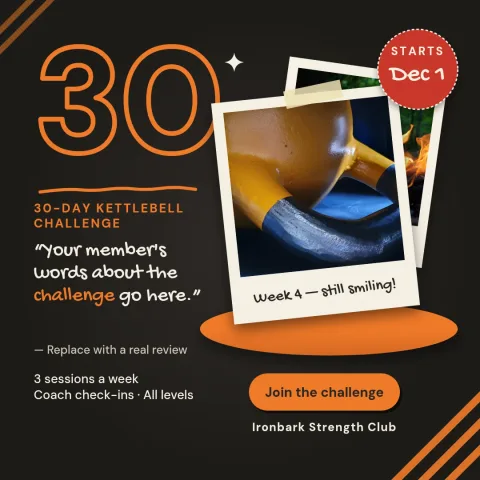
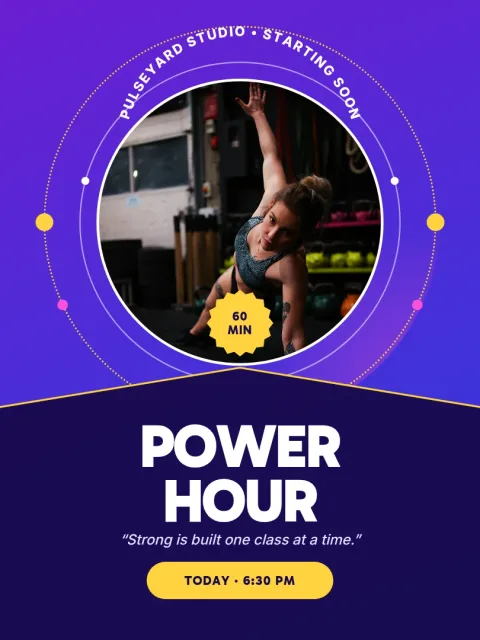
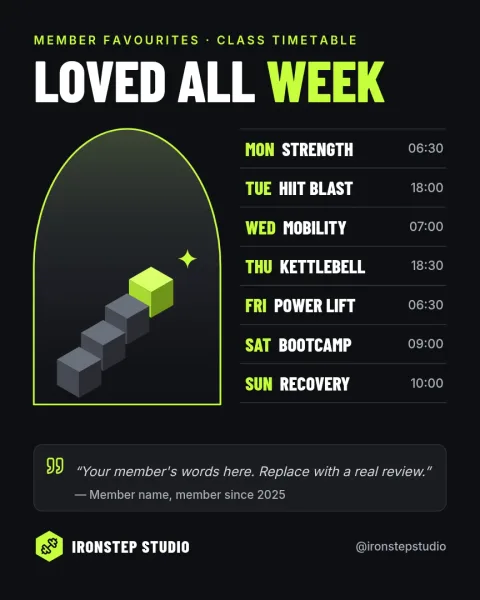
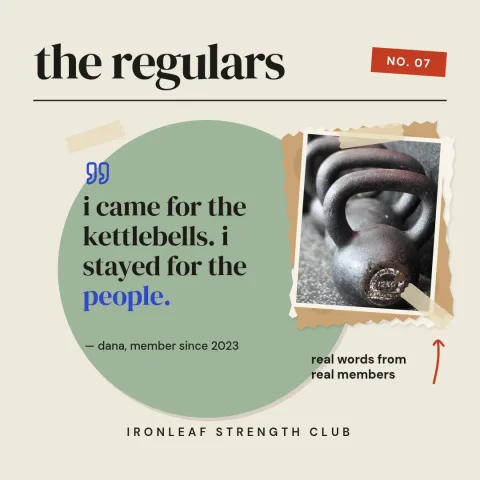
Each template is built for something a gym or studio posts again and again: a weekly class schedule, a new-member offer, a trainer introduction, a monthly challenge, a member milestone, a motivational quote, a holiday opening-hours notice and a before-the-class reminder. Pick the one closest to your message and change the words to fit.
Make them look like your gym
Edit the text, fonts, colours, photos and layout of any template. If you set up a brand kit, your colours, fonts and logo stay ready so every post looks consistent. Use your own photos of your space and classes in the photo placeholders, so the post feels like your gym rather than a generic one.
Download or schedule
When the design is done, download it as PNG, JPG, WebP, PDF or SVG. You can also send it straight into a Nimply post, where it goes through approval and scheduling. Downloading a template does not use AI credits. Only the AI photo tools, such as the background remover, do.
Frequently asked questions
Can I change the colours and fonts in a gym template?
Yes. You can edit the text, fonts, colours, photos and layout of every template. With a brand kit, your own colours, fonts and logo are saved so you can apply them quickly to each new post.
What file types can I download?
You can download PNG, JPG, WebP, PDF (standard or vector) or SVG. You can also send the design directly into a Nimply post for approval and scheduling.
Does using a template cost AI credits?
No. Downloading a template does not use AI credits. Credits are only used by the AI photo tools, such as the background remover and Magic Layers.
Are the templates only for Instagram?
No. The templates are post sizes, and you can pick Instagram, Facebook, LinkedIn, X, Threads or TikTok photo sizes. Each template here is set to the size that suits its layout best.
Make it yours in minutes
Open any template in Nimply Design, add your brand in one click, and send it straight into a post for approval and scheduling.