

Business company letterhead template for your company
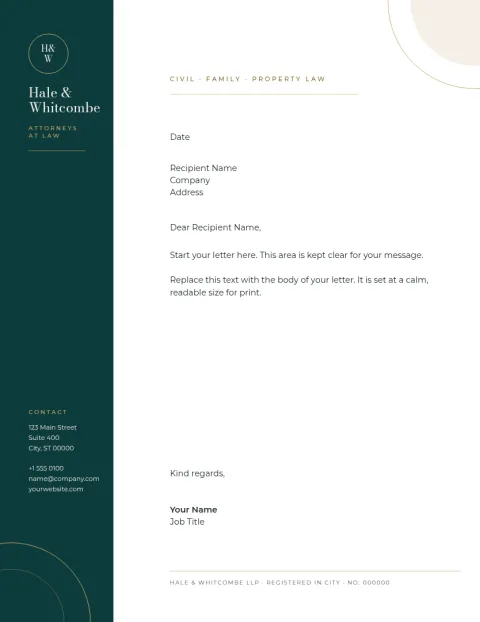
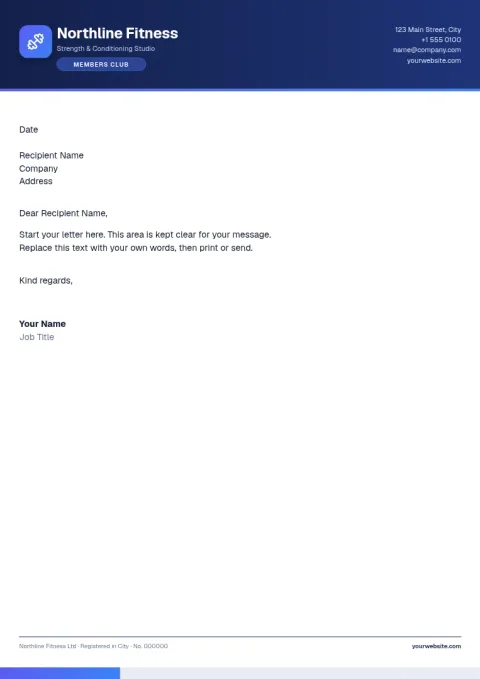
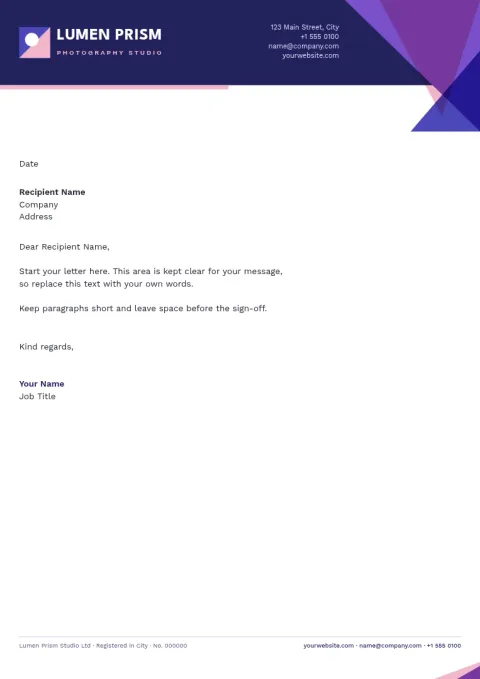
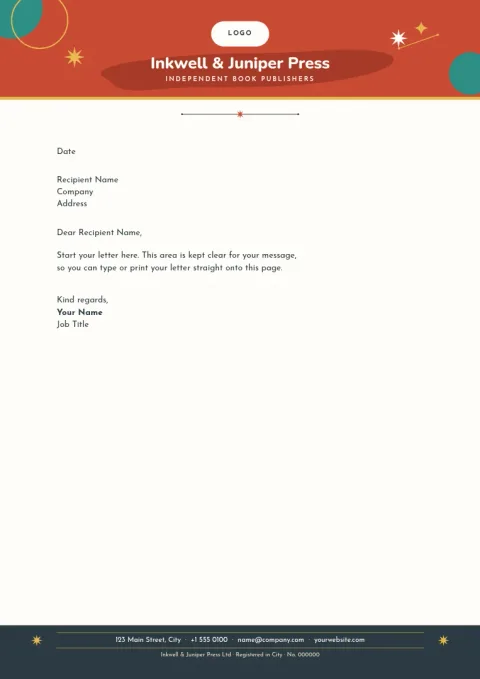
Start with a business company letterhead template and make it yours in the browser. Swap in your logo, name, address and colours, then download a PDF or image. Each of the eight designs below comes in A4 or US Letter, so your letters look consistent from the first page.
What a company letterhead needs
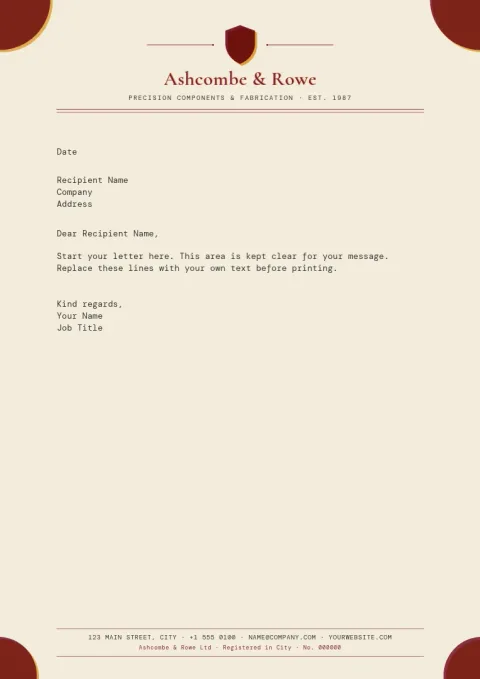
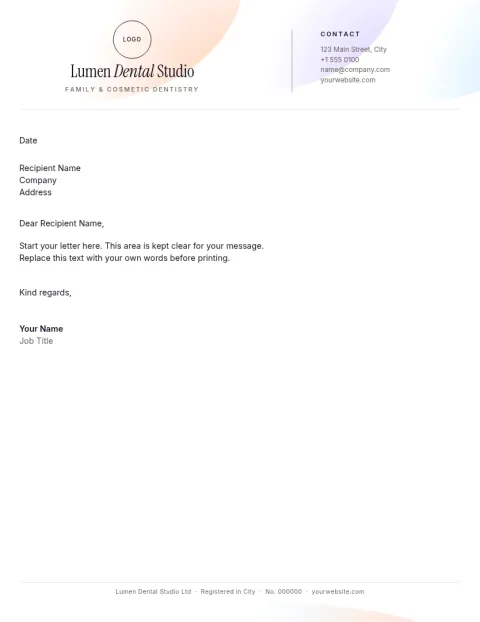
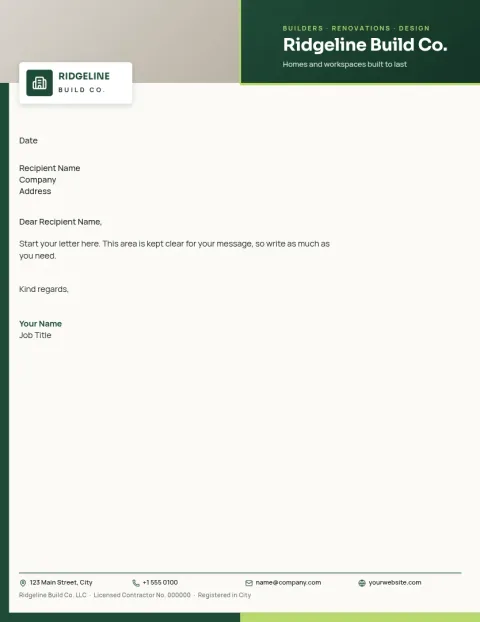
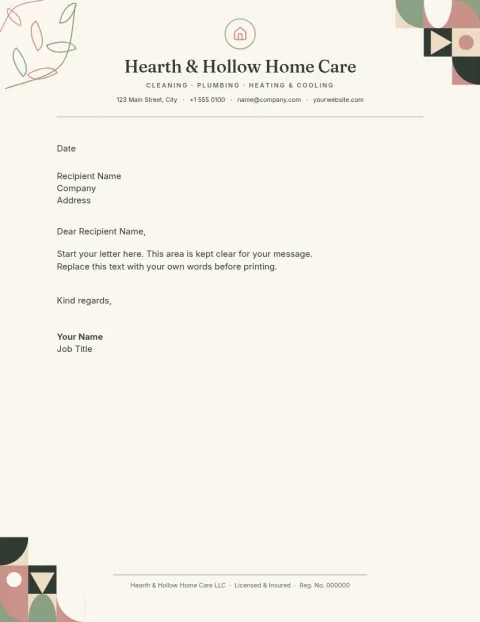
A good letterhead is quiet. It shows your logo, company name and contact details, then leaves most of the page free for the letter. Keep the header compact, put legal or registration details in the footer, and use one or two fonts. The templates here follow that rule, so your text always has room.
Customise it in the Nimply editor
Open any template in Nimply Design, the browser-based editor included in every Nimply plan, including Free. Edit the text, fonts, colours, photos and layout. Save your logo, colours and fonts in a brand kit so each new letterhead matches the last. Downloading a template does not use AI credits.
Choose a size and file type
Use A4 if you write to clients in most of the world, or US Letter for the United States and Canada. Download a PDF to send or keep, a vector PDF or SVG if you want crisp edges, or a PNG, JPG or WebP when you need an image of the page.
Frequently asked questions
What size should my company letterhead be?
Use A4 (210 x 297 mm) in most countries and US Letter (8.5 x 11 in) in the United States and Canada. Every template here is available in one of those two sizes, so pick the one your recipients normally use.
Can I add my own logo and brand colours?
Yes. Upload your logo, change any colour or font, and move things around. If you save a brand kit with your colours, fonts and logo, you can reuse them across other Nimply designs too.
Which file formats can I download?
You can download PNG, JPG, WebP, PDF (standard or vector) or SVG. PDF is the usual choice for letters. You can also send a design into a Nimply post for approval and scheduling.
Do I need to pay to use these templates?
Nimply Design is part of every Nimply plan, including Free. Downloading a template does not use AI credits. Only AI photo tools, such as the background remover, use credits.
Make it yours in minutes
Open any template in Nimply Design, add your brand in one click, and send it straight into a post for approval and scheduling.