

Catch
Unified inbox
Facebook and Instagram mentions, comments, and DMs — plus YouTube comments — land in one queue, so the repostable moments stop slipping past unnoticed.
🤝 UGC Reposting
Your customers already make content about you — photos, reviews, unboxings. UGC reposting turns that goodwill into your best-converting posts, if you do it respectfully. Nimply gives the workflow a backbone: an inbox that catches the shares, a library that keeps the assets, a caption template that says thank you properly, and a scheduler that ships it.
Why it works
When a brand says its product is great, that’s marketing. When a customer says it unprompted — with their own photo, in their own words — that’s testimony. A reposted fan photo carries proof your studio content can’t manufacture: a real person, unpaid, cared enough to share. It also does double duty — the customer you credit feels seen, their followers meet your brand through a face they trust, and your calendar gets a post you didn’t have to produce.
The ethical workflow
The rules are non-negotiable: always ask, always credit. The workflow makes both nearly effortless.
A customer shares a photo, a review, an unboxing — and mentions you or comments on your post on Facebook or Instagram, or comments on your YouTube video. It surfaces in your unified inbox alongside everything else.
One saved reply, personalized in a line, asks for permission to reshare. Two clicks instead of composing the same ask from scratch every time.
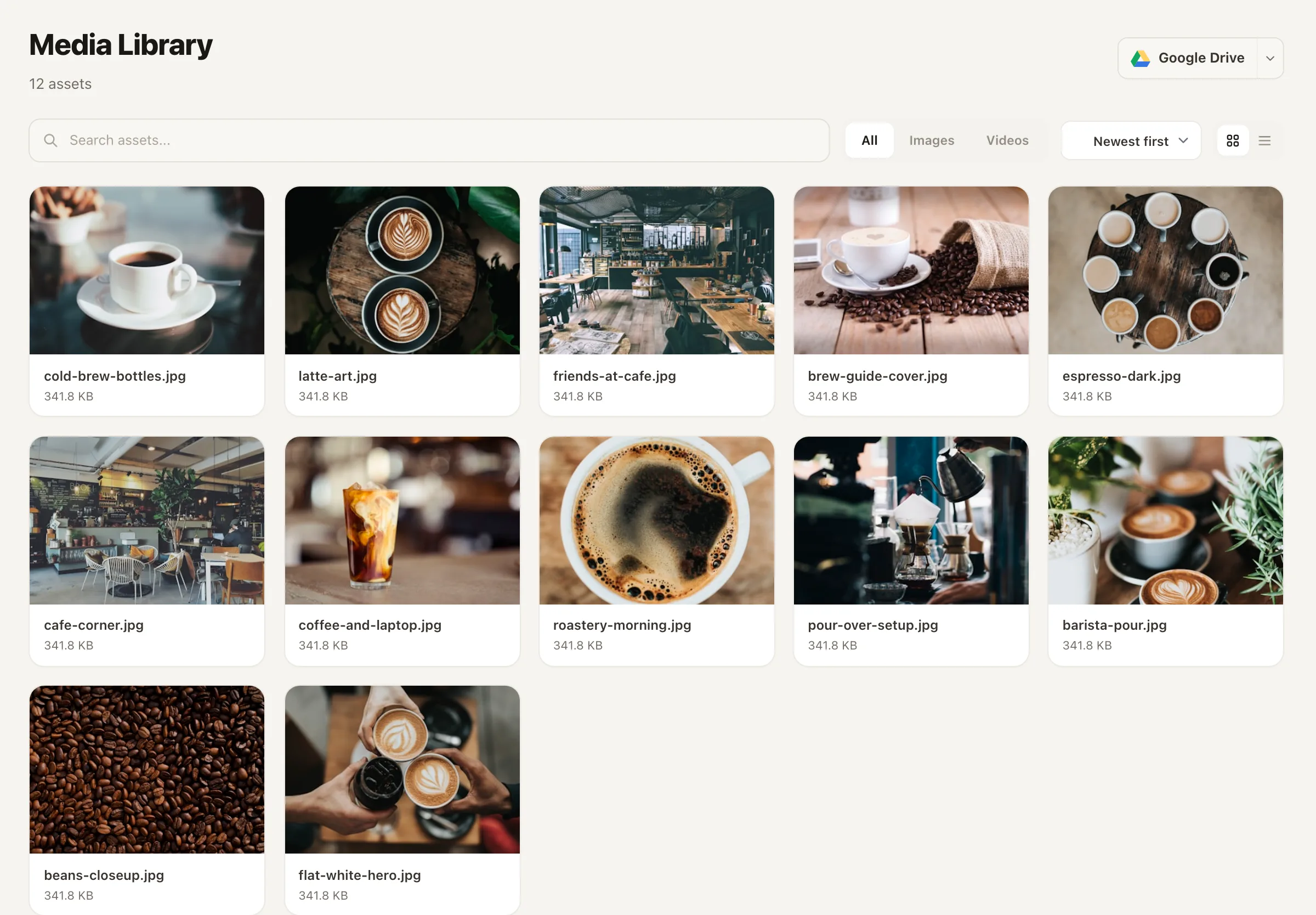
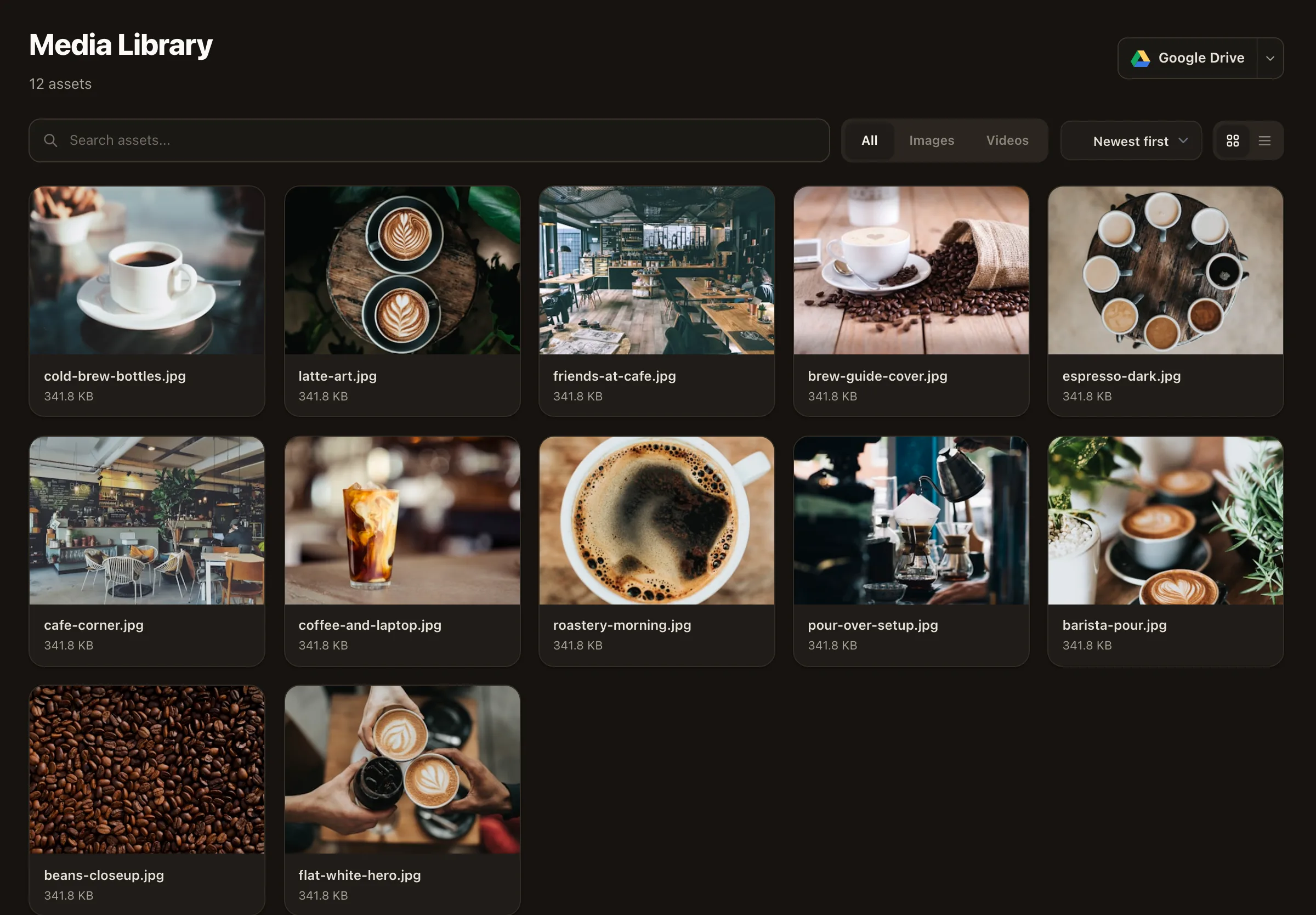
Save their reply and the asset to your media library, tagged and foldered — UGC / approved / campaign — so consent and content stay together.
The UGC repost caption template drafts a grateful caption, you add the credit, and the post goes through your normal approval and schedule.
Moment 2, made easy
The asking step is where most teams quietly give up — writing a fresh, warm, legally sensible message for every fan post is friction. So save it once as a saved reply and personalize the first line each time. Keep the yes in the thread; it’s your record of consent.
Saved reply · “UGC permission ask”
Hi [name] — this made our day! 🧡 We’d love to share your photo on our page, with full credit to you. Would that be okay? No pressure at all — and thank you either way for the kind words.
Inserted from the inbox in two clicks, personalized before sending.
Honest architecture
Nimply doesn’t sell a “UGC discovery” feature, and we won’t pretend otherwise. The workflow is assembled from pieces that each already earn their keep:
Catch
Facebook and Instagram mentions, comments, and DMs — plus YouTube comments — land in one queue, so the repostable moments stop slipping past unnoticed.
Store
Approved assets go in with tags and folders — by campaign, by product, by “cleared” status — building a pool of ready-to-run content over time.
Draft
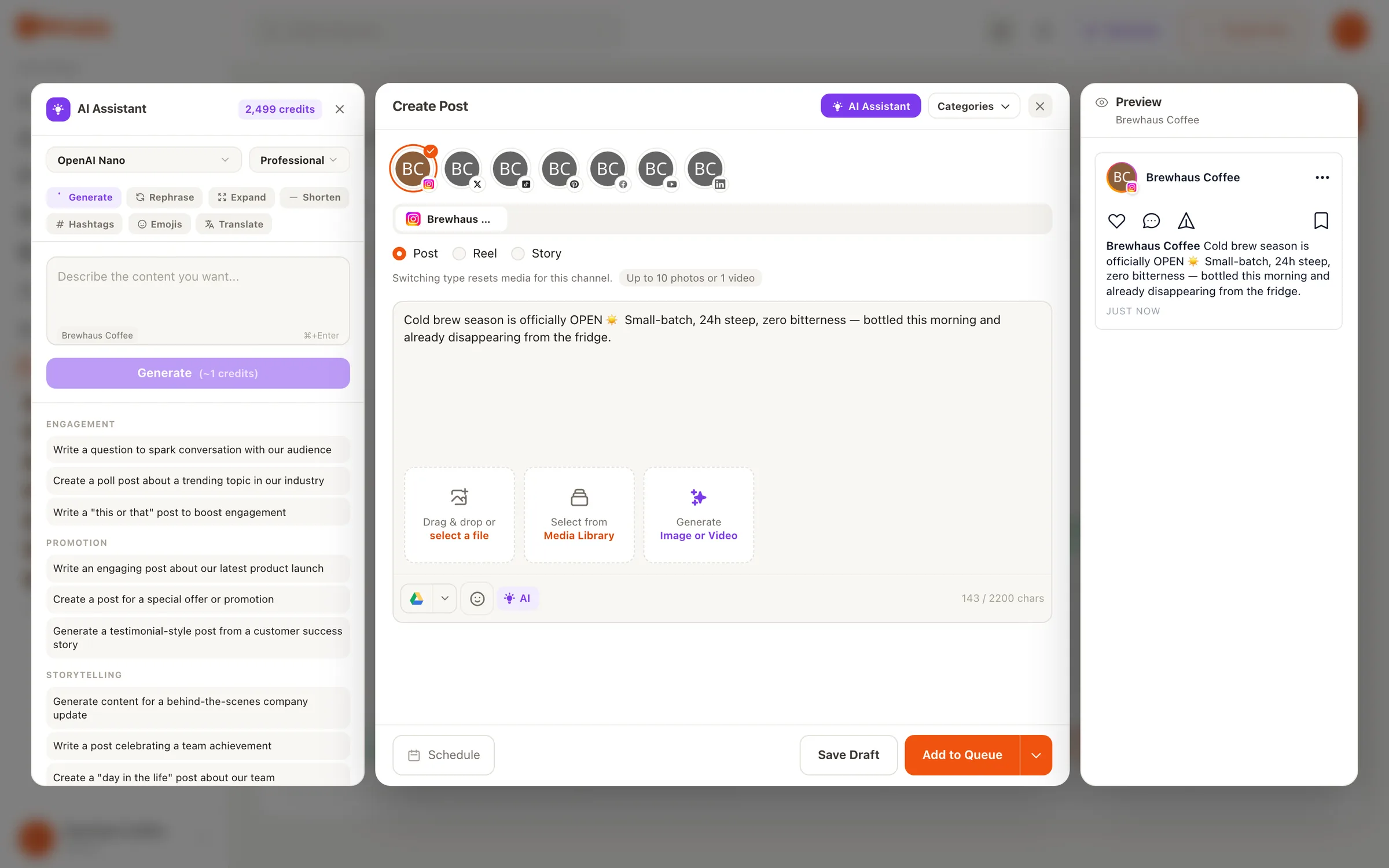
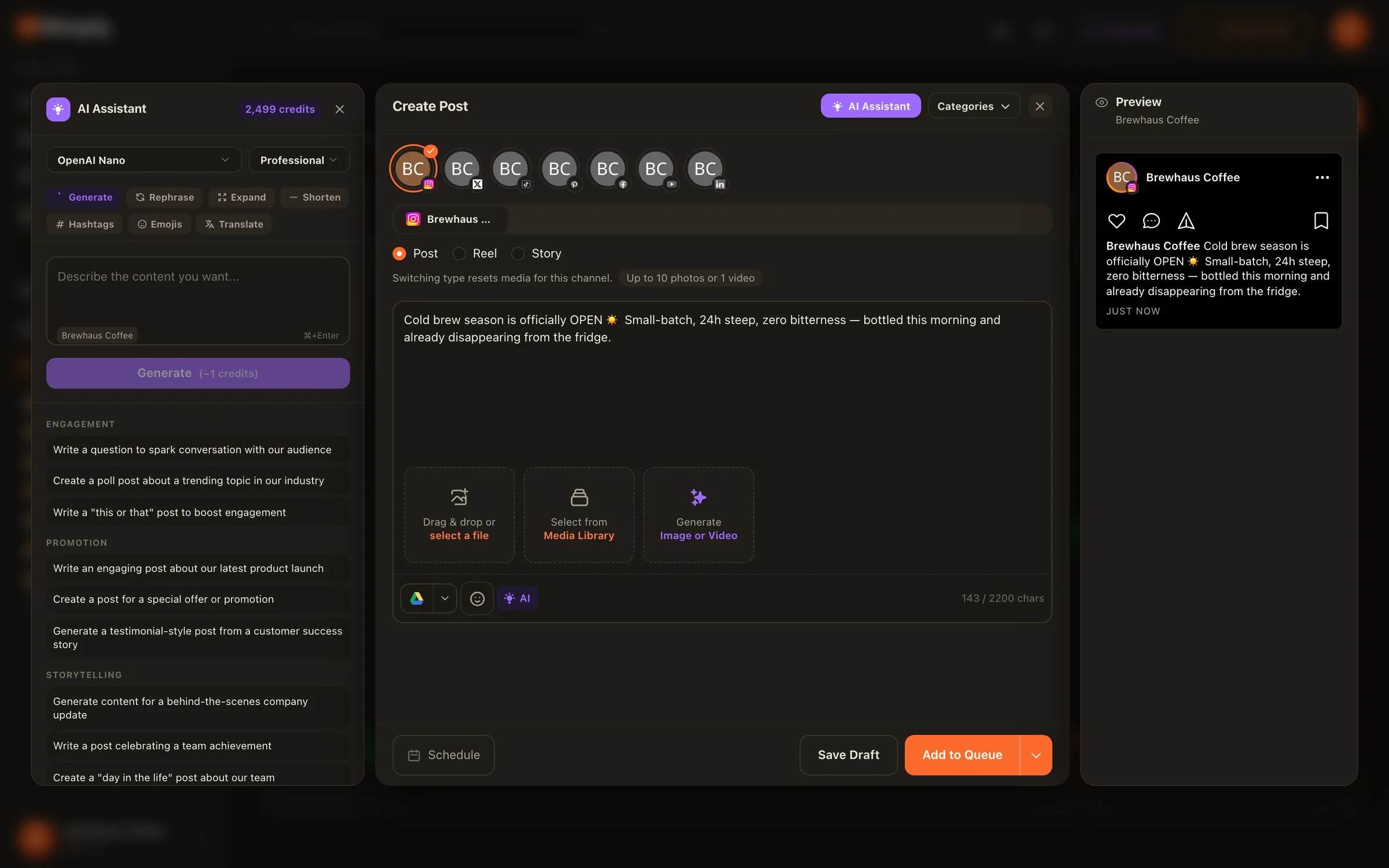
The template library includes a User-Generated Content Repost template — a grateful, authentic caption that thanks the customer by name and invites others to share too.
Ship
The repost becomes a normal draft: credit in place, approval if your team uses it, then a slot on the calendar. It’s the same rail ecommerce brands run their whole feed on.
Credit, concretely
Credit isn’t a legal footnote — it’s the thank-you that makes fans want to be reposted. The baseline works everywhere: name the handle in the caption. Then layer on whatever the platform natively offers:
No — and we'd rather say so plainly. Nimply doesn't have a dedicated UGC discovery tool that scans platforms for brand mentions at large. What it does have is a unified inbox that catches mentions and comments on your connected Facebook and Instagram accounts, plus comments on your YouTube videos — which in practice is where most repostable fan content announces itself. Discovery beyond that — branded hashtag searches, tagged-photo tabs, other platforms — still happens in the native apps.
Yes. A tag is a compliment, not a license — the creator still owns the content. Asking takes one saved reply and thirty seconds, almost everyone says yes, and the ask itself is good engagement: people love being noticed by brands they tagged. Skipping it risks a takedown, an awkward call-out, and in commercial contexts genuine copyright trouble.
The reliable baseline everywhere: name the creator's handle in your caption ('📸 by @handle' or 'Thanks @handle for sharing'). Add the platform's native credit on top — tag them on the photo or collab where the platform supports it, and mention them in a comment if the caption is crowded. The test is simple: could anyone who sees your repost find the original creator in one tap?
In Nimply's media library, the moment permission lands. Give it a tag or folder scheme — 'ugc/approved', by product, by campaign — so that when a calendar slot needs filling, you're browsing a pool of pre-cleared content instead of scrolling old DMs hunting for that one photo.
Yes — the template library includes a User-Generated Content Repost template that drafts a grateful, authentic caption: it thanks the customer by name, adds context on why the share matters, and ends with a CTA inviting others to share with your branded hashtag. It's a starting draft, not a script — personalize before you schedule.
Yes — a UGC repost is a normal Nimply draft, so it follows your standard flow: draft, approval, schedule. That checkpoint is where someone confirms the permission actually exists and the credit is in place before anything publishes.
Set up the inbox-to-calendar UGC workflow free — permission asks, credited captions, and scheduling on one rail.