

Letterhead template PDF you can edit and download
Choose a letterhead template, swap in your logo, colours and contact details, and download it as a PDF. Every design comes in A4 or US Letter, and you edit it right in your browser. Nimply Design is part of every plan, including Free.
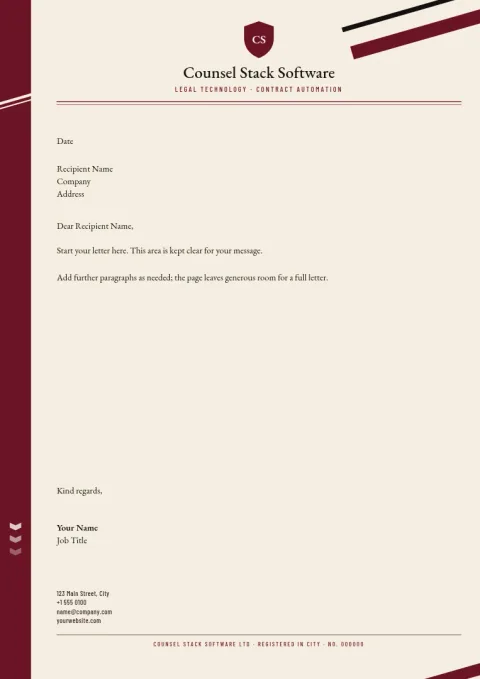
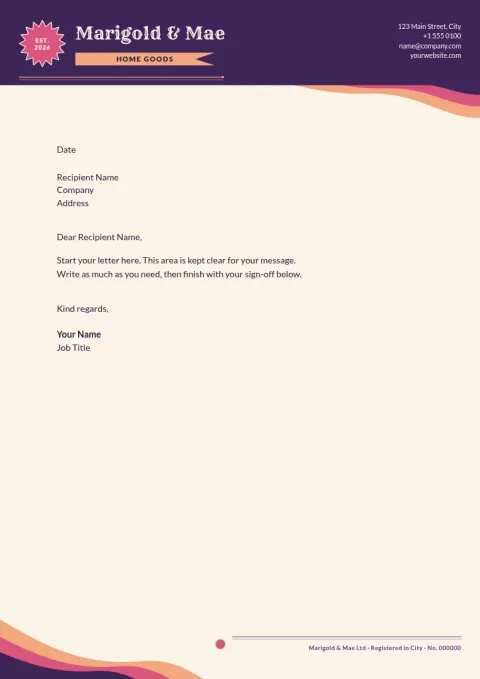
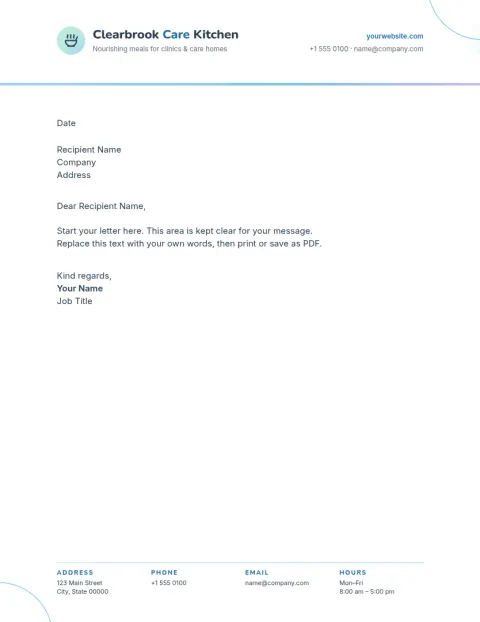
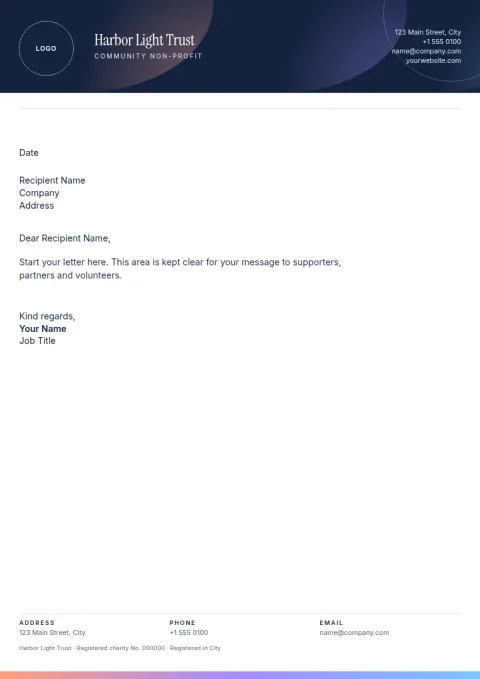
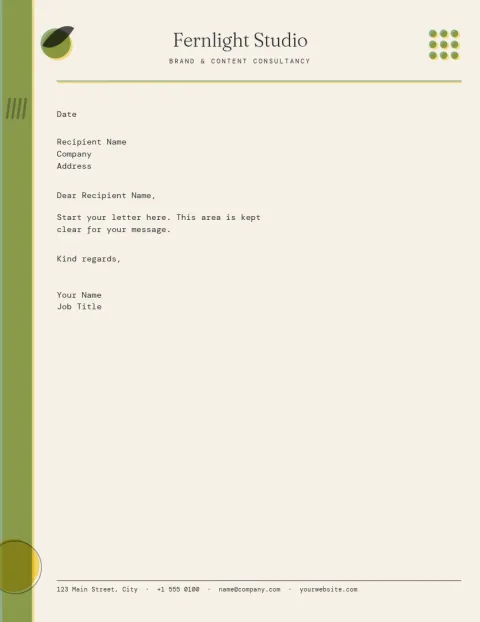
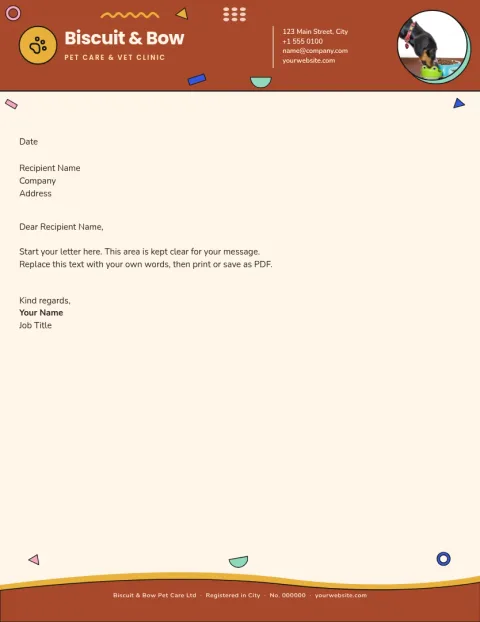
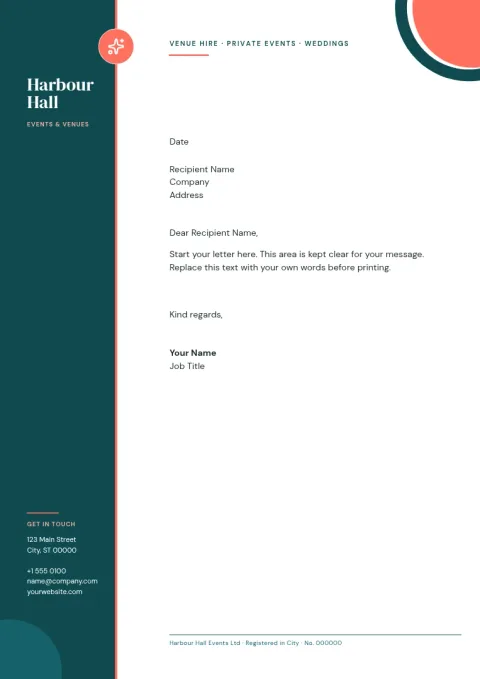
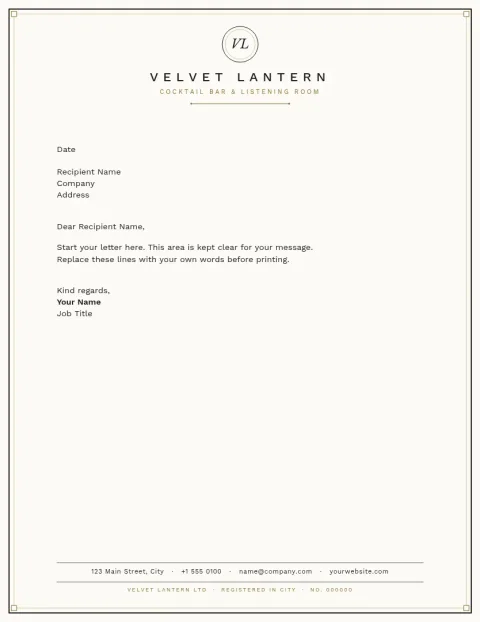
Make a letterhead that looks like your business
A good letterhead is simple: your logo, your name, and contact details in a place that does not crowd the letter. Each template here sets that up for you. Change the text, fonts, colours and layout until it matches your brand, or load your brand kit so your logo, colours and fonts are ready.
Download as PDF or another format
When the design is ready, download it as a PDF, either standard or vector. You can also save it as PNG, JPG, WebP or SVG. Downloading a template does not use AI credits. Those are only used by AI photo tools such as the background remover.
A4 or US Letter
Pick the paper size that matches where you work. A4 suits most of the world, and US Letter is the standard in the United States and Canada. Both sizes are available, so your letterhead fits the page without resizing.
Choose a style for your kind of letters
Some templates are quiet and formal, others are warm or bold. Think about who reads your letters: clients, tenants, patients, partners. Start with the template that feels closest, then adjust the colours and spacing so the letter body has plenty of room.
Frequently asked questions
Can I edit these letterhead templates?
Yes. You can change the text, fonts, colours, photos and layout in the Nimply Design editor in your browser. Add your logo and contact details, or use a brand kit to keep your colours, fonts and logo consistent.
Can I download a letterhead as a PDF?
Yes. You can download as a standard or vector PDF. PNG, JPG, WebP and SVG are also available. Downloading a template does not use AI credits.
Which paper sizes are available?
Letterhead templates come in A4 and US Letter. Pick the size that matches the paper you use when you start a design.
Is it free to use?
Nimply Design is part of every Nimply plan, including Free, so you can start without paying. AI photo tools use AI credits, but the templates themselves do not.
Make it yours in minutes
Open any template in Nimply Design, add your brand in one click, and send it straight into a post for approval and scheduling.