

Letterhead making online free, with templates you can edit
Pick a letterhead, swap in your logo, name and contact details, and download it. Every template below opens in the Nimply Design editor in your browser. Change the fonts, colours and layout until it looks like your business, then save it as a PDF, PNG or another format. Free plan included.
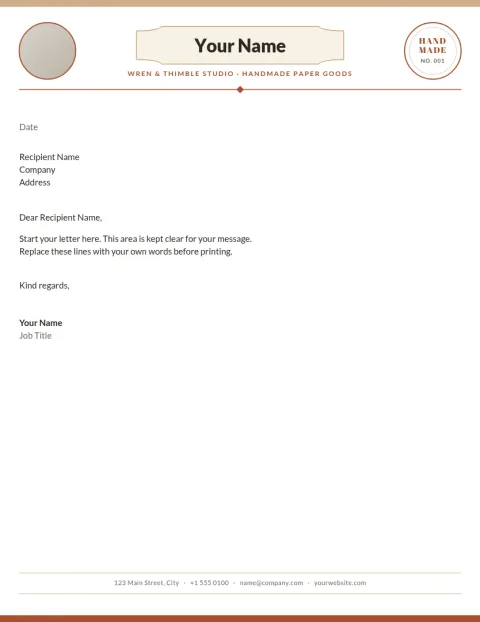
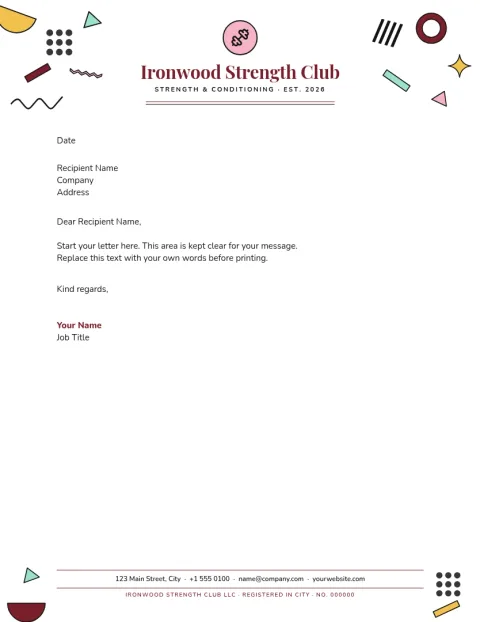
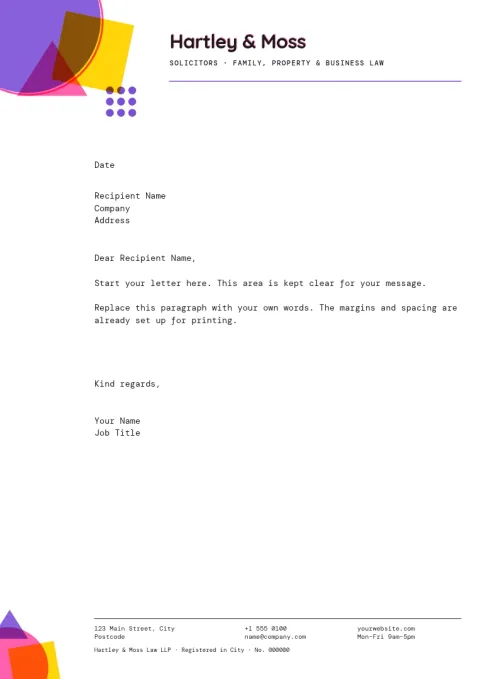
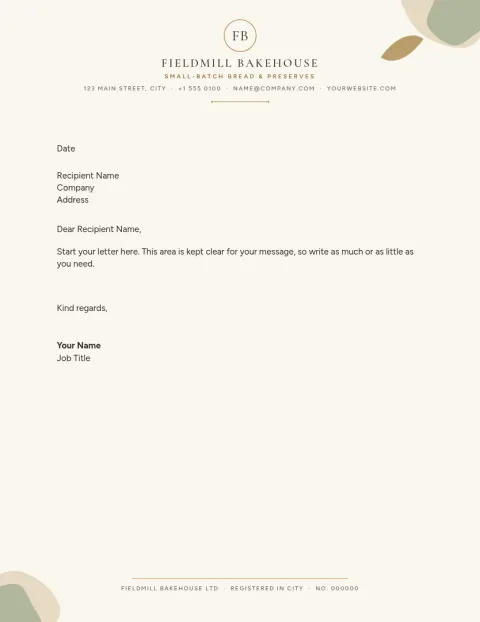
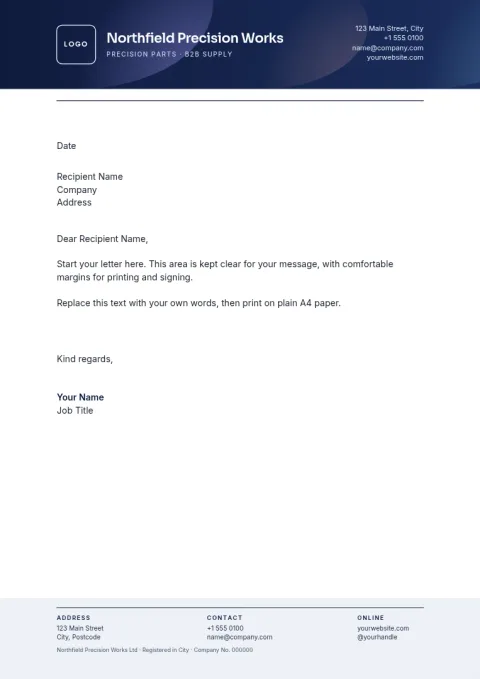
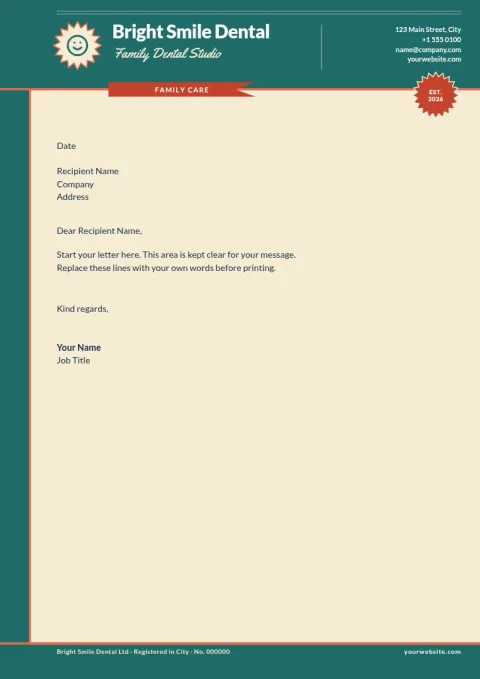
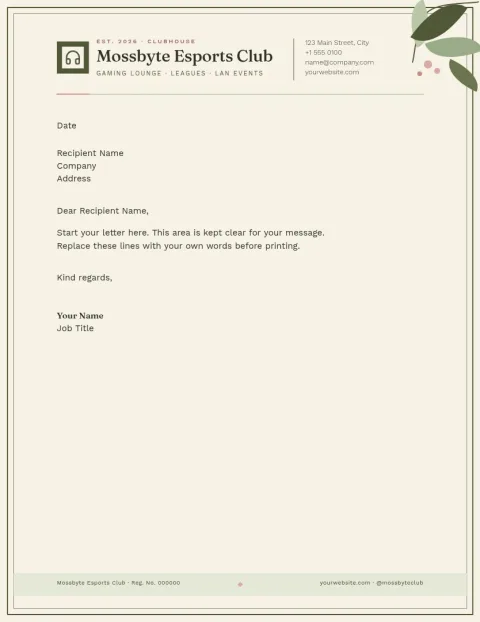
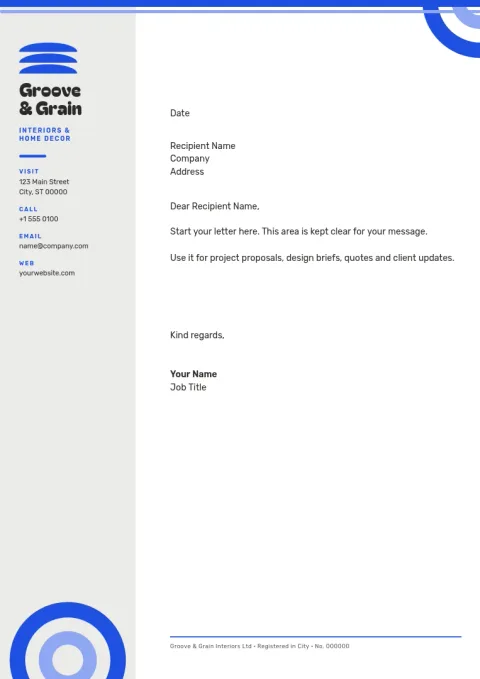
How letterhead making online works here
Choose a template that fits your business, then open it in the editor. Replace the placeholder logo and text with your own, adjust fonts and colours, and move anything that needs more room. The body area stays clear so you can write your letter on top. Nimply Design is part of every plan, including Free.
Keep every letter looking the same
A letterhead works best when it matches your other materials. Set up a brand kit with your colours, fonts and logo, and your designs can start from the same look each time. That helps invoices, quotes and formal letters feel like they come from one business, not several.
Choose A4 or US Letter
Templates come in A4 and US Letter sizes, so you can pick the paper size your country uses. Each one leaves room for a sender block, a date and the main text. Start from the layout closest to your style and change only what you need.
Download in the format you need
When you are done, download your letterhead as a PDF (standard or vector), PNG, JPG, WebP or SVG. Use the PDF to attach to emails or add to documents. Downloading a template does not use AI credits. Only AI photo tools, such as the background remover, do.
Frequently asked questions
Is letterhead making online free on Nimply?
Yes. Nimply Design, the browser editor, is part of every Nimply plan including Free. You can open a letterhead template, edit it and download it. Downloading a template does not use AI credits.
Can I add my own logo and colours?
Yes. Replace the placeholder logo with yours and change the text, fonts and colours. If you save a brand kit, it keeps your colours, fonts and logo so new designs can start with the same look.
Which file formats can I download?
You can download PNG, JPG, WebP, PDF (standard or vector) or SVG. PDF is a good choice for emailing a letter or sending a formal document. SVG and vector PDF suit logo-heavy layouts.
Should I pick A4 or US Letter?
Pick the size your office and recipients use. A4 is the common paper size in most countries outside North America. US Letter is standard in the US and Canada. Both sizes are available in the templates.
Do I need design skills?
No. Each template already has a layout with spaces for your logo, address and contact details. You change the text and colours, and keep the structure. You can also move or remove elements if you want something simpler.
Make it yours in minutes
Open any template in Nimply Design, add your brand in one click, and send it straight into a post for approval and scheduling.