

Letterhead making online free PDF: 8 templates to edit
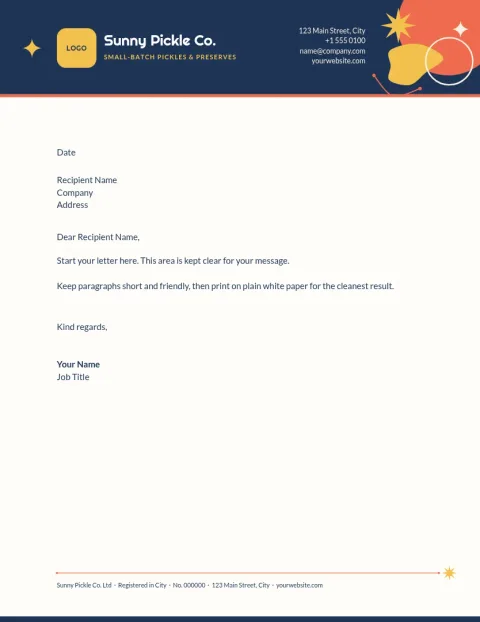
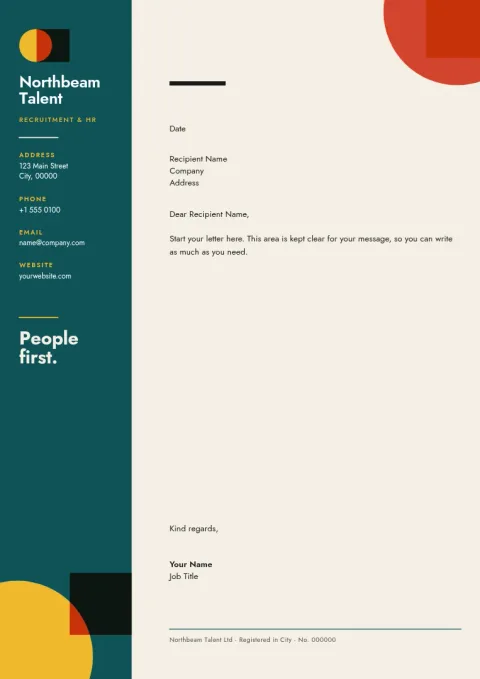
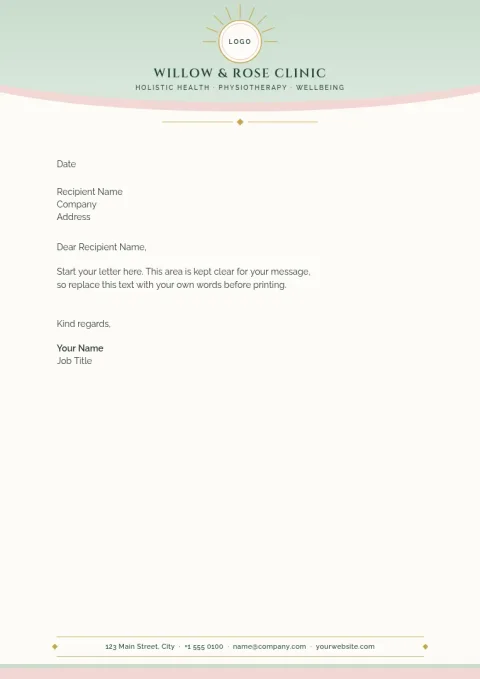
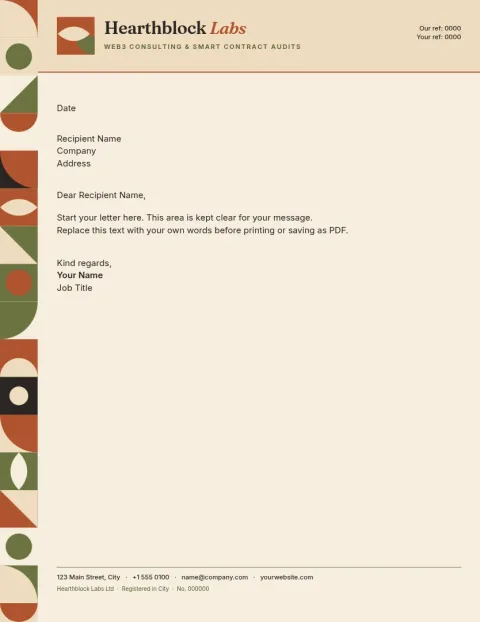
Start with a letterhead that already looks tidy, then make it yours. Each template below opens in the Nimply Design editor in your browser. Swap in your logo, name and contact details, change colours and fonts, and download a PDF to send or print.
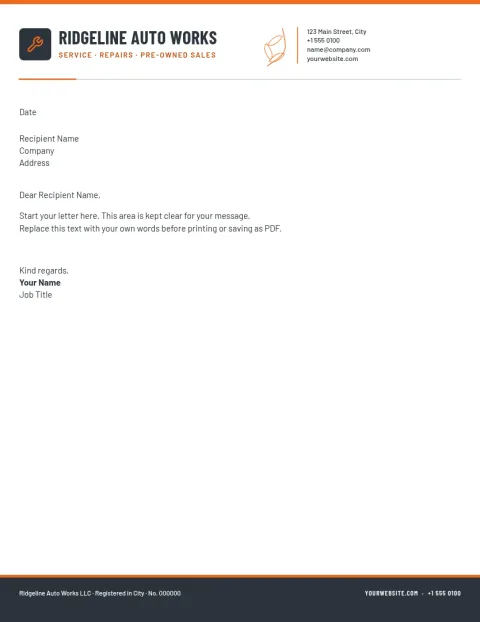
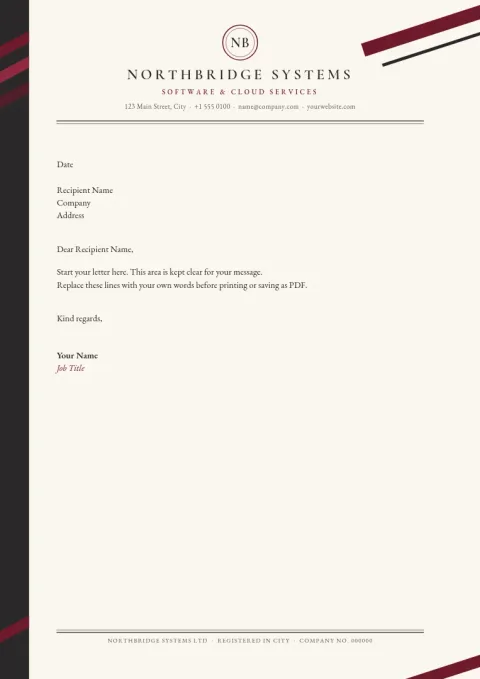
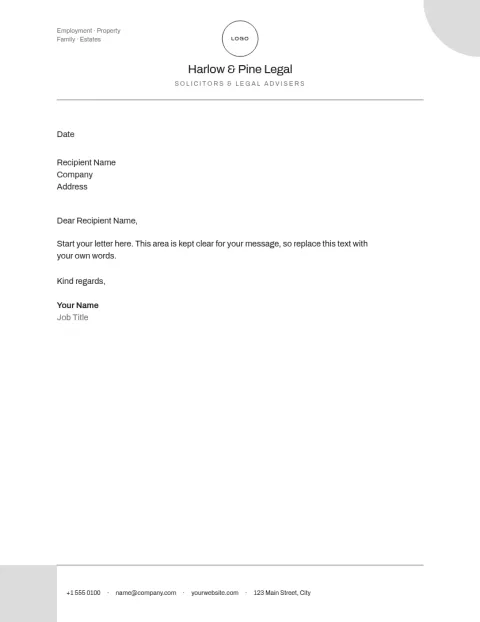
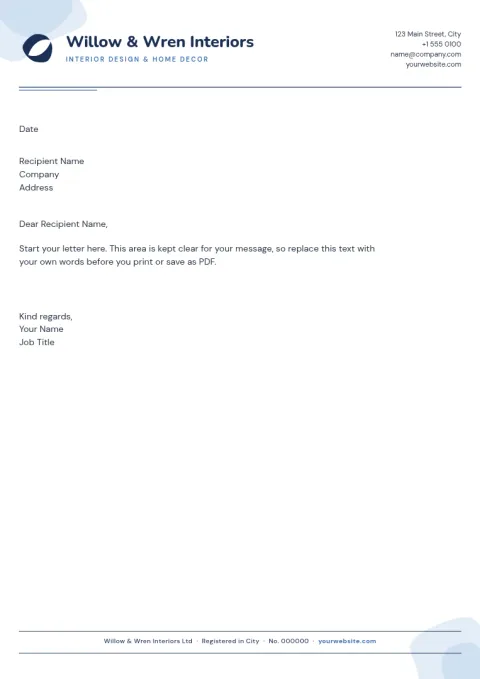
How to make a letterhead online
Choose a template in A4 or US Letter size, whichever your country uses. Click any text to replace the company name, address, phone and email. Upload your logo, adjust colours and fonts to match your brand, and move things around until the page feels right. When you are happy, download it as a PDF.
Free to use, and what the PDF is for
Nimply Design is part of every Nimply plan, including Free. Downloading a template does not use AI credits. A PDF keeps your layout the same on any device, so it suits emailing quotes and letters, or taking to a print shop. You can also download PNG, JPG or SVG if you need them.
Choosing a style that fits your business
A formal firm may want a quiet serif and a thin rule. A studio or shop can use more colour and a bolder logo area. Keep the header small, leave plenty of white space for the letter itself, and use a footer for details people need to reply.
Keep every document on brand
If you set up a brand kit, your colours, fonts and logo are ready each time you open a template. That makes it easier to match your letterhead to your invoices, business cards and social posts, so everything you send looks like it came from the same business.
Frequently asked questions
Can I really make a letterhead for free?
Yes. Nimply Design is included in every plan, including Free. You can open a letterhead template, edit it and download it as a PDF without paying. Downloading a template does not use AI credits.
Which sizes are available for letterheads?
These templates come in A4 and US Letter. Use A4 if you are in most of the world outside North America, and Letter if you send or print documents in the US or Canada.
Can I add my own logo and brand colours?
Yes. Upload your logo, change any colour and pick fonts you like. With a brand kit saved, your colours, fonts and logo are ready to use whenever you start a new design.
What file types can I download?
You can download a PDF, in standard or vector form, as well as PNG, JPG, WebP or SVG. PDF is usually the best choice for letters and for sharing with a print shop.
Make it yours in minutes
Open any template in Nimply Design, add your brand in one click, and send it straight into a post for approval and scheduling.