

Free downloadable letterhead template designs you can edit
Start with a free downloadable letterhead template and make it yours in the browser. Add your logo, contact details, fonts and colours, then download the file. Choose A4 or US Letter, pick a style that suits your business, and have a professional letterhead ready for invoices, quotes and letters.
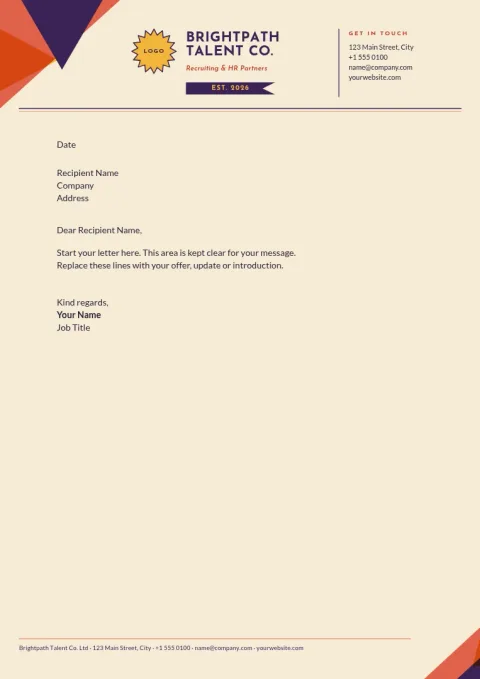
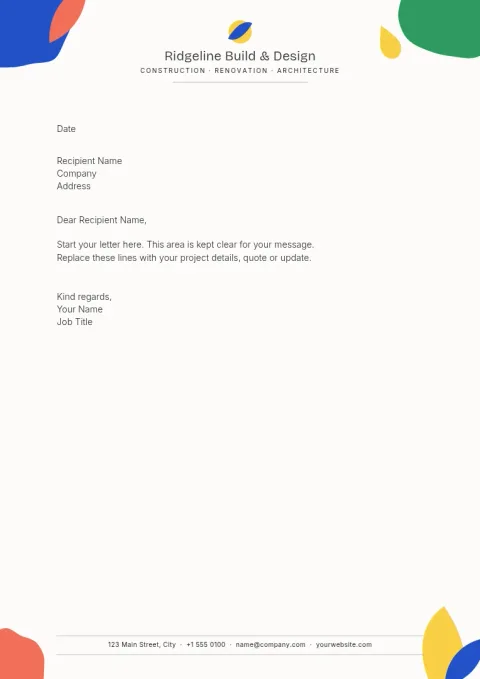
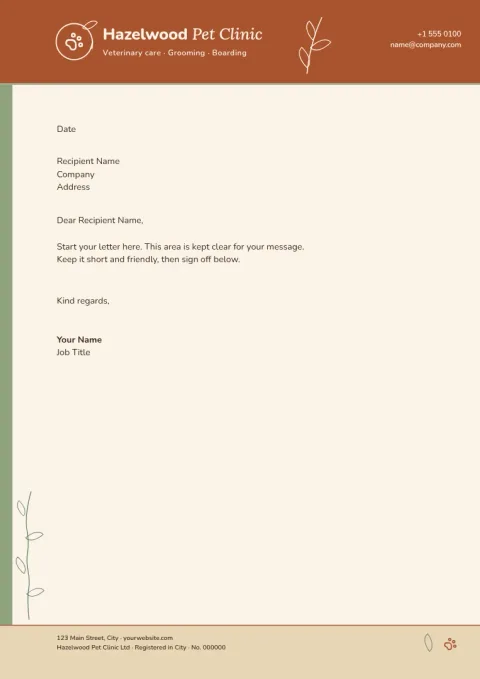
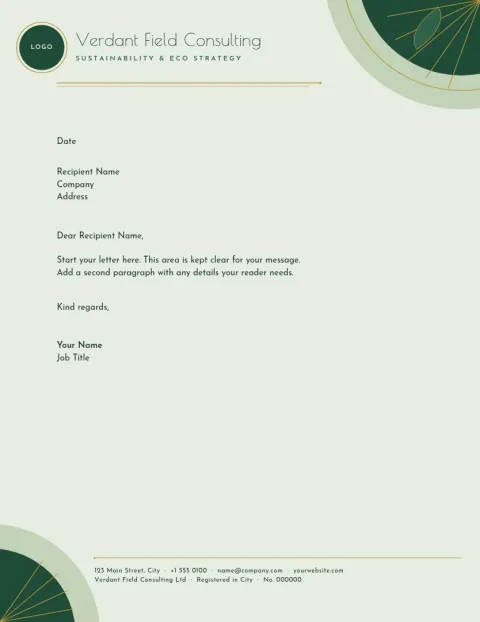
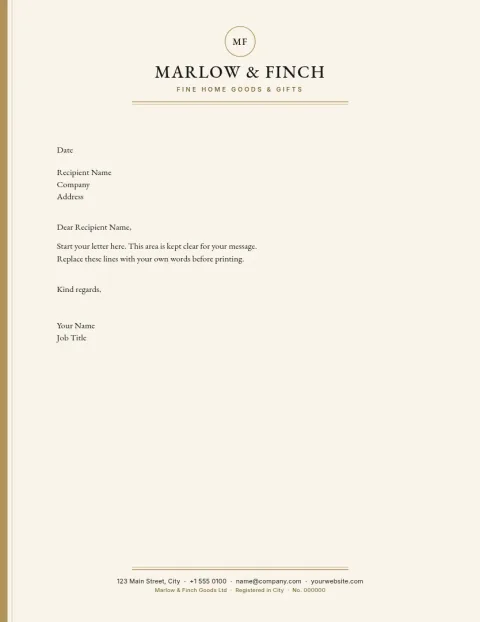
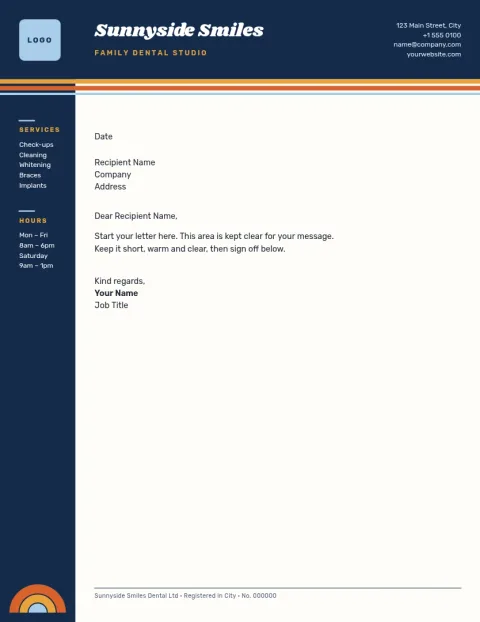
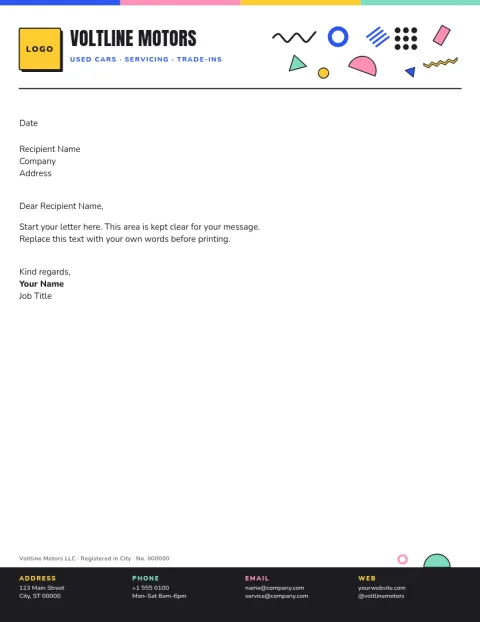
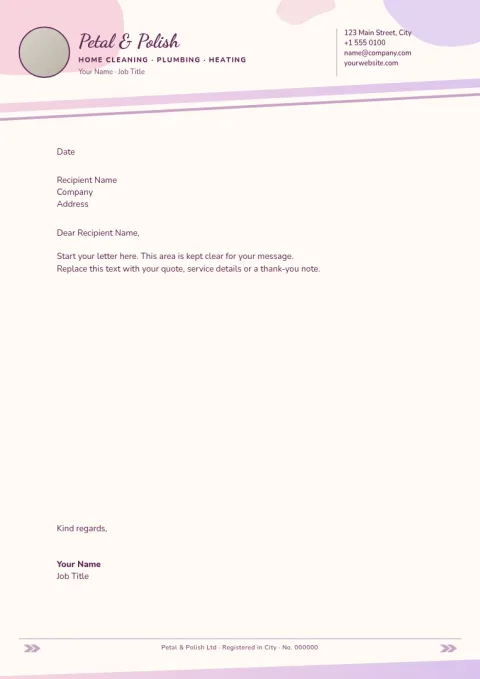
Edit it, then download it
Each template opens in Nimply Design, a graphic design editor that runs in your browser. Change the text, fonts, colours, photos and layout until it looks like your business. When you are happy, download it as a PDF, PNG, JPG, WebP or SVG. Downloading a template does not use AI credits.
Keep your brand consistent
Save your colours, fonts and logo in a brand kit, and every letterhead you make starts from the same look. That helps when you need a matching set of stationery, such as a letterhead, business card and invoice header, without rebuilding the style each time.
Choose the right size
The templates come in A4 and US Letter. Use A4 if you send letters in the UK, Europe and most other countries, and US Letter for the United States and Canada. Leave generous space for the letter body, and keep contact details small in the header or footer.
What to put on a letterhead
Keep it short: your logo, business name, address, phone, email and website. Add a registration or tax number if your country requires one. Avoid heavy backgrounds and large images, so the page stays easy to read and simple to print from a PDF on your own printer.
Frequently asked questions
Is the letterhead template really free to use?
Nimply Design is part of every Nimply plan, including Free. You can open a letterhead template, edit it and download it without paying. AI photo tools such as the background remover use AI credits, but downloading a template does not.
What file formats can I download?
You can download your letterhead as a PNG, JPG, WebP, PDF (standard or vector) or SVG. PDF is a good choice for emailing or printing letters yourself. Nimply does not offer Word or PowerPoint files.
Should I pick A4 or US Letter?
Pick A4 if you are in the UK, Europe or most of the world. Pick US Letter if you are in the United States or Canada. Choosing the size your recipients and printer use avoids scaling problems.
Can I add my own logo and brand colours?
Yes. Upload your logo, change any colour and font, and save them in a brand kit so future designs match. You can also swap the layout or move elements around.
Does Nimply print or ship letterheads?
No. Nimply gives you the finished file to download. You can print it yourself or send it to a print shop of your choice.
Make it yours in minutes
Open any template in Nimply Design, add your brand in one click, and send it straight into a post for approval and scheduling.