

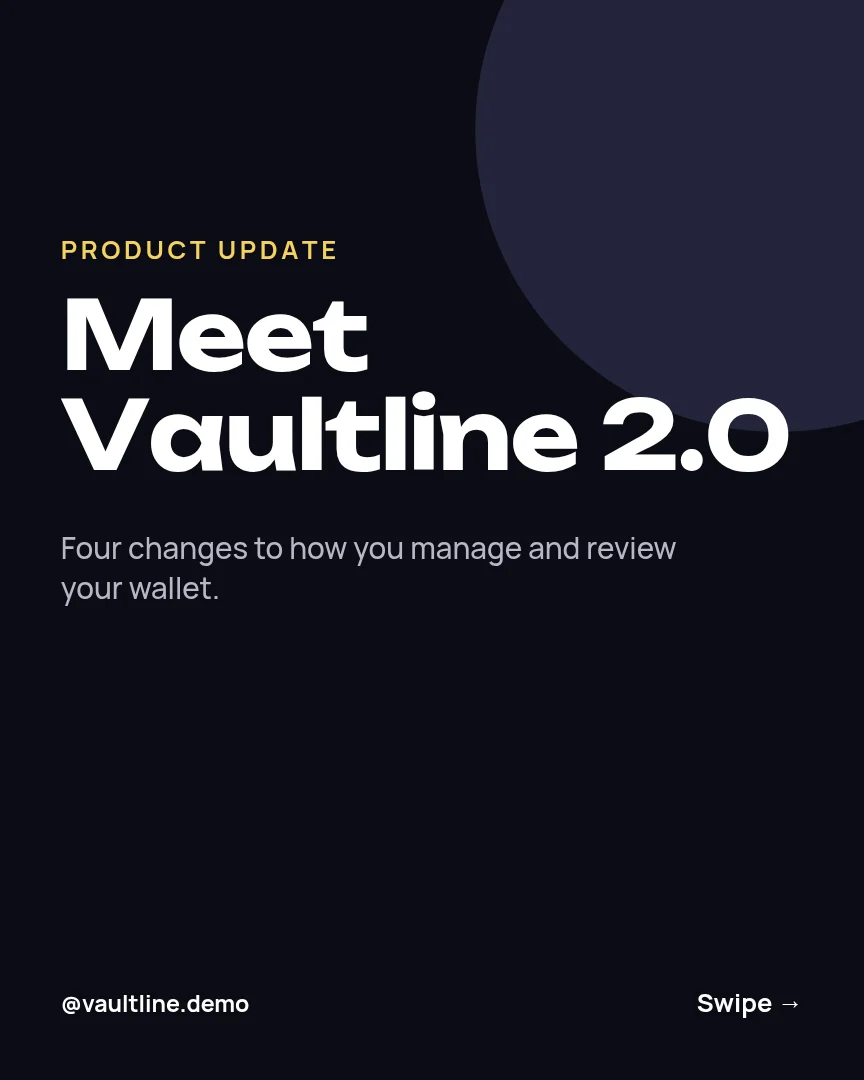
All 6 pages
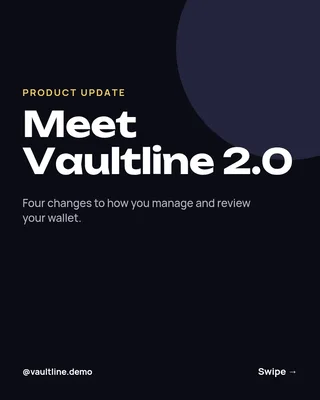 Page 1
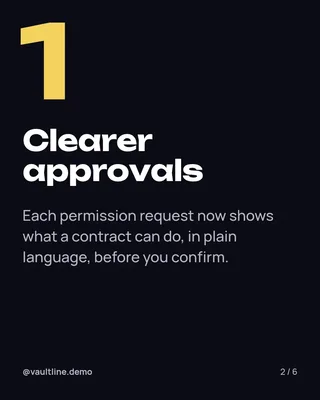 Page 2
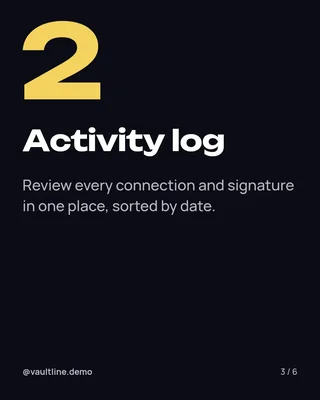 Page 3
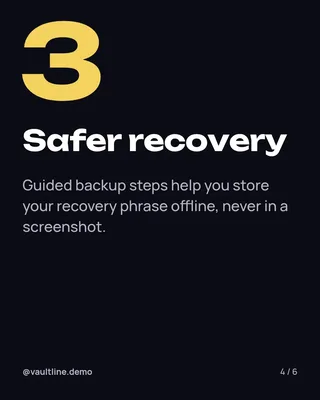 Page 4
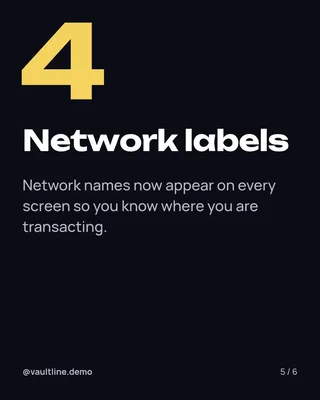 Page 5
 Page 6
Instagram carousel template
Wallet Update Walkthrough
Instagram post (4:5) · 1,080 × 1,350 px · 6 pages
A carousel announcing a new wallet feature with clear, educational slides on what changed and how to try it.
Free to edit in your browser. Sign in and it opens in the Nimply editor as your own copy.

By Nimply Studio
The Nimply design team. Templates are made by the team and by Nimply's design agents, then reviewed before they are published.
- Size
- Instagram post (4:5), 1,080 × 1,350 px
- Also fits
- LinkedIn carousel slide (4:5)
- Pages
- 6 pages
- You can edit
- 25 text boxes, colours and fonts
- Fonts
- Manrope, Unbounded
- Colours
- #b7b7c7#ffffff#0c0c14#f4d35e#24243a
- Text on it
- “Meet Vaultline 2.0” · “Clearer approvals” · “Each permission request now shows what a contract can do, in plain language, before…”
Make it on brand
Apply your brand kit's colours and fonts to every page in one click, and swap in your own photos and logo.
Resize it
Copy & resize makes versions for other platforms, like a story or a LinkedIn post, from the same design.
Post it
Download PNG, JPG, WebP, PDF or SVG, or send it straight into a post for approval and scheduling.
Similar Instagram carousel templates
 1/5
1/5Platform Update Carousel
Instagram carousel
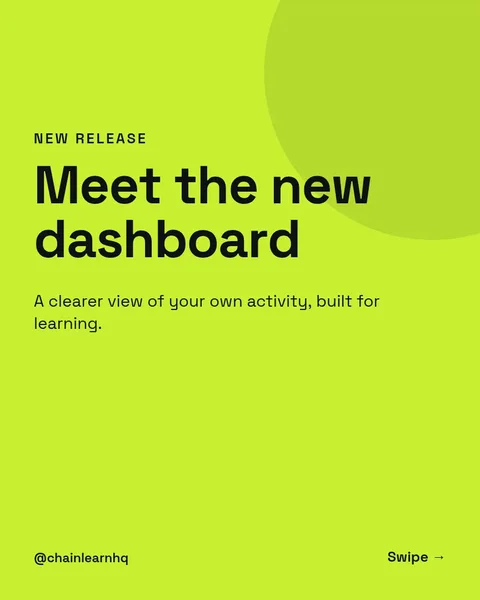 1/6
1/6Dashboard Launch Carousel
Instagram carousel
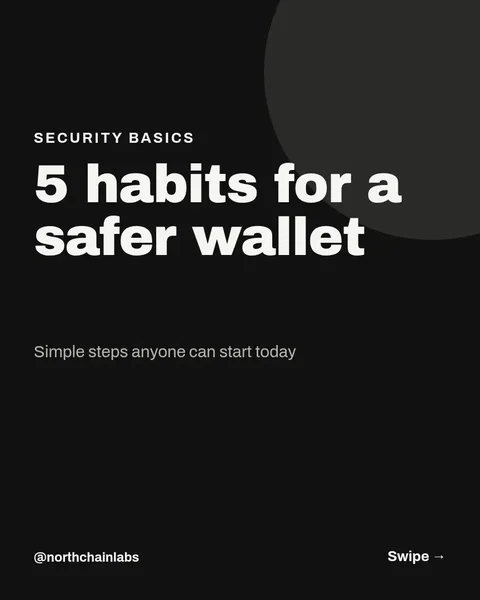 1/7
1/7Wallet Security Tips Carousel
Instagram carousel
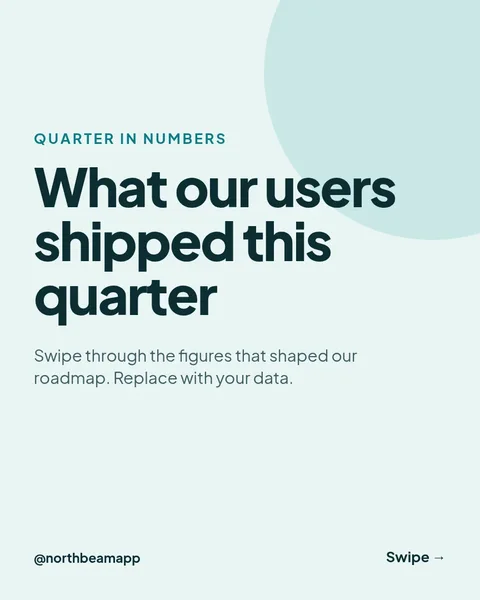 1/6
1/6Product Numbers Deck
Instagram carousel
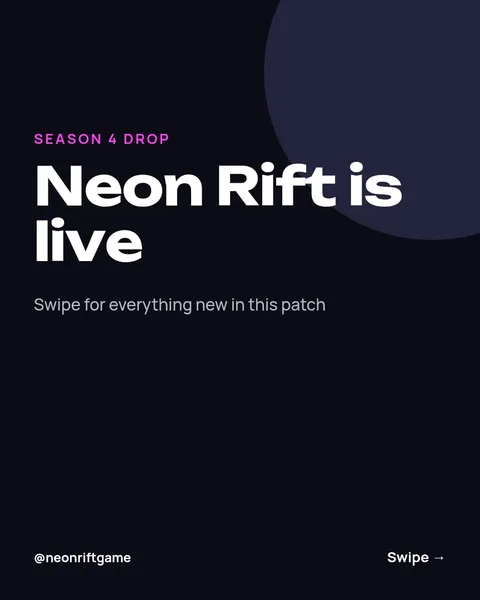 1/6
1/6Patch Notes Launch Deck
Instagram carousel
 1/6
1/6Patch Drop Launch Deck
Instagram carousel
 1/3
1/3Nordic Wallet Cards
Instagram carousel
 1/6
1/6Setup guide carousel
Instagram carousel
 1/6
1/6Local Market Numbers Carousel
Instagram carousel
 1/6
1/6New Product Spec Carousel
Instagram carousel
 1/3
1/3Cut Paper Clause Check
Instagram carousel
 1/6
1/6Ink Blue Meetup Programme
Instagram carousel
Need the caption too? Instagram carousel caption prompts in the AI content template library.
Design it, approve it, schedule it
Nimply Design sits inside the tool that publishes your posts, so a finished graphic goes straight into the calendar.