

Pick the model per job
Five image models and two video models, each labelled with its strengths and its exact credit cost — a quick social visual and a hero image don't need the same engine or the same spend.
AI Generate
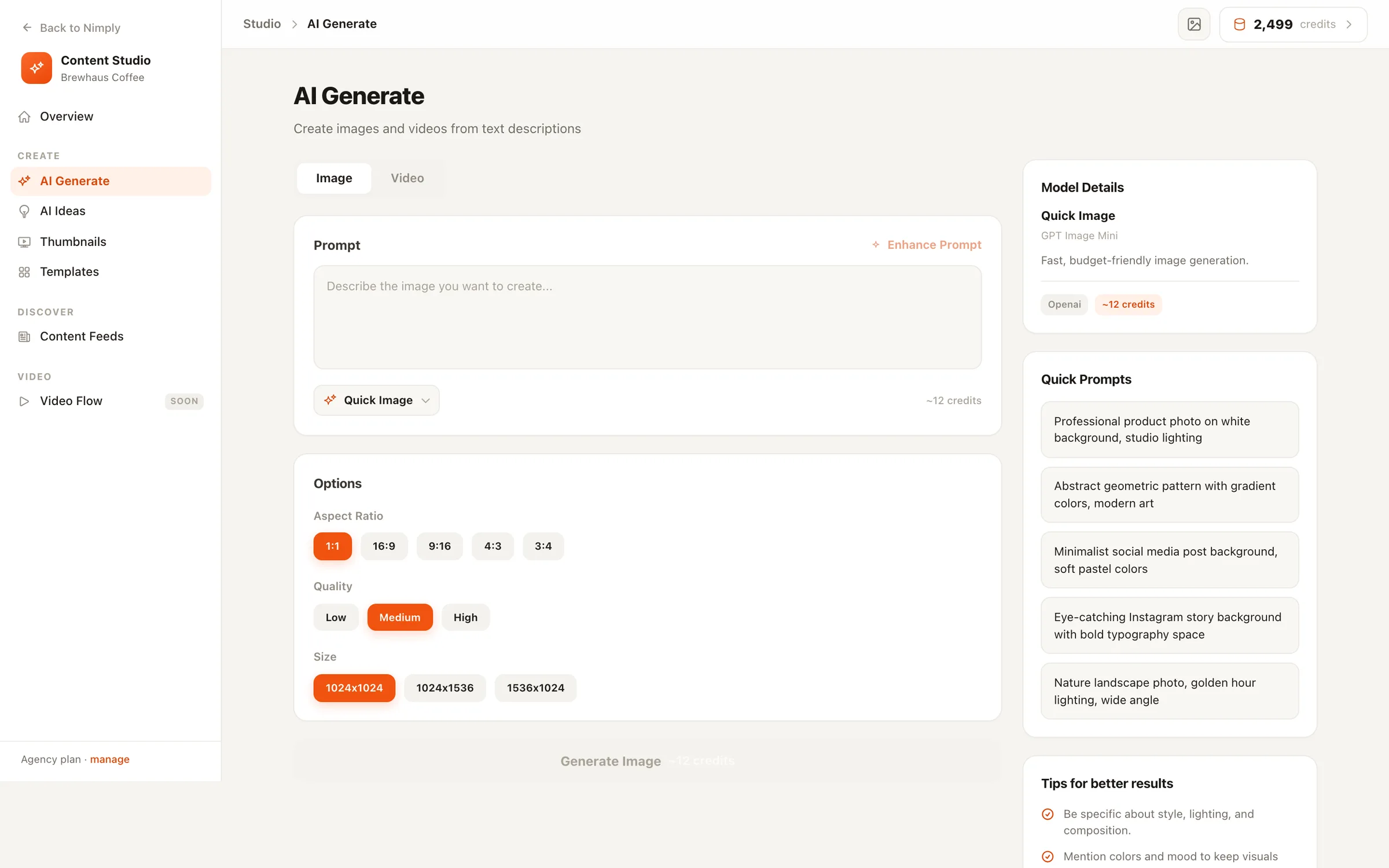
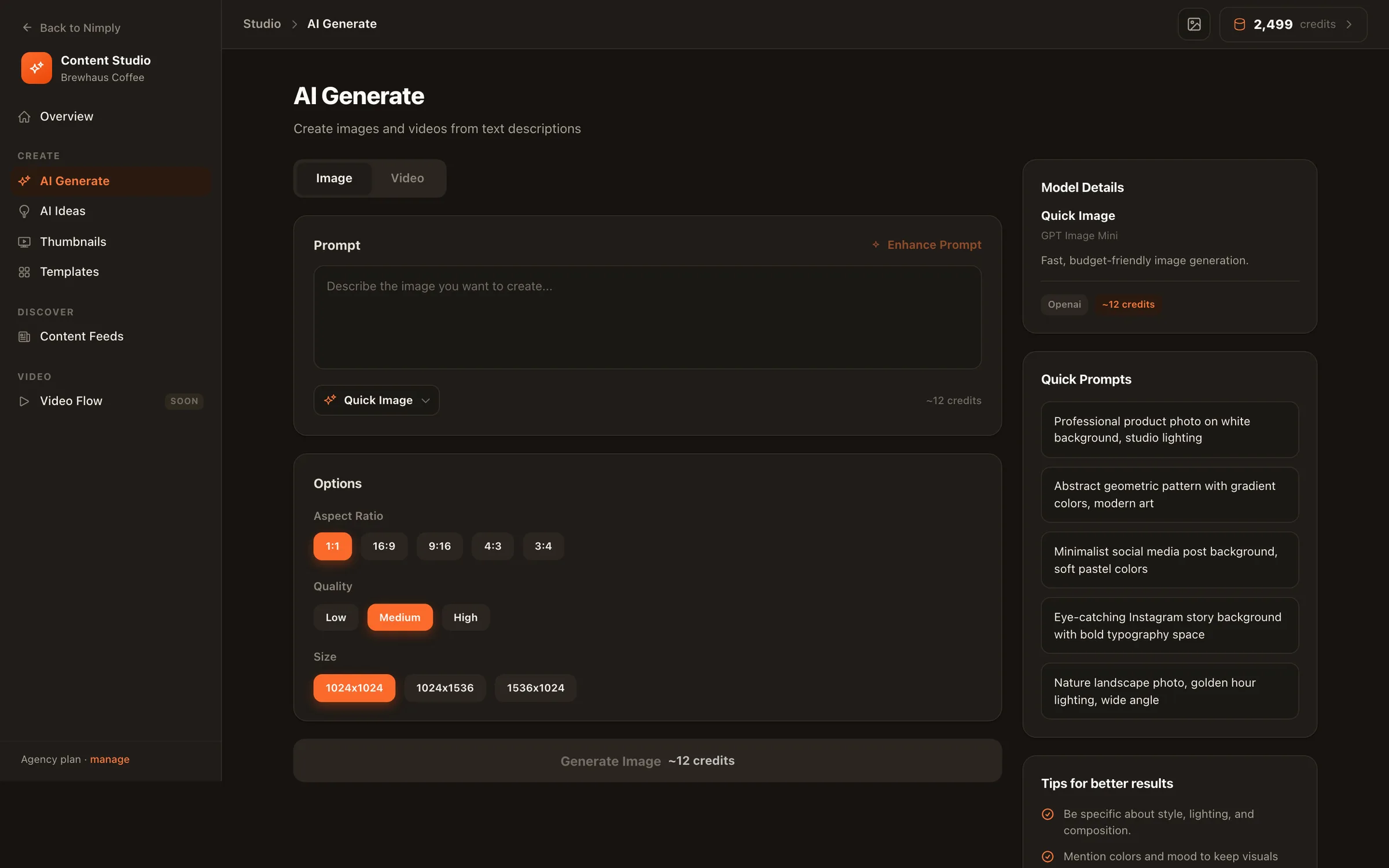
Describe the visual, pick a model — with its credit price in plain sight — and generate images or short videos that land in your media library and go straight into the composer. The distance from idea to scheduled post is one screen.
Your controls
Model, format, cost — chosen per job, visible up front.
Five image models and two video models, each labelled with its strengths and its exact credit cost — a quick social visual and a hero image don't need the same engine or the same spend.
Choose the aspect ratio for the network you're posting to, plus quality and size options on models that support them — square for the feed, vertical for Stories and Reels, wide for YouTube.
One click turns a rough idea into a detailed, model-ready prompt before you spend a single image credit on a vague description.
The same prompt box generates short videos — pick aspect ratio, resolution, and duration, and watch progress stream in while the job runs.
Generation runs server-side. Close the tab mid-render and the job keeps going — your recent generations are right there when you come back.
From any finished result: pick channels, and the composer opens with the visual already attached. No download, no re-upload.
Honest costs, kept results
Generation runs on the monthly AI credits included with every plan. Each model states its per-image cost before you run it, your balance sits in the Studio header, and every finished job shows exactly what it used.
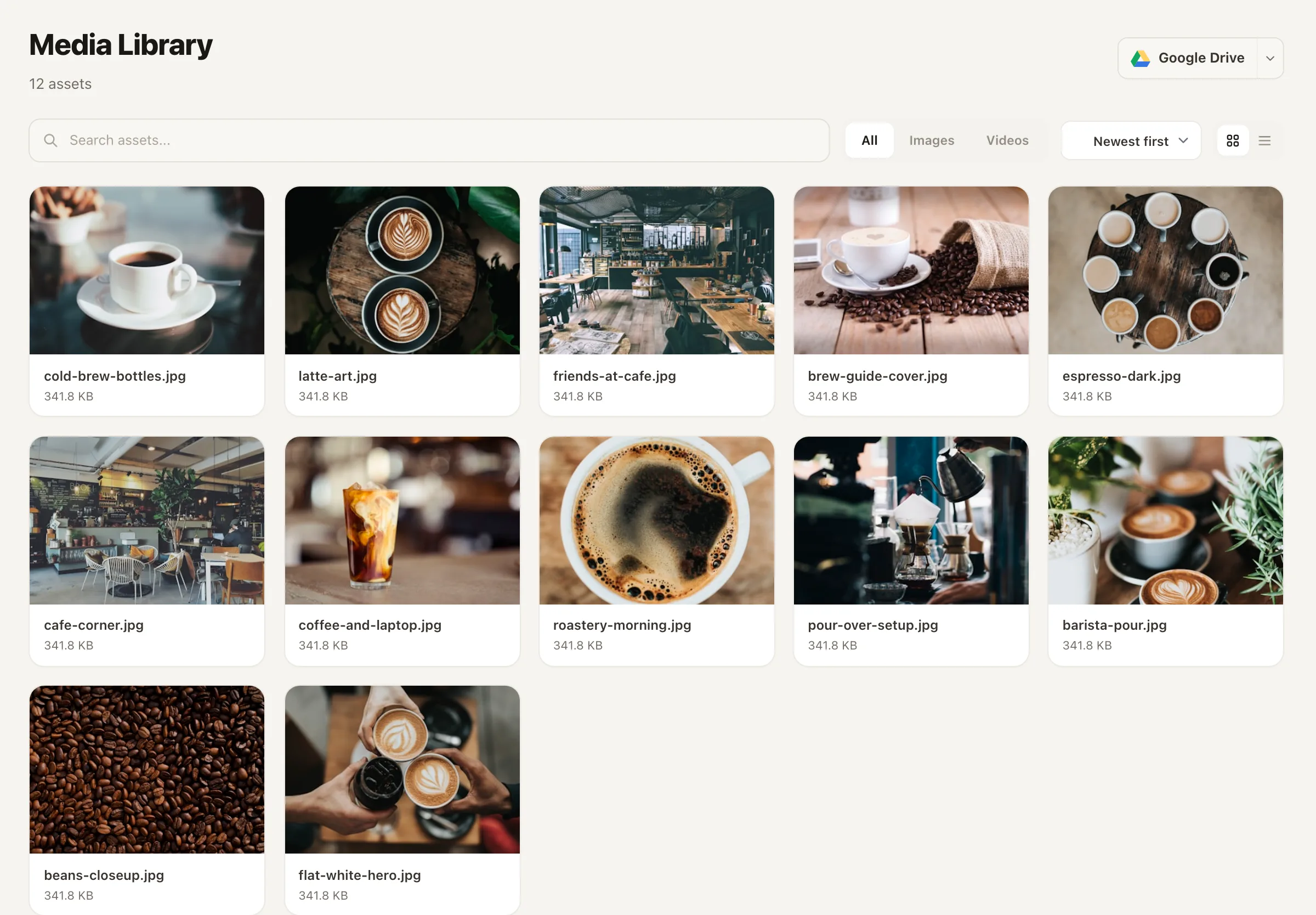
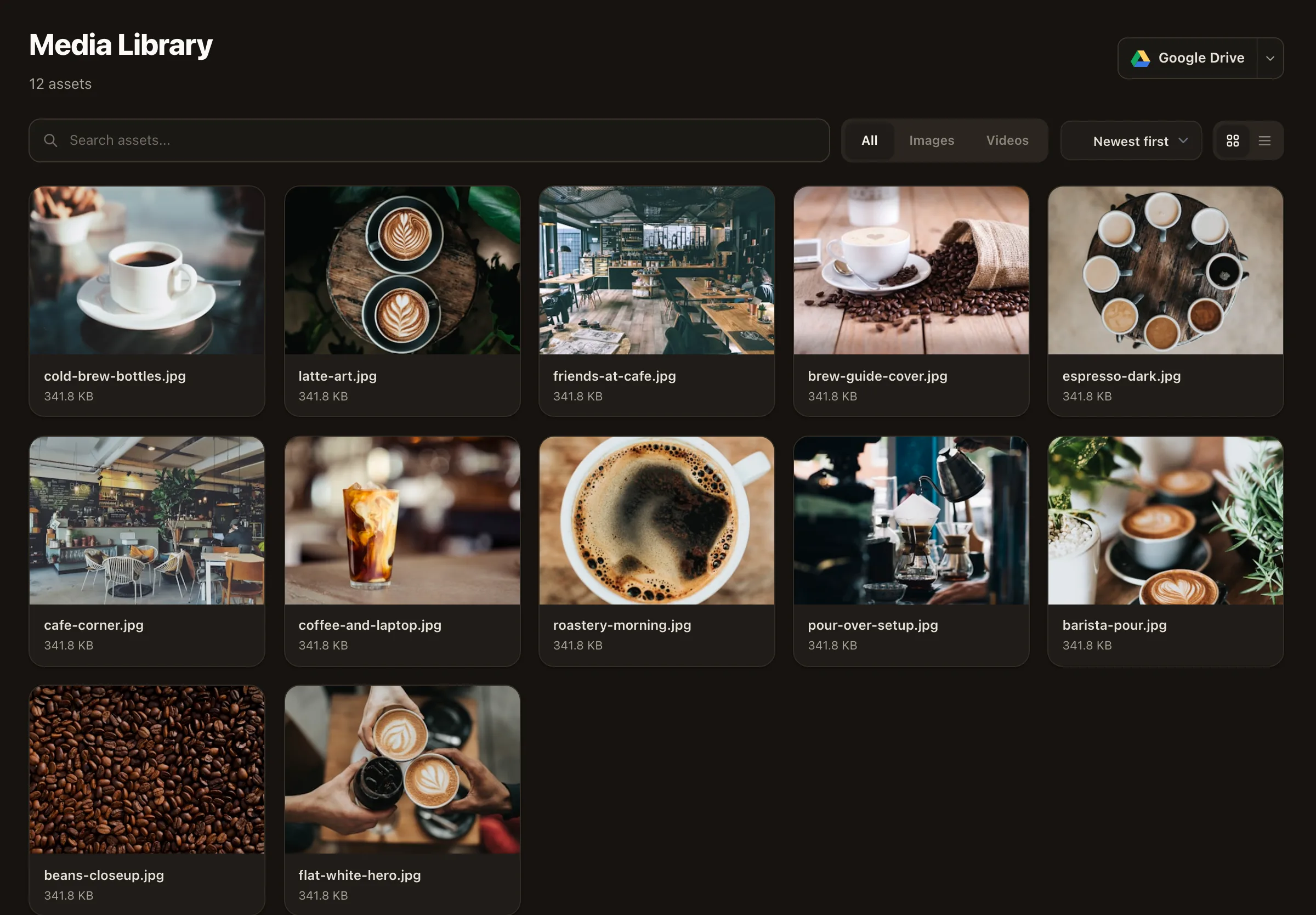
Results file themselves into your workspace media library alongside your uploads — so nothing you paid credits for ever disappears into a downloads folder, and attaching a visual to next week’s post is a pick, not a hunt.
Need a caption to go with it? The AI writing assistant works in the same composer.
Two things: images and short videos, both from text prompts. You pick the model, aspect ratio, and (where supported) quality, size, resolution, and duration per job. Every finished result is saved to your workspace media library automatically.
It depends on the model, and the price is never a surprise: each model in the picker shows its credit cost per image (or per video) before you generate. Generation draws from the AI credits your plan includes each month, and credit packs you buy never expire.
There's no single answer — that's why the choice is yours per job. Lighter models are cheap and fast for everyday feed visuals; heavier models cost more credits and shine on hero images. The picker describes each model so you can match the engine to the job.
It rewrites your short description into a more detailed prompt — style, composition, lighting — before generation. It's a cheap way to get better first renders instead of iterating on expensive image jobs.
Click through from the result: choose your channels and the post composer opens with the media already attached. Pair it with a caption, schedule it, done. Everything also lives in the media library for reuse later.
Free workspaces can explore the whole Studio; image and video generation itself runs on the AI credits included with paid plans. Pricing is public — see the pricing page for what each plan includes.
Start free, describe your first visual, and schedule it across your channels — all inside Nimply.