

Templates for Insta Post: 8 Designs to Edit in Your Browser
Start with a layout that already looks finished, then make it yours. These templates for insta post cover quotes, launches, sales, tips and thank-yous. Swap the words, colours and photos in the Nimply Design editor, then download the file or send it into a Nimply post for approval and scheduling.
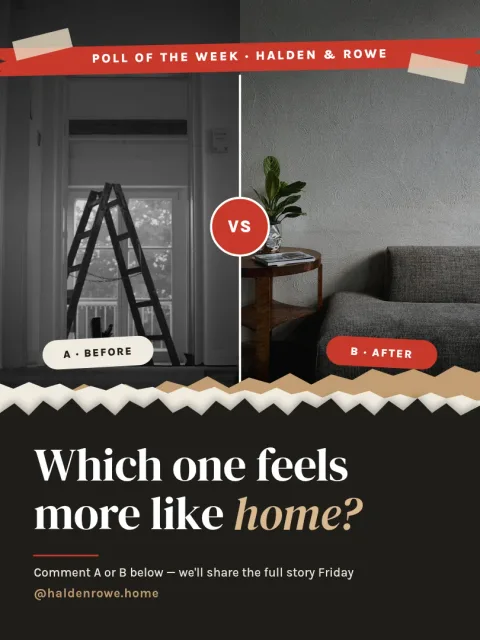
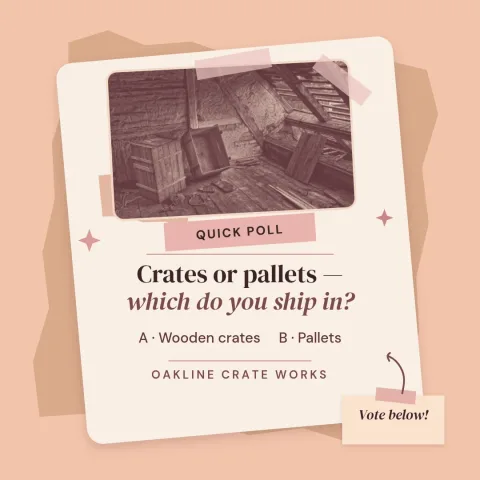
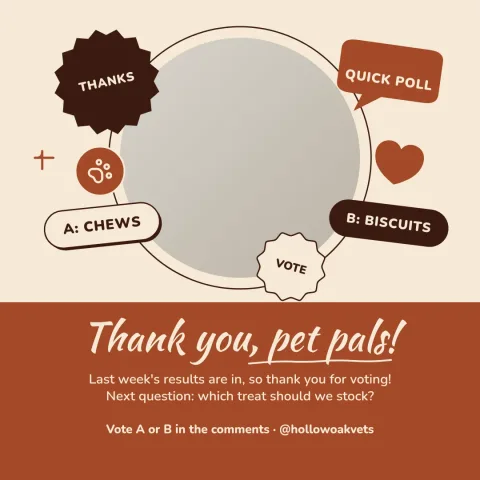
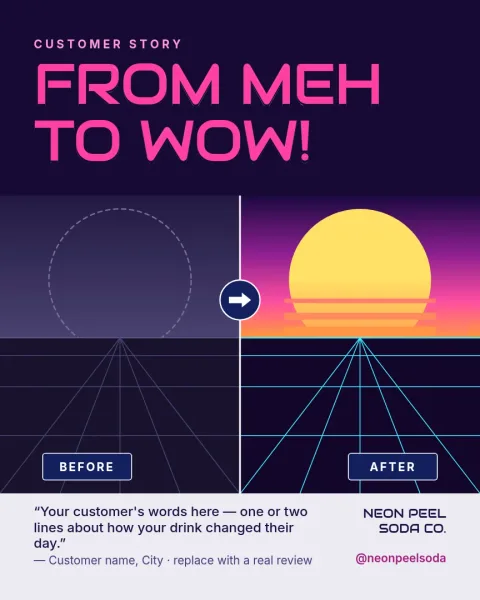
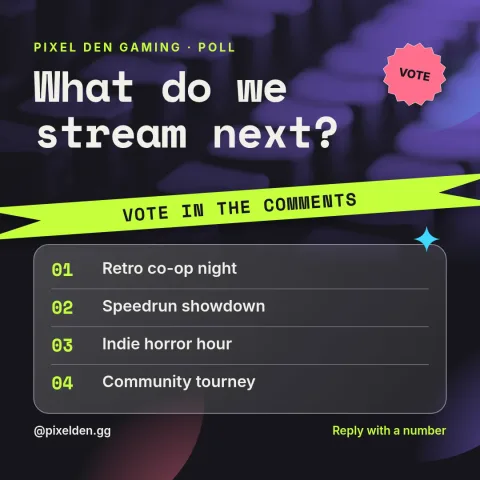
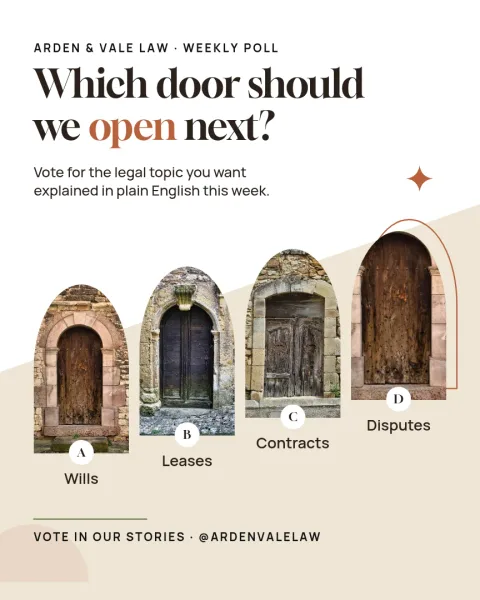
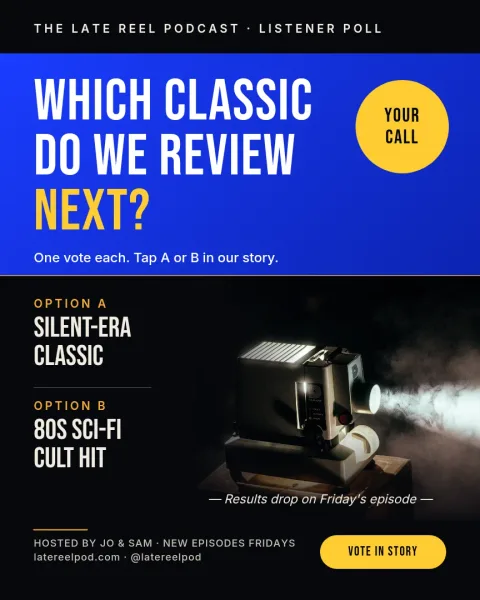
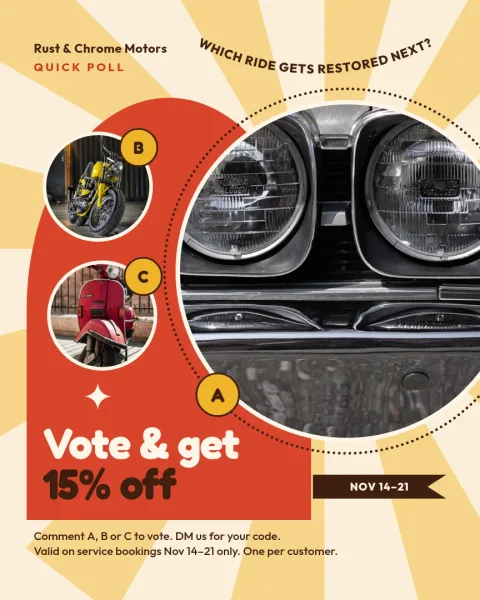
Choose a layout that fits your message
Each template is built around one job. A quote card gives a single sentence room to breathe. A launch post puts the product first. A tip card lets you teach one idea at a glance. Pick the one closest to what you want to say, and change the rest to suit your account.
Edit text, fonts, colours and photos
Every template opens in the Nimply Design editor in your browser. Click any text to rewrite it, change fonts and colours, replace the photo placeholders with your own pictures and move things around. If you set up a brand kit, your colours, fonts and logo stay at hand so posts look like they belong together.
Download it or send it to a post
When the design is ready, download it as PNG, JPG, WebP, PDF or SVG. Or send it straight into a Nimply post, where it can go through approval and be scheduled. Downloading a template does not use AI credits. Only the AI photo tools, such as the background remover, do.
Frequently asked questions
Are these templates for insta post free to use?
Nimply Design is part of every Nimply plan, including Free, so you can open a template and edit it. Downloading a template does not use AI credits. AI photo tools like the background remover do use credits.
What sizes do the Instagram post templates come in?
These eight use the common Instagram post shapes: portrait 4:5, square 1:1 and tall 3:4. Portrait takes up more room in the feed, while square suits a quote or logo-led post.
Can I use my own photos and brand colours?
Yes. Replace the photo placeholders with your own pictures and change any colour or font. A brand kit keeps your colours, fonts and logo ready so you do not have to set them up each time.
How do I get the finished post onto Instagram?
Download the design as PNG or JPG, or send it straight into a Nimply post. From there it can go through approval and be scheduled alongside your other content.
Can I change a template into a different size?
Nimply has templates in many sizes, so you can start from the one that matches where you plan to post. Pick the size first, then edit the layout to fit.
Make it yours in minutes
Open any template in Nimply Design, add your brand in one click, and send it straight into a post for approval and scheduling.