

Photo frame collage template designs you can edit online
Pick a photo frame collage template, drop in your own pictures, and change the text, colours and layout until it suits your story. Download it as a PNG or JPG, or send it into a Nimply post for approval and scheduling. Below are eight layouts, from simple grids to framed keepsakes.
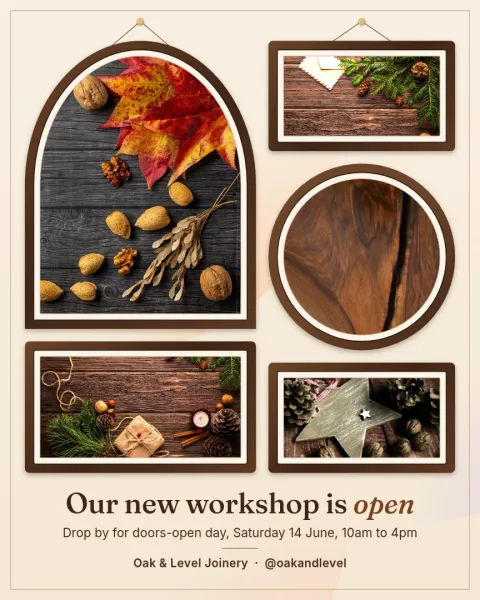
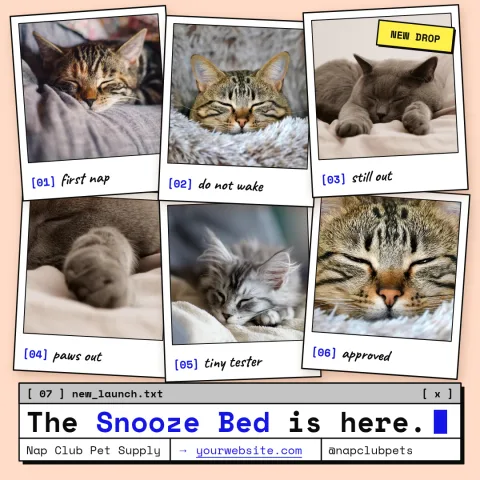
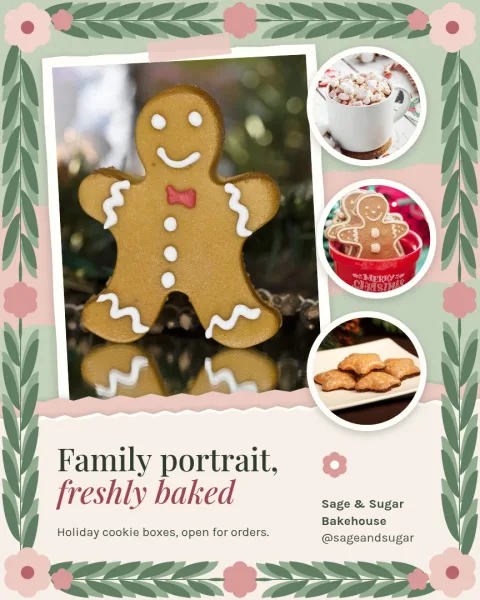
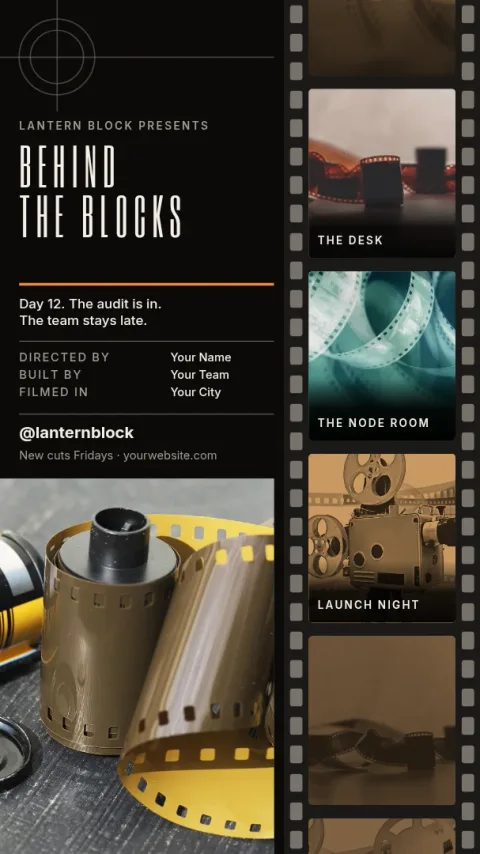

Choose a frame layout that fits your photos
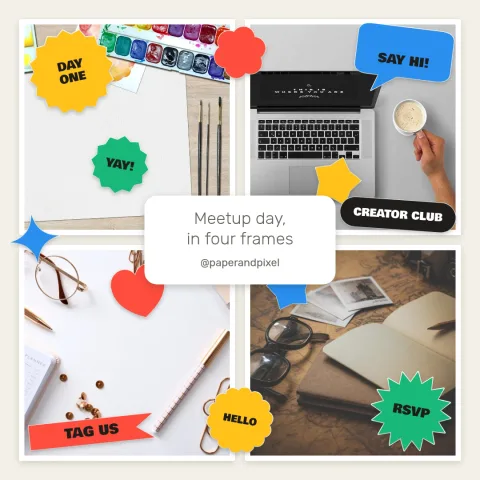
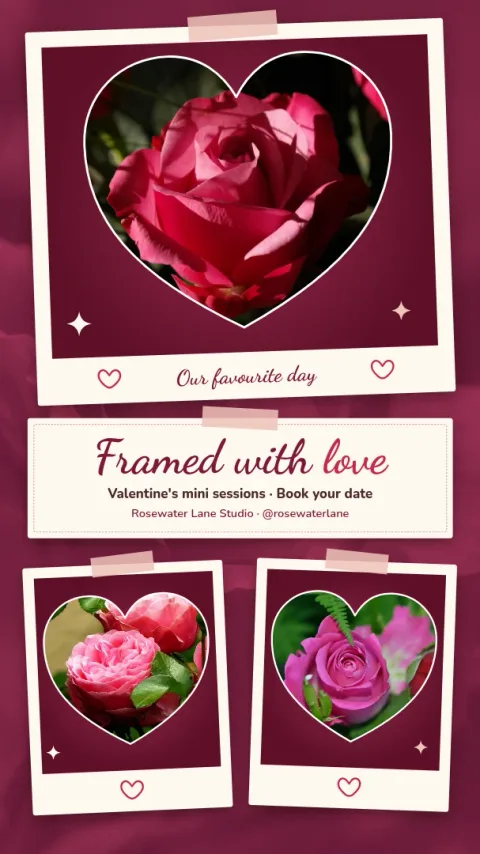
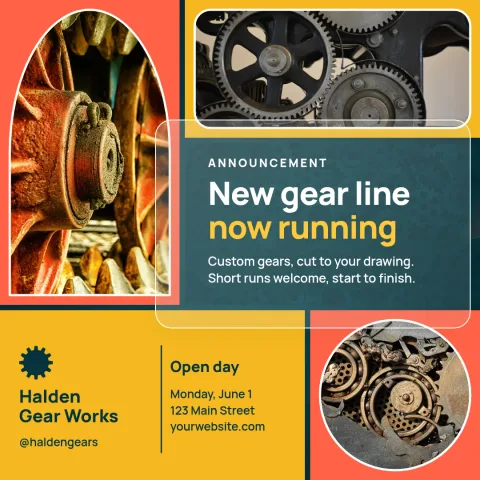
Start with the number of photos you have. Some templates hold three or four pictures in a tidy grid, others use one large frame with smaller ones around it. Square posts suit grids, portrait posts give tall photos more room, and story sizes work for vertical shots and quick updates.
Change everything in the browser
Nimply Design is a graphic design editor that runs in your browser. Replace the photo placeholders with your own pictures, then edit text, fonts, colours and layout. If you use a brand kit, your colours, fonts and logo stay consistent from one collage to the next.
Download it or send it to a post
When the collage looks right, download it as PNG, JPG, WebP, PDF or SVG. You can also send the design straight into a Nimply post, where it goes through approval and scheduling. Downloading a template does not use AI credits.
Optional AI photo tools
If a picture needs a cleaner look, the background remover and Magic Layers can help. These AI photo tools use AI credits, so you can skip them and still edit, download and schedule every template on this page.
Frequently asked questions
Can I use my own photos in these templates?
Yes. Each template has photo placeholders. Replace them with your own pictures, then adjust the text, fonts, colours and layout to match what you want to share.
Is Nimply Design free to use?
Nimply Design is part of every Nimply plan, including Free. Downloading a template does not use AI credits. Only the AI photo tools, such as the background remover and Magic Layers, do.
Which sizes are available?
The collage templates here come as square Instagram posts, portrait Instagram posts and Instagram stories. You can edit the layout inside each size to fit the number of photos you have.
What file types can I download?
You can download a design as PNG, JPG, WebP, PDF (standard or vector) or SVG. You can also send it straight into a Nimply post for approval and scheduling.
Can I keep my brand colours and fonts?
Yes. Brand kits keep your colours, fonts and logo ready, so each new collage matches your other designs without you setting everything up again.
Make it yours in minutes
Open any template in Nimply Design, add your brand in one click, and send it straight into a post for approval and scheduling.