

Mockup Facebook Post Template You Can Edit in Your Browser
Show a client, your team or yourself how a Facebook post will look before it goes live. These eight templates give you a post layout with photo and text areas ready to fill. Change the words, colours and picture in the Nimply Design editor, then download or send it on.
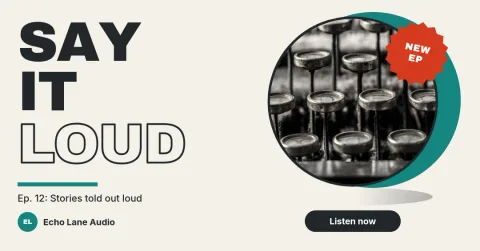
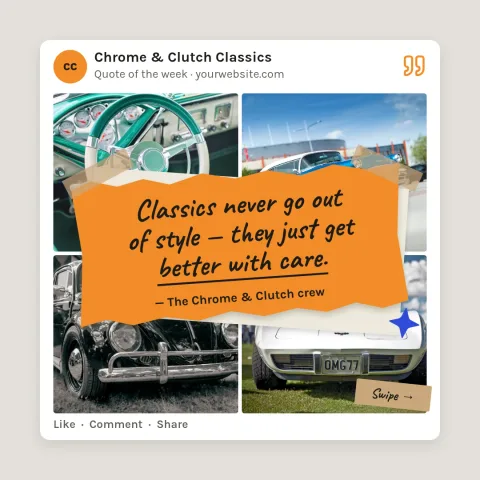
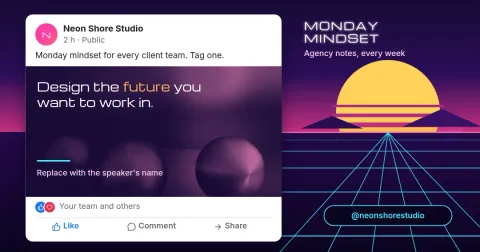
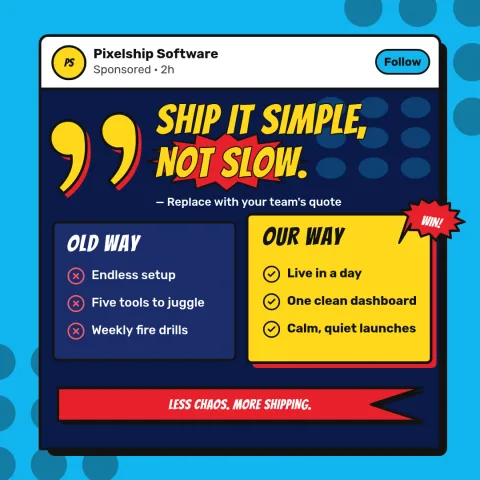
What these templates are for
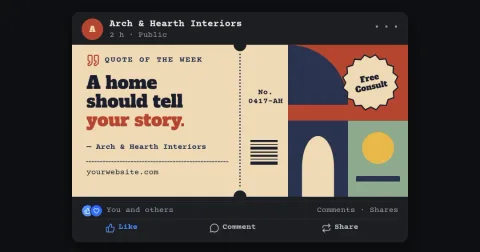
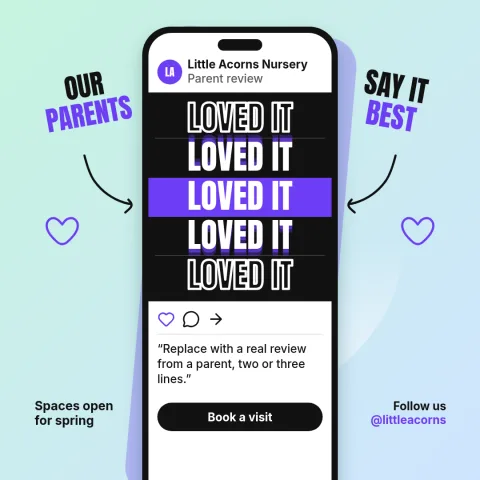
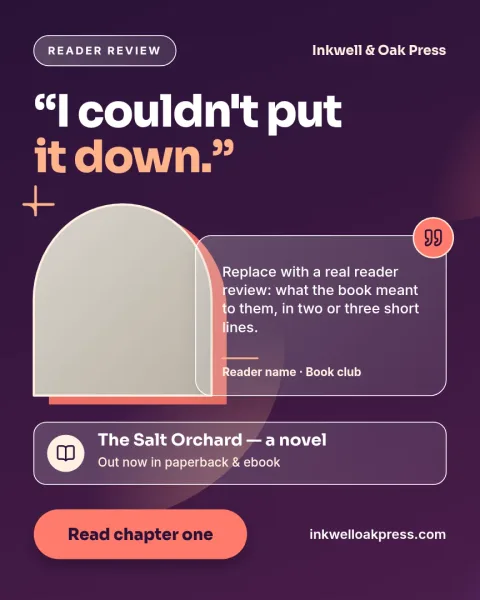
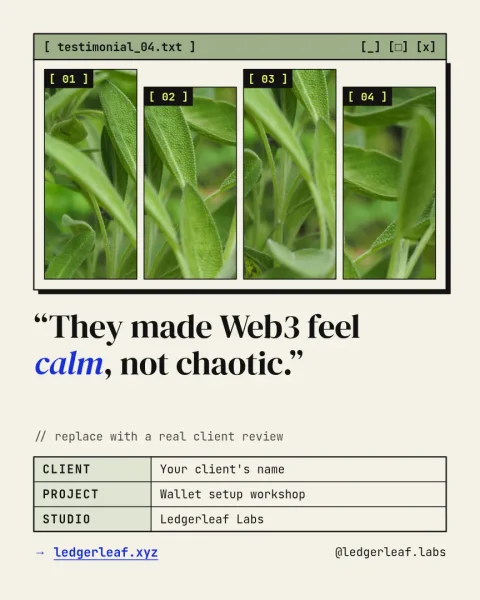
Each template is a Facebook-sized design built from text, shapes and photo placeholders. Some look like a post card with a profile circle and reaction row. Others are clean promo layouts for a post preview. Use them to plan a campaign, get a quick sign-off, or test a few looks side by side.
How to edit a template
Open a template in Nimply Design, which runs in your browser and is part of every Nimply plan, including Free. Swap the text, fonts, colours and photo. If you have a brand kit, it keeps your colours, fonts and logo ready to apply, so each mockup matches your business.
Download or send it on
When the design looks right, download it as PNG, JPG, WebP, PDF or SVG. Or send it straight into a Nimply post for approval and scheduling. Downloading a template does not use AI credits. Only the AI photo tools, such as the background remover and Magic Layers, do.
Frequently asked questions
Is this a fake Facebook post generator?
No. These are editable design templates. You type your own text and add your own photo in the editor. Some layouts imitate the look of a post card so you can preview an idea, but you control every element.
Which sizes are included?
The templates use Facebook post sizes: landscape, square and 4:5 portrait, plus a link-preview size. You can check each template's size before you open it.
Is it free to use?
Nimply Design is part of every Nimply plan, including Free. Downloading a template does not use AI credits. AI photo tools like the background remover and Magic Layers do.
What file types can I download?
PNG, JPG, WebP, PDF (standard or vector) or SVG. You can also send the design into a Nimply post for approval and scheduling.
Make it yours in minutes
Open any template in Nimply Design, add your brand in one click, and send it straight into a post for approval and scheduling.