

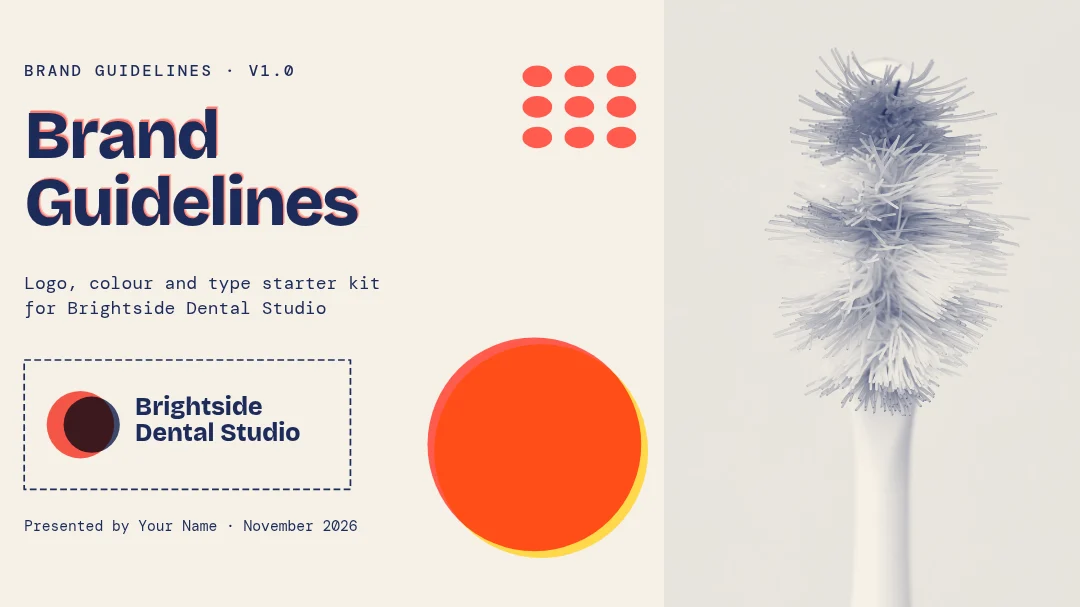
All 6 pages
 Page 1
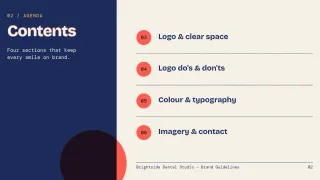 Page 2
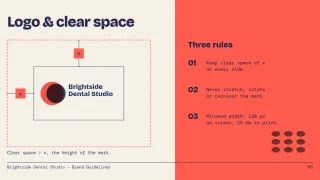 Page 3
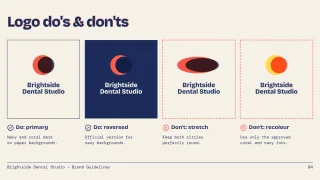 Page 4
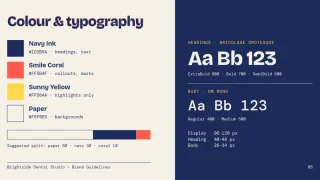 Page 5
 Page 6
Presentation template
Brand Guidelines Starter Slides
Presentation slide (16:9) · 1,920 × 1,080 px · 6 pages
A practical deck that explains how to use a logo. Slides cover clear space, minimum size, do and don't examples, colours and typefaces.
Free to edit in your browser. Sign in and it opens in the Nimply editor as your own copy.

By Nimply Studio
The Nimply design team. Templates are made by the team and by Nimply's design agents, then reviewed before they are published.
- Size
- Presentation slide (16:9), 1,920 × 1,080 px
- Pages
- 6 pages
- You can edit
- 74 text boxes, 2 photos, colours and fonts
- Fonts
- DM Mono, Bricolage Grotesque
- Colours
- #1d2b5a#f5f0e6#141f48#ffd84a#ff5b4f
- Text on it
- “Brand Guidelines” · “Contents” · “Logo & clear space”
Make it on brand
Apply your brand kit's colours and fonts to every page in one click, and swap in your own photos and logo.
Resize it
Copy & resize makes versions for other platforms, like a story or a LinkedIn post, from the same design.
Post it
Download PNG, JPG, WebP, PDF or SVG, or send it straight into a post for approval and scheduling.
Similar presentation templates
 1/7
1/7Playful small shop brand intro
Presentation
 1/8
1/8Split Clinic Backstage Deck
Presentation
 1/9
1/9Dark mode brand mark showcase
Presentation
 1/7
1/7Bold colour block logo story
Presentation
 1/6
1/6Freelance designer logo pitch
Presentation
 1/8
1/8Clean white logo reveal deck
Presentation
 1/6
1/6Clean navy investor pitch deck
Presentation
 1/8
1/8Sage Line Launch Deck
Presentation
 1/6
1/6Colour block creative agency pitch
Presentation
 1/6
1/6Bold colour-block pitch deck
Presentation
 1/10
1/10Tailfin Atomic Launch Deck
Presentation
 1/6
1/6Minimal one idea per slide seed deck
Presentation
Design it, approve it, schedule it
Nimply Design sits inside the tool that publishes your posts, so a finished graphic goes straight into the calendar.